Backrooms Parkour Map
- 25-07-2026, 07:50
- 577
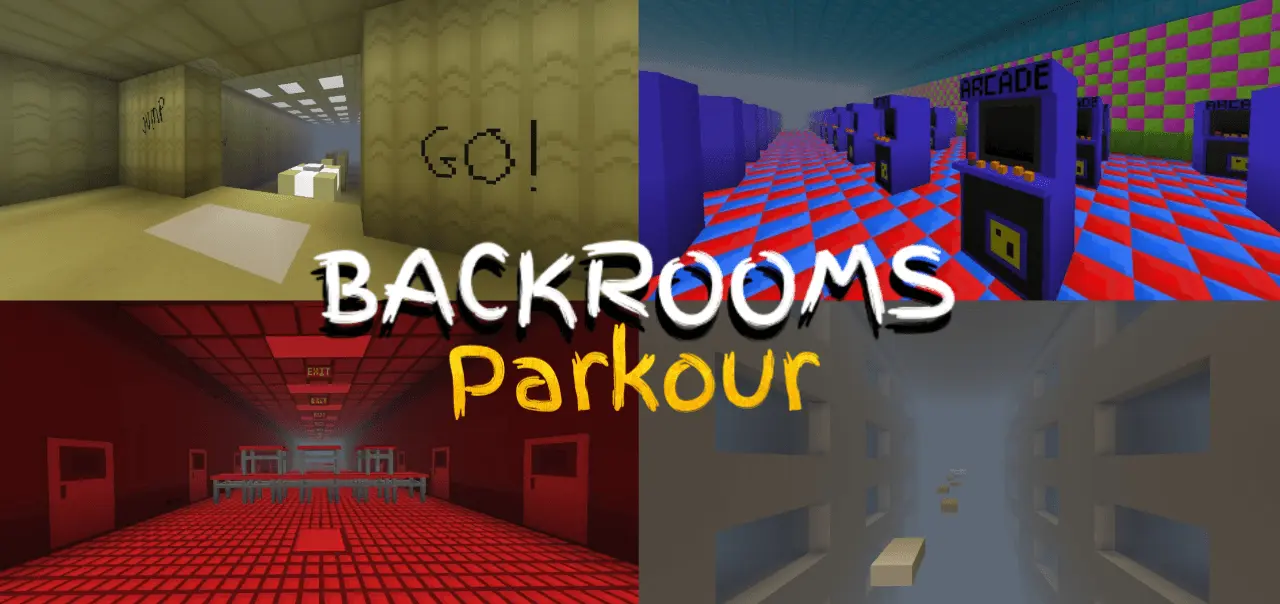
The Backrooms Parkour map combines the creepy, liminal horror of the Backrooms with sweaty movement challenges across six distinct levels. If you want a fast-paced jumping puzzle that actually feels unsettling, this is the exact drop you need.
Standard parkour maps usually just float in an empty skybox, which gets incredibly boring to look at after a few stages. This Minecraft Bedrock parkour map completely changes the vibe by trapping you inside a massive, eerie liminal space. You aren't just mindlessly leaping across floating blocks; you're navigating iconic, deeply unsettling environments. The run starts in the classic yellow-wallpapered Backrooms before transitioning into the flooded Poolrooms, a creepy Hotel, the neon Arcade Rooms, the endless Lonely Road, and finally, the high-stress "Run For Your Life" finale.
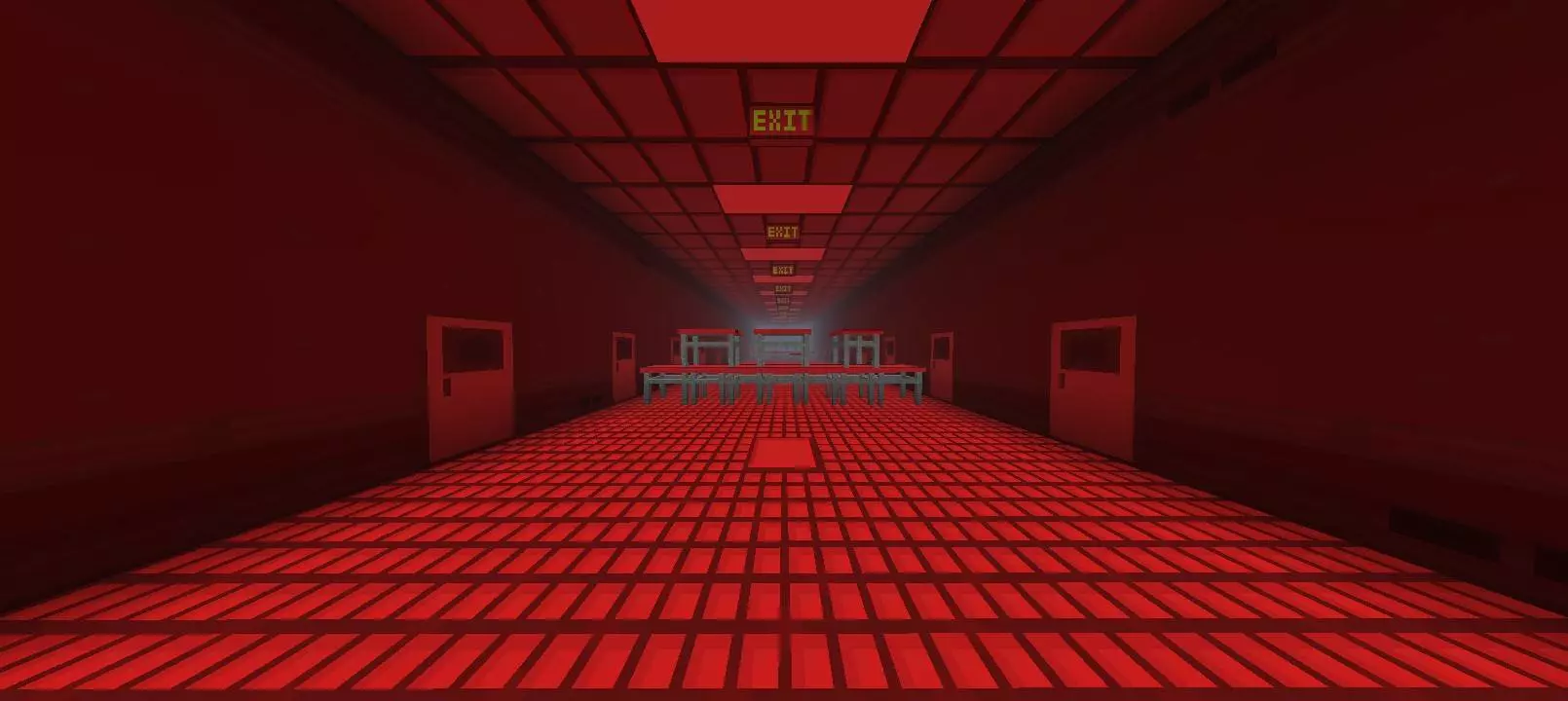
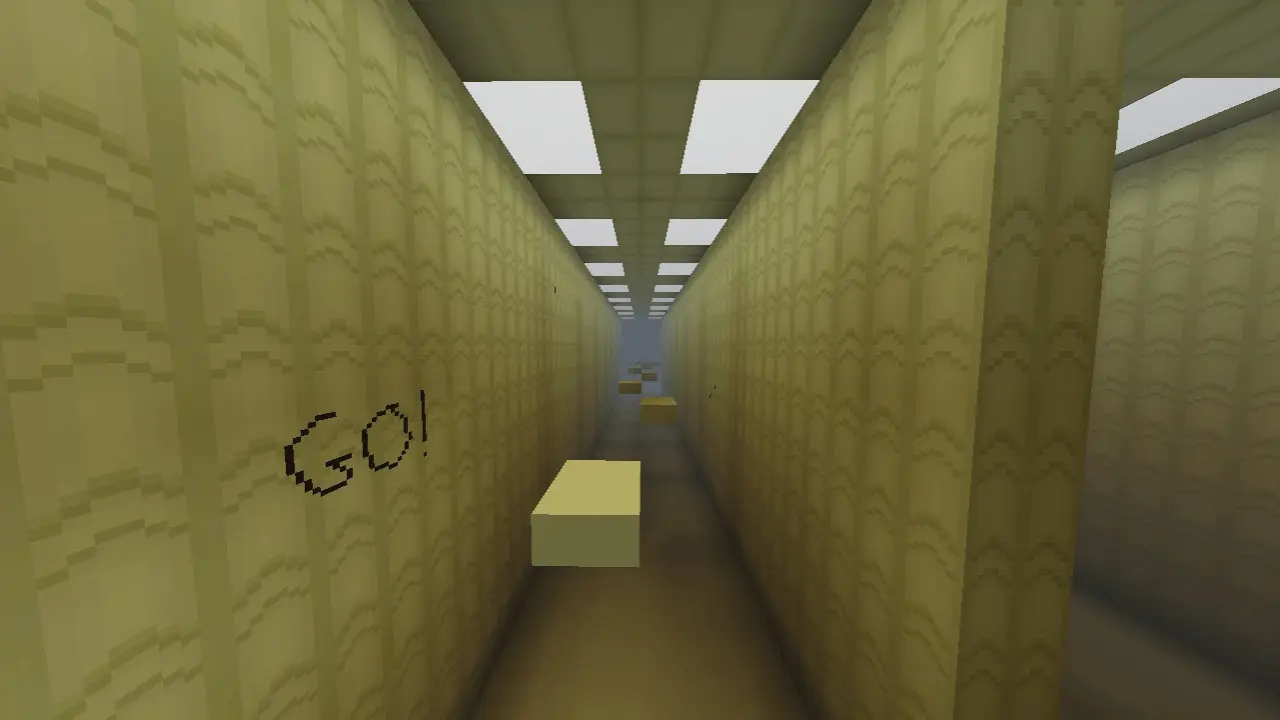
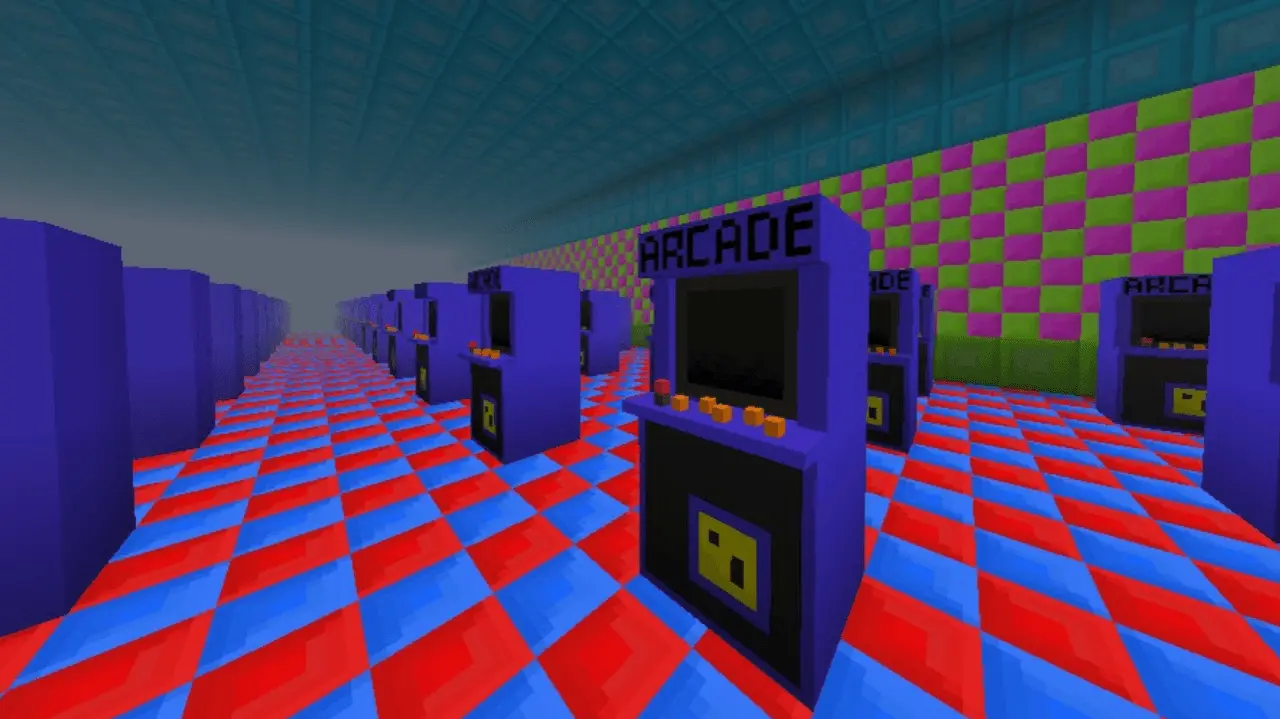
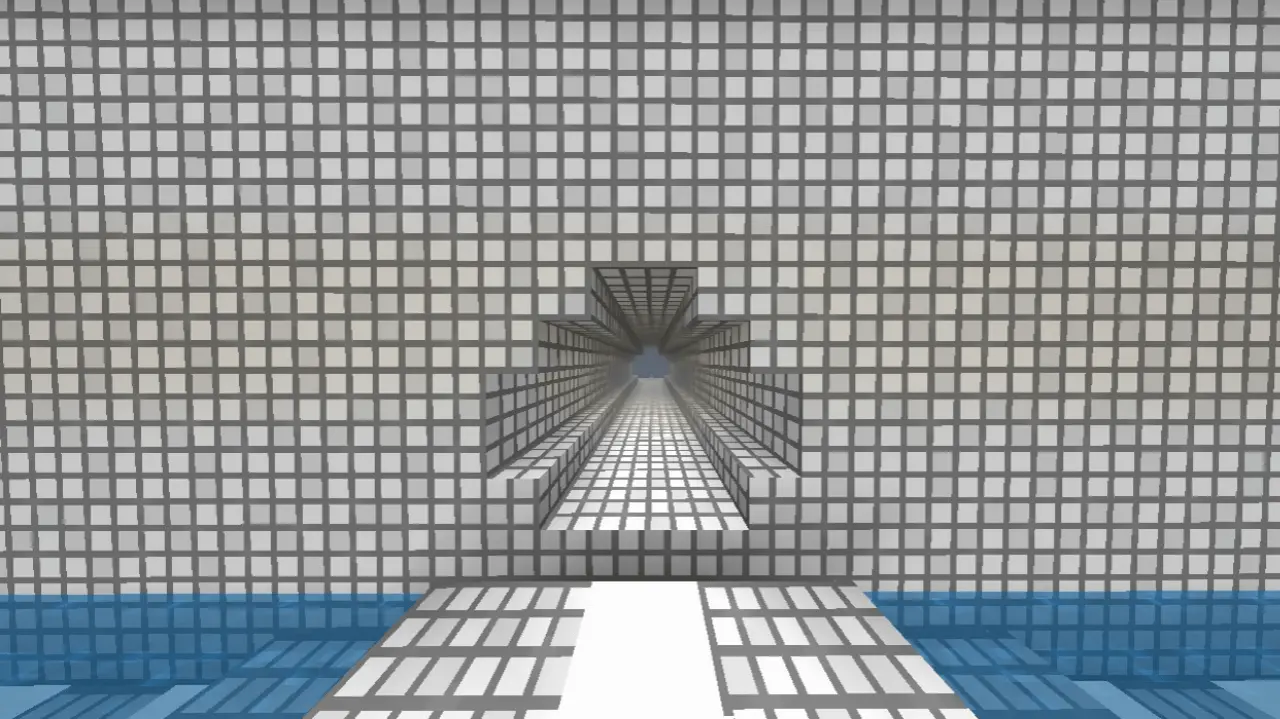
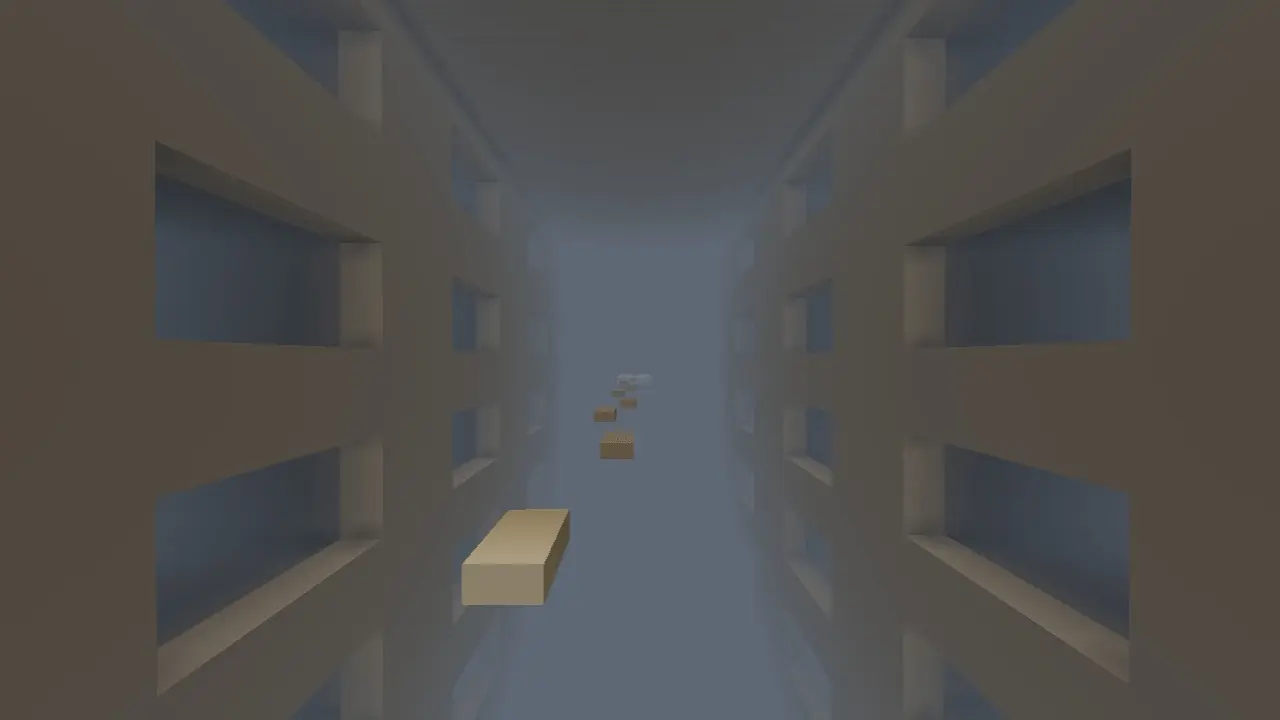
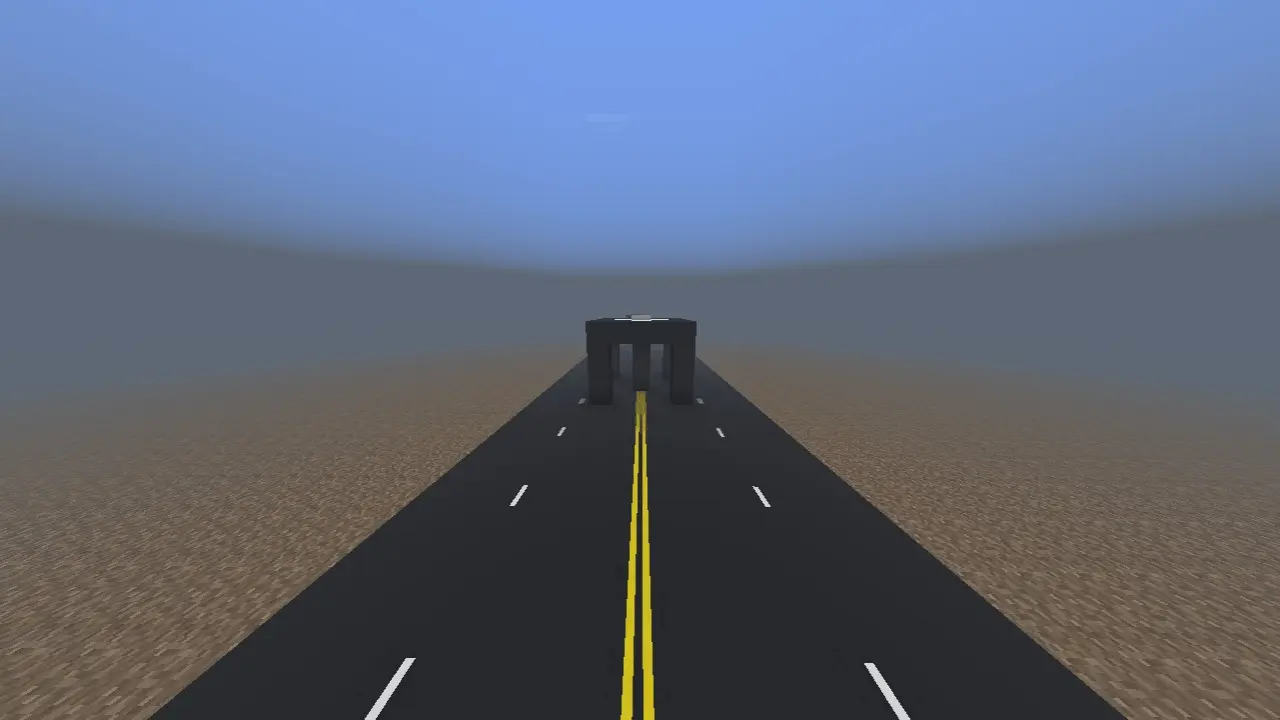
The creator didn't just throw down some slime blocks and call it a day. The jumps require solid momentum, strict timing, and a good grasp of the game's movement tech. There are even hidden Easter eggs tucked away for players who actually take the time to explore instead of just sweating out a speedrun. Because this MCPE custom map is built with clean mechanics and skips the heavy addons, it runs flawlessly. You won't miss a crucial jump due to random stuttering—expect buttery-smooth FPS and zero input delay across console, PC, and mobile.
Ready to test your movement skills? Download this custom map for Minecraft PE, hit the first checkpoint, and try not to clip through the floor.
How to install?
Android: you need to find the downloaded file on your phone, use any file manager for this and import the map into the game by opening it.
IOS: after receiving the map, the device itself will offer to install it.
Windows 10: go to the folder where the files are downloaded, find mcworld there and activate it.
Comments (0)