Aero Duels Map
- 22-10-2025, 07:58
- 825

Aero Duels Map drops you and a friend into open air with one job: beat them to the goal before they send you into the void. In Arrow Duels, both of you sprint across floating lanes toward a golden goal, threading short parkour beats where a single slip ends the run. You’re firing on the move—quick draws to stagger jumps, pre-aims on ladders, and cheeky mid-air taps that turn a clean stride into a panic recover. The layout teaches timing fast: jump, land, nock, loose, repeat until the tape.
Swap to Battle Rush and it’s all about tempo. You both start from spawn and bridge toward the opponent’s goal; early game is fists only, so shoulder checks and bump plays matter. If your rival reaches the midway, you’re issued a bow and one arrow—suddenly the lane becomes a shooting gallery where one clean shot buys you meters. First to 3 points takes the match, which makes every round a tiny mind game: fake a rush to bait a miss, slow-build a safer path, or YOLO a speed bridge and pray your hands don’t shake.
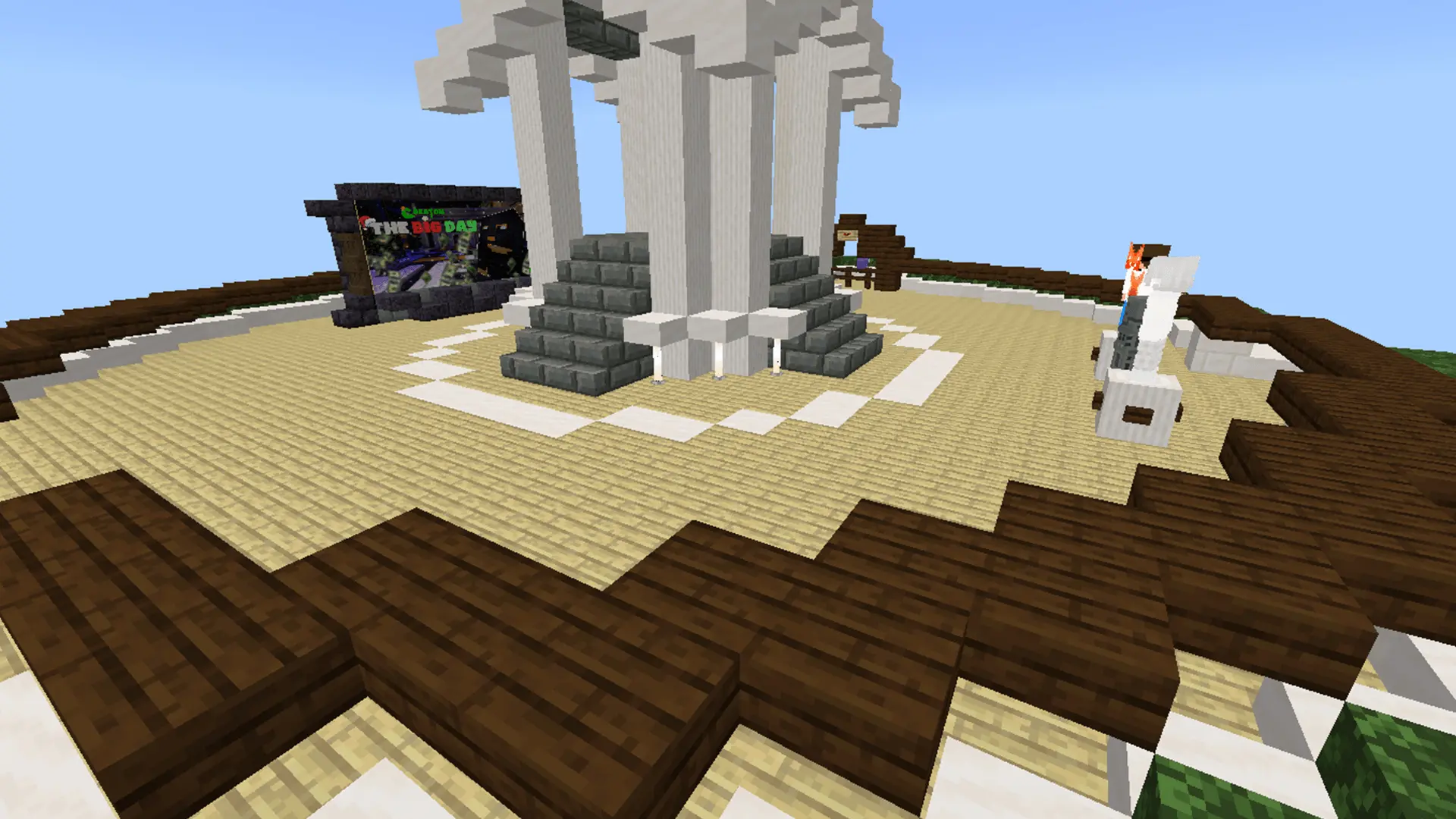
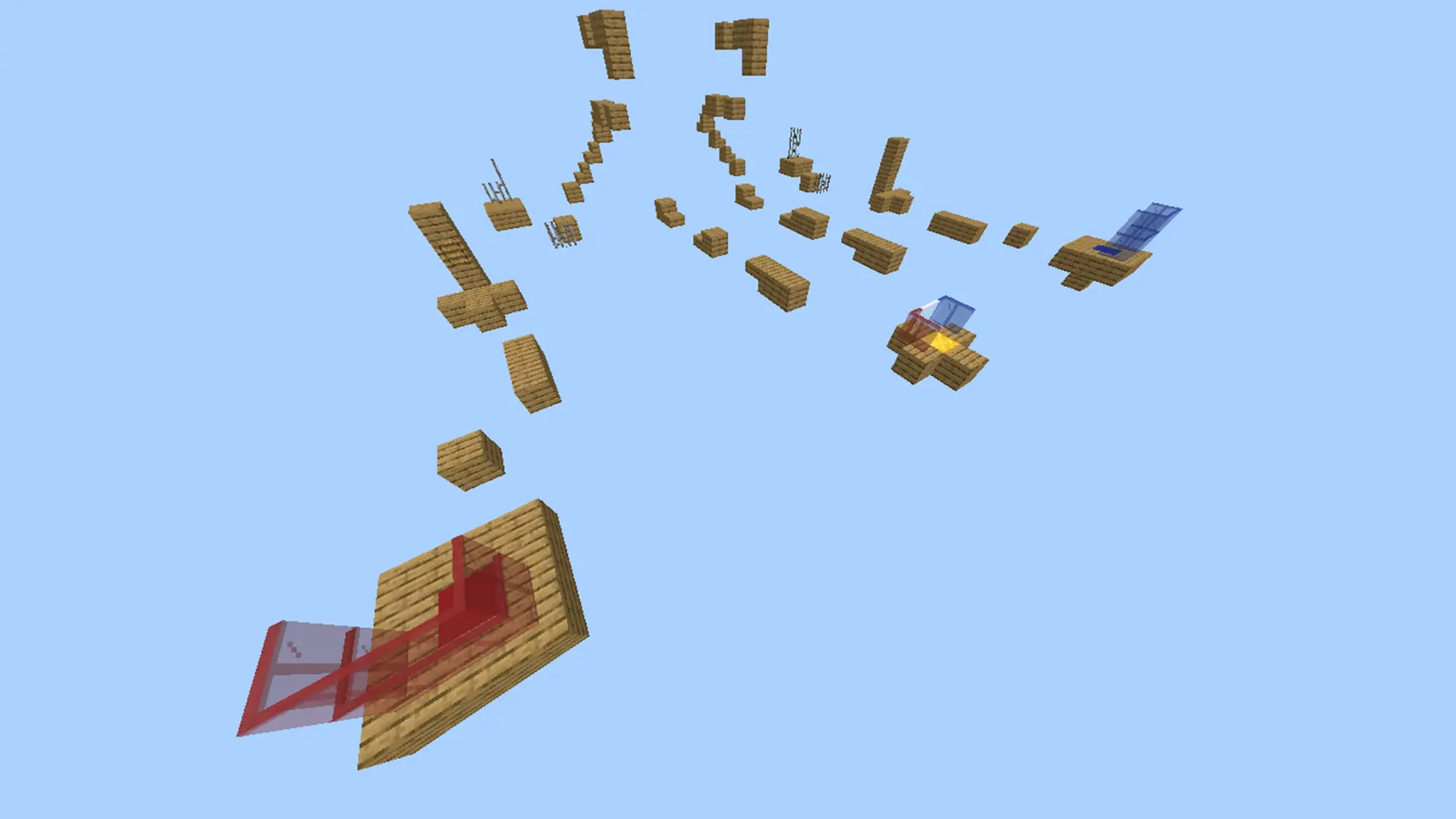
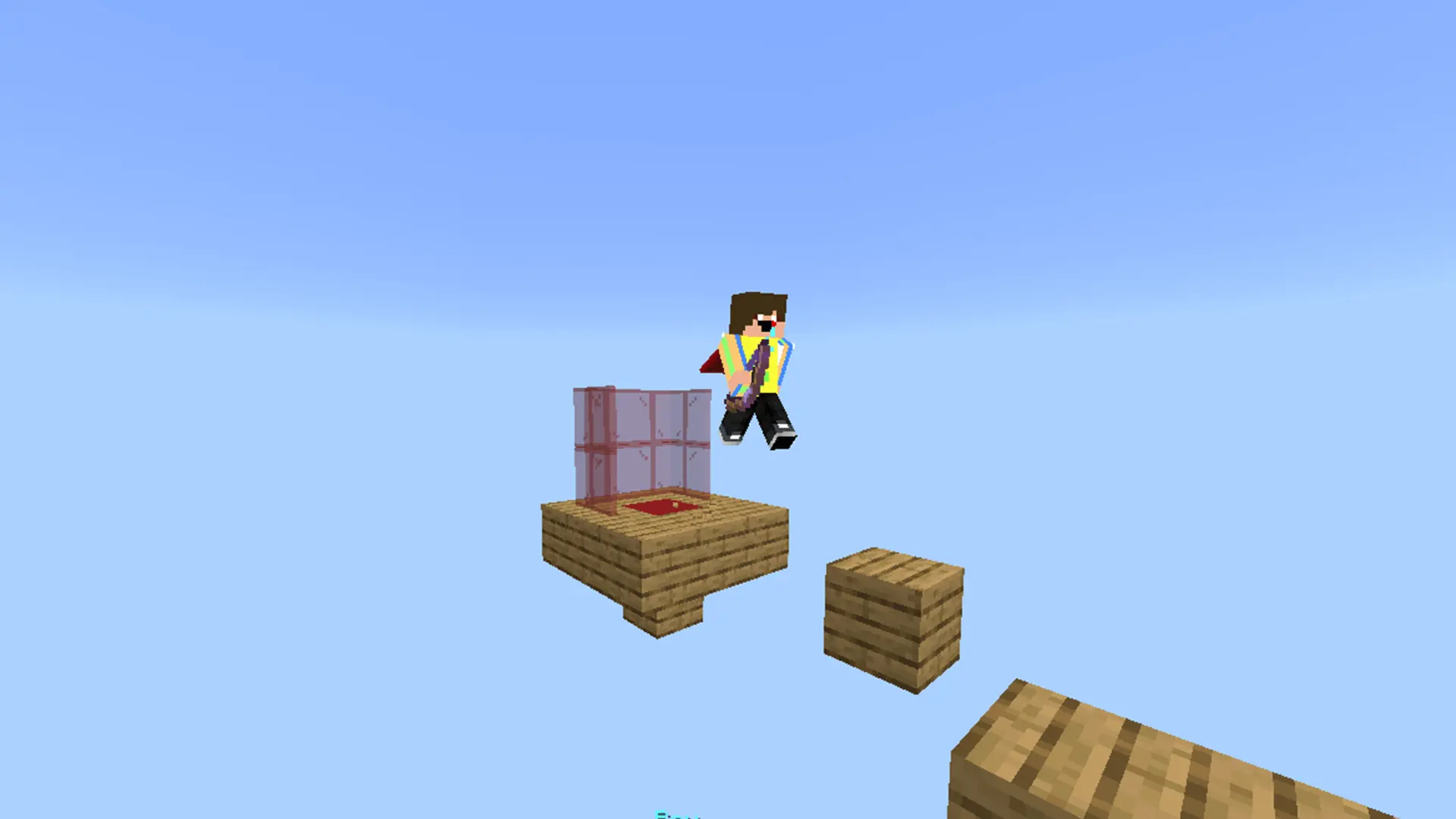
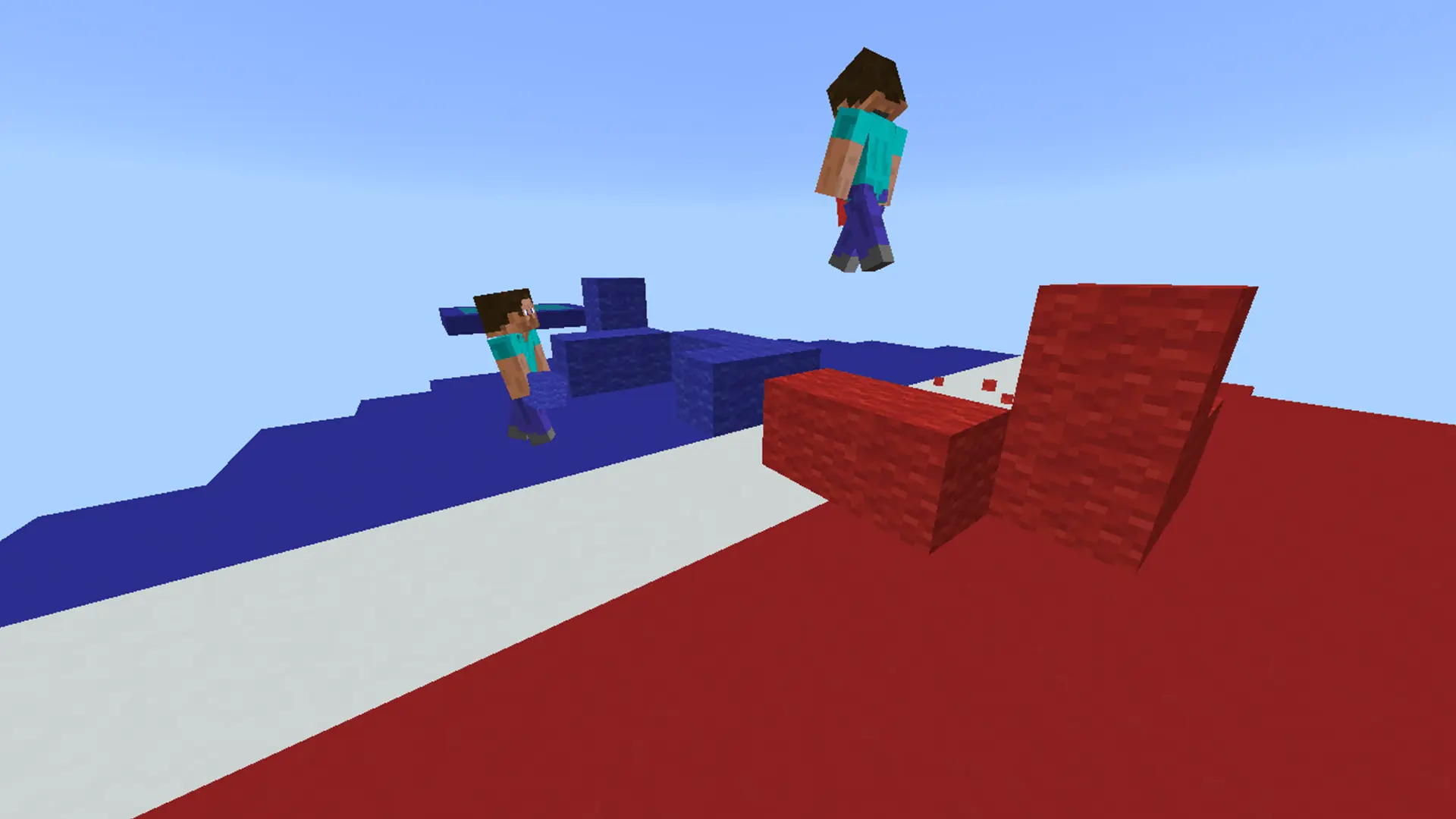
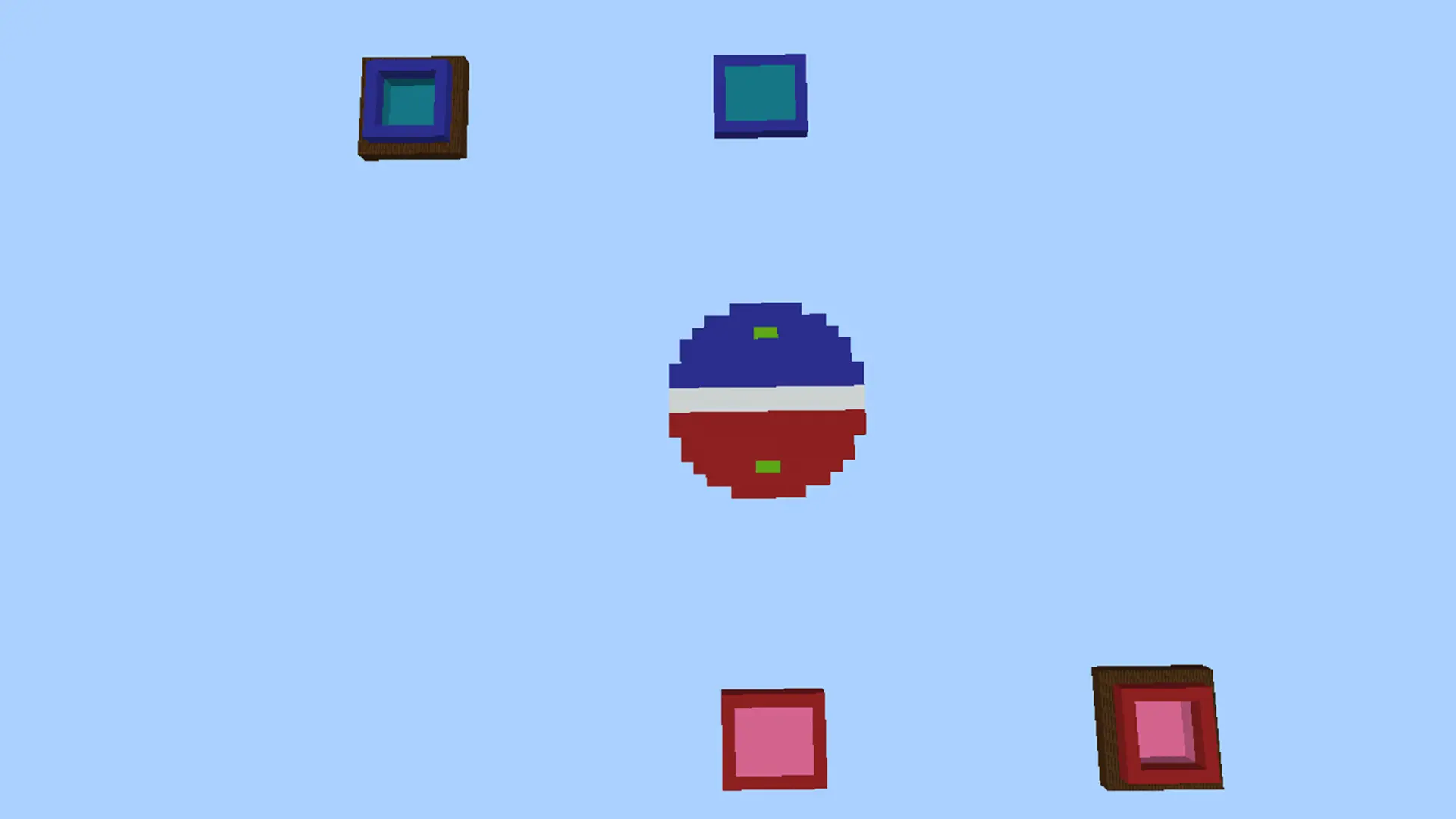
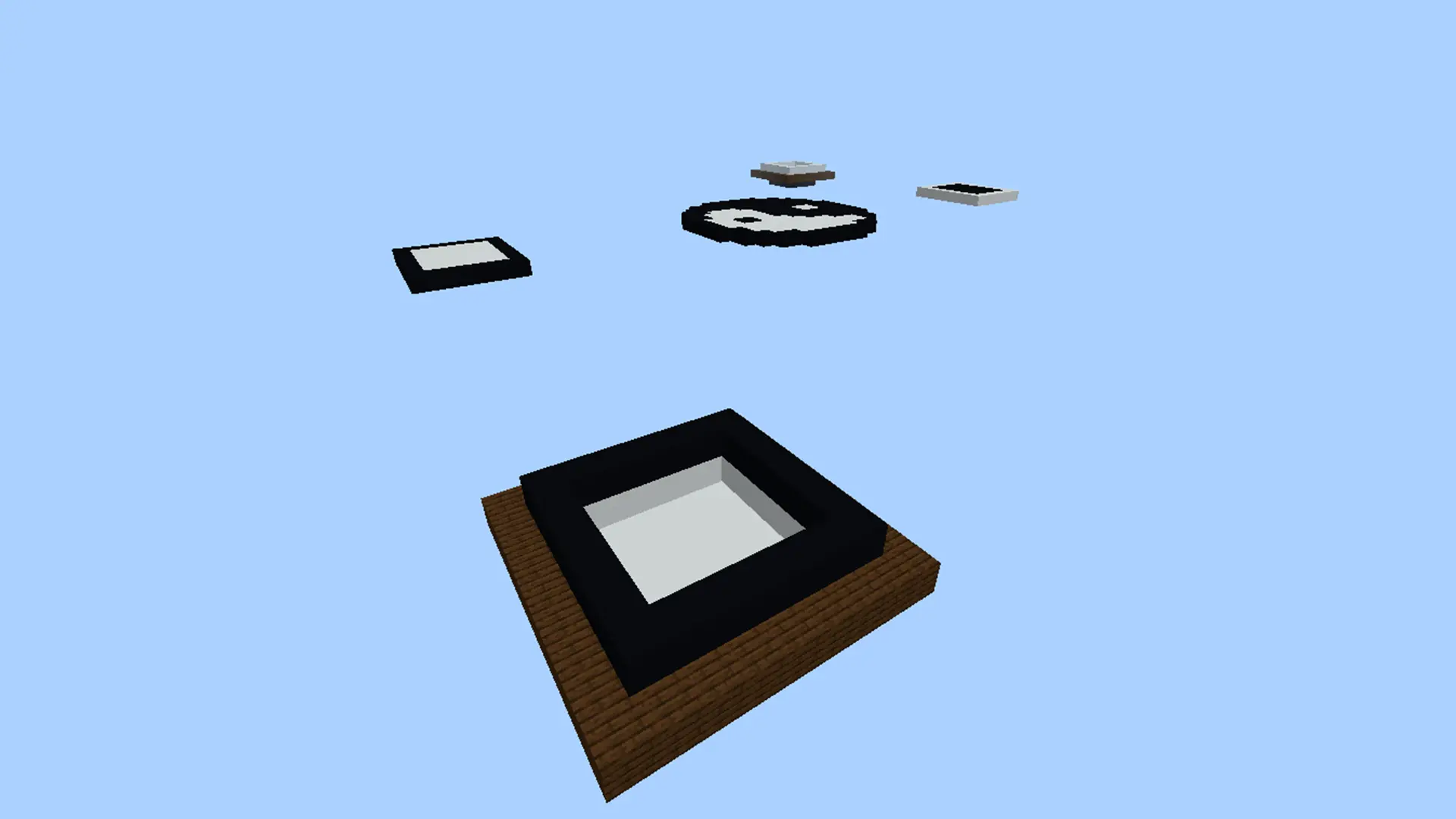
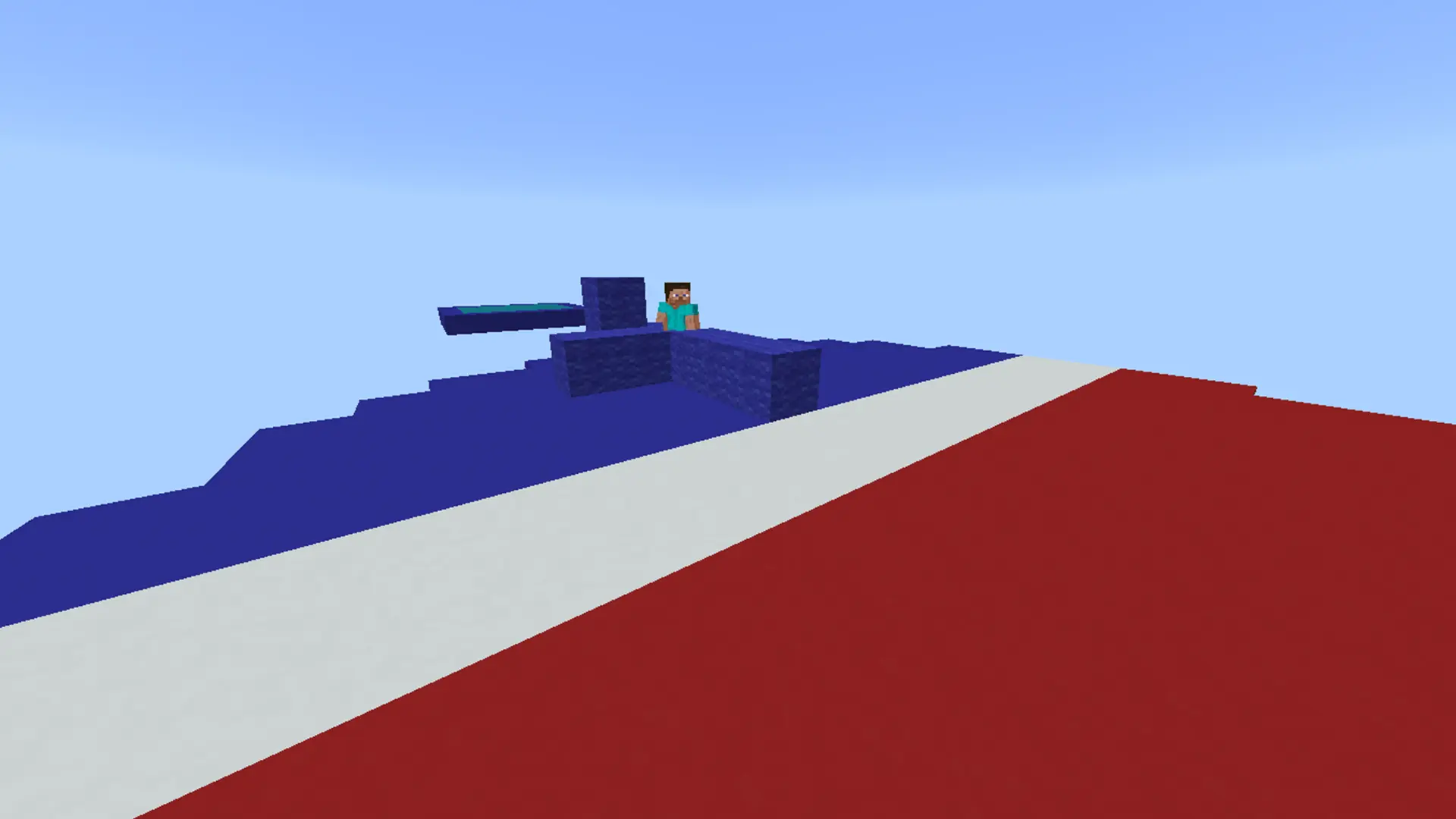
You’re one jump from the goal when an arrow clips you midair. Your friend gets the point, you get the void, and suddenly it’s time for a rematch.
Aero Duels is a two-player Minecraft Bedrock map where speed, movement, and a well-timed hit can decide the whole game. The arenas float high in the sky, so there’s always a reason to watch your footing. Invite a friend, let them join the world before starting a match, and pick between two modes: Arrow Duels and Battle Rush. Both are about reaching a goal before your opponent, but they’ll test different skills along the way.
Arrow Duels turns a parkour race into a very personal argument. Each player makes their way toward a golden goal while trying to slow the other down with a bow and arrow. You’ll need to balance moving quickly with stopping long enough to line up a shot. Fire at the right moment and you might knock your rival off course just as they’re about to land. Miss, and they could be halfway to the finish while you’re still trying to get moving again. The best part is hearing your friend celebrate a little too early.
Battle Rush swaps the parkour course for a bridging race toward your opponent’s goal. You’ll build your way across while your rival does the same, and punches can knock a player off their route. When your opponent reaches the midway point, you receive a bow and an arrow to help slow them down. That shot can buy you time, but it still needs to land. The first player to score three points wins, so even a rough start leaves room to fight back.
There are two Battle Rush arena designs to choose from: Classic and Yin-Yang. Classic uses the mode’s familiar colors, while Yin-Yang goes for a black-and-white look. Try both and see which one your group prefers—or rather, which one your rival blames after losing. The real challenge stays the same: keep your bridge moving, watch where the other player is, and don’t get so focused on the goal that you walk straight into an easy punch.
Aero Duels is a great map to load up when you and a friend want a few competitive rounds without setting up a full survival world. Practice your bridging, test your aim, or just keep playing until someone finally agrees to call it a night. Import the world file into Minecraft Bedrock, make sure both players have joined, and choose your mode. Fair warning: a close three-point match has a way of turning “one quick game” into a whole series of rematches.
The build keeps the vibe classic—clean sightlines, readable gaps, and just enough cover to make angles interesting—so you’re focusing on decisions, not memorizing gimmicks. Play it best-of-five, trade sides between rounds, and call your own house rules if you want spicier sets (no crouch-peek shots on ladders, arrow returns on miss, etc.). Aero Duels Map shines when you lean into rivalry: trash-talk on the platform, deep breath at the bell, and that quiet grin when your last arrow finds a boot right before the finish.
How to install?
Android: you need to find the downloaded file on your phone, use any file manager for this and import the map into the game by opening it.
IOS: after receiving the map, the device itself will offer to install it.
Windows 10: go to the folder where the files are downloaded, find mcworld there and activate it.
Comments (0)