Medieval Fishing Town Map
- 4-07-2025, 16:49
- 1 221
Adventure Maps / Creation Maps / Survival Maps
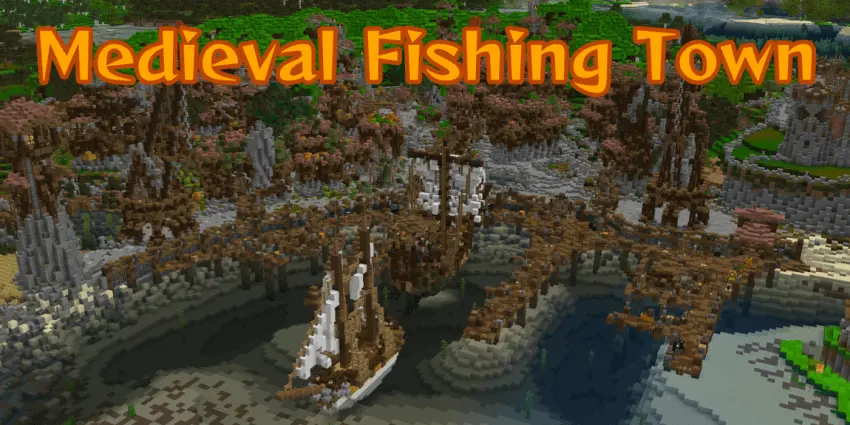
Medieval Fishing Town – Swamp Vibes, Medieval Style
This is a chill little survival map set in a swamp biome — but with a full-on medieval fishing village vibe.
You’ve got docks, boats, wooden houses, fishing spots, lanterns… the whole town looks like it came out of some old RPG. It’s great for survival play, especially if you’re into peaceful builds with that rustic look.
And hey — Americans love fishing, right? This feels kinda like a Minecraft version of that.
What’s on the Map:
- Medieval town built into a swamp biome
- Fully survival-friendly (no mods needed)
- Cozy docks, boats, and village houses
- Works on Bedrock (mobile, Xbox, Windows 10)
- Good for solo or multiplayer chill sessions
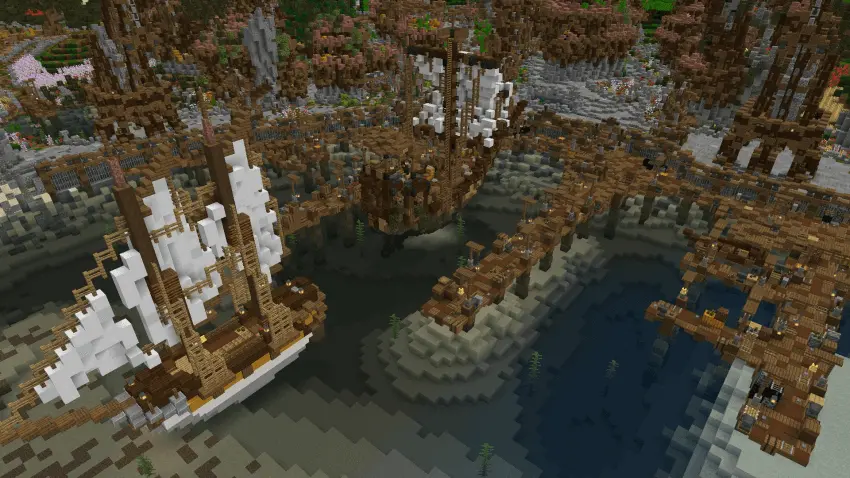
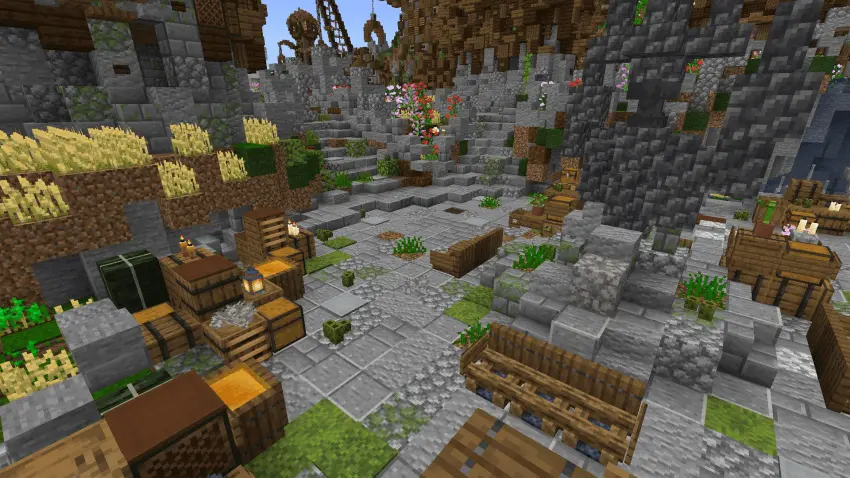
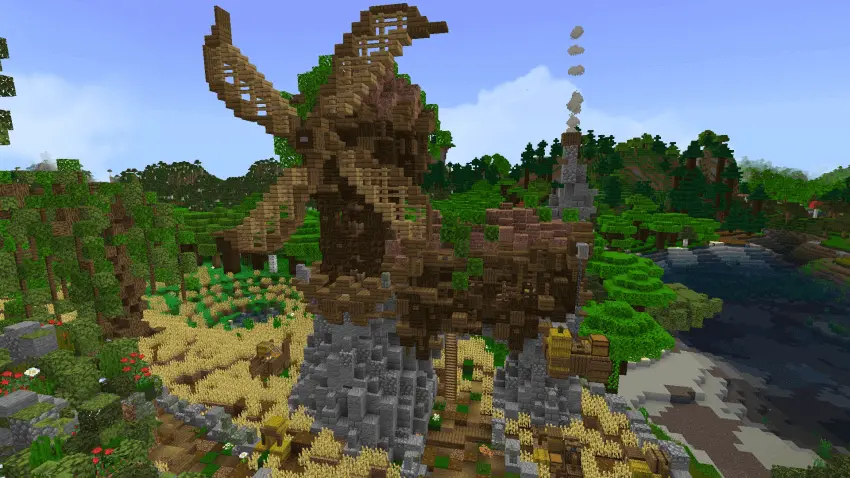
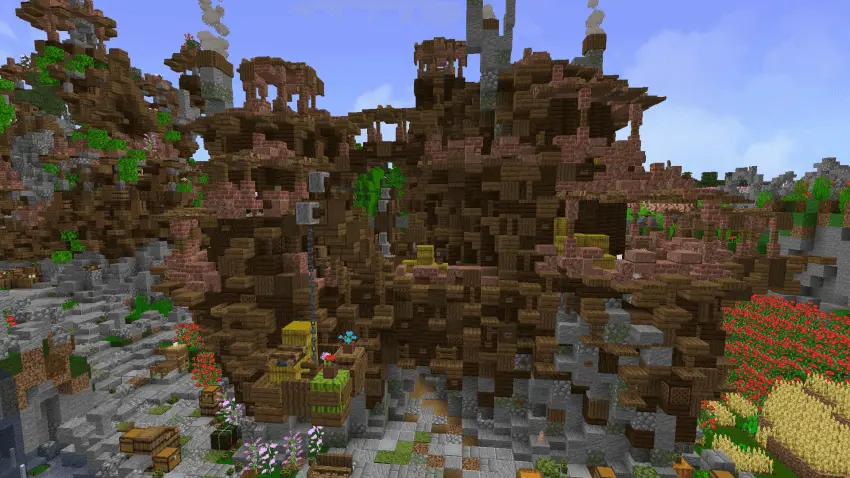
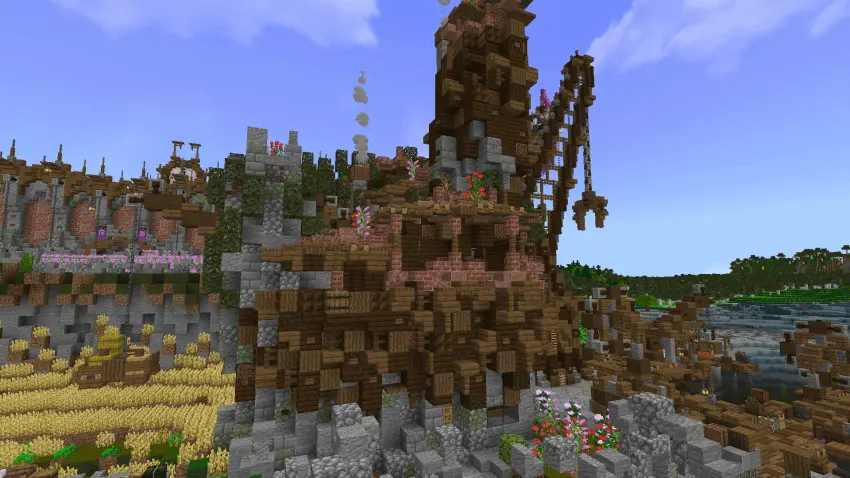
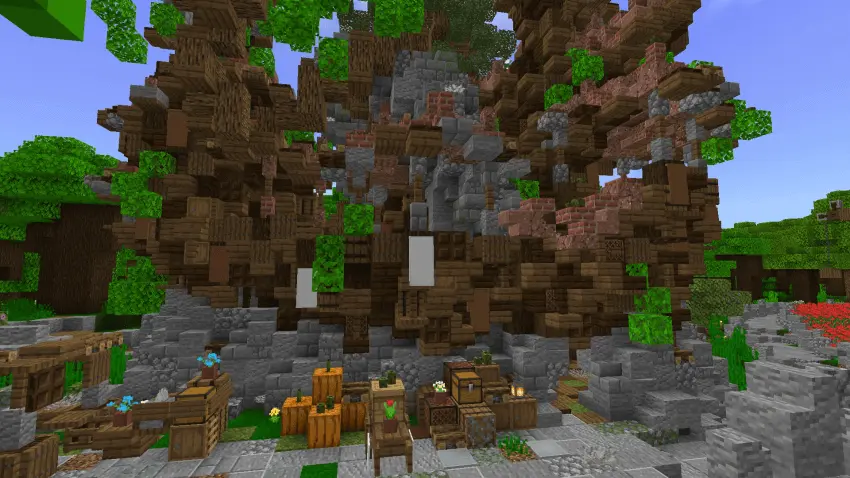
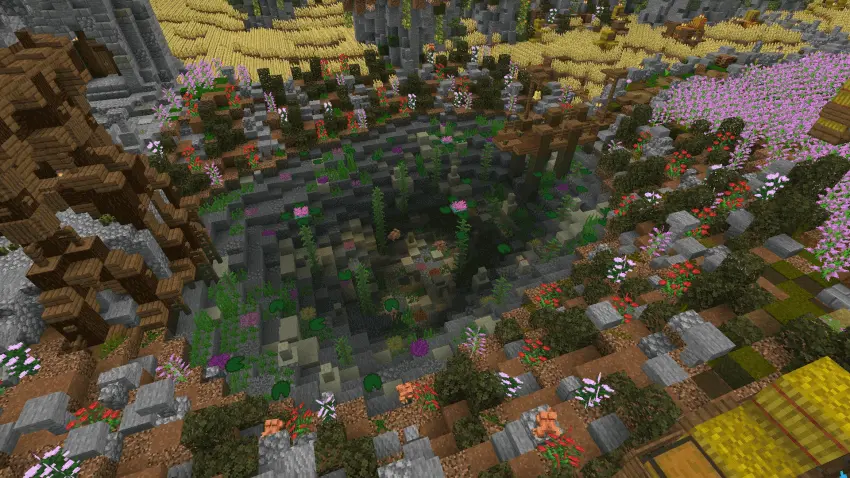
Follow the water through the swamp and you’ll find a medieval town built around a busy-looking harbor. Boats line the port, houses fill the streets, and there’s a whole town waiting for you to wander through.
Medieval Fishing Town drops you into a Minecraft Bedrock world where the settlement and the swamp feel like they belong together. Instead of arriving at an empty shoreline and spending your first few evenings putting up walls, you get a town that’s already there to explore. Walk past the houses, take the streets down toward the water, and find a spot that feels like home. The medieval design gives the place a rustic look that works especially well if you enjoy building villages with a bit of history behind them.
The harbor is one of the first places worth checking out. It’s a large port with plenty of boats, giving the town its fishing settlement character. Head down to the waterfront with a fishing rod, pick a place to settle in, and see what you can catch while you plan your next move. You could turn a trip to the docks into part of your daily survival routine, or just hang out there with friends after an afternoon of exploring.
Away from the port, there are plenty of houses and other buildings to look around, including a mill. Take your time walking through town and checking out how the buildings fit together. If you like making your own medieval builds, the streets and structures might give you ideas for a future project. You could also choose a house as your base, furnish it to suit your taste, and gradually add your own touches to the surrounding area. A small garden or a workshop would make a nice personal project without changing the character of the whole town.
The swamp setting has its own little surprises, including a small lake with frogs. It’s a quieter place to visit when you want a break from organizing chests or working on a build. The water and surrounding landscape also give you room to think about where the town might grow next. Maybe you’ll extend a path, add another house near the shore, or leave the area alone and enjoy exploring what’s already there. There’s no need to rush through it.
You can play the map on your own or invite friends and make the town a shared survival home. Pick houses, gather supplies, and meet back at the harbor when everyone returns from exploring. The map also has achievements enabled, so there are goals to work toward as you settle in. To start, open the downloaded world file in Minecraft and load it from your world list. After that, the town is yours to explore at your own pace.
How to install?
Android: you need to find the downloaded file on your phone, use any file manager for this and import the map into the game by opening it.
IOS: after receiving the map, the device itself will offer to install it.
Windows 10: go to the folder where the files are downloaded, find mcworld there and activate it.
Comments (0)