Old Japanese Town in the Cherry Biome Map
- 13-01-2026, 03:57
- 1 405
Adventure Maps / Creation Maps / Survival Maps
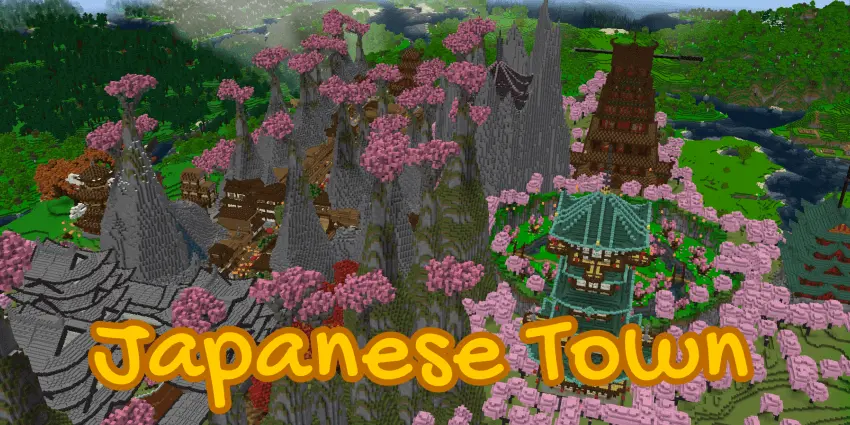
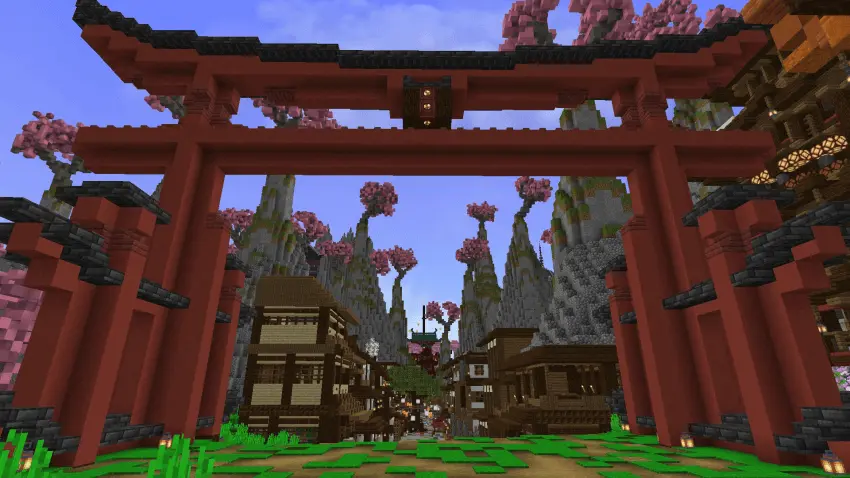
Old Japanese Town in the Cherry Biome A creation map with a very interesting design and a built city. Walk through the torii gate and a whole town opens up beneath the cherry trees. Old Japanese Town in the Cherry Biome is the kind of Minecraft map that makes you slow down, look around, and forget what you originally logged in to do.
The streets lead past houses and pagodas, with the pink trees giving the settlement a setting of its own. Start at the main entrance and wander wherever something catches your eye. You might find yourself studying the shape of a roof, following a street toward another building, or stopping to see how the houses fit together. The town feels like a place worth exploring on foot rather than rushing over in creative flight. Give yourself time to look back as you walk, too: a building that caught your attention from the entrance can look quite different once it’s framed by the cherry grove.
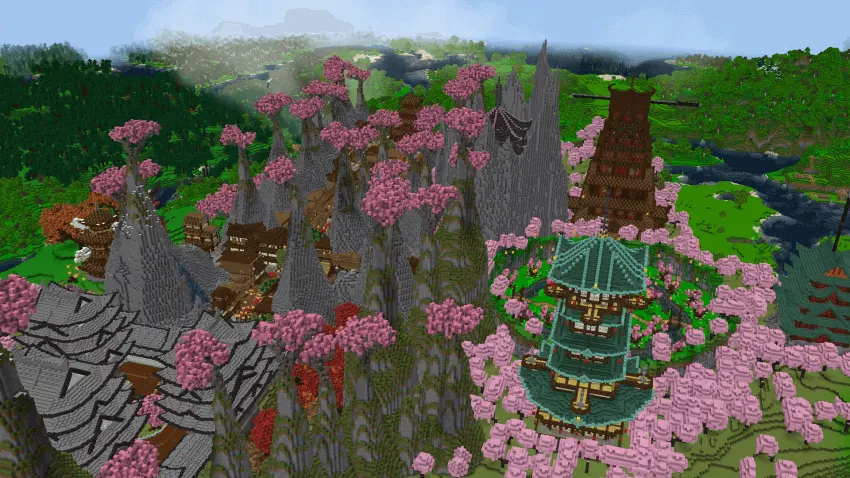
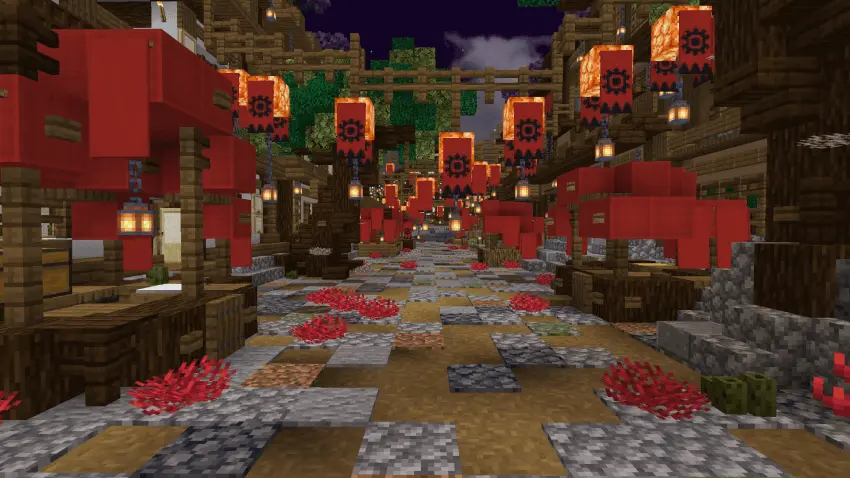
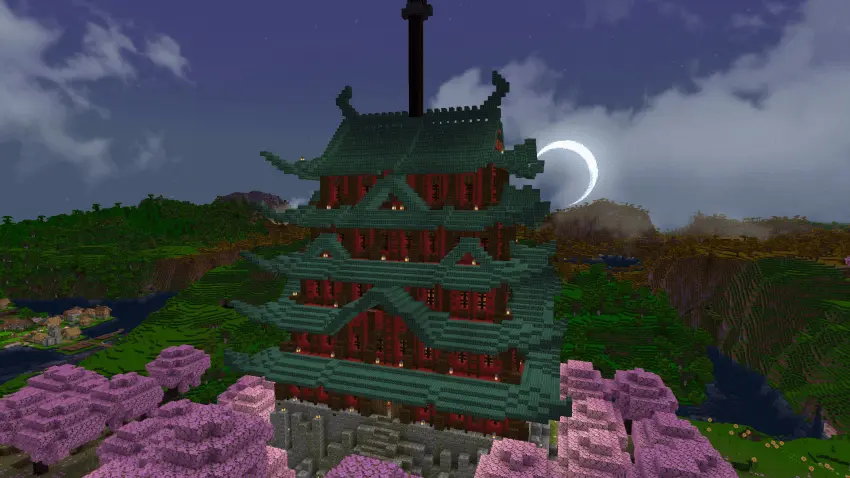
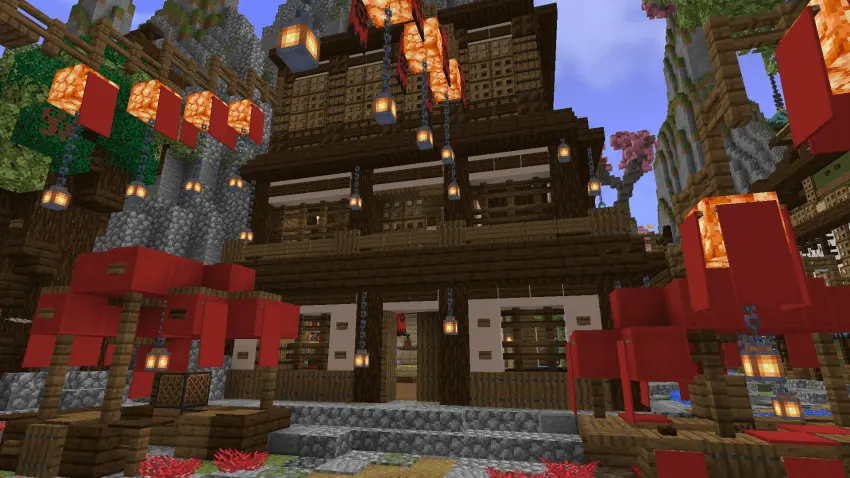
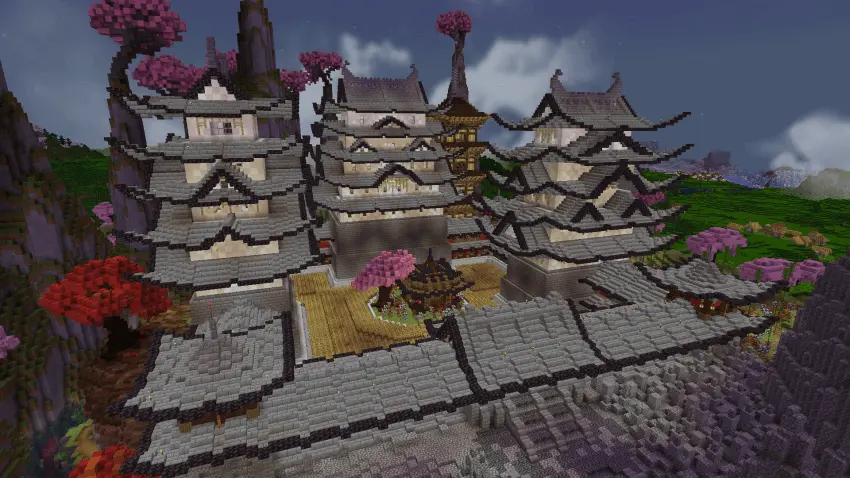
The pagodas are among the most eye-catching parts of the map. Their tall, layered designs rise above the smaller houses and give you plenty to look at as you move through town. Builders can get ideas from the way the structures sit alongside the surrounding streets and trees, whether they’re planning a full Japanese-inspired settlement or just looking for a roof design to try at home. The houses are worth a closer look as well. Instead of treating the town as one big backdrop, take a little tour and see how its individual buildings contribute to the overall scene.
One of the nicest places to take a break is the large garden, where you can find pandas and parrots. After walking through the streets, it’s a quieter spot to hang out, take screenshots, or simply watch the animals for a while. The cherry biome does a lot for the atmosphere, especially when you find a view that brings the trees and buildings into the same shot. Bring a friend along and make a little tour of it: choose a favorite house, compare the pagodas, and see who finds the best place for a group screenshot. There’s no need to race through the map when the fun is in noticing what’s around you.
You can also use the town as the setting for your own Minecraft story. Explore it with friends, pick a house to make your own, or start adding small builds that suit the area. If survival is more your style, the world gives you a memorable place to begin, with achievements enabled as you play. It’s a map for players who enjoy architecture, cherry groves, and the pleasure of settling into a place that already has some personality. Take a walk through the gate, find the garden, and give yourself a chance to get pleasantly lost among the houses. There’s always another angle to check—or another spot where the trees make you stop for one more screenshot.
How to install?
Android: you need to find the downloaded file on your phone, use any file manager for this and import the map into the game by opening it.
IOS: after receiving the map, the device itself will offer to install it.
Windows 10: go to the folder where the files are downloaded, find mcworld there and activate it.
Comments (2)