Squid Game: Jump Rope Game Recreation Map
- 3-07-2025, 15:33
- 2 392
Adventure Maps / Minigame Maps
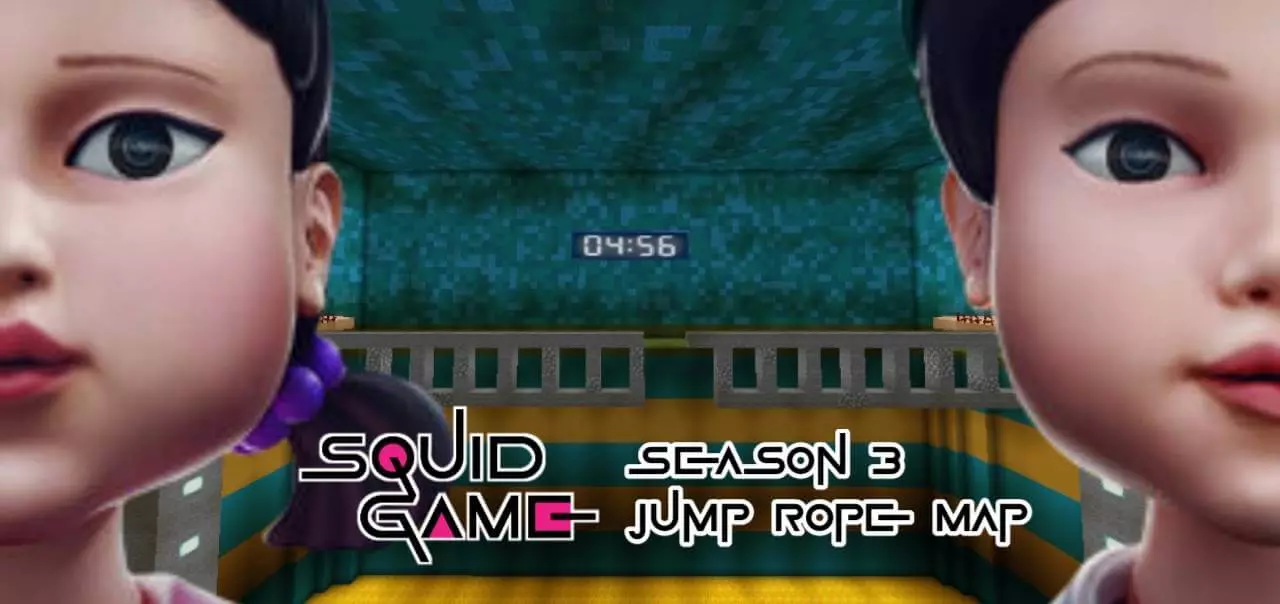
Squid Game: Jump Rope Game Recreation Minecraft map with the game that is in the Third Final Season of Squid Game. The rope is coming around, the path ahead suddenly feels very narrow, and your next jump has to count. Squid Game: Jump Rope Game Recreation brings the show’s tense challenge into Minecraft Bedrock, where you can step into the arena and try it for yourself.
The map recreates the Jump Rope game from Squid Game, giving fans a chance to see the setting in Minecraft’s blocky style. The idea behind the challenge is easy to understand: watch the rope, time your jump, and make your way across without getting knocked off course. Actually keeping your cool is another matter. A jump that feels easy when you’re standing still can become a lot less comfortable when you’re trying to move forward at the same time. Take a moment to look over the arena and get used to the space before you rush in. If you’re familiar with the scene from the show, it’s fun to compare the Minecraft build with what you remember; if you aren’t, the setup still gives you a focused test of timing and movement.
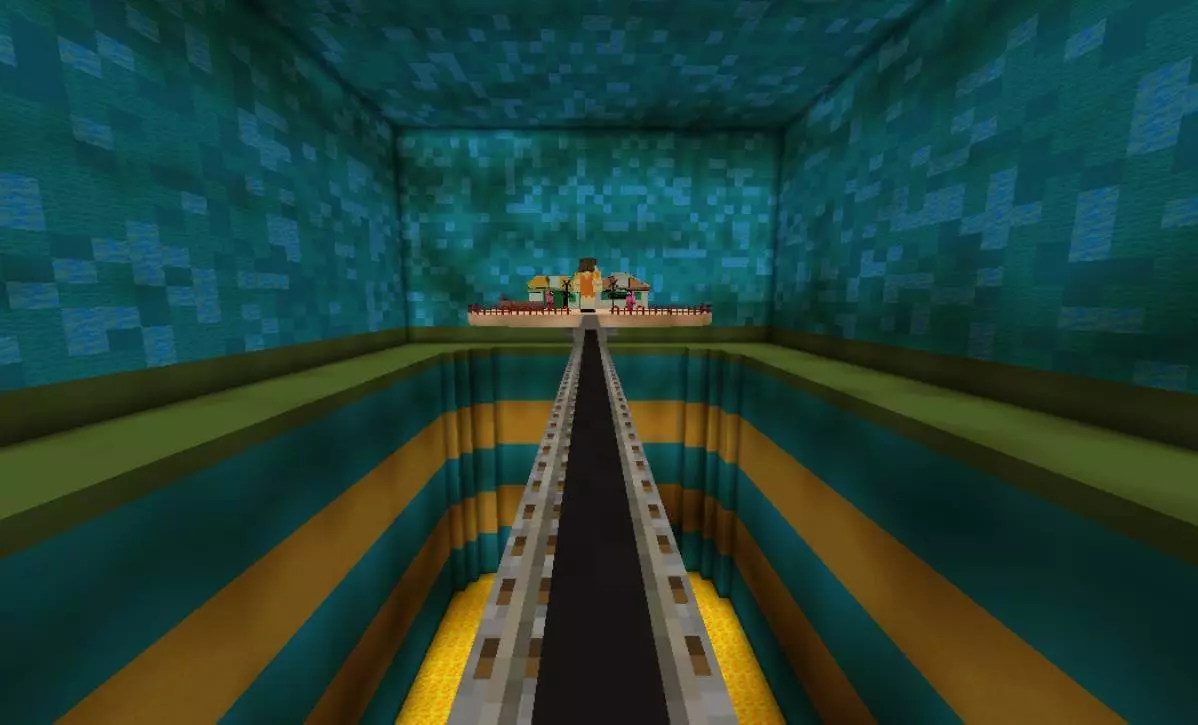
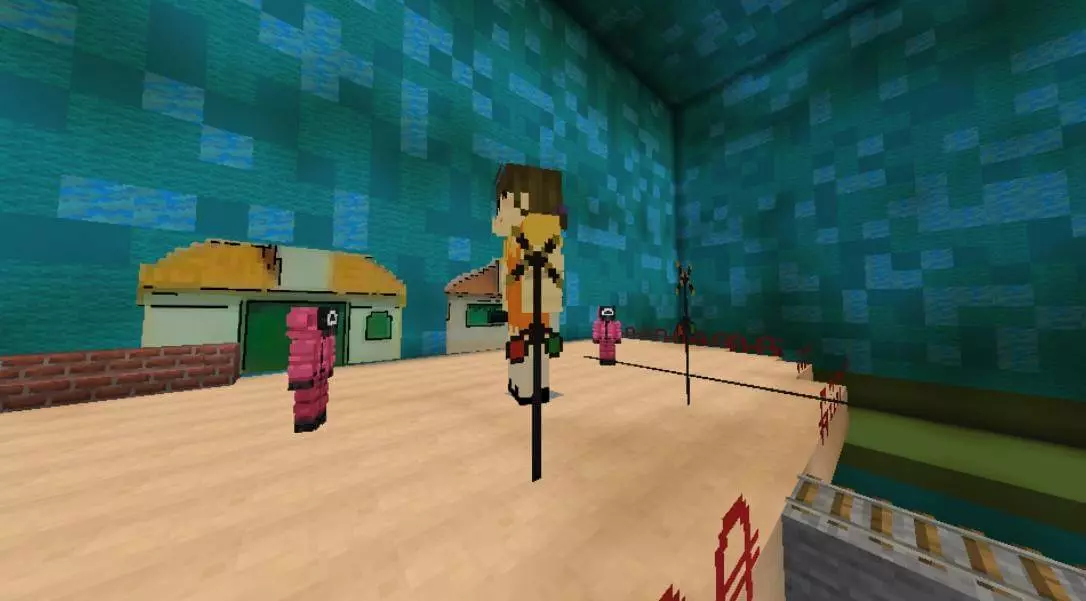
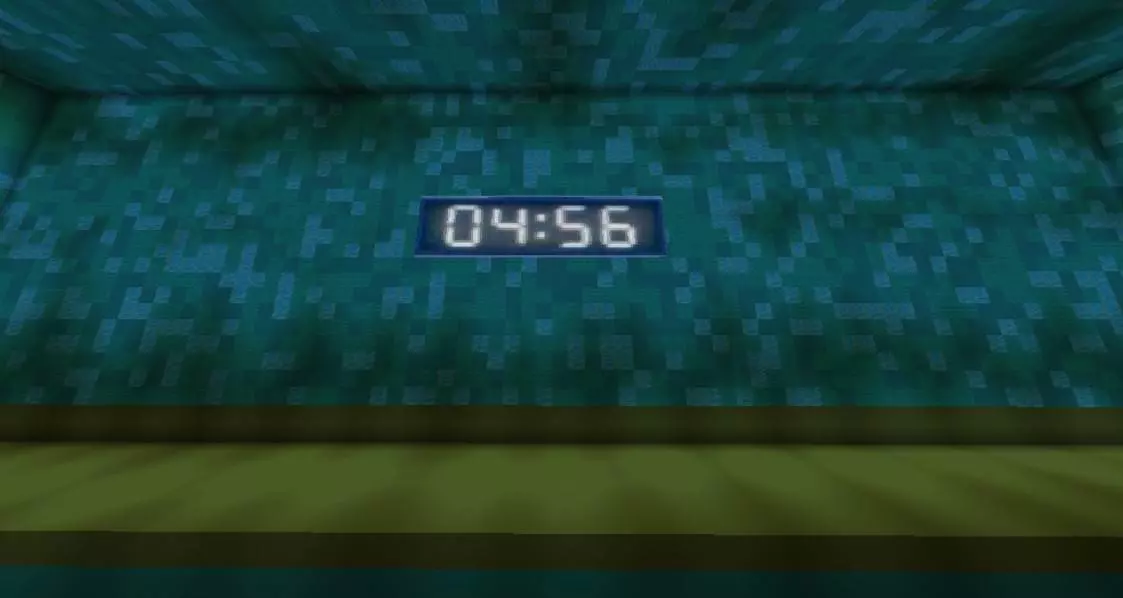
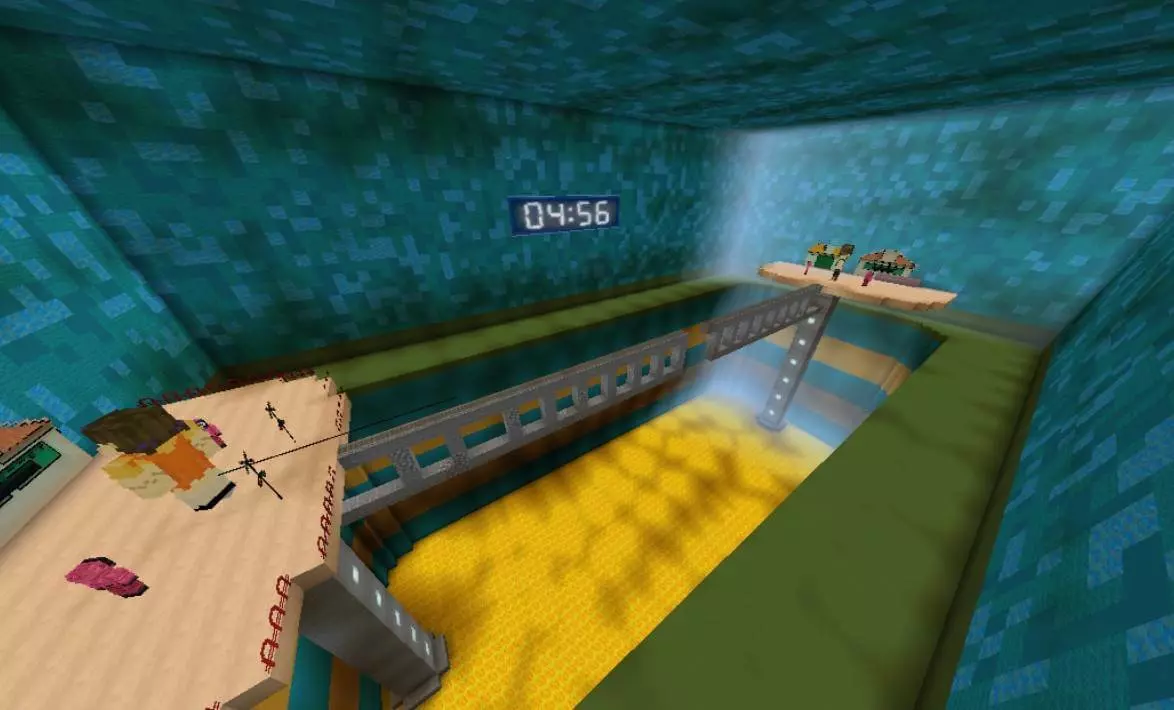
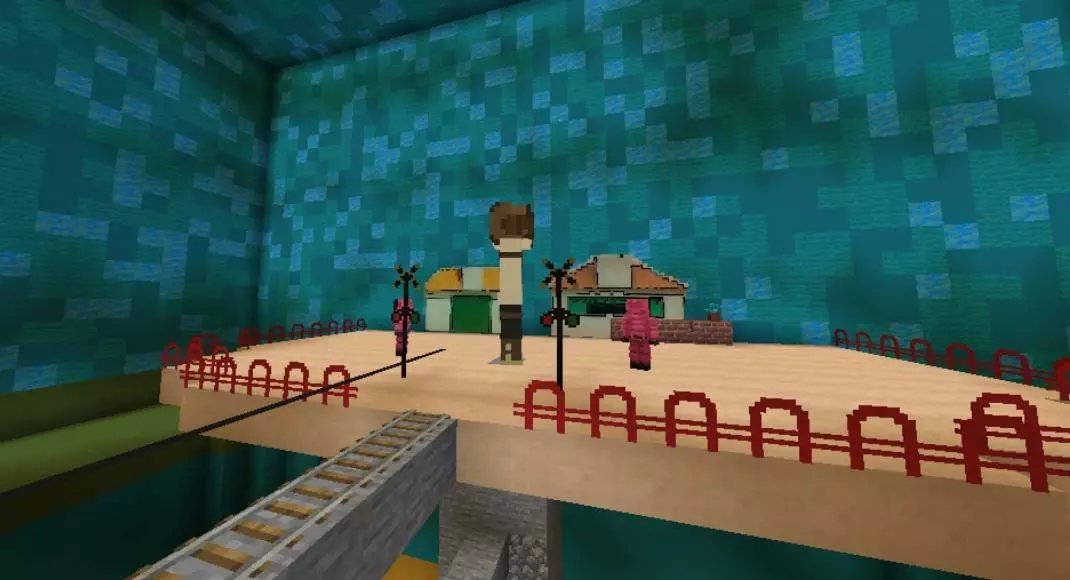
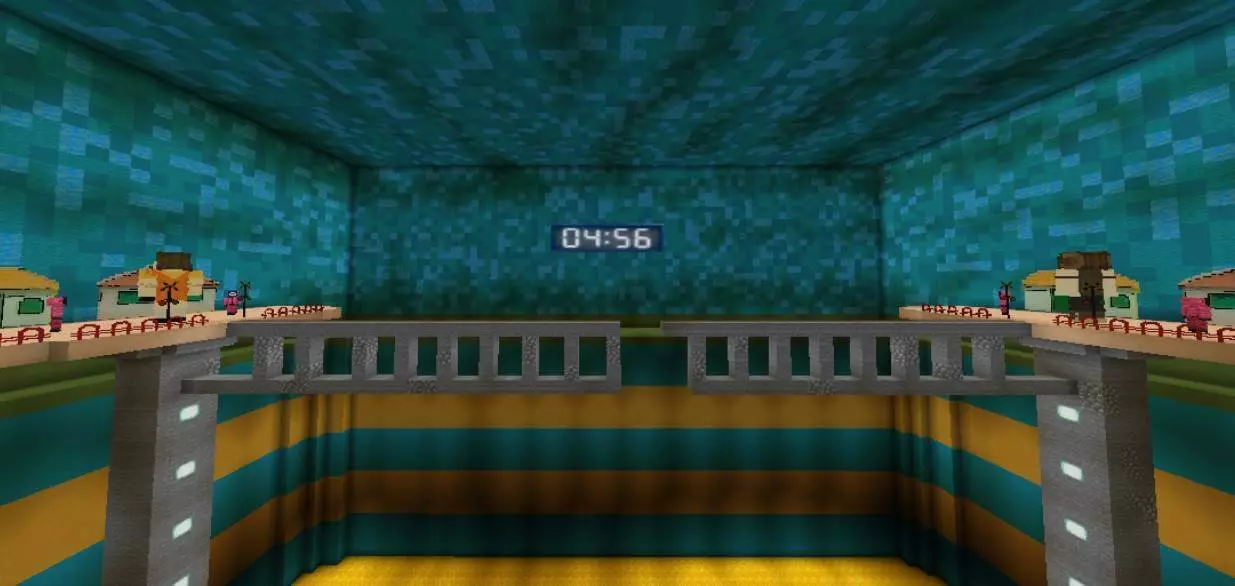
Playing with friends adds an entirely different kind of pressure. You can take turns attempting the course, compare how far each person gets, or agree on your own rules for a friendly competition. Maybe everyone gets three attempts, or perhaps you keep going until someone makes it across. Watching another player miss a jump can be hilarious—at least until your turn comes around and you make the exact same mistake. If you want a fair contest, let everyone practice the controls first and decide how you’ll handle restarts before the challenge begins. The map’s description focuses on recreating the Jump Rope setting, so check the arena and its controls in-game before assuming it includes a particular scoring system or automatic tournament. You can make a game night out of the challenge with a few friends and a little imagination.
For the best run, pay attention to your movement as much as your jump. Charging forward without watching what’s ahead can leave you scrambling to recover, while stopping to judge the rhythm gives you a chance to plan your next move. If you fall, use the next attempt to figure out where your timing went wrong rather than changing everything at once. You can also explore the recreation at your own pace and appreciate the way the recognizable challenge has been translated into Minecraft. To get started, open the downloaded world file with the game and select the imported map from your world list. Invite your friends if you want an audience, or practice on your own until you feel ready to show off. Either way, once you step onto the course, that next jump has a way of feeling much bigger than it looked from the starting point.
How to install?
Android: you need to find the downloaded file on your phone, use any file manager for this and import the map into the game by opening it.
IOS: after receiving the map, the device itself will offer to install it.
Windows 10: go to the folder where the files are downloaded, find mcworld there and activate it.
Comments (1)