Single Pixels – Texture Pack
- 13-07-2025, 21:04
- 1 388
Single Pixels Texture Pack
This pack’s not flashy — and that’s the whole point.
It strips Minecraft down to super clean, flat textures. Blocks are easier to look at, colors feel more organized, and honestly, it’s kinda relaxing.
If you're into minimal builds or just want something easy on the eyes, this hits the spot. I’ve been using it in creative, and redstone is way easier to read now too.
No extra stuff. Just clean, simple textures that don’t get in the way. Worth trying if you’re tired of the usual noise.
📥 Download and give it a spin — might surprise you.
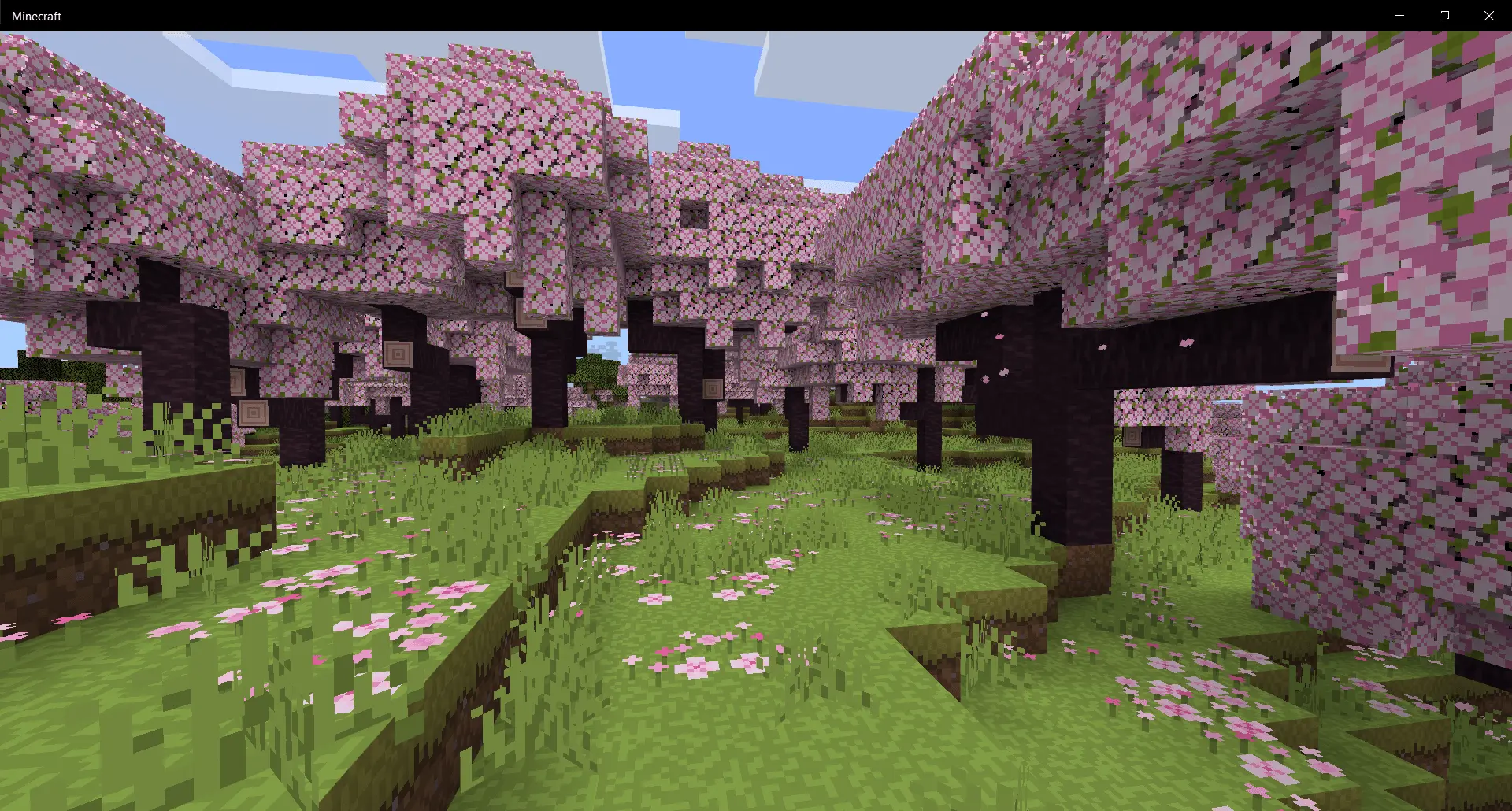
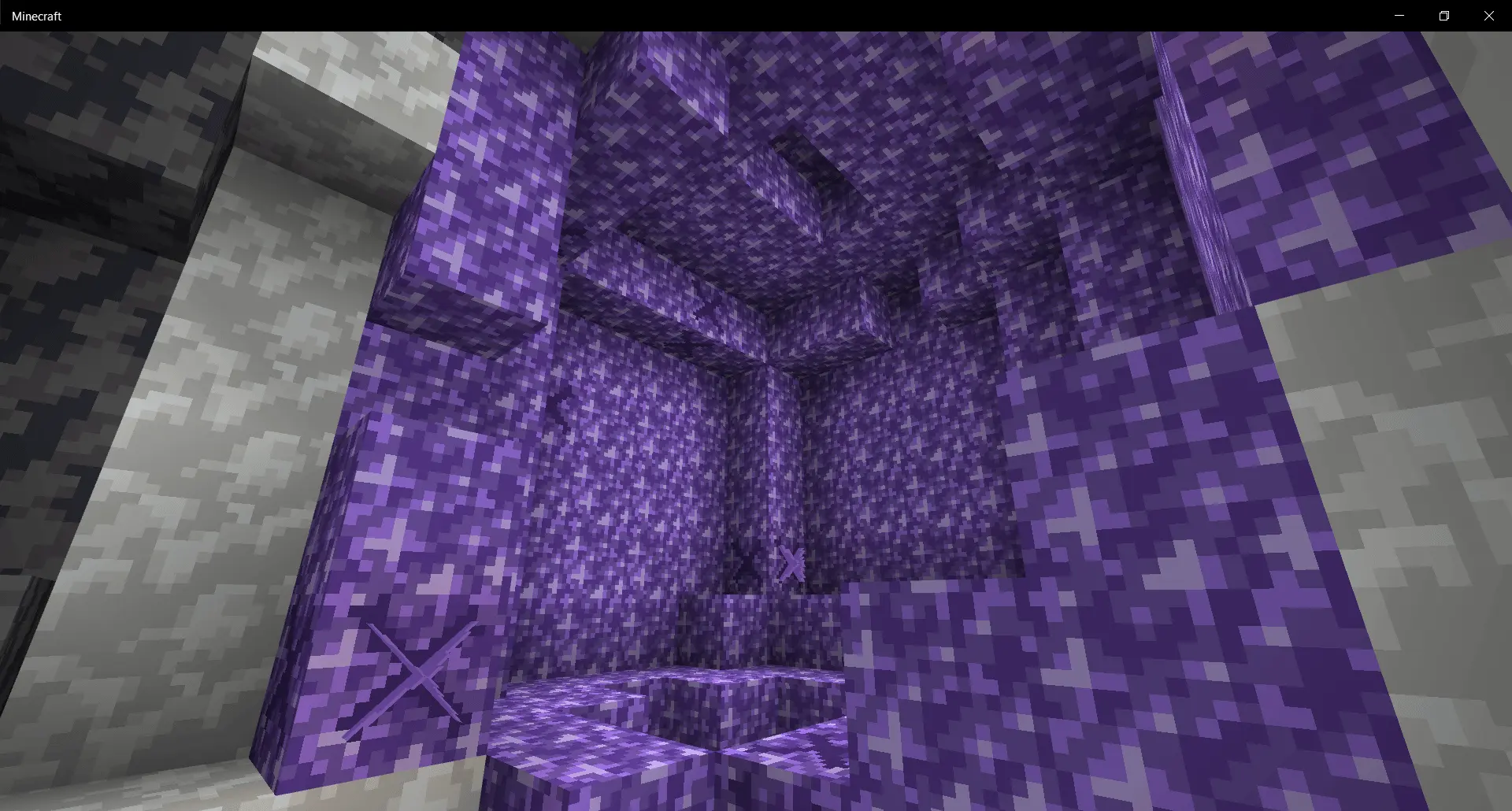
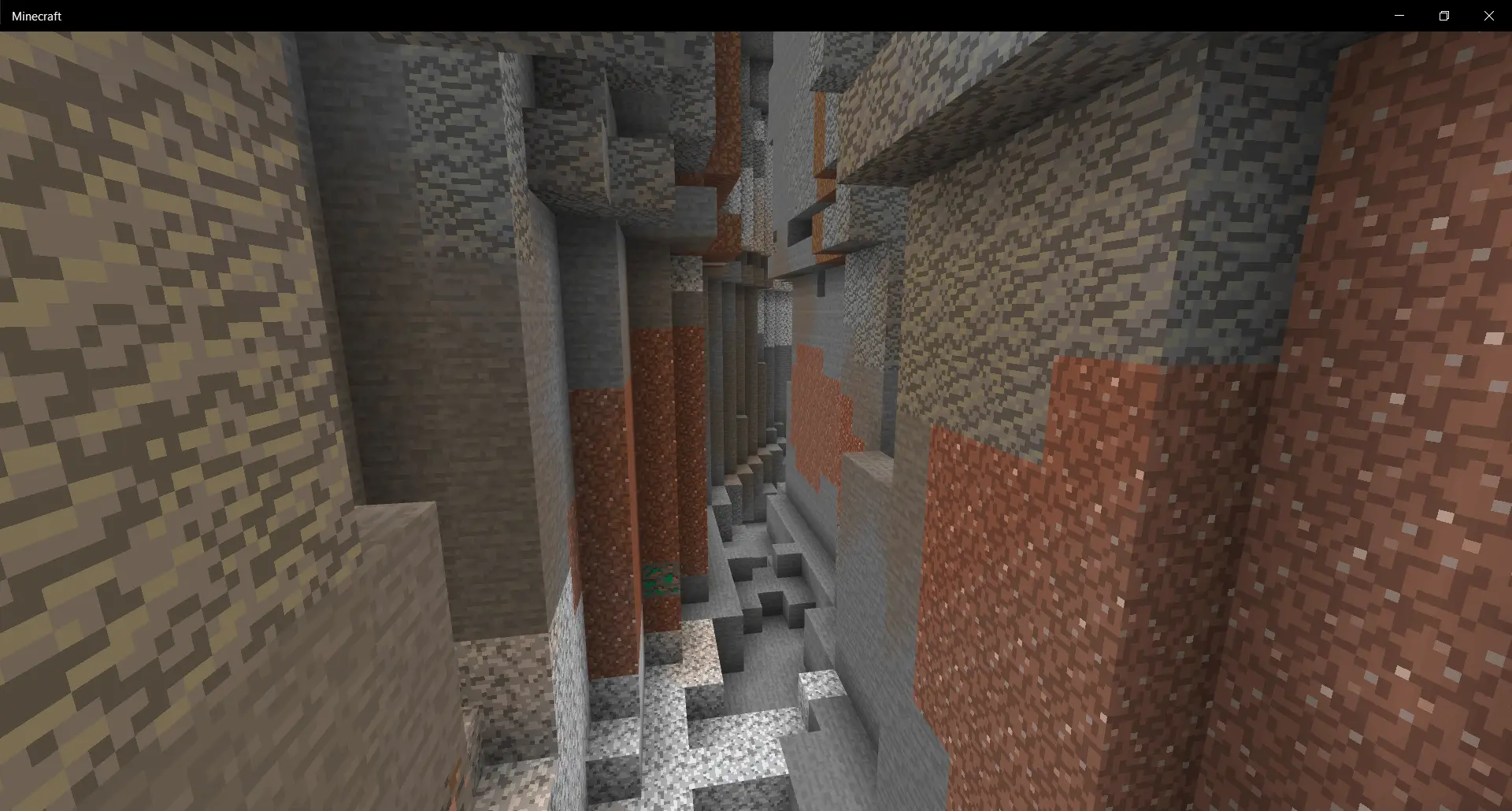
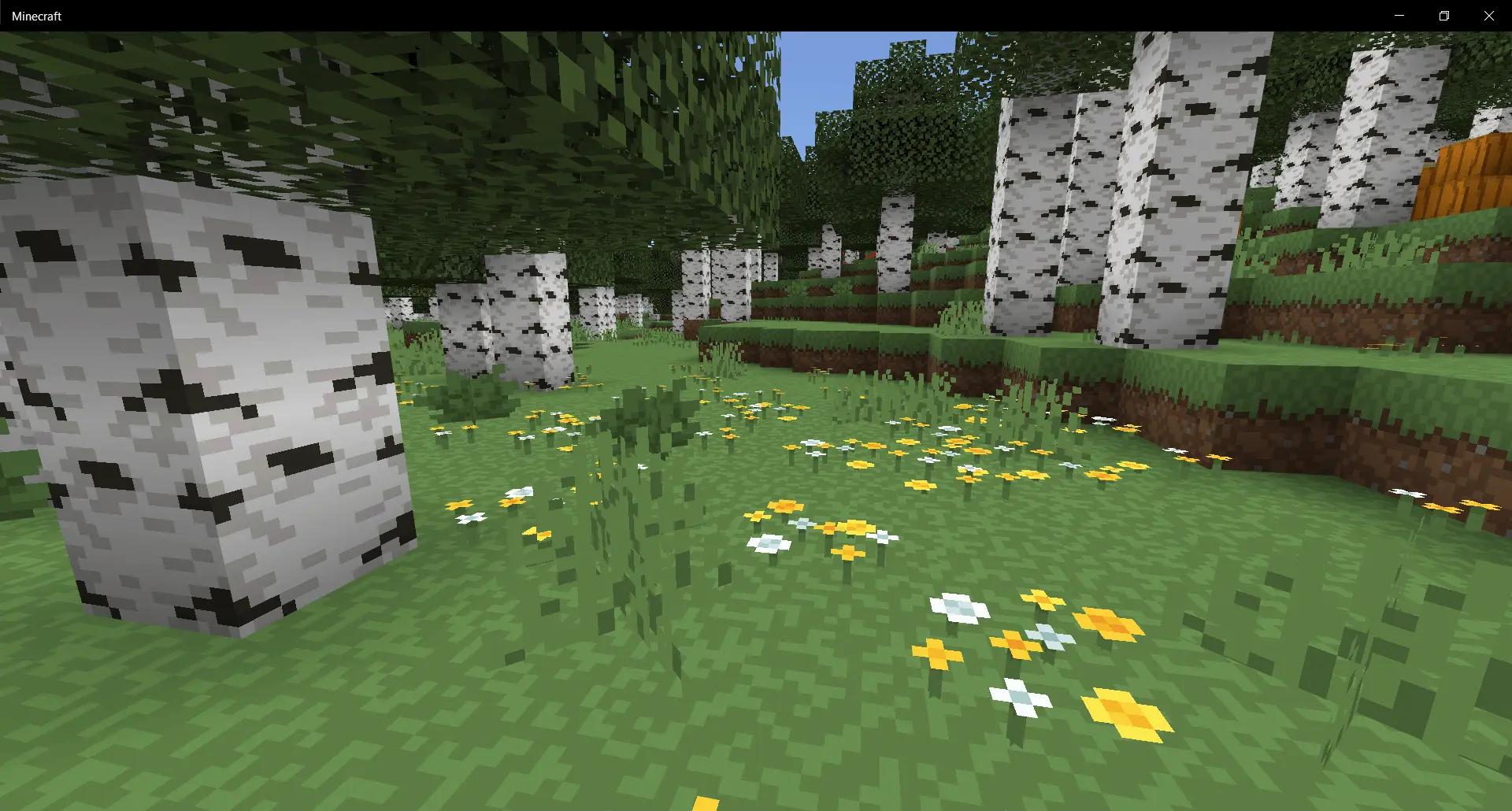
That wall you built from a dozen different blocks might look completely different with simpler textures. Single Pixels gives Minecraft Bedrock a cleaner, flatter style while keeping the world familiar.
The pack smooths out the varied shades and busy details found in many standard textures. Blocks take on a more unified appearance, letting their colors and shapes do more of the work. Grass still looks like grass, stone still looks like stone, and your builds remain recognizable, but the overall scene feels less crowded. It’s a good fit if you enjoy Minecraft’s blocky style and want a simpler look for a while.
Try it in a world you already know well. A familiar village gives you a chance to see the textures across paths, buildings, and the surrounding landscape, while your own base makes it easy to compare materials you use every day. Some combinations may feel different once their surfaces are less detailed. That wall you never quite liked might suddenly look more cohesive—or give you an excuse to swap a few blocks and try a new palette.
For builders, Single Pixels can be a fun way to focus on the shape of a project. When a wall has a cleaner surface, details such as window placement, roof lines, and the contrast between materials can stand out more. A modern house might suit the simple textures, but you can also try them on a castle, a village shop, or a colorful creative build. Walk around your finished structure and check it from a distance as well as up close; a small change in texture can affect the look of a whole neighborhood.
The pack can also make a creative workspace feel easier to read. If you’re laying out a redstone project or testing a building idea, the simpler surroundings may help you focus on the blocks you’re placing. It won’t change how your machines work or add new building materials, so you can keep using the same designs and decide whether you prefer their appearance with the pack active.
Single Pixels is worth a look when you want your survival world or creative projects to feel a little tidier without starting over. Take a walk through a forest, visit your storage room, and check out a favorite build under the new textures. You might find that a house you’ve seen hundreds of times has a different feel—and that’s a pretty good reason to take another look around.
Installation:
- Download Texture;
- Use Minecraft PE
- Open the downloaded .mcpack to install;
- Select texture in settings;
- Done.
Comments (0)