Custom Crosshair (RGB) – Texture Pack
- 31-05-2025, 12:21
- 2 877
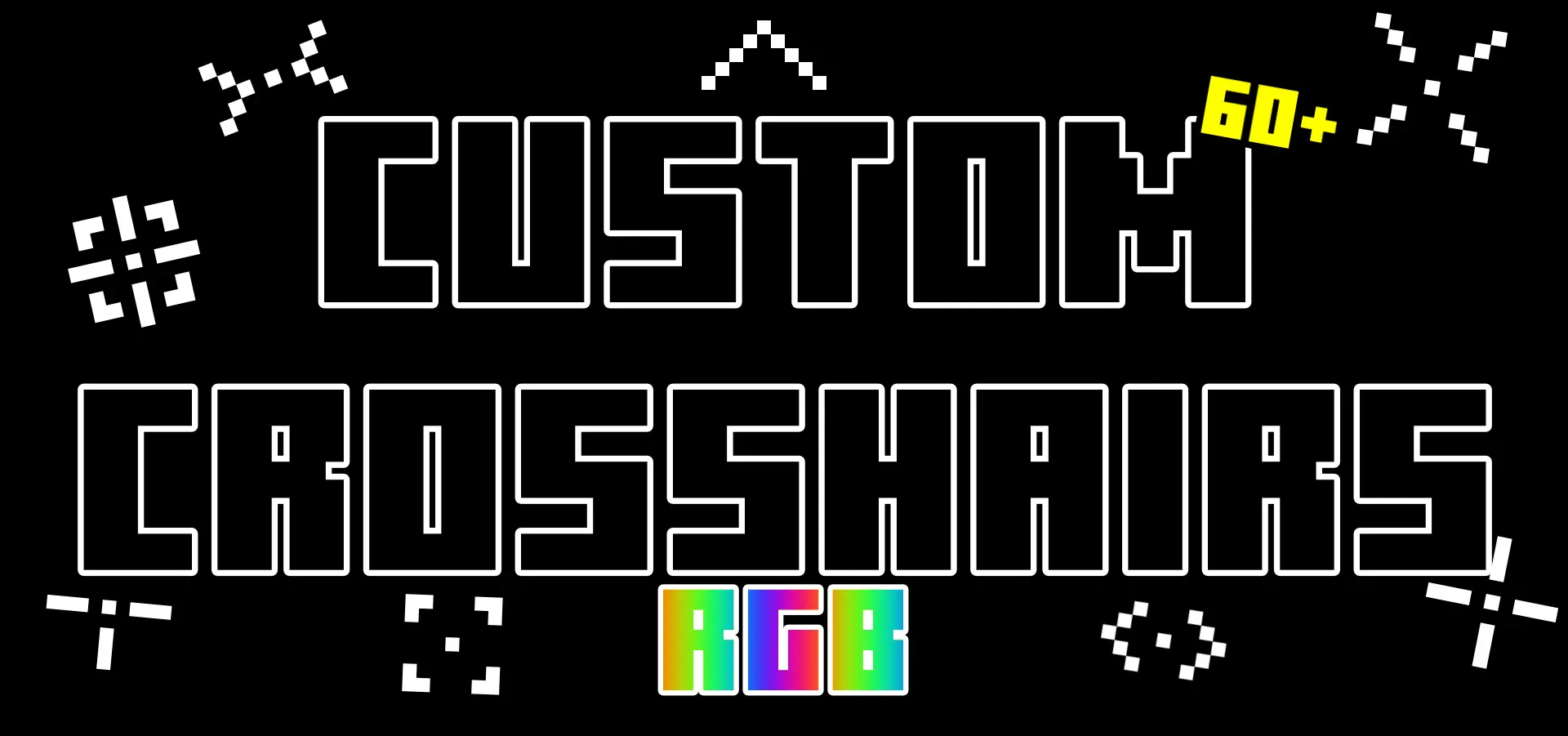
Custom Crosshair (RGB) Addon with many new textures and Crosshair options for Minecraft Bedrock. Your opponent is sprinting across a bridge, and you’ve got one clean shot before they disappear behind a wall. Custom Crosshair (RGB) lets you swap Minecraft Bedrock’s familiar aiming mark for a design that feels right in the middle of the action.
The pack offers a wide selection of crosshairs, from simple dots and crosses to circles, squares, and more decorative shapes. Some have RGB colors that shift over time, giving the center of your screen a little extra energy while you play. If a flashy reticle isn’t your thing, there are simpler options to try as well. A small dot leaves plenty of the scene visible, while a circle or a cross with a center dot gives your eyes a different point of reference. You can even pick a heart if you want your PvP setup to look a little less serious than the fight you’re about to start. Spend a few minutes trying the designs against different backgrounds: a crosshair that’s easy to spot against dark stone might feel different when you’re looking across snow or bright sand.

In a BedWars match, your crosshair is there through every part of the round. You use it while placing wool over the void, lining up an arrow, and making sure you’re hitting the block you meant to break on an enemy’s bed defense. A design you can pick out comfortably may help you keep track of where you’re aiming when everything gets hectic. The RGB options add a colorful touch to that familiar view, while the more understated shapes suit players who prefer less movement on screen. Neither one will magically fix your aim, of course. You’ll still need to practice your timing and remember that the player on the other side of the bridge probably has a bow too. Try your favorite reticle in a few matches and see whether it stays comfortable when you’re building, fighting, and switching between the two.
The pack isn’t just for competitive players. Builders can use their chosen crosshair while lining up blocks on a roof, decorating an interior, or trying to place a lantern without hitting the wall behind it. In survival, it’s part of the everyday work of mining, farming, and dealing with the occasional surprise zombie. If you record videos or take screenshots during gameplay, an RGB design can also add a bit of personality to your on-screen setup. Pick a shape you enjoy seeing, take it into a world you know, and use it for a while before settling on a favorite. A tiny dot may feel great for a quiet building session, while a more visible design might be the one you prefer when you’re rushing through a PvP arena. It’s a small visual change, but it’s one you’ll notice every time you line up the next block—or the next shot.
Installation:
- Download Texture;
- Open the downloaded .mcpack to install;
- Select texture in settings;
- Done.
Comments (1)