Newb X Ale – Shader
- 23-02-2026, 10:32
- 5 465
Newb X Ale - Minecraft addon with shaders to make the game more beautiful and epic. The sun comes up over your base, and suddenly that little pond beside the house is worth stopping to look at. Newb X Ale Renewed Patch gives Minecraft Bedrock warmer light, richer skies, and water that makes even a familiar survival world feel fresh.
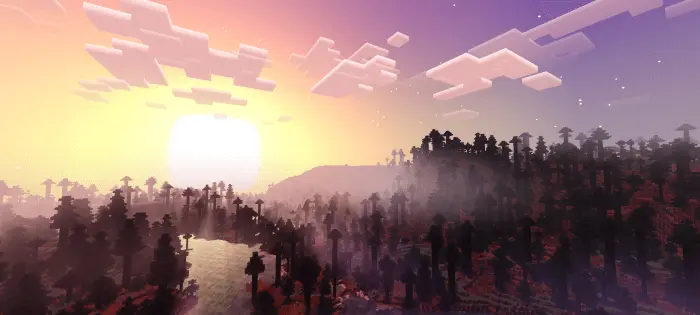
Sunrise and sunset are where you’ll probably notice the change first. The sky takes on more color, shadows give the landscape extra depth, and the light brings out details you might have walked past a hundred times. Head home across a plains biome in the evening and your fields, trees, and buildings take on a different mood as daylight fades. The shader keeps the recognizable Minecraft world in place, so your favorite builds still look like your builds. They just have a different atmosphere around them, especially when you pause long enough to watch the light change.
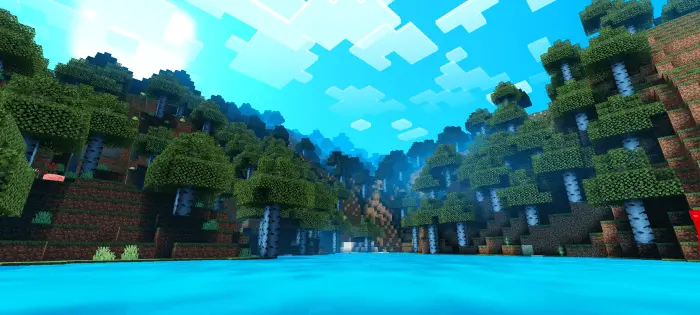
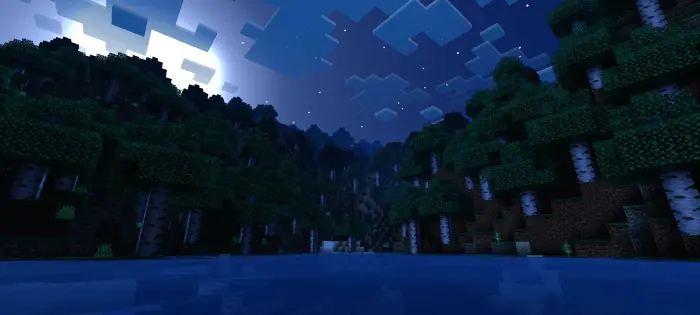
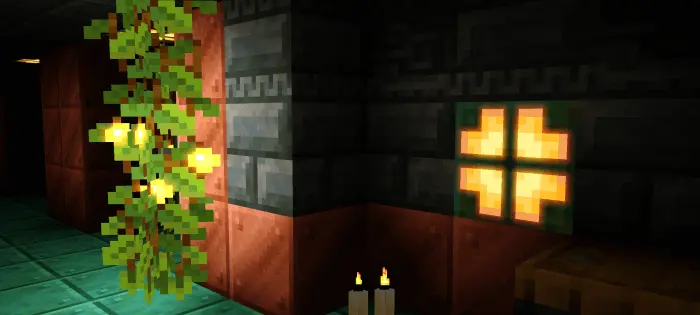
Water gets its own share of attention. Lakes and rivers have a more detailed appearance, making a shoreline base or a boat trip a good way to see the shader at work. Dive below the surface and you’ll find changes to underwater light and movement, too. Plants move, clouds add depth to the sky, and rain gives surfaces a wet look. Those details are easy to miss if you’re sprinting straight toward your next objective, but they add up during a longer trip. Try following a river through a forest, waiting out a storm near your base, or watching the sun go down from a dock you built ages ago.
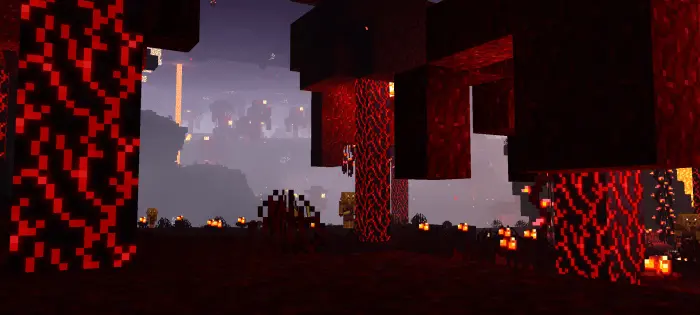
The atmosphere changes when you leave the Overworld as well. The Nether’s lighting gives its familiar terrain a different look, while the End gets a more striking sky and its own visual treatment. Back underground, warm light and shadows can make a cave feel more dramatic as you place torches and work your way through it. Bright minerals are another detail to look for during a mining session. The shader changes how these places appear rather than adding new blocks, mobs, or crafting recipes, so you can continue your usual survival projects while enjoying the new scenery. It’s a good excuse to revisit an old mountain base or take another route through a biome you already know.
Before settling in for a long session, make sure you have the shader package intended for your device. This shader needs additional RenderDragon support on supported platforms, so simply activating the resource pack may not be enough. Performance can also vary depending on your device and settings; if the game starts to struggle, try a lighter configuration where one is available. Once everything is working, take a walk through your world at different times of day. A beach at noon, a rainy village, and a torchlit path after dark can each show off a different side of the shader—and give you a few good reasons to take the scenic route home.
I dropped it into a survival file and the difference was instant: the same base I know, but with that “okay, this is screenshot-ready� sheen that makes you want to roam instead of rush. It doesn’t change mechanics or mess with progression; it’s purely a shader layer meant to make the game feel sharper and more cinematic while you keep playing your usual loop.
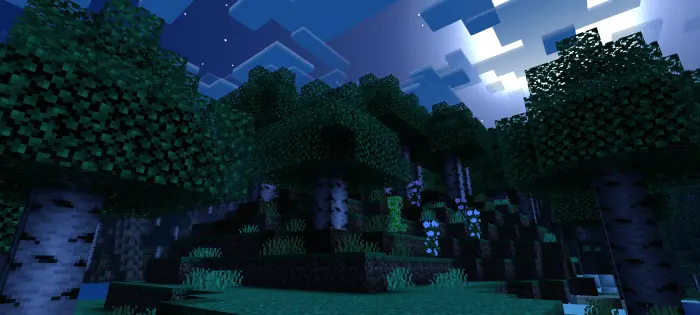
Out in the wild, the patch hits in all the right moments. Sunrise on a plains start feels like a proper wake-up call, and nighttime trips across the taiga carry mood without burying your route. Caves read cleaner, so torch runs are easier to track when you’re sprint-mining for iron, and surface laps pick up just enough atmosphere that paths and builds feel deliberate. I took it into the Nether and kept the pace—routes stayed readable, and the whole scene leaned into that “don’t look down� tension that makes bridge runs fun. PvE stays crisp, PvP feels honest, and you’re never guessing what’s on the edge of your screen
Comments (0)