Ultramarine Nightfall – Texture Pack
- 8-06-2026, 05:23
- 5 745
Ultramarine Nightfall Texture with built-in shader to make graphics even better. New textures of menus, weapons, tools, blocks, the sky and others are waiting for you. Blinding gray interfaces and washed-out skies take a permanent backseat the second you load into the Ultramarine Nightfall Texture Pack, a dusk-drenched visual overhaul built to wrap Minecraft Bedrock in sleek midnight tones and built-in shader polish.
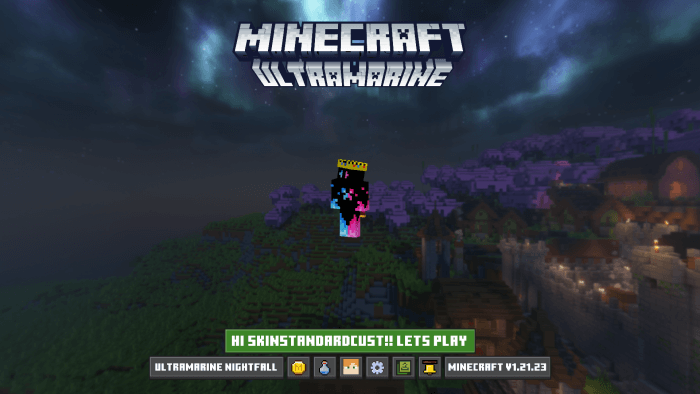
Grinding late into the night usually means sacrificing your retinas to the harsh, bleached-stone menus of default Bedrock. Cracking open a crafting bench, chest, or furnace in a dark room hits like a flashbang you never asked for. This pack flips the script by draping your entire interface in deep, velvety navy-slate dark mode aesthetics. It isn't just a simple black-tint sticker, either. Vital utility stations—like your brewing stands, anvils, and enchanting tables—gain integrated recipe helpers and crafting guides built directly into their frames. You never have to tab out to check potion ingredients or recipe layouts again; the cheat sheets sit cleanly inside the UI, keeping your momentum rolling during tense survival runs.
Step out of your storage bunker, and the atmospheric changes hit immediately. It gives your survival compounds and medieval castles a dramatic, cinematic vibe without dragging visibility down into unplayable pitch darkness.
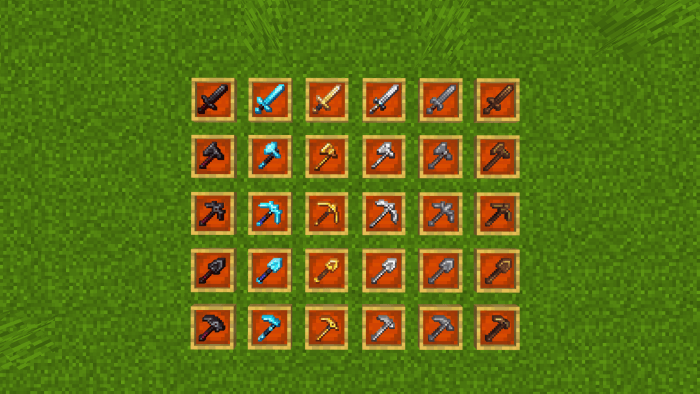
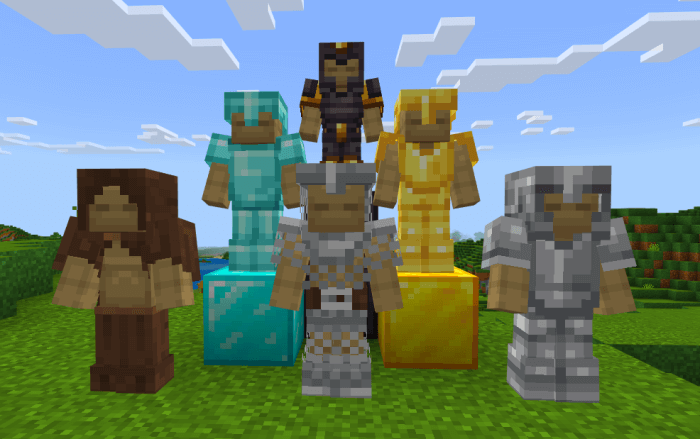
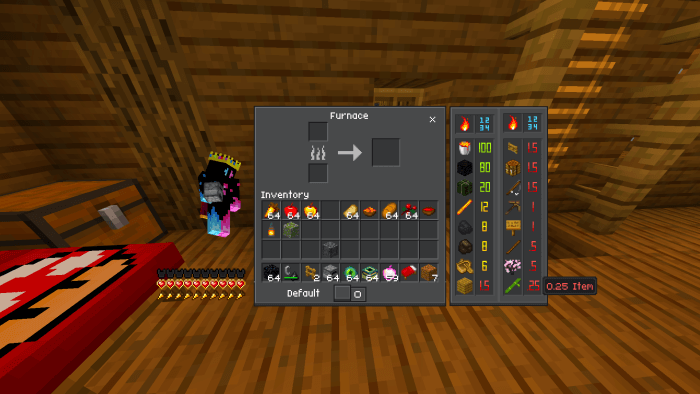
Combat gear and survival tools get an equally stylish makeover. Swords feature trimmed, low-profile silhouettes that stay out of your crosshair during heated PvP duels on The Hive or Bedwars, while retaining distinct pixel-art detailing across diamond, iron, and netherite tiers. Tool heads look sharp and lightweight, bows draw with crisp visual tension indicators, and armor pieces fit smoothly onto player models with refined specular highlights. Whether you are running kit scrims, timing critical jump hits, or clearing trials, the cleaner item profiles keep your eyes locked on incoming threats.
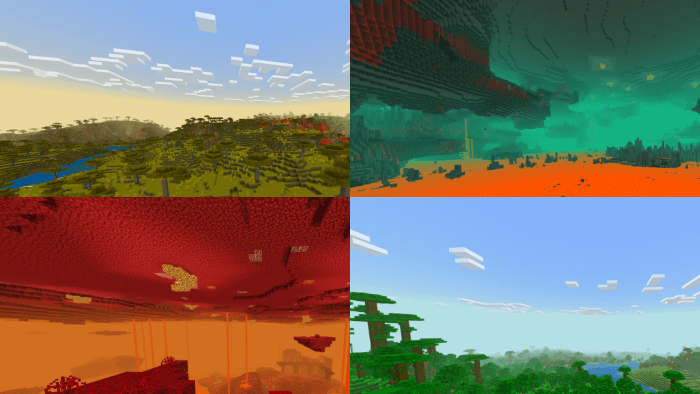
Subtle environmental block tweaks finish the look without butchering the core vanilla aesthetic. Ores feature sharper internal flecks that stand out across deepslate caves, foliage carries rich forest tones, and water shifts from thick blue soup to a clear, rippling surface that makes coastal builds look phenomenal. Best of all, because these visual and shader enhancements are optimized to run right through Bedrock’s native pipeline, your frame rates stay completely locked. You won’t run into stuttering, memory leaks, or touch input lag on mobile phones, tablets, or consoles, even during chaotic multiplayer skirmishes.
Getting this nocturnal upgrade into your rotation takes zero effort. Just open the `.mcpack` download to let your Bedrock client handle the import, push it straight to the top of your global resources, and boot into your world. It doesn't rely on experimental scripts, meaning your realm saves and Xbox achievements stay one hundred percent safe. If you want to kick back with an easy-on-the-eyes interface, gorgeous dusky skies, and razor-sharp gear models, firing up the Ultramarine Nightfall Texture Pack is the cleanest way to upgrade your survival atmosphere.
Installation:
- Download Texture;
- Open the downloaded .mcpack to install;
- Select texture in settings;
- Done.
Comments (0)