Enhanced 16x – Texture Pack
- 29-04-2026, 11:15
- 419

Enhanced 16x Minecraft textures with beautiful vanilla style. Enhanced 16x gives familiar Minecraft textures a cleaner look while focusing on details that can be useful in combat. Swords appear shorter, tools and armor have refreshed designs, and the fire and shield take up less space on the screen. The pack also changes some block textures and includes a darker inventory interface. If you enjoy PvP but still want your world to look like Minecraft, it offers a set of changes you’ll notice both during a fight and when you return to ordinary survival.
The shorter swords are easy to appreciate once a battle starts. A weapon held in front of you can cover part of the screen, especially when you’re trying to keep track of a player moving around you. Enhanced 16x gives swords a more compact appearance, leaving more of the action visible. Tools have been redesigned too, so you’ll see the new style when you switch from a sword to a pickaxe or another item. Armor receives an updated look, and familiar supplies such as golden apples and Ender Pearls have changed textures. The items still work as you’d expect; their new appearance is there to make the equipment look clearer and more distinctive.
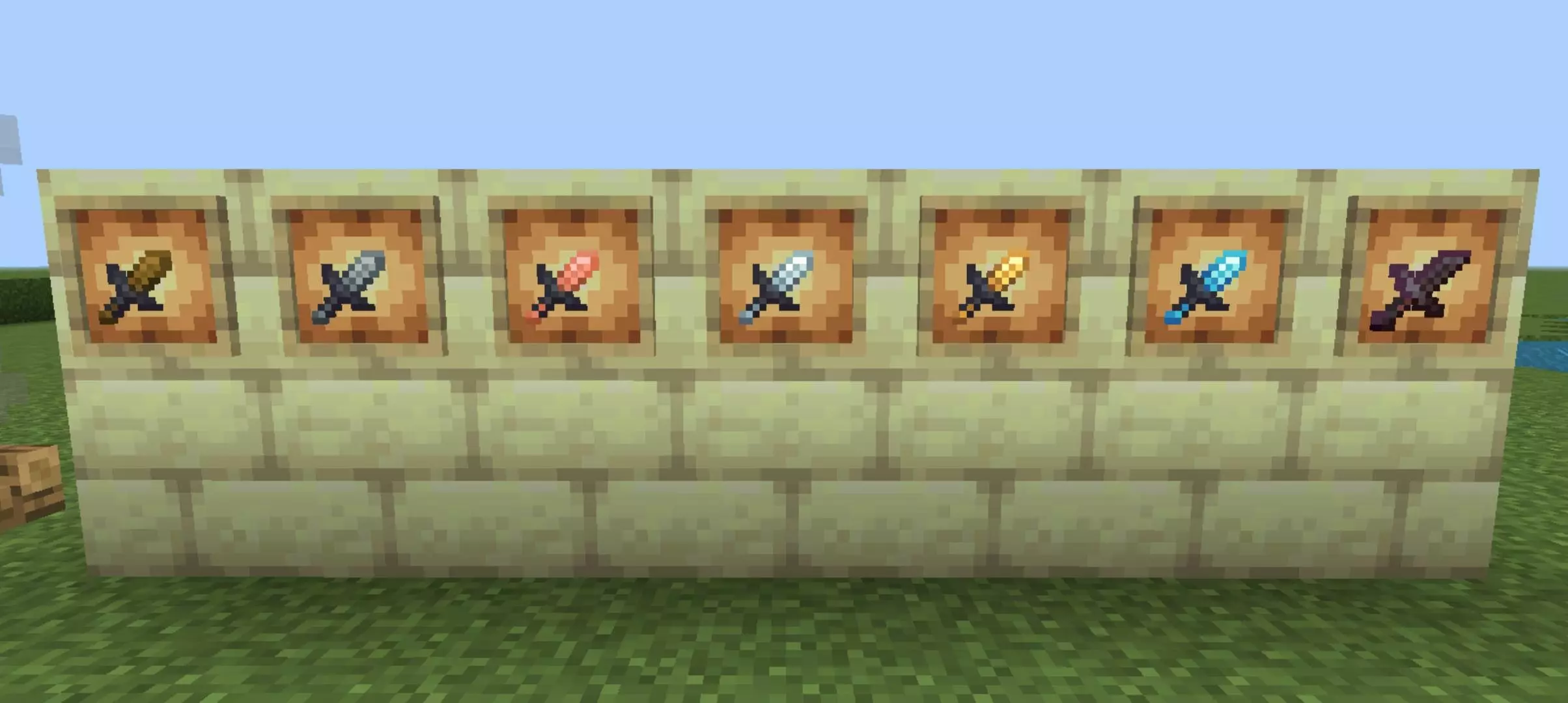
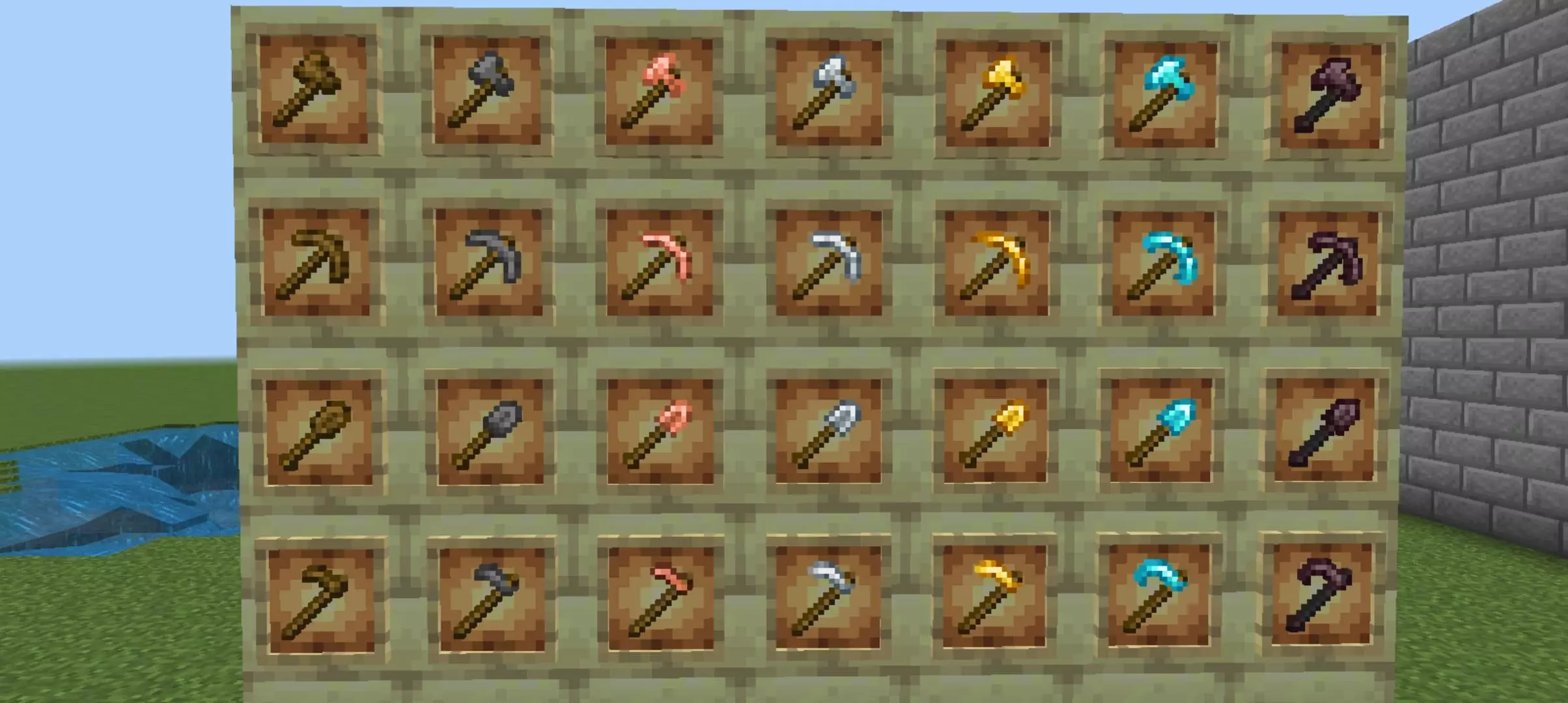
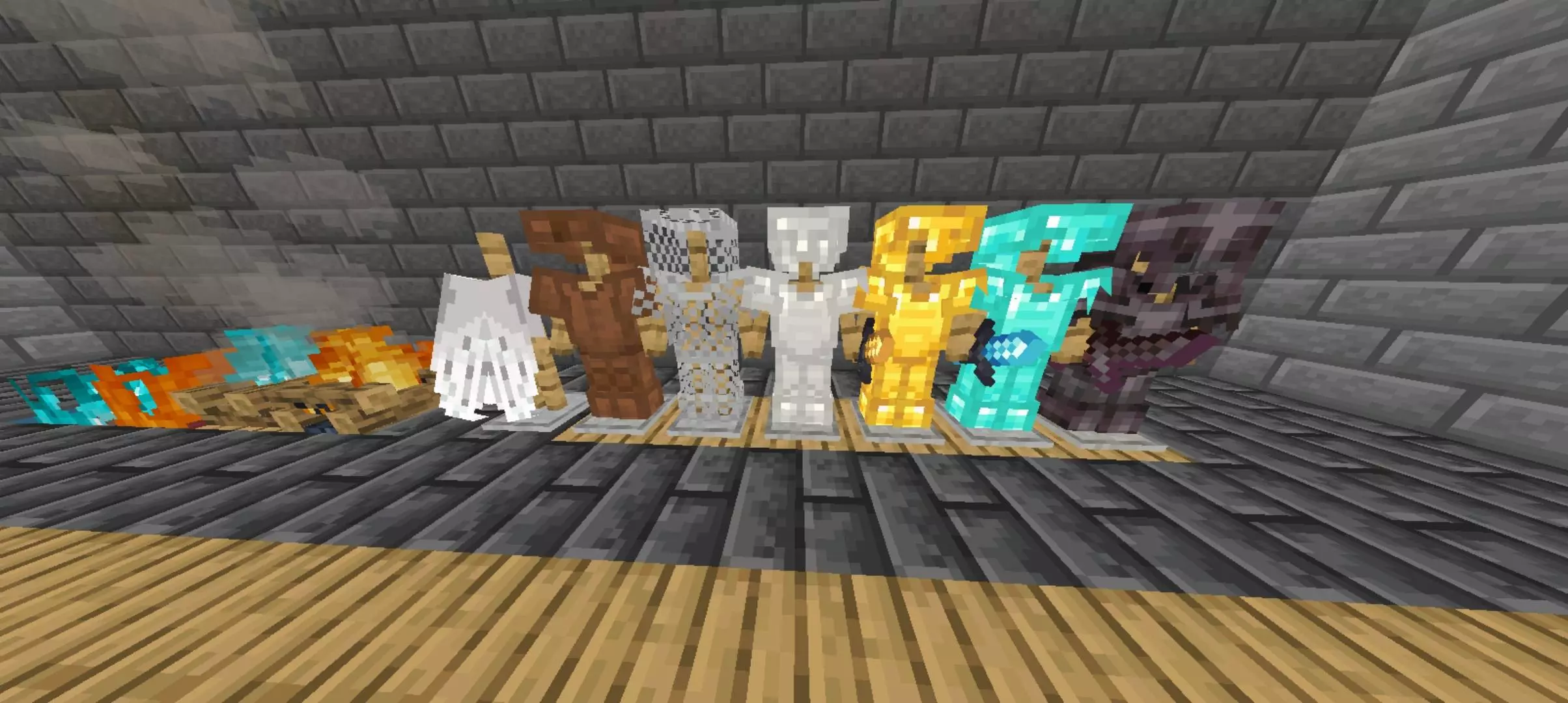

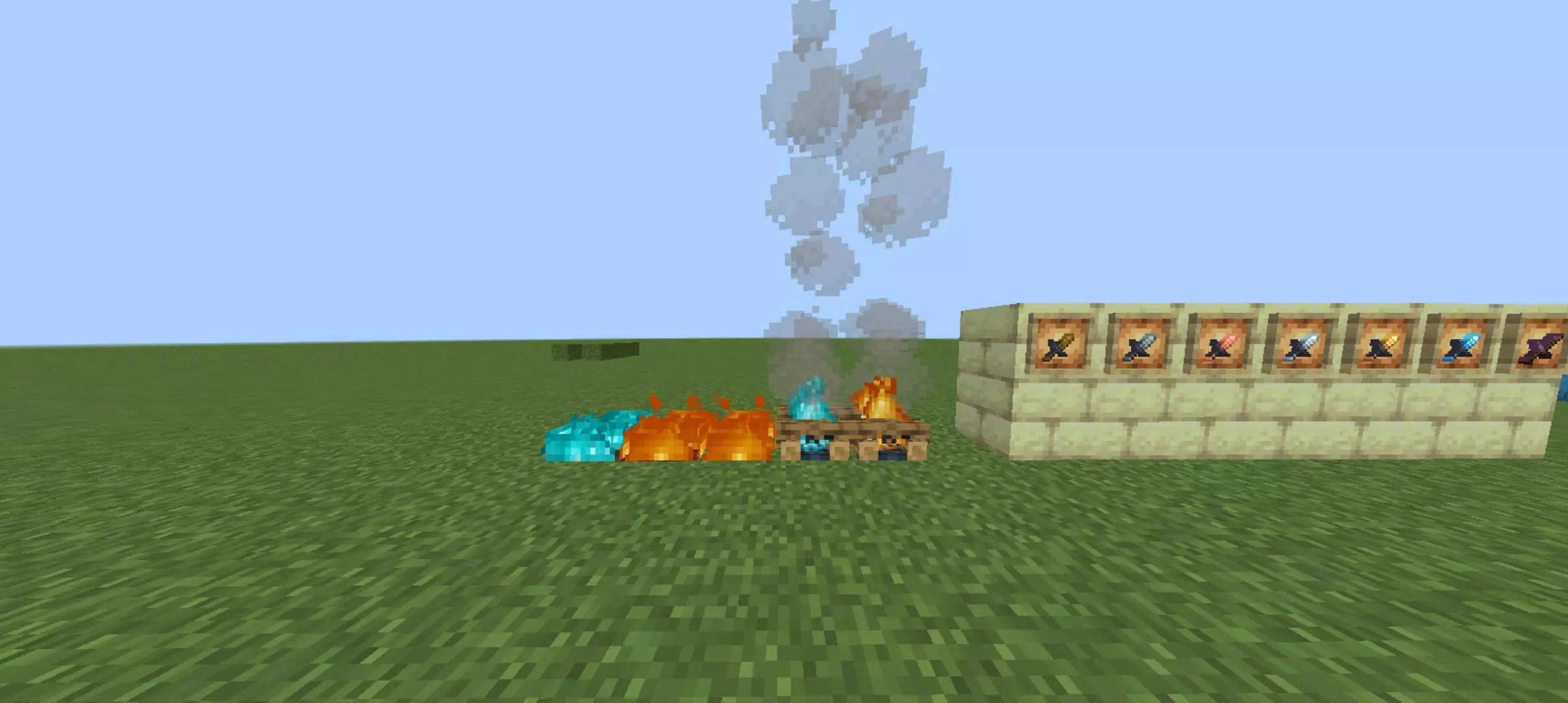
Fire and shields are another part of the pack’s approach to visibility. When your character catches fire, the flames appear lower on the screen, making it easier to see where you’re going while you deal with the danger. The shield is also less visually intrusive. That can be helpful in a close encounter, when you need to keep an eye on an opponent while deciding when to defend or move. These details don’t make a fight easy by themselves, but they can make the view feel less crowded. It’s the kind of change you may appreciate most after playing a few rounds and returning to the regular textures.
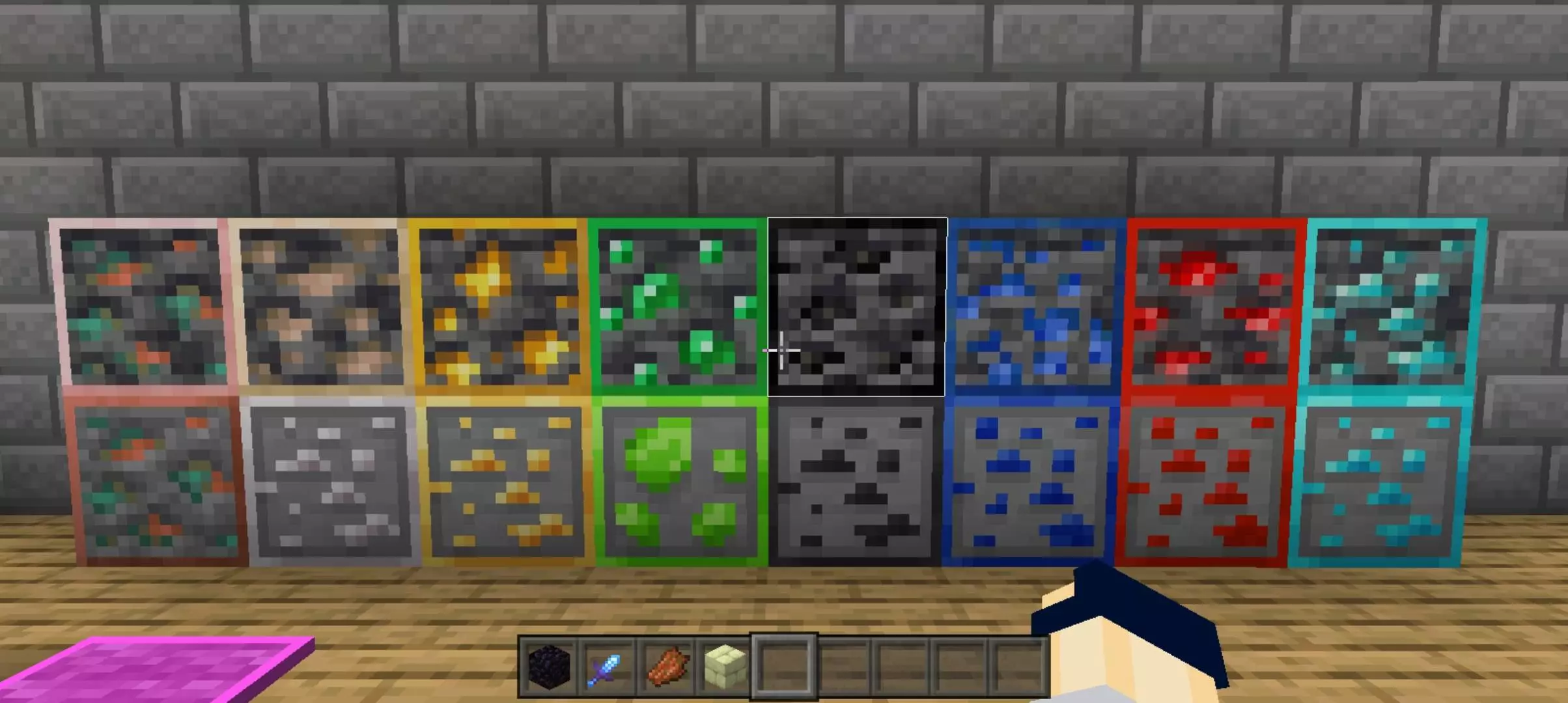
The pack changes some blocks that come up often in PvP modes. Wool has an outlined appearance, which can help the edges of individual blocks stand out when you’re building or moving across a structure. Concrete and colored terracotta also receive clearer designs. If you spend time in Bedwars, Skywars or similar games, these are materials you may see frequently, so their appearance can make a noticeable difference to the arena. Enhanced 16x also changes the look of ores, giving them outlines that make them easier to distinguish while mining. That feature carries over nicely into survival, where spotting a useful ore in a cave is always welcome.
The inventory has a darker, partially transparent style, and the pack includes controls intended to make moving, crafting and dropping items quicker. Those inventory features are designed for the classic interface, so their usefulness will depend on the layout you use. Even if you don’t spend much time in PvP, the darker inventory and outlined ores give you reasons to try the pack while gathering resources or organizing supplies at home. There are also visual indicators for blocks such as suspicious sand and gravel, infested blocks and powder snow, making them easier to tell apart from their ordinary surroundings.
Enhanced 16x also reduces some particles and animations with performance in mind. How much difference that makes will depend on your device and settings, so the best way to judge it is to play somewhere familiar and see how it feels. The pack combines practical changes with a refreshed look: compact equipment for fights, clearer blocks for building and mining, and an interface that feels different without making the game unfamiliar.
Installation:
- Download Texture;
- Open the downloaded .mcpack to install;
- Select texture in settings;
- Done.
Comments (0)