Pixel Edge Visuals Texture Pack
- 4-05-2026, 15:30
- 937
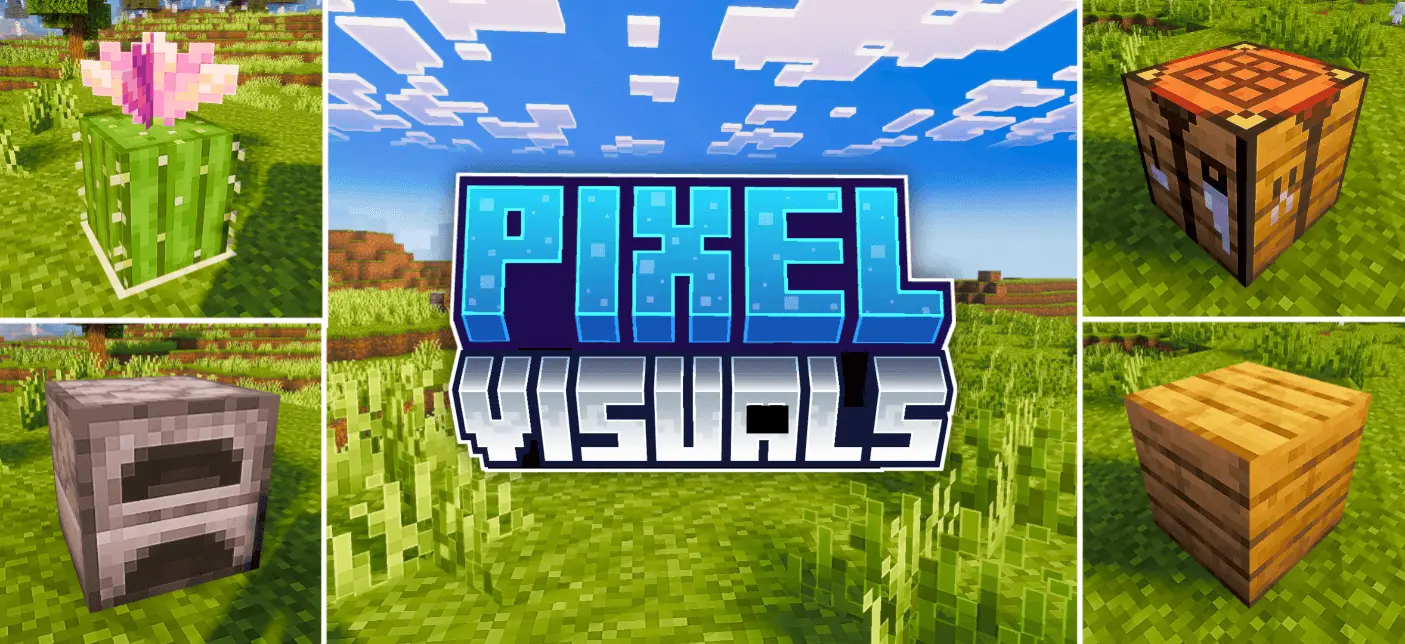
Pixel Edge Visuals Texture Pack is all about making the game look cleaner while still feeling natural. It upgrades the overall atmosphere by tuning lighting, water, fog, and color balance, so the world reads nicer the moment you load in. Instead of pushing one loud style, it goes for a refined vibe—things look smoother and more pleasant without screaming “texture pack� every time you turn your camera.
The signature touch is the smooth, subtle outlines added to blocks and other textures. They’re intentionally not too strong, which is important, because heavy outlines can make everything look flat or overly stylized. Here, the outlines are meant to be soft enough that you mostly notice how clean the world feels, not the effect itself. It’s the kind of change that makes builds look sharper from a distance and helps shapes stand out a bit more when you’re moving fast, without turning caves and forests into a bold line-art mess.
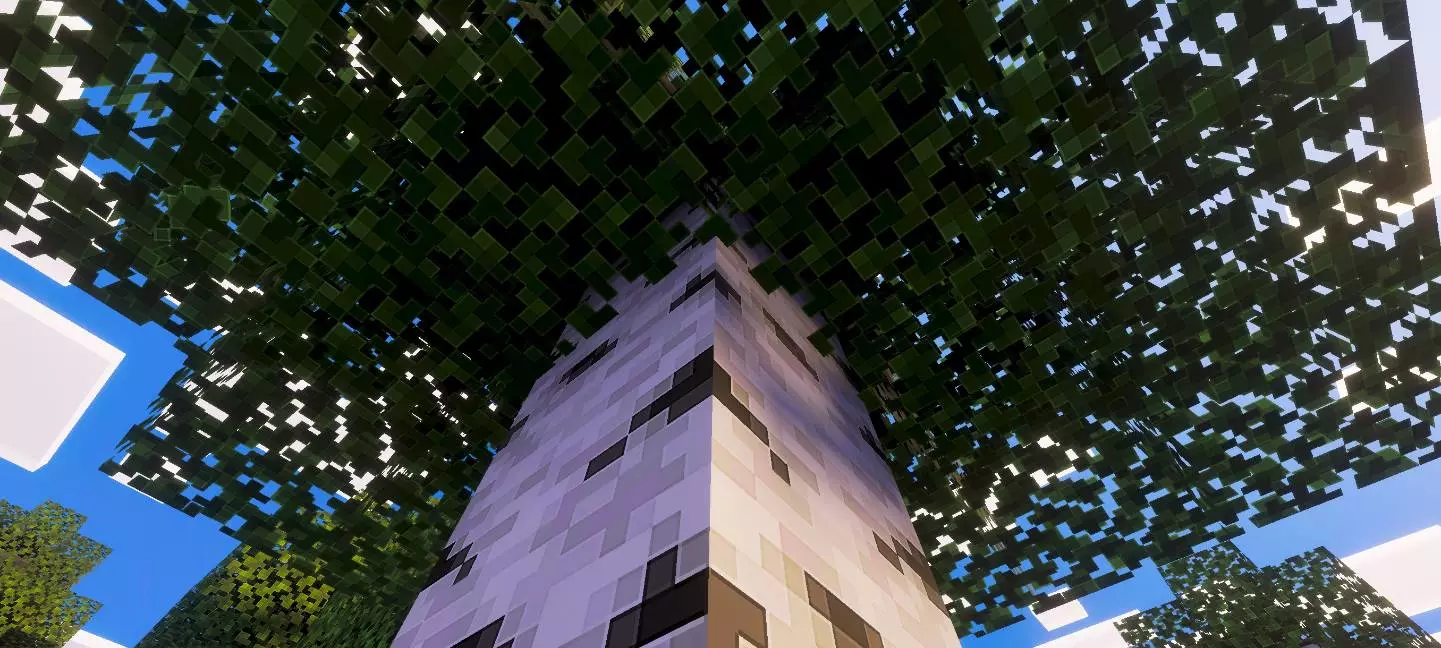
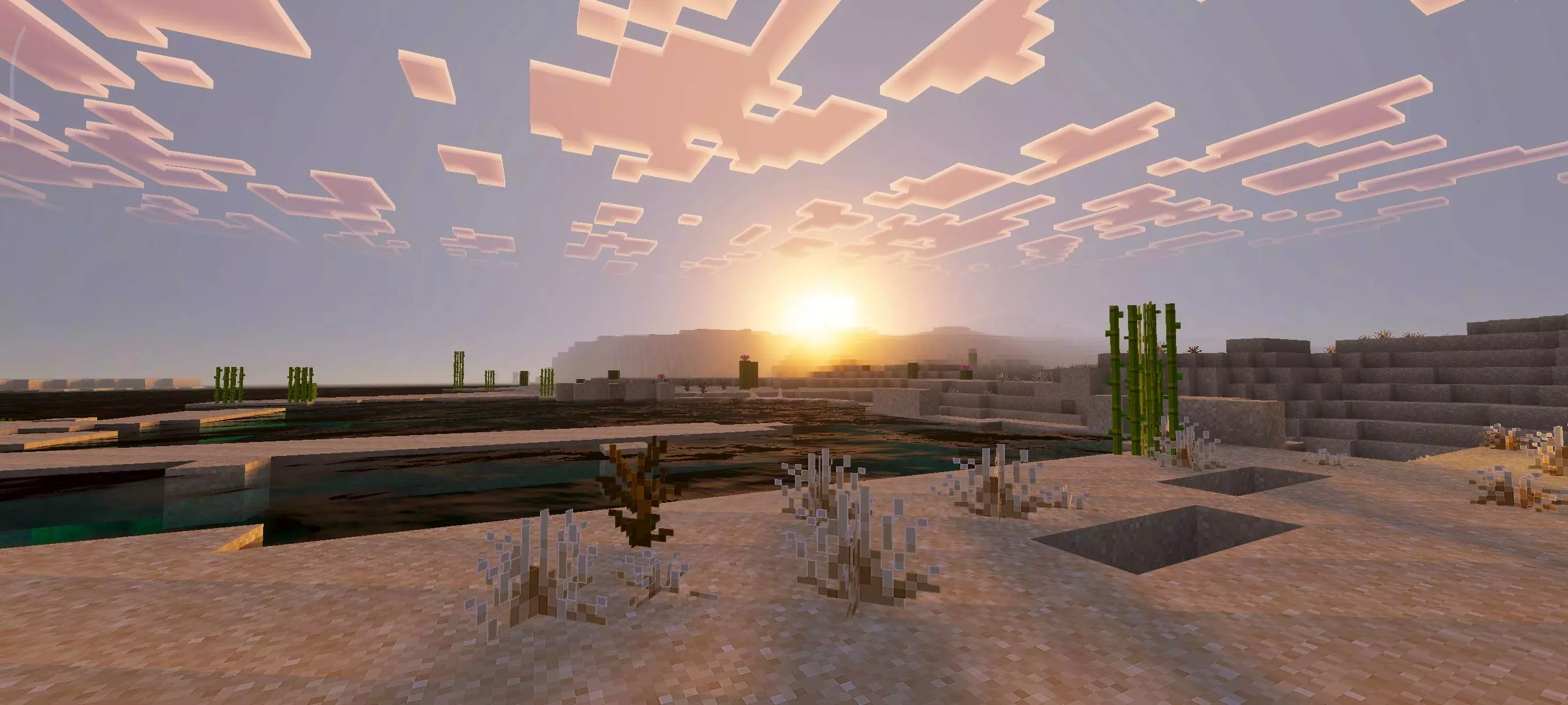

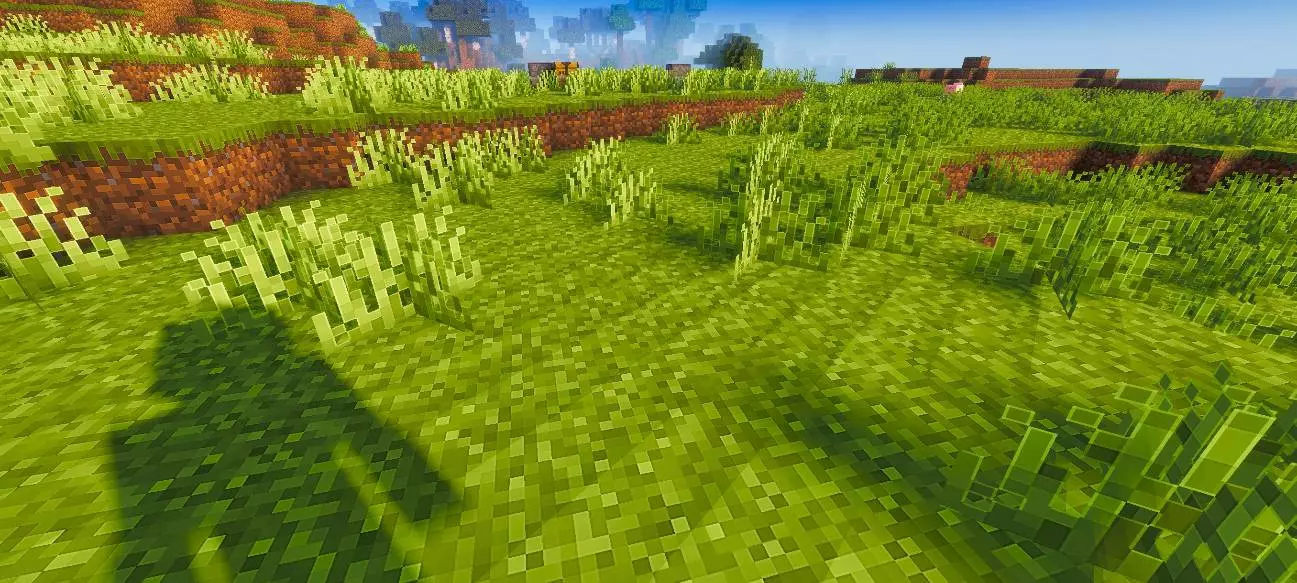
If you are tired of standard blocks melting into a blurry mess but refuse to download those overwhelming cartoon packs that make your eyes bleed, the Pixel Edge Visuals texture pack hits the exact sweet spot you want. It sharpens your entire Minecraft Bedrock world with subtle geometric outlines and refined lighting without aggressively hijacking the classic survival aesthetic you already know.
Finding a good visual overhaul is usually a massive headache because creators tend to push things way too far. You load up a highly rated download, and suddenly your cobblestone looks like an aggressive neon checkerboard, or the trees look like they belong in a plastic toy commercial. This specific pack takes a far more restrained approach. The core philosophy here is about keeping the blocky soul intact while wrapping every edge in a clean, soft border. It provides that crisp, high-definition readability you need during massive building projects without forcing your brain to relearn what a diamond ore block looks like.
The most noticeable upgrade kicks in when you step back and look at your builds from a distance. Because each block features a faint, refined outline, structural depth pops instantly. Depth perception actually works properly now. When you are constructing a towering medieval castle or detailing a complicated redstone facility, those subtle borders help you distinguish individual layers and stairs from fifty blocks away. It kills that annoying visual noise where distant blocks smear together into one flat canvas. You get sharp geometry that makes architectural details stand out exactly how you intended when you placed them.
Atmosphere tweaks are another massive win for this MCPE textures download. Surviving the early game is just a lot more pleasant on the eyes because the lighting engines and fog layers have been tuned for maximum comfort. Exploring deep oceans or wandering through dense spruce forests feels incredibly immersive because the water rendering and fog transitions have been smoothed out. Navigating a vast coastline or trying to spot shipwrecks actually feels like an adventure rather than a squinting contest.
What really cements this as a top-tier choice for long survival runs is the sheer quality of life it brings to resource gathering. Mining at bedrock level for hours on end is way less straining when the textures are clean and readable. You will not miss precious ores hidden in dark corners because the updated lighting balance and crisp block borders make valuables stand right out from the background stone.
For any player seeking a visual upgrade that cleans up the mess without completely rewriting the game's DNA, this pack delivers hard. It is a fantastic middle ground that sharpens your gameplay, elevates your architectural showcases, and keeps the environment looking crisp, balanced, and ready for exploration.
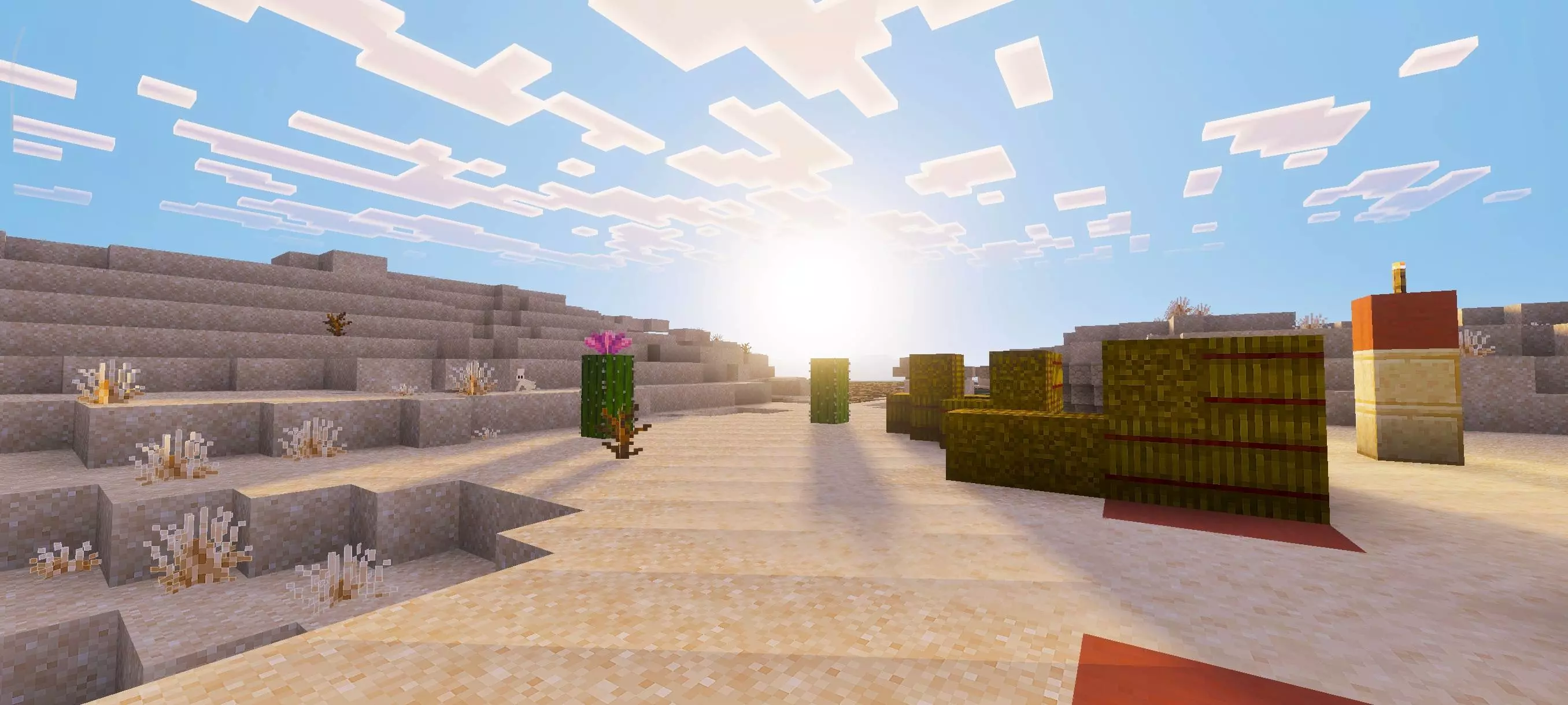


In real gameplay, the improved lighting and color balance can make everyday survival feel less harsh on the eyes. When you’re mining for a long time, exploring foggy areas, or building along the coastline, the atmosphere tweaks help keep the scene readable. Water upgrades are also a big quality-of-life win for anyone who spends time near oceans and rivers, since water is always in your view on most worlds. The fog changes can make distant terrain feel more “set� instead of washed out, which helps when you’re traveling and trying to spot landmarks.
A practical way to enjoy Pixel Edge Visuals Texture Pack is to test it in a few different situations: a bright daytime build area, a darker interior base, and a foggy or watery region. That’s where you’ll feel the balance—subtle outlines keeping things crisp, and the atmosphere changes making the world look more polished. If you like visuals that feel cleaner and a bit more refined but still natural, Pixel Edge Visuals Texture Pack is going for exactly that in Minecraft Bedrock.
Installation:
- Download Texture;
- Open the downloaded .mcpack to install;
- Select texture in settings;
- Done.
Comments (0)