Bocchi the Rock Skinpack Re:Colored | V2
- 3-10-2025, 05:35
- 1 236
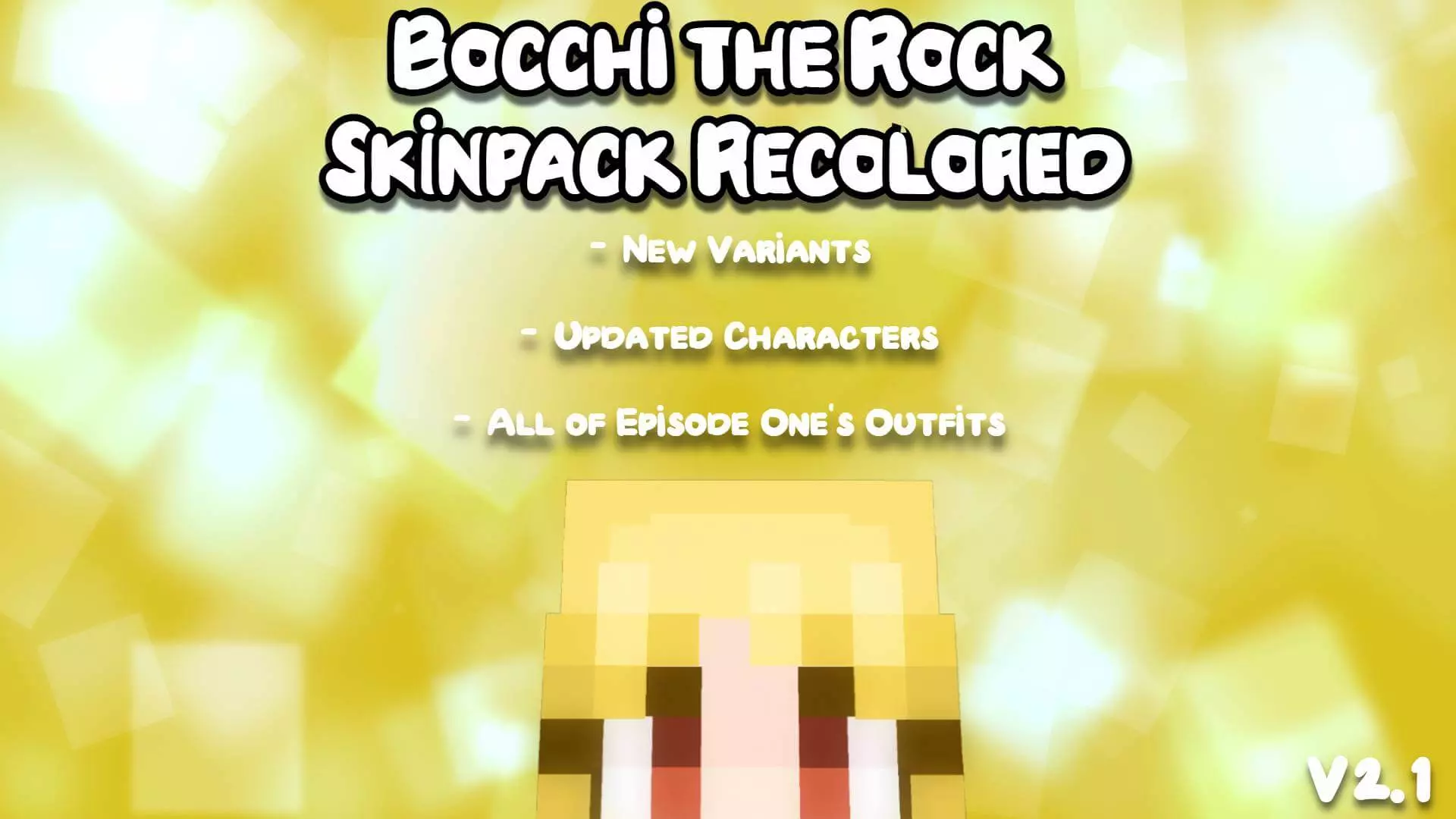
If you're into Bocchi the Rock! and want your Minecraft characters to match your anime vibes, this pack’s for you.
We’ve updated the skins, cleaned up the colors, and added a few fresh touches. Now you’ve got a solid lineup of both girls and guys from the show — ready to drop into any Bedrock world.
Whether you’re playing solo or showing off on a server, these skins hit different.
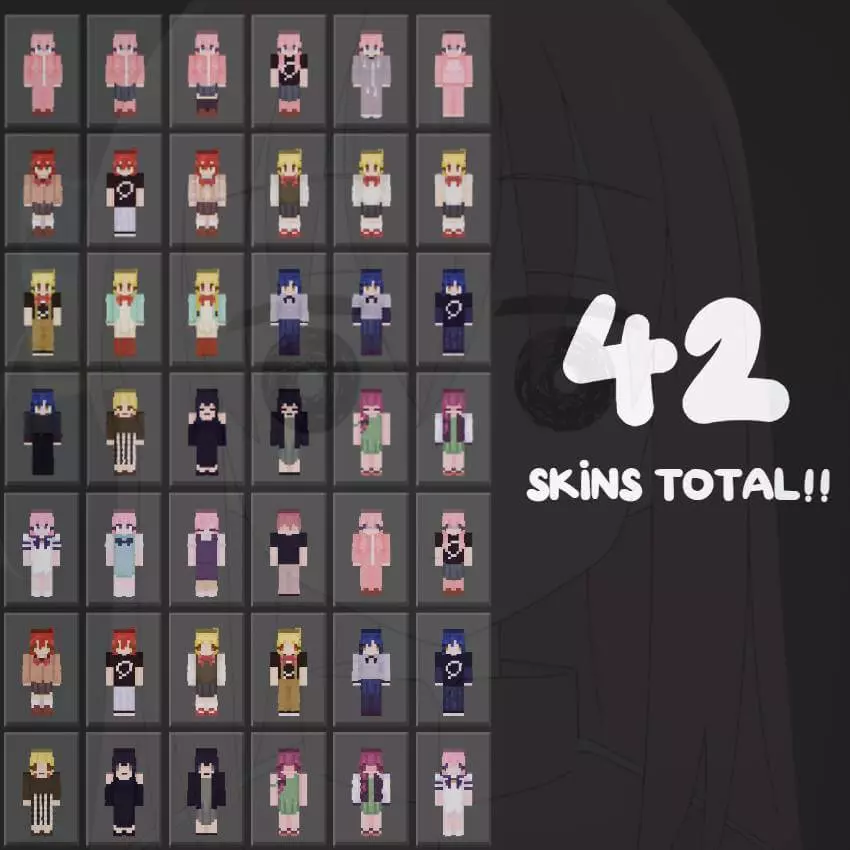
Bocchi made it onto a stage in front of a crowd, so surely she can handle a Minecraft server. Give her a pickaxe, point her toward the nearest cave, and hope there aren’t too many people waiting at spawn.
Bocchi the Rock Skinpack Re:Colored V2 brings characters from the anime into Minecraft Bedrock with brighter colors and refreshed designs. The collection includes 10 characters, along with updated and new outfit variants. That gives you plenty to look through whether you’re picking a skin for a long survival world or changing your look before a minigame with friends.
The update includes revised designs for Kita, Ryo, and Seika, as well as outfits from the first episode. If you have a favorite character, head into the skin selection and see which version you like best. The outfit variants are a nice touch for fans who enjoy spotting details from the show, and they give you a reason to switch things up without leaving your favorite character behind.
Playing with friends? Get a few Bocchi the Rock fans together and make your own little hangout. Build a rehearsal room beneath your base, put a stage in the middle of town, or turn an unused house into a café where everyone meets before heading out. You could even hold a concert using Minecraft’s instruments and note blocks. The performance might sound a bit different from Kessoku Band, but that’s part of the charm.
The skins work just as well when you’re doing absolutely ordinary Minecraft things. Take Bocchi fishing, send Kita on a building-supply run, or let Ryo wander off while everyone else is trying to finish the roof. A familiar character can make a survival world feel more personal, especially if you like taking screenshots of your builds and adventures. Pick an outfit that suits the setting, then take a few pictures when your group finally finishes that base you’ve been working on all week.
To install the Bedrock pack, open the downloaded .mcpack file with Minecraft and let it import. Then visit the Dressing Room, find the skin pack, and choose the character you want to wear. The listed V2 release supports Minecraft Bedrock 1.21.90, so check your version if the pack doesn’t appear. These are character skins, so your tools, abilities, and survival rules stay the same. Now all that’s left is to pick an outfit, invite your bandmates, and decide who’s building the stage.
Comments (0)