SRG's Skinpack
- 20-10-2026, 12:13
- 7 665
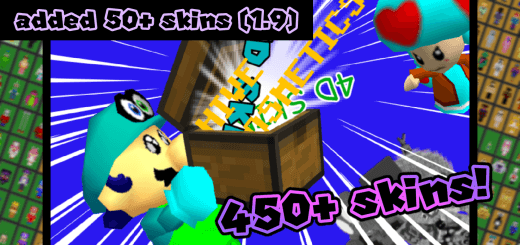
SRG's Skinpack here has 5D and 4D skins for Minecraft. Download and get 550 different skins. Loading into a lobby as a towering multidimensional entity or a microscopic menace breaks everyone’s brain instantly, and SRG's Skinpack drops that exact server-melting chaos straight onto your Minecraft Bedrock client. Packing an insane vault of over 550 custom 4D and 5D skins, this monstrous bundle obliterates the boring boundaries of standard player geometry.
Standard skins have felt boxed-in since day one. You download a cool PNG, throw it on your avatar, and at the end of the day you're still just a basic rectangular humanoid shuffling across dirt paths. That flat formula gets tossed straight out the window here. We are talking custom bone structures, wild protruding limbs, floating geometry, stacked models, and optical illusions that bend the Bedrock rendering engine until it snaps. You aren't just altering surface colors; you are completely rewriting your physical presence in the world, turning your character into bizarre pop-culture icons, twisted anomalies, animated glitches, and absurd meme builds that make entire server lobbies freeze mid-sprint just to double-take.
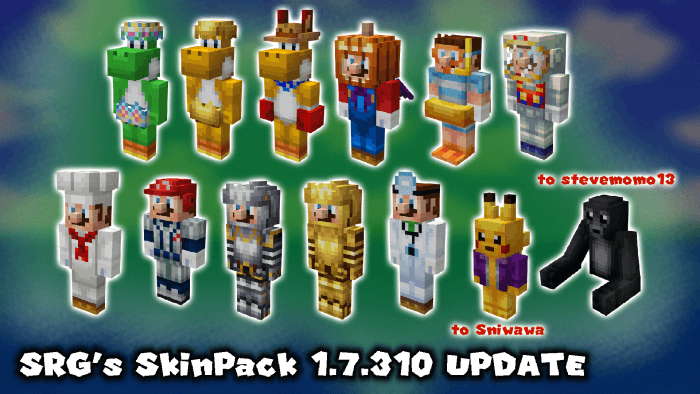
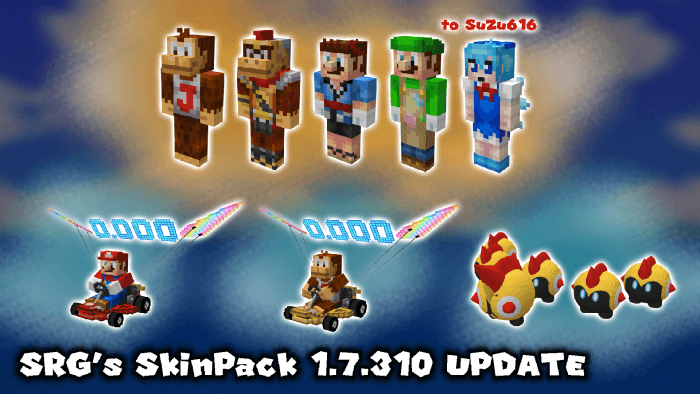
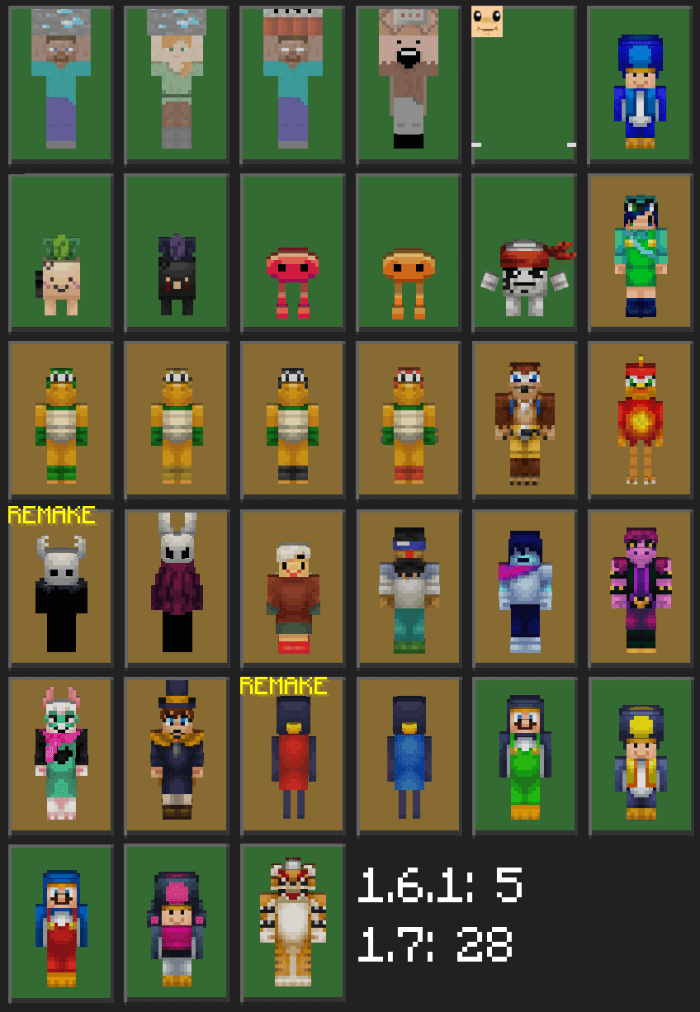
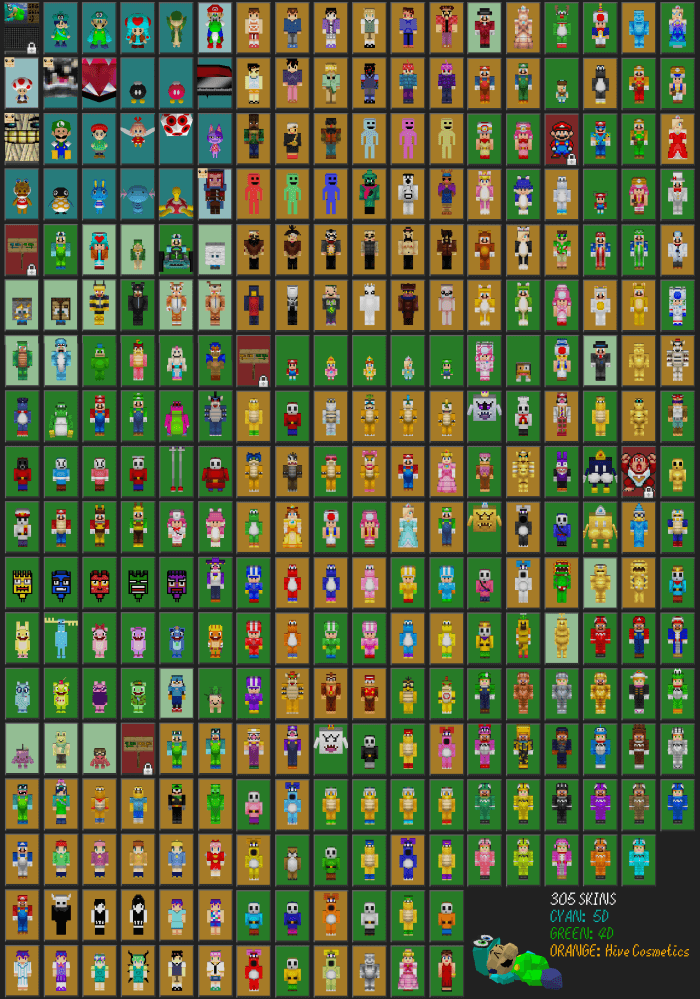
Trolling friends on private realms or jumping into community minigames hits an entirely different level of entertainment with this kind of wardrobe. Imagine playing hide-and-seek or casual survival where someone walks around looking like an impossible geometric optical illusion, a giant floating monstrosity, or a tiny offset critter clipping through the grass. The sheer variety here is mind-boggling—with hundreds of distinct models crammed into one file, you could swap outfits between every single Bedwars match for months and still never run through the entire catalog. It breathes pure, unadulterated sandbox fun back into custom dressing rooms, especially when you are tired of sweat-heavy PvP skins and just want to kick back with your crew and cause absolute visual mayhem.
What makes custom 4D and 5D models so sought-after in the MCPE community is that raw shock value when stepping out in third-person view. Standard outfits can't replicate floating accessories, expanded headpieces, or disconnected floating body parts that drift alongside your movements. Walking through town hubs with an avatar that defies standard collision visuals will have players swarming you in party chat demanding to know what crazy client mod you managed to slip past the system. It captures that golden, experimental era of custom mobile skins where creativity ran completely wild without worrying about corporate marketplace guardrails.
Getting this massive lineup up and running takes zero backend headache, cleanly bypassing complex file conversions. Once you import the pack into your game, head straight into the Dressing Room, navigate over to your Classic Skins section under your owned tab, and the entire library of 550 designs is ready to equip on the spot. Whether you're firing up your realm on Windows, grinding servers on an Android tablet, or jumping on an iPad, the models load up crisp without tanking your render frames or bugging out your regular UI menus. If your skin locker has been gathering dust and you are itching to throw down in the wildest, most dimension-shattering skins Bedrock has ever seen, grab SRG's Skinpack and start breaking the laws of physics on your next server run.
Quick guide: How to install this Minecraft skinpack
Downloaded the .mcpack file? Here is exactly how to get it into your game depending on what device you are using right now.
- On Windows or Android: Just click or tap the downloaded file twice. Minecraft will open up on its own and load the skins immediately.
- On iPhone or iPad: Save the file, open your Files app, and hold your finger on it. Hit Share, select Minecraft from the list, and the game will handle the rest.
To put the skins on, just open Minecraft, head over to the Dressing Room (Profile), click on Classic Skins on the left, find this pack under Owned, and tap Equip.
Comments (4)