All The Skins - 100+ Skins MEGA PACK
- 29-09-2026, 01:27
- 327
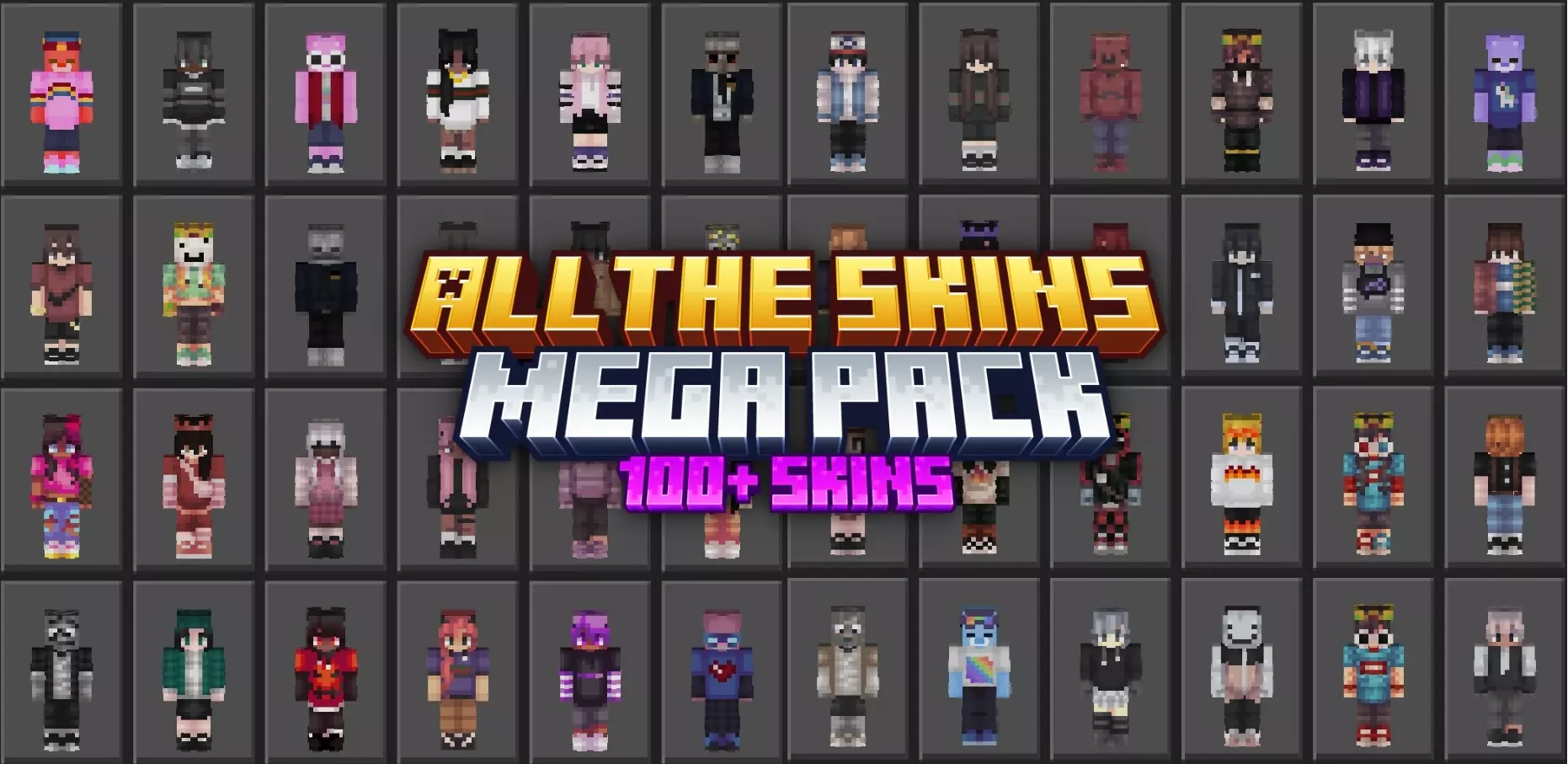
Showing up to your favorite Realm in the same worn-out hoodie you've had equipped since 2021 is an instant buzzkill. The All The Skins Mega Pack completely eliminates your wardrobe burnout by dropping 121 diverse, high-effort designs straight into your locker in one effortless click.
Most cosmetic drops either lean way too hard into cringe meme outfits or lock you into one hyper-specific theme you get tired of after two days. This massive Minecraft Bedrock mega skin pack hits the sweet spot by serving up a balanced rotation of looks for literally any mood. You get a solid vault of clean, casual everyday fits—think stylish streetwear, cozy hoodies, and laid-back modern drip—alongside wildly creative and quirky aesthetics designed to turn heads. Whether you're grinding out an industrial farm build, hosting a casual town hall on an SMP, or just chilling around your spawn base, you can dial in an outfit that actually matches your current vibe.
Where having this many options really pays off is on high-stakes multiplayer servers like The Hive, CubeCraft, or private faction worlds. Switching your look on the fly keeps your identity unpredictable and lets you tailor your energy to the game mode. You can rock an ultra-clean, minimalist fit to lock in during sweaty duels, then immediately swap over to a goofy, eye-catching persona when you want to mess with your squad during casual minigames. Because every single outfit in this custom Minecraft skins download is mapped cleanly to native player geometry, you never have to stress about weird texture glitches, broken limb models, or scuffed hitboxes throwing off your movement during a clutch fight.
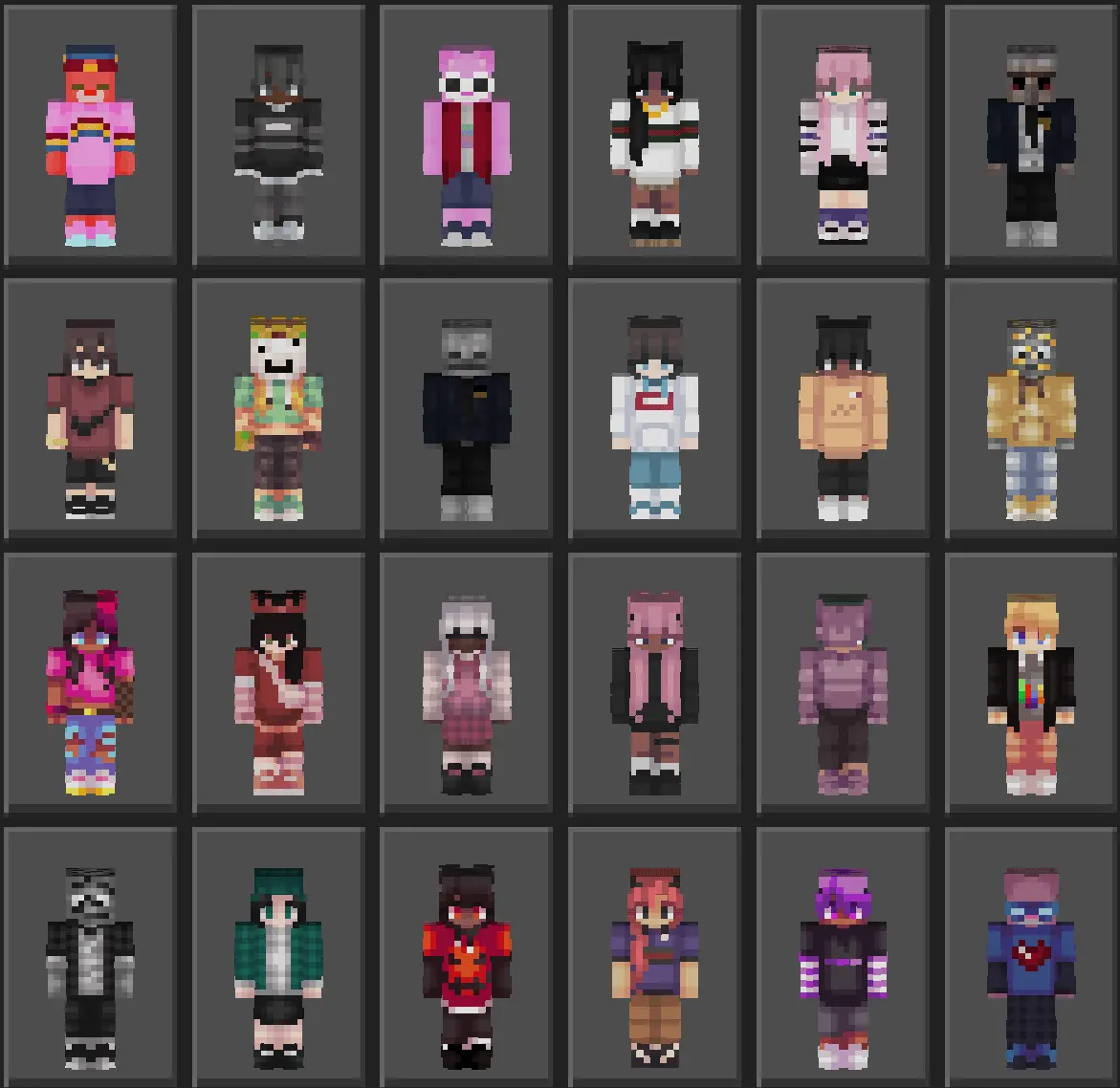
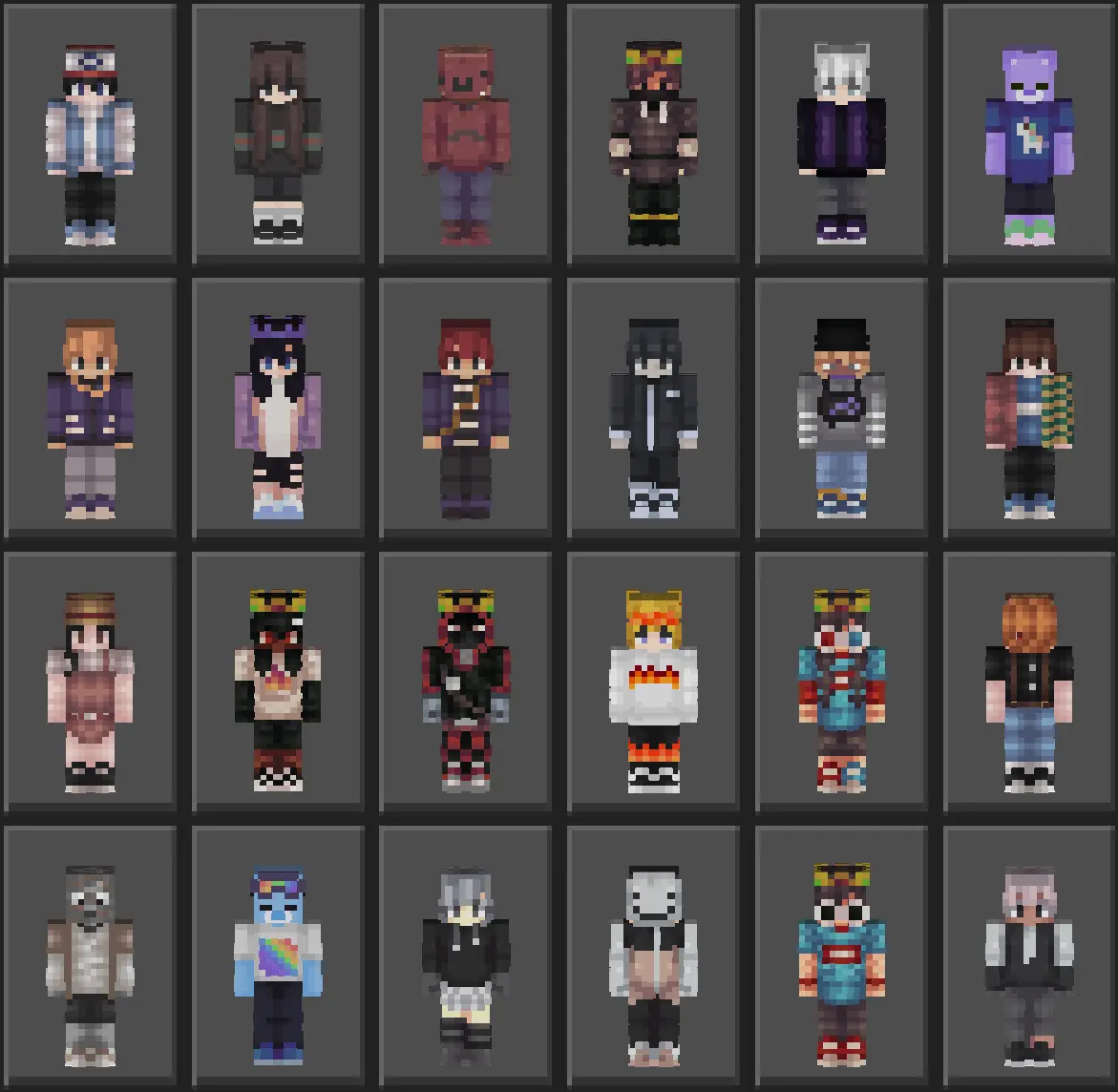
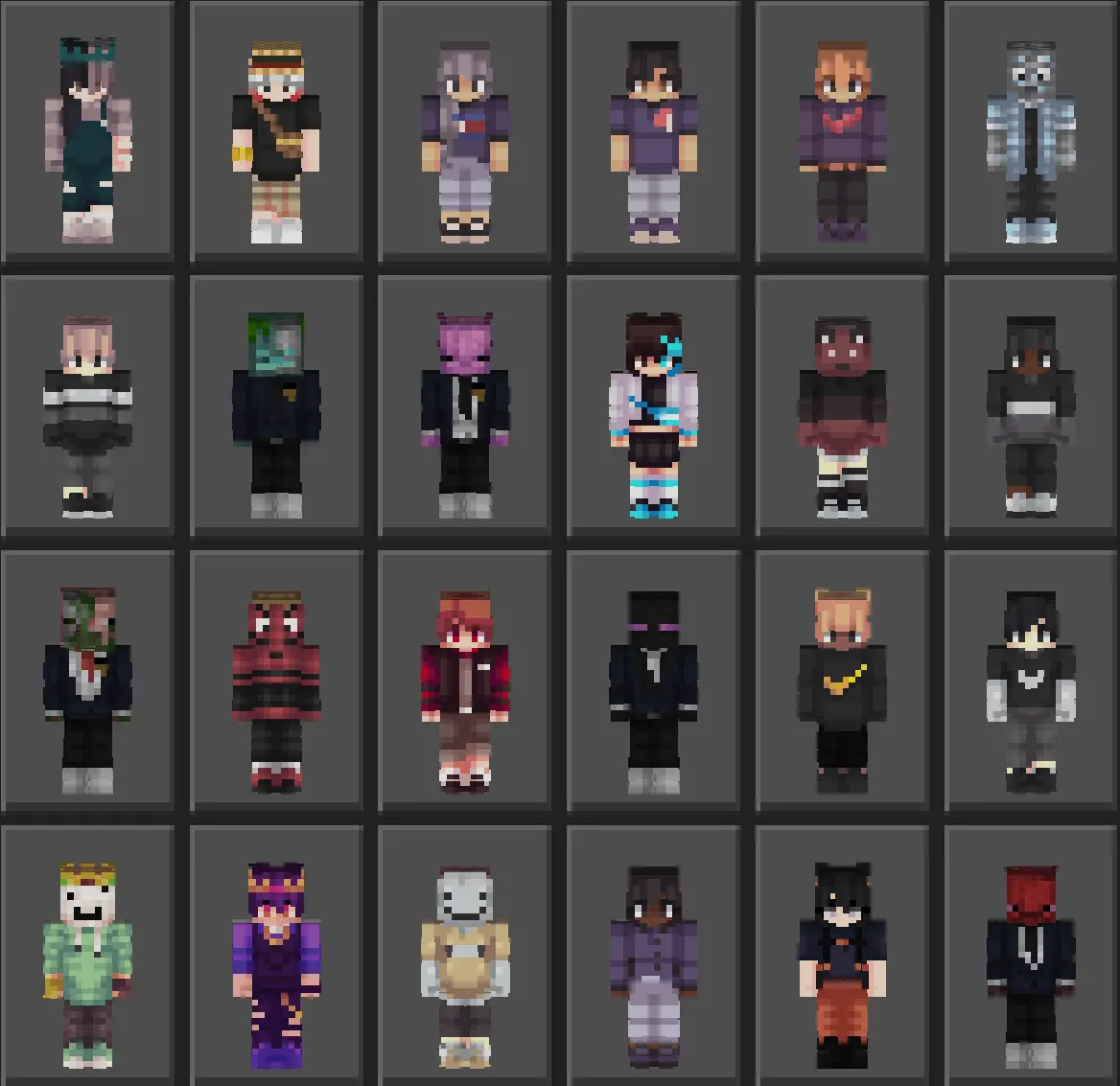
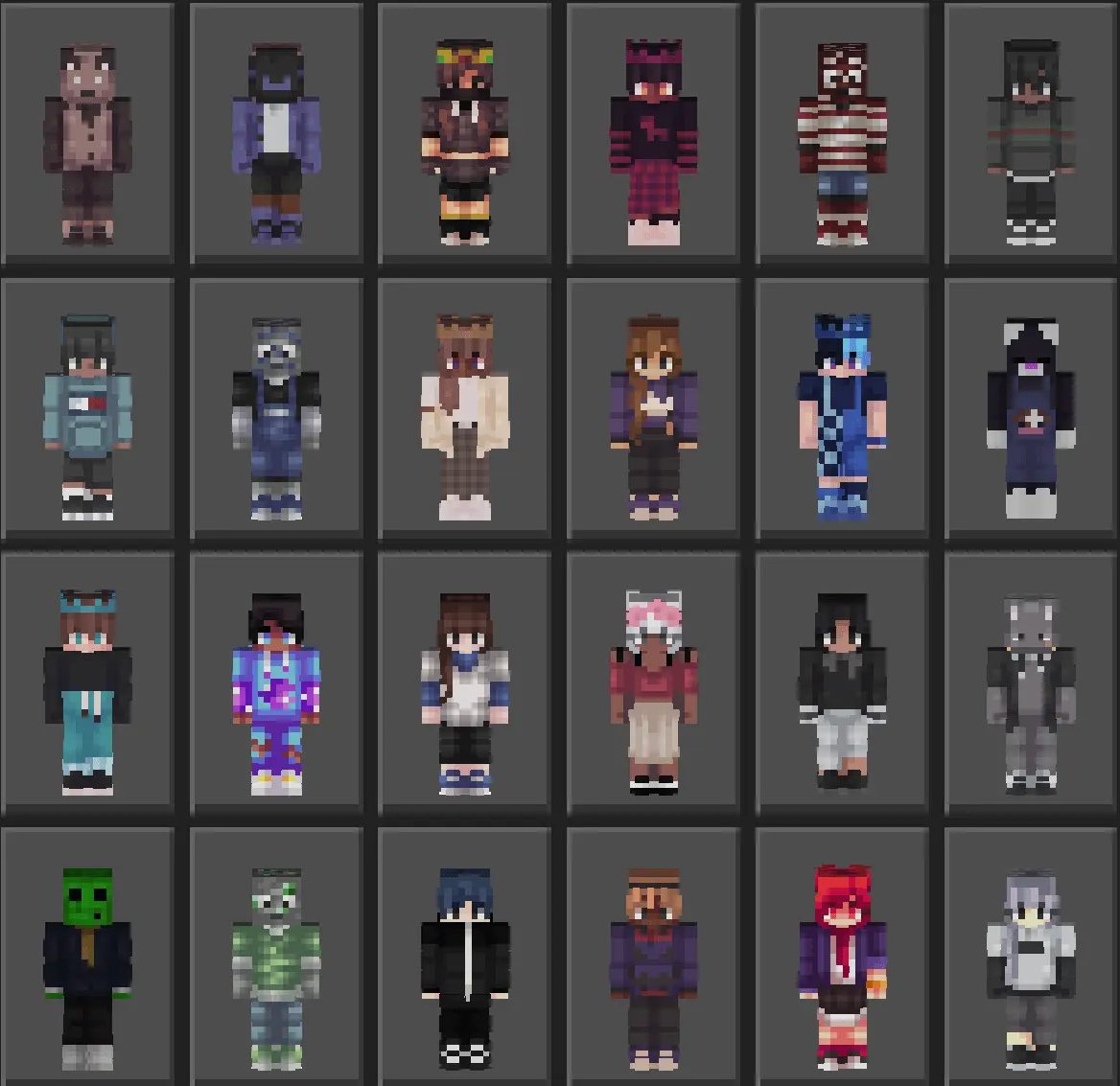
The absolute biggest W here is how painless the setup feels compared to hunting down individual files across sketchy community forums. Instead of clogging your phone, console, or PC storage with dozens of loose image files, everything is neatly bundled into a single, lightweight import package. You just download the file, launch it into your Bedrock client, and your dressing room instantly expands with 121 ready-to-wear options. It completely bypasses marketplace paywalls and slow menu load times, giving you instant access to a massive wardrobe without bloating your game.
There's zero reason to keep recycling the same tired default skin week after week. Grab this essential MCPE skins collection, import the full roster into your client, and give your character a fresh identity every single time you log on.
Quick guide: How to install this Minecraft skinpack
Downloaded the .mcpack file? Here is exactly how to get it into your game depending on what device you are using right now.
- On Windows or Android: Just click or tap the downloaded file twice. Minecraft will open up on its own and load the skins immediately.
- On iPhone or iPad: Save the file, open your Files app, and hold your finger on it. Hit Share, select Minecraft from the list, and the game will handle the rest.
To put the skins on, just open Minecraft, head over to the Dressing Room (Profile), click on Classic Skins on the left, find this pack under Owned, and tap Equip.
Comments (1)