Creppy Skins HD Skin Pack
- 20-08-2026, 10:48
- 330
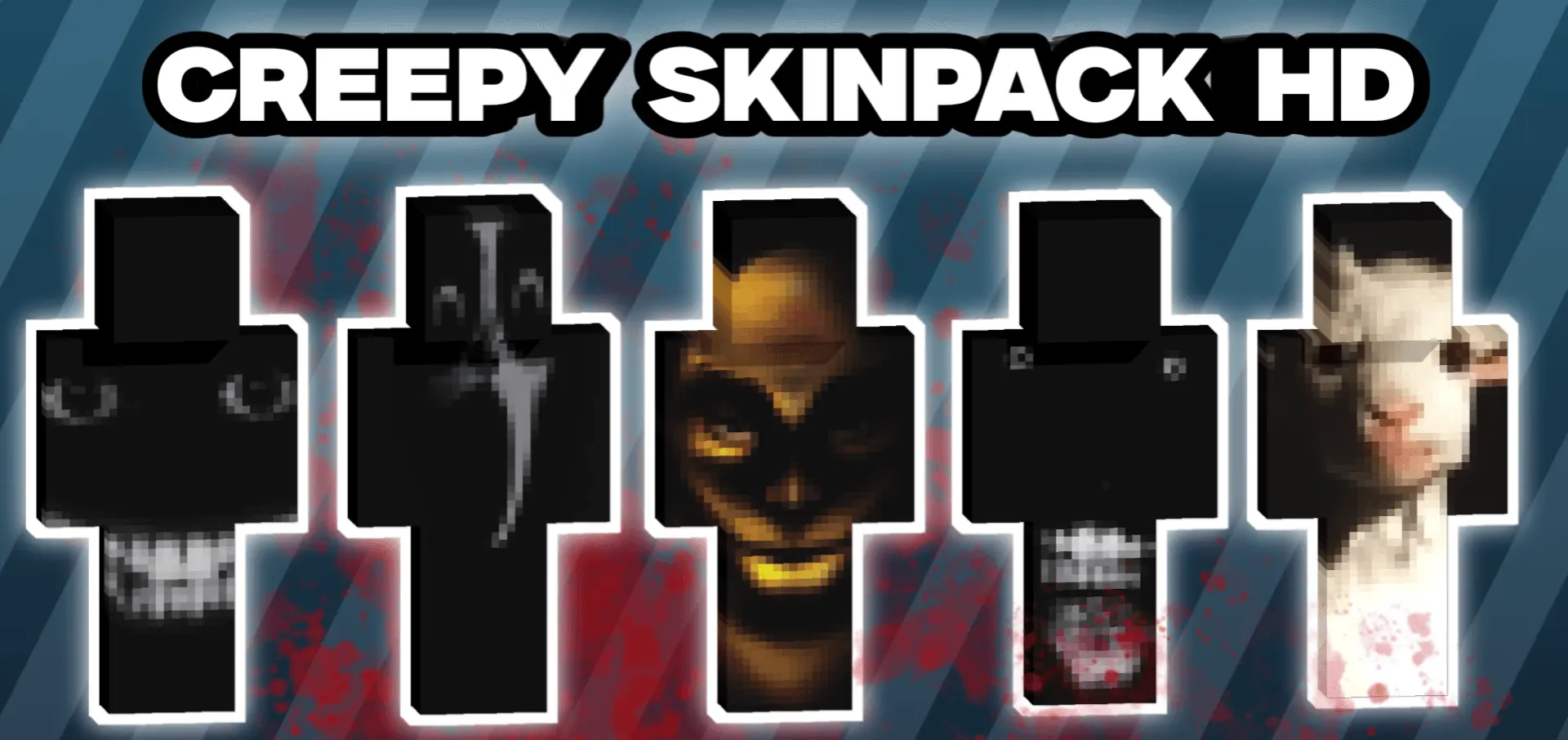
Scare the absolute life out of your squad with the Creepy Skins HD pack. This six-piece collection brings high-resolution horror straight to your worlds, making it the perfect upgrade to terrorize any multiplayer lobby.
Running around a dark SMP looking like a standard zombie just doesn't hit the same anymore. If you really want to freak people out during a late-night session, you need those extra pixels. Because this pack is fully HD, the details on these six monsters are crazy. You get glowing eyes, distorted faces, and gruesome textures that standard 64x64 pixel art simply can't pull off. Imagine hiding in a dense forest or sneaking through a deep cave system rocking one of these fits—your friends are going to need new headphones after you jump-scare them.
What makes these designs actually worth grabbing is how well they pair with a creepy atmosphere. If you load up a custom thriller map and toss on some moody lighting tweaks, these high-def monstrosities look absolutely wild hiding in the shadows. They aren't goofy Halloween costumes; they are genuinely unsettling.
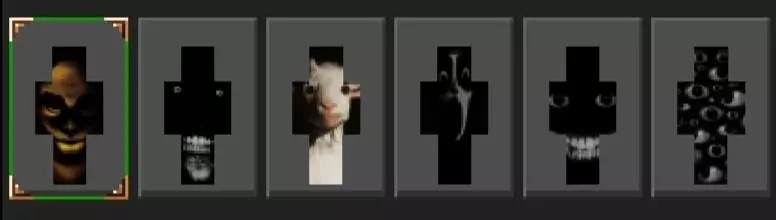
There is no reason to stick to boring vanilla cosmetics when you can easily transform your avatar into pure nightmare fuel. This bundle is a massive win for anyone trying to build up a solid locker of Minecraft Bedrock horror skins. Grab these HD MCPE custom skins right now, jump into a voice call, and get ready to completely ruin your friends' peaceful survival run.
Quick guide: How to install this Minecraft skinpack
Downloaded the .mcpack file? Here is exactly how to get it into your game depending on what device you are using right now.
- On Windows or Android: Just click or tap the downloaded file twice. Minecraft will open up on its own and load the skins immediately.
- On iPhone or iPad: Save the file, open your Files app, and hold your finger on it. Hit Share, select Minecraft from the list, and the game will handle the rest.
To put the skins on, just open Minecraft, head over to the Dressing Room (Profile), click on Classic Skins on the left, find this pack under Owned, and tap Equip.
Comments (0)