Horror teens Skin Pack
- 20-08-2026, 04:11
- 479

Ditch those basic, overly bright outfits and bring some serious nightmare fuel to your next session with the Horror Teens pack. It’s the ultimate cosmetic upgrade if you want to look absolutely terrifying while running custom scary maps or hunting down your friends.
Normal survival mode is cool, but nothing beats loading into a pitch-black server at 2 AM with your squad. Whether you guys are roleplaying in an abandoned city build or just sweating it out in a spooky minigame, rocking a sinister, blood-spattered aesthetic completely changes the vibe. This drop takes that classic modern streetwear style and twists it into something genuinely creepy. You are getting dark, muted colors and eerie facial details that make you look like the main villain of a late-night indie game.
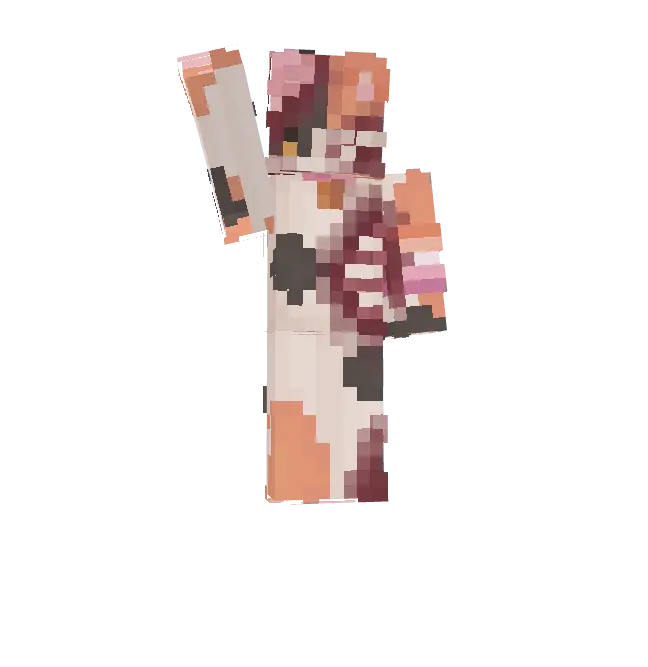
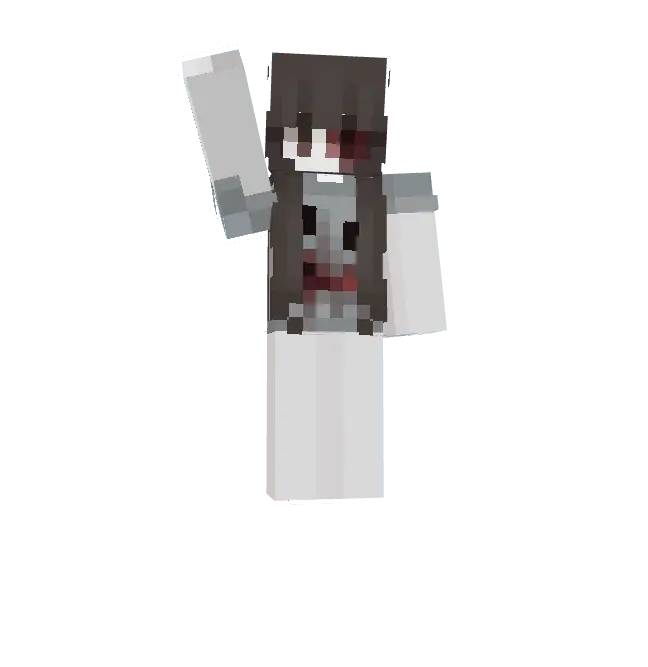
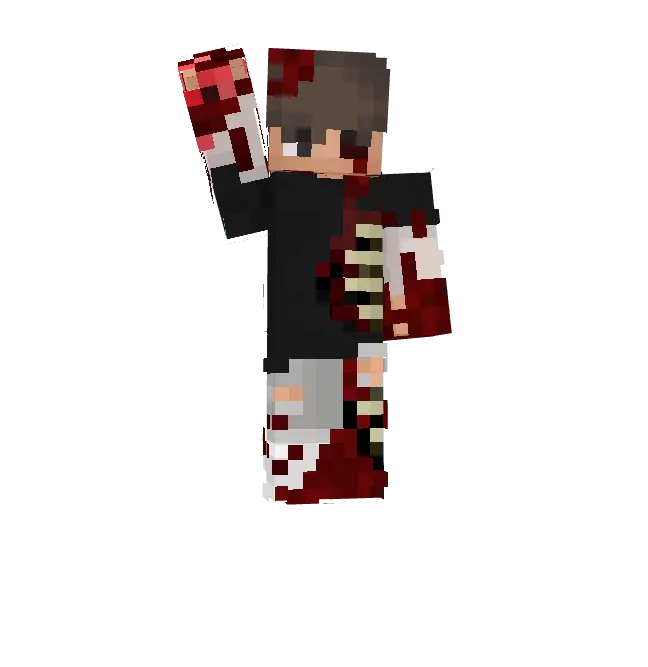
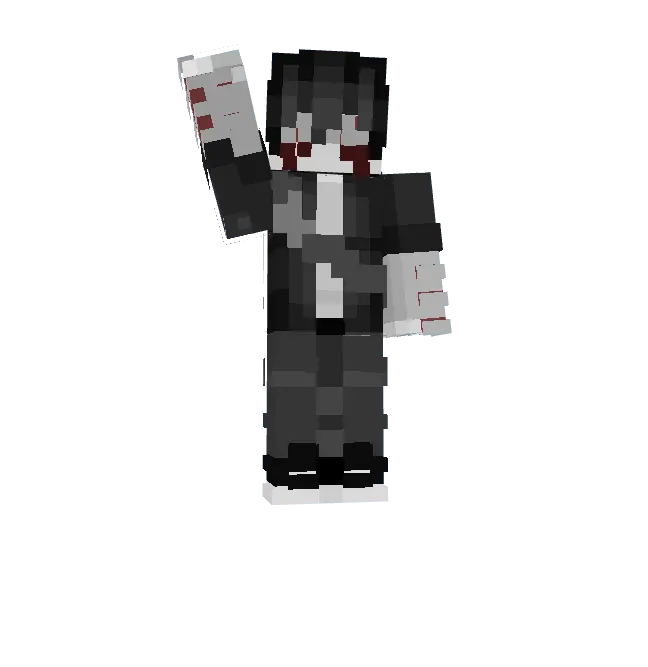
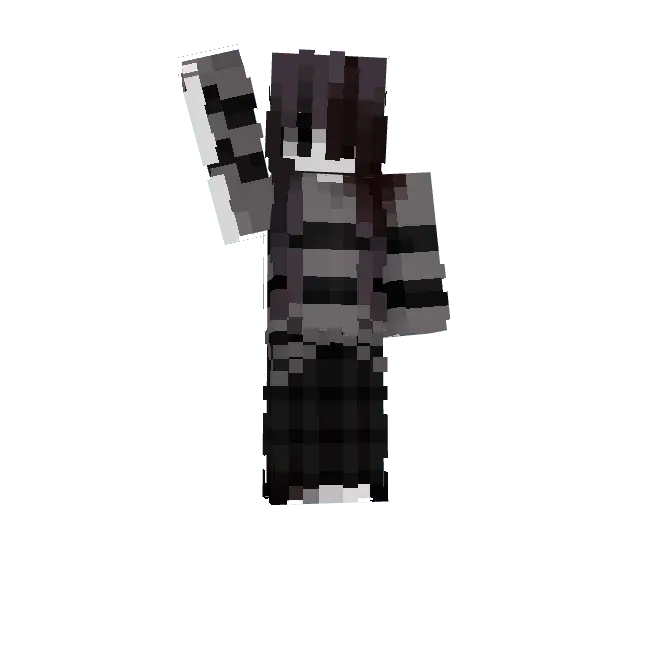
Aside from looking super edgy, running a darker character model is actually a massive W for competitive modes. When you’re playing on poorly lit maps, these outfits help you blend right into the shadows, making you way harder to spot during intense PvP fights. Plus, there aren't any chunky 3D layers blocking your field of view when you swap to third-person camera.
If your current locker is full of boring defaults, it’s time to switch things up. Finding genuinely scary Minecraft Bedrock skins can be a pain, but this collection nails the creepy aesthetic perfectly. Grab these MCPE custom skins right now, load into your favorite server, and give everyone a reason to watch their backs.
Quick guide: How to install this Minecraft skinpack
Downloaded the .mcpack file? Here is exactly how to get it into your game depending on what device you are using right now.
- On Windows or Android: Just click or tap the downloaded file twice. Minecraft will open up on its own and load the skins immediately.
- On iPhone or iPad: Save the file, open your Files app, and hold your finger on it. Hit Share, select Minecraft from the list, and the game will handle the rest.
To put the skins on, just open Minecraft, head over to the Dressing Room (Profile), click on Classic Skins on the left, find this pack under Owned, and tap Equip.
Comments (0)