Gojo Skin
- 15-08-2026, 02:42
- 468
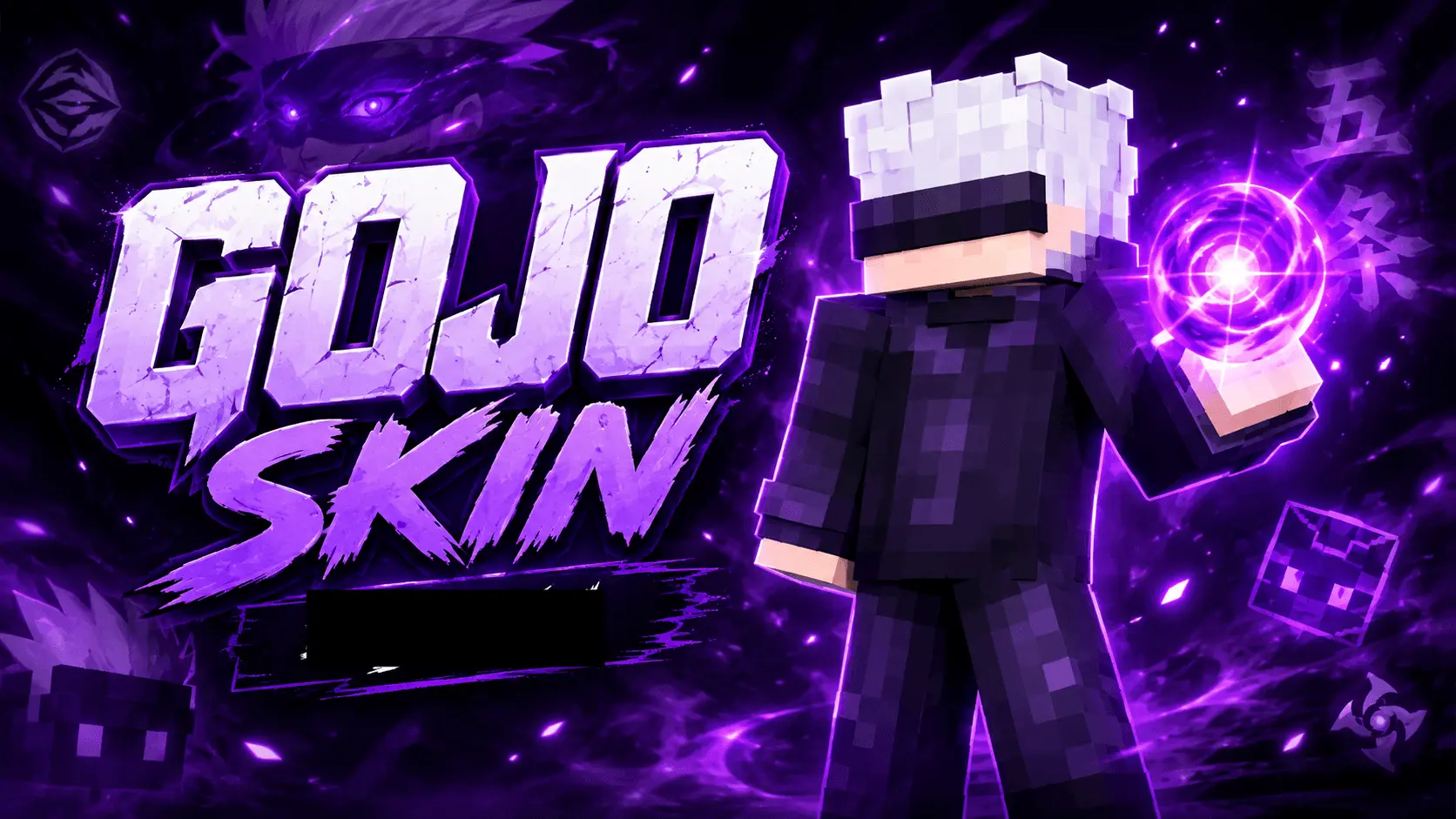
Rock the ultimate honored one aesthetic with this custom Gojo outfit and bring some heavy anime energy straight to your Bedrock realm. It is the exact upgrade you need if you're sick of running around as a generic default.
Aside from just flexing that iconic blindfold and bright white hair on your squad, the actual pixel design here is incredibly crisp. The creator went with a deep, flat purple uniform instead of trying to cram in way too much shading. The result is a sharp, minimalist look that totally pops when you turn on shaders but still looks phenomenal in standard vanilla survival.
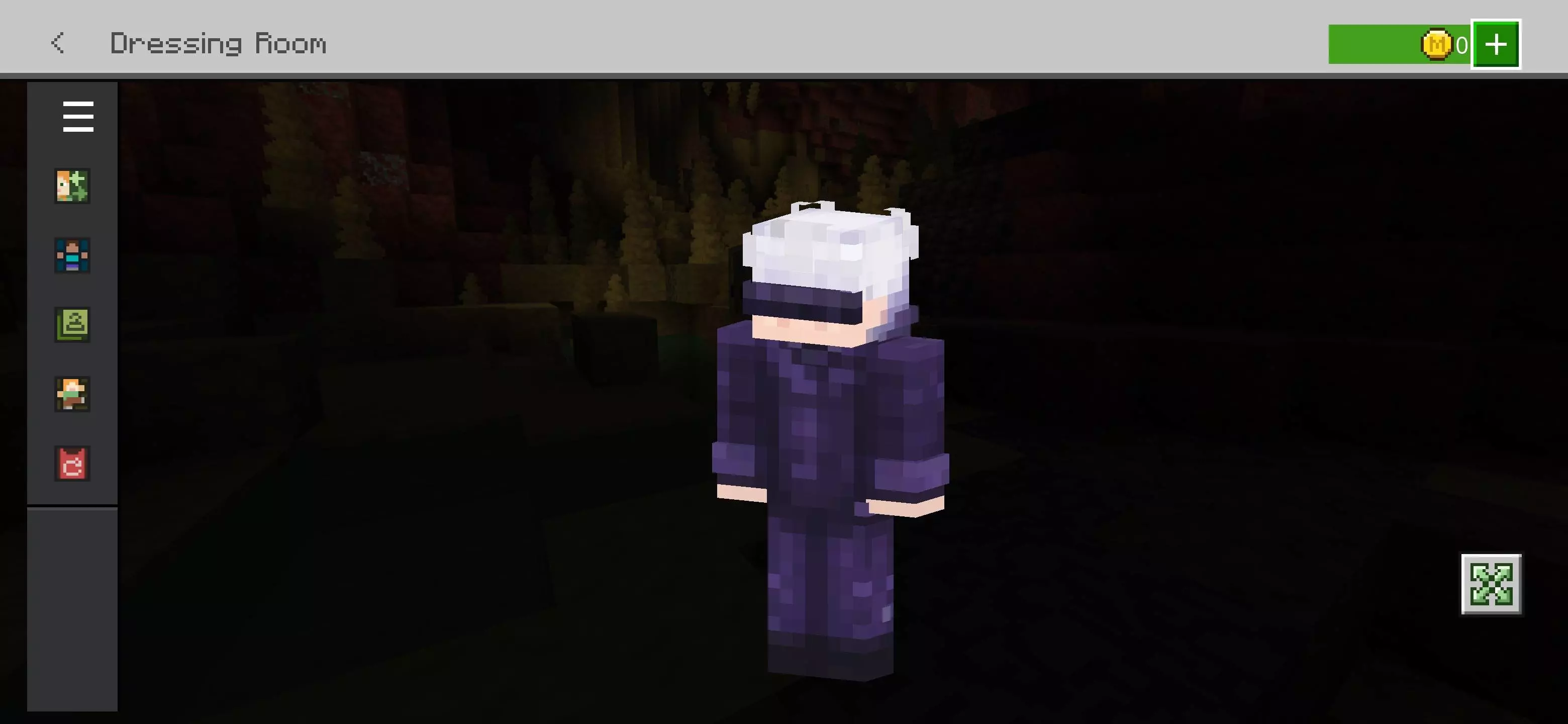
If you actively grind competitive minigames, you already know a cluttered character model is terrible for visibility. Massive 3D layers block your screen, and bright neon colors just paint a huge target on your back. This dark, streamlined fit keeps your profile super slim. You stay harder to track in poorly lit arenas, and your field of view stays completely open during intense third-person fights.
Digging through old forums trying to find a decent Minecraft anime skin is usually a massive waste of time. This drop completely skips the blurry, low-res garbage. It is easily one of the cleanest MCPE custom skins you can add to your locker today. Ditch your outdated look, equip this premium Bedrock PvP skin, and start catching dubs on your favorite server.
Quick guide: How to install this Minecraft skinpack
Downloaded the .mcpack file? Here is exactly how to get it into your game depending on what device you are using right now.
- On Windows or Android: Just click or tap the downloaded file twice. Minecraft will open up on its own and load the skins immediately.
- On iPhone or iPad: Save the file, open your Files app, and hold your finger on it. Hit Share, select Minecraft from the list, and the game will handle the rest.
To put the skins on, just open Minecraft, head over to the Dressing Room (Profile), click on Classic Skins on the left, find this pack under Owned, and tap Equip.
Comments (1)