Chroma Entities Skin Pack
- 13-08-2026, 10:17
- 401
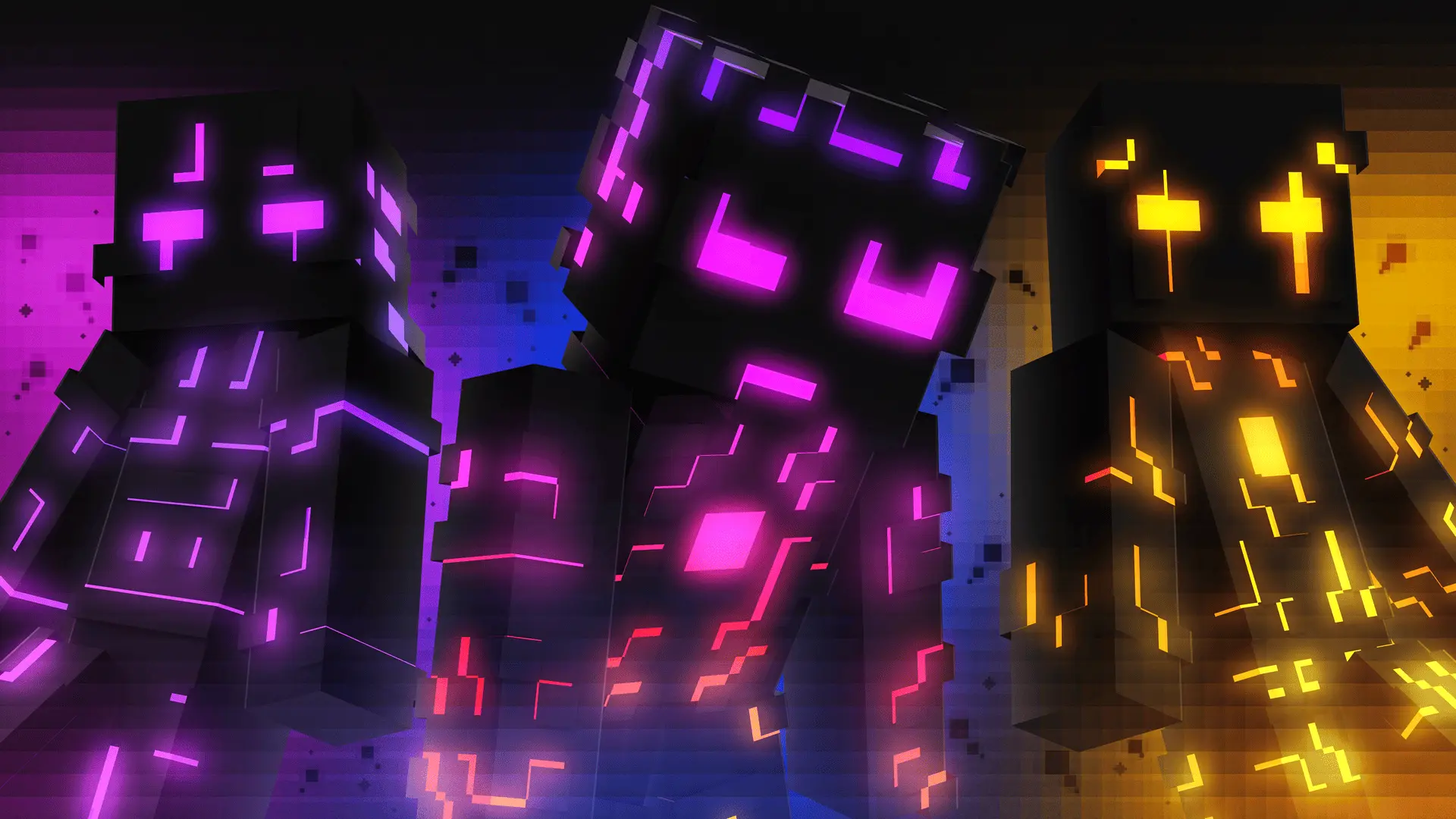
The Chroma Entities Skin Pack injects heavy RGB gamer energy into your Bedrock world with 15 hyper-colorful character models. If you want an avatar that literally lights up the lobby and flexes a crazy neon aesthetic, this bundle is absolute fire.
Most custom outfits look incredibly dull the second you step underground, but these designs are built entirely around a high-contrast, glowing vibe. You get 15 distinct entities packed with vibrant gradients that look like they were pulled straight off an expensive gaming keyboard. Whether you are chilling in a massive server hub or dropping into a late-night SMP session, rocking one of these ultra-bright fits guarantees you will not blend in. It is the perfect flex for players who want to stand out during fast-paced PvP matches, where having a flashy, intimidating look is just part of the mental game.
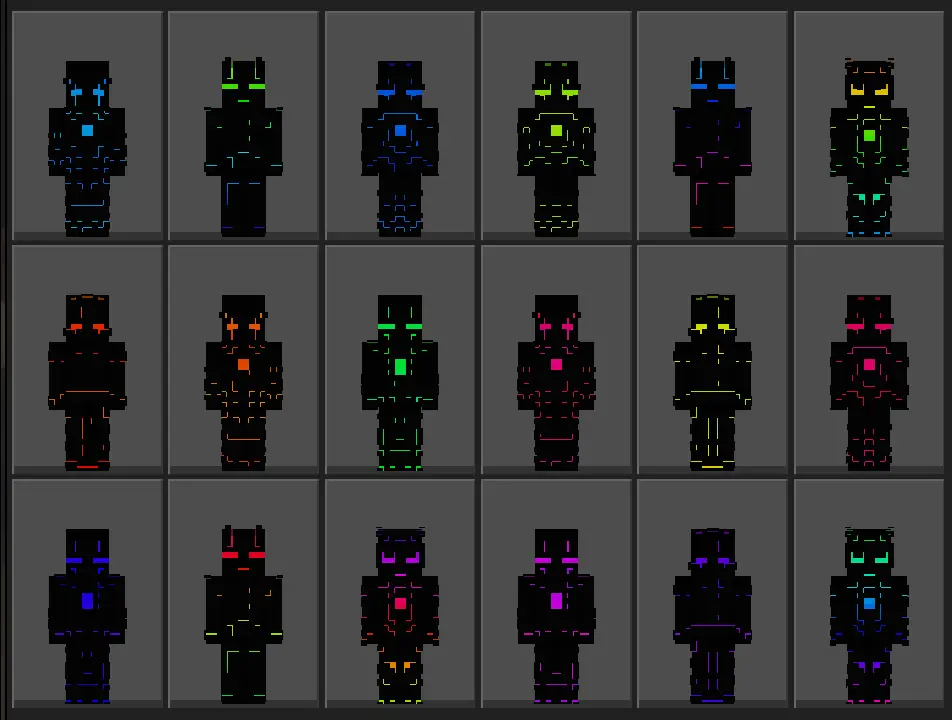
Getting a massive roster of 15 options in one download is a huge win. You do not have to keep hunting down individual files whenever you want to switch up your color scheme. Finding a solid Minecraft Bedrock skin pack that handles neon colors without making the pixels look washed out is a struggle. Thankfully, this MCPE custom skin collection keeps the gradients ridiculously smooth. If you are tired of wearing basic earth tones, grab these Minecraft RGB skins right now. Update your locker, load up your realm, and bring some serious color to the block.
Quick guide: How to install this Minecraft skinpack
Downloaded the .mcpack file? Here is exactly how to get it into your game depending on what device you are using right now.
- On Windows or Android: Just click or tap the downloaded file twice. Minecraft will open up on its own and load the skins immediately.
- On iPhone or iPad: Save the file, open your Files app, and hold your finger on it. Hit Share, select Minecraft from the list, and the game will handle the rest.
To put the skins on, just open Minecraft, head over to the Dressing Room (Profile), click on Classic Skins on the left, find this pack under Owned, and tap Equip.
Comments (0)