Horror Monsters Skin Pack
- 13-08-2026, 09:26
- 422
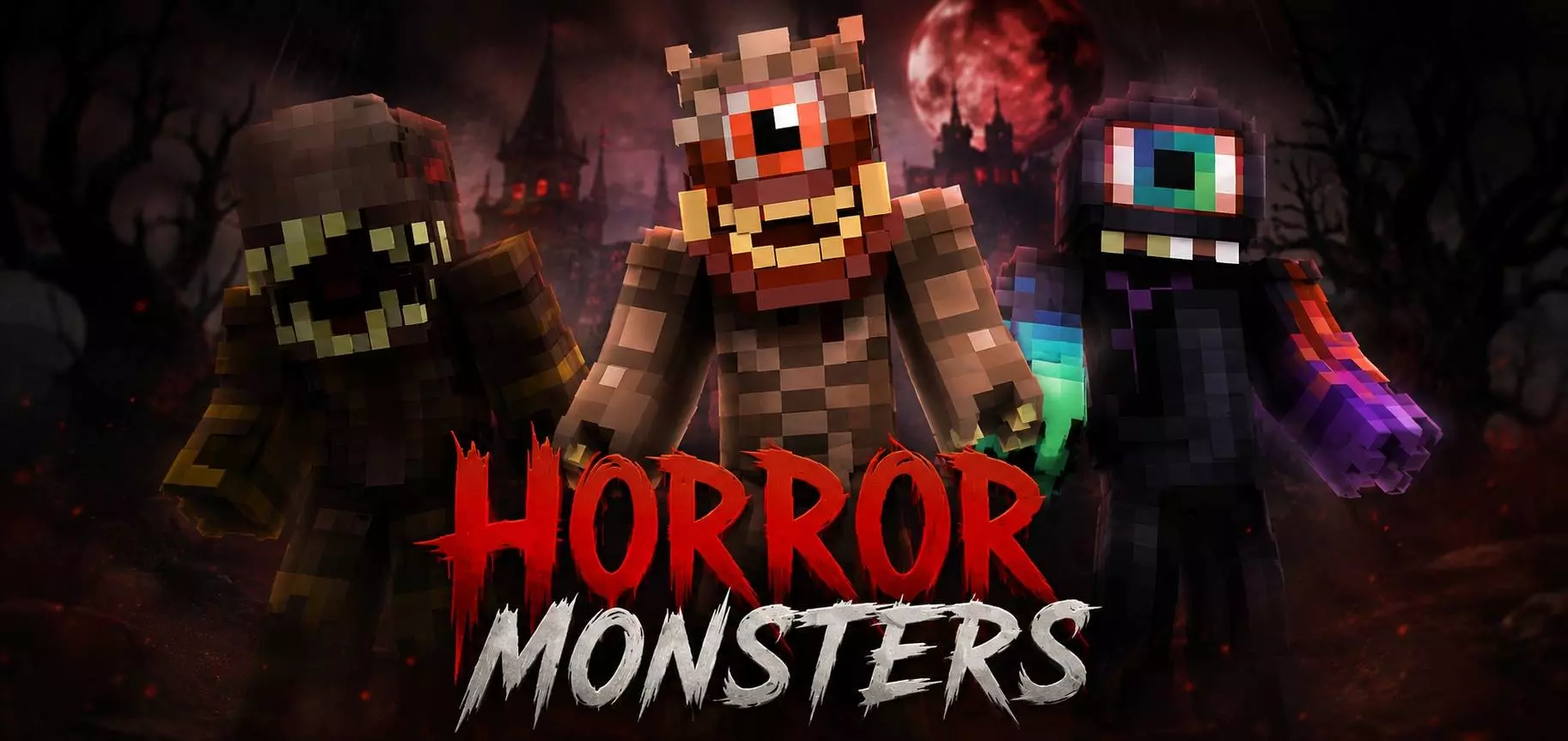
The Horror Monsters Skin Pack drops three pure nightmare-fuel character models into your game, perfect for creeping out your friends or setting the mood on a scary custom map. If you thrive on jumping out of the shadows and ruining someone's day, this mini-bundle is exactly what you need.
There is nothing quite like logging onto a late-night realm and realizing someone is stalking you in the dark with a genuinely terrifying avatar. Instead of the usual goofy creepers or classic zombies, this drop focuses on twisted, unrecognizable creatures that look absolutely brutal. When you pair these outfits with a low-light shader or hide out in the deep slate caves, you turn basic vanilla survival into a straight-up thriller. Running around in one of these fits makes you the ultimate menace on any multiplayer server, especially if you are hunting down players who are just trying to mine in peace.
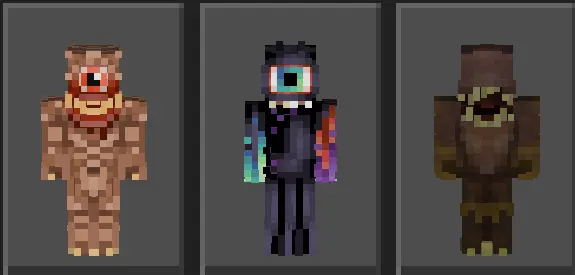
Sometimes massive cosmetic packs dilute their quality by giving you fifty mediocre options, but keeping it locked to just three hyper-detailed designs means every single pixel hits hard. The shading on the mangled faces and dark textures is incredibly well done, ensuring they don't just look like muddy blobs when you are sprinting. Trying to find a legitimately scary Minecraft Bedrock skin pack that doesn't feel cheesy is a massive grind. Thankfully, these MCPE horror skins deliver that raw, unsettling aesthetic flawlessly. Whether you're hosting a spooky SMP event or just want to troll your squad, download these custom Minecraft monster skins and start haunting your lobby.
Quick guide: How to install this Minecraft skinpack
Downloaded the .mcpack file? Here is exactly how to get it into your game depending on what device you are using right now.
- On Windows or Android: Just click or tap the downloaded file twice. Minecraft will open up on its own and load the skins immediately.
- On iPhone or iPad: Save the file, open your Files app, and hold your finger on it. Hit Share, select Minecraft from the list, and the game will handle the rest.
To put the skins on, just open Minecraft, head over to the Dressing Room (Profile), click on Classic Skins on the left, find this pack under Owned, and tap Equip.
Comments (0)