Best Cartoon Skin Pack
- 13-08-2026, 01:08
- 322
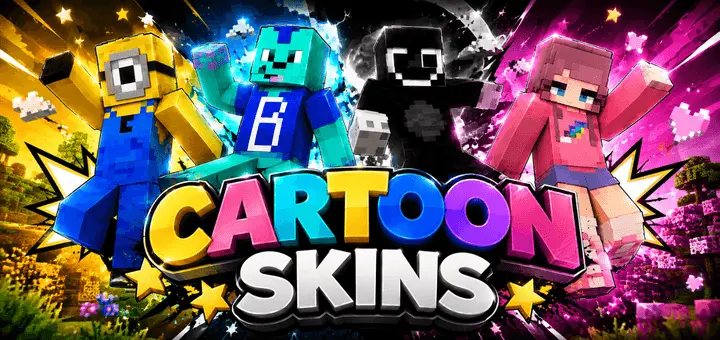
The Best Cartoon Skins pack completely ditches standard realism for a bright, animated style that makes your character impossible to ignore. If you want to bring some goofy, colorful energy to your next server, this drop is a no-brainer.
Walk into any popular lobby right now, and I bet half the players are wearing the same dark, edgy teen hoodies. It gets super repetitive. This collection goes the complete opposite direction, throwing vibrant colors and heavily stylized pixel art onto your screen. It feels like playing inside a classic Saturday morning TV show, which honestly makes messing around on an SMP way more entertaining. You aren't just another generic guy mining stone; your avatar actually has a ridiculous amount of personality.
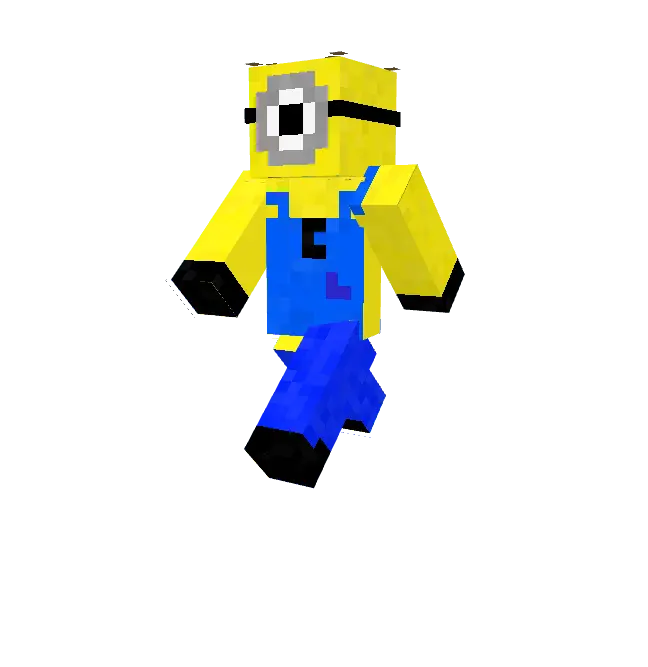
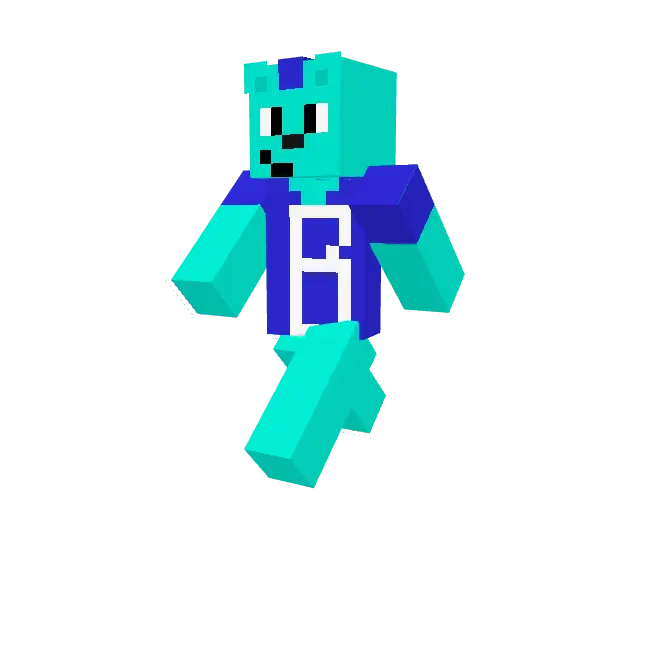
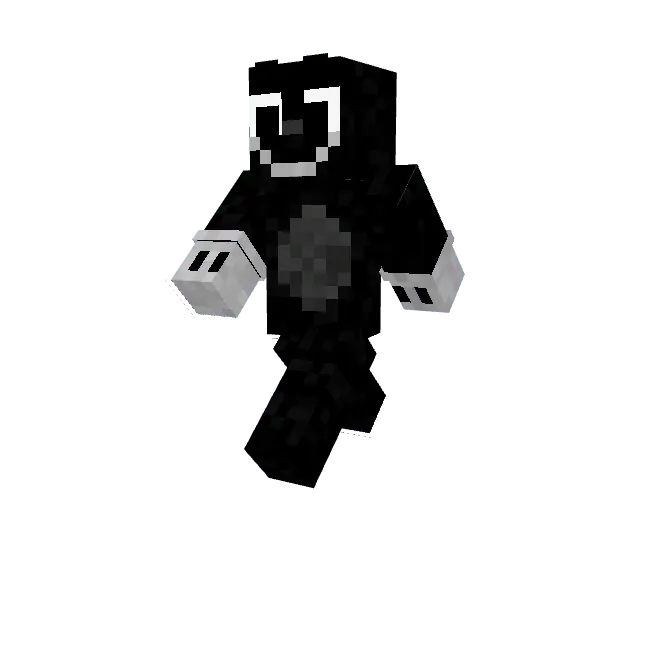
Finding a solid Minecraft Bedrock skin pack that pulls off this wacky look without the textures turning into a blurry mess is surprisingly rare. The creator kept the designs incredibly crisp, so the visuals stay sharp whether you are grinding SkyWars or building a massive base. It is the perfect MCPE cartoon skin for anyone who loves roleplay or just wants a break from taking the game so seriously. Stop blending into the background. Download these custom Minecraft skins right now and give your character a much-needed, colorful glow-up.
Quick guide: How to install this Minecraft skinpack
Downloaded the .mcpack file? Here is exactly how to get it into your game depending on what device you are using right now.
- On Windows or Android: Just click or tap the downloaded file twice. Minecraft will open up on its own and load the skins immediately.
- On iPhone or iPad: Save the file, open your Files app, and hold your finger on it. Hit Share, select Minecraft from the list, and the game will handle the rest.
To put the skins on, just open Minecraft, head over to the Dressing Room (Profile), click on Classic Skins on the left, find this pack under Owned, and tap Equip.
Comments (0)