Neon Cats Skin Pack
- 21-07-2026, 14:04
- 446

The Neon Cats Skin Pack drops a squad of glowing, futuristic cat girls right into your dressing room. If you want a heavy cyberpunk aesthetic that actually stands out on a dark server, this is exactly what you need.
Most sci-fi outfits in this game are incredibly boring, usually just slapping some grey metal textures on a default Steve model and calling it a day. This collection actually tries something different. You are getting a massive synthwave vibe with insanely bright neon accents that look incredible when you are exploring deep cave systems or running around a massive nighttime hub. If your friend group is tired of the standard medieval armor or basic tactical gear, these designs bring a huge pop of color to the lobby.
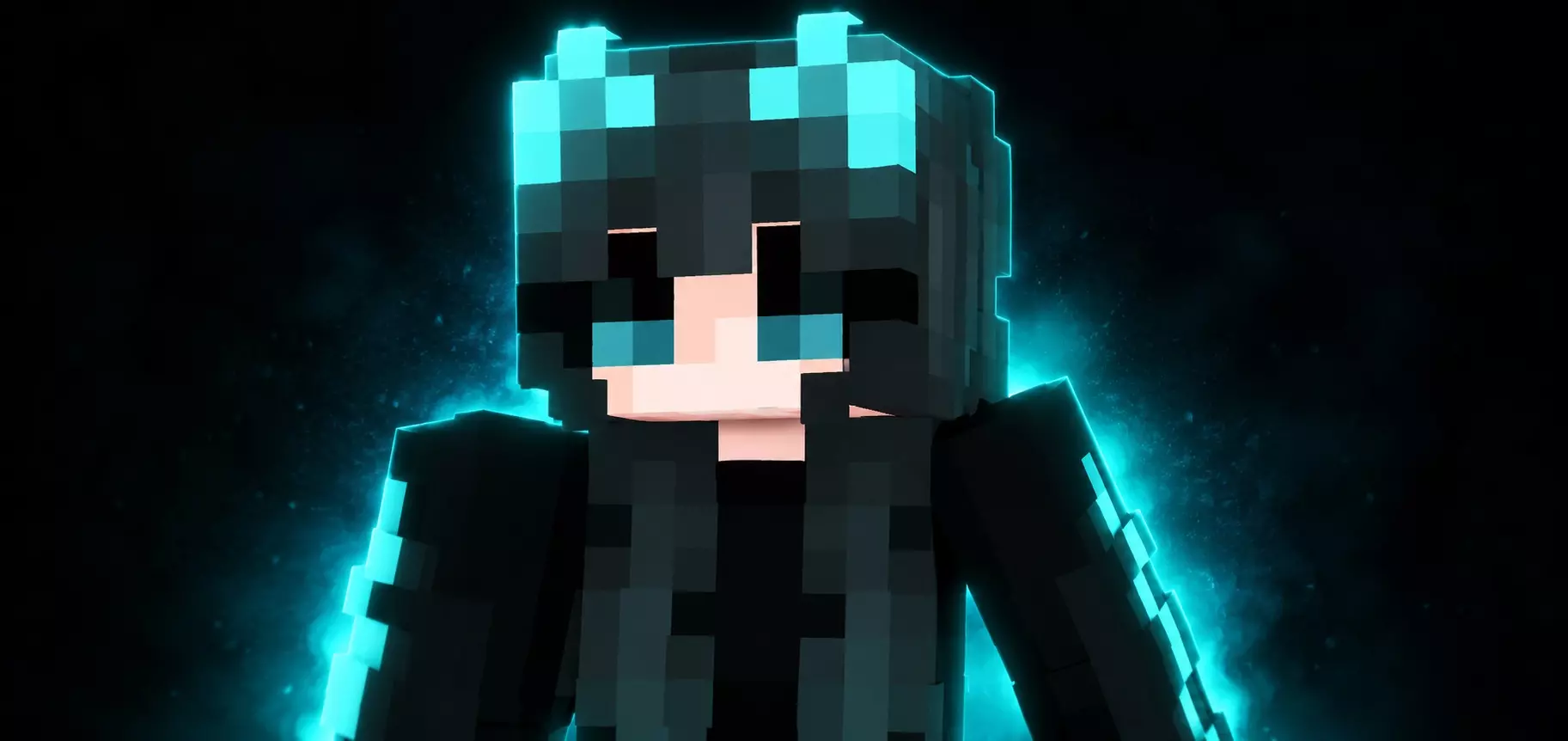
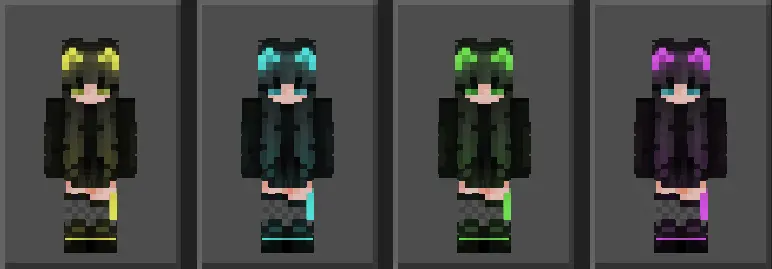
What makes these Minecraft Bedrock skins genuinely viable for sweaty gameplay is the incredibly crisp shading work. The contrast between the pitch-black fabrics and the electric accents is razor-sharp. Your character model pops beautifully against the muted tones of deepslate caves, basalt deltas, or dark oak forests. Even during high-speed block bridging or frantic melee trades in Bedwars, the geometry holds up flawlessly on both classic and slim arm models. The neon elements track perfectly along your sprint animations, giving you an aggressive, high-visibility profile without requiring any demanding shader packs that would inevitably tank your mobile or console frame rates.
If you run a dedicated survival SMP or regularly queue up for intense faction wars, outfitting your entire clan in these cyberpunk outfits is an absolute power move. You can seamlessly assign different colorways to specific roles in your squad—equipping electric blue for your perimeter archers and hyper-pink for your heavy frontline pushers
A major problem with overly detailed marketplace outfits is that they turn into a noisy, pixelated mess on your screen. These Minecraft Bedrock neon skins keep the shading surprisingly clean, meaning the glowing effects really punch through without looking like a glitch when you are moving fast. Since it is a completely standard MCPE cat girl skin pack, you do not have to deal with weird third-party launchers or annoying folder setups. You literally just click the downloaded file, and everything instantly syncs up to your client.
Whether you are building a massive neon city with your squad or just sweating it out in a heavy PvP minigame, grab these custom Bedrock character skins and seriously upgrade your multiplayer drip.
Quick guide: How to install this Minecraft skinpack
Downloaded the .mcpack file? Here is exactly how to get it into your game depending on what device you are using right now.
- On Windows or Android: Just click or tap the downloaded file twice. Minecraft will open up on its own and load the skins immediately.
- On iPhone or iPad: Save the file, open your Files app, and hold your finger on it. Hit Share, select Minecraft from the list, and the game will handle the rest.
To put the skins on, just open Minecraft, head over to the Dressing Room (Profile), click on Classic Skins on the left, find this pack under Owned, and tap Equip.
Comments (0)