Vague Memories Skin Pack
- 28-06-2026, 02:56
- 340
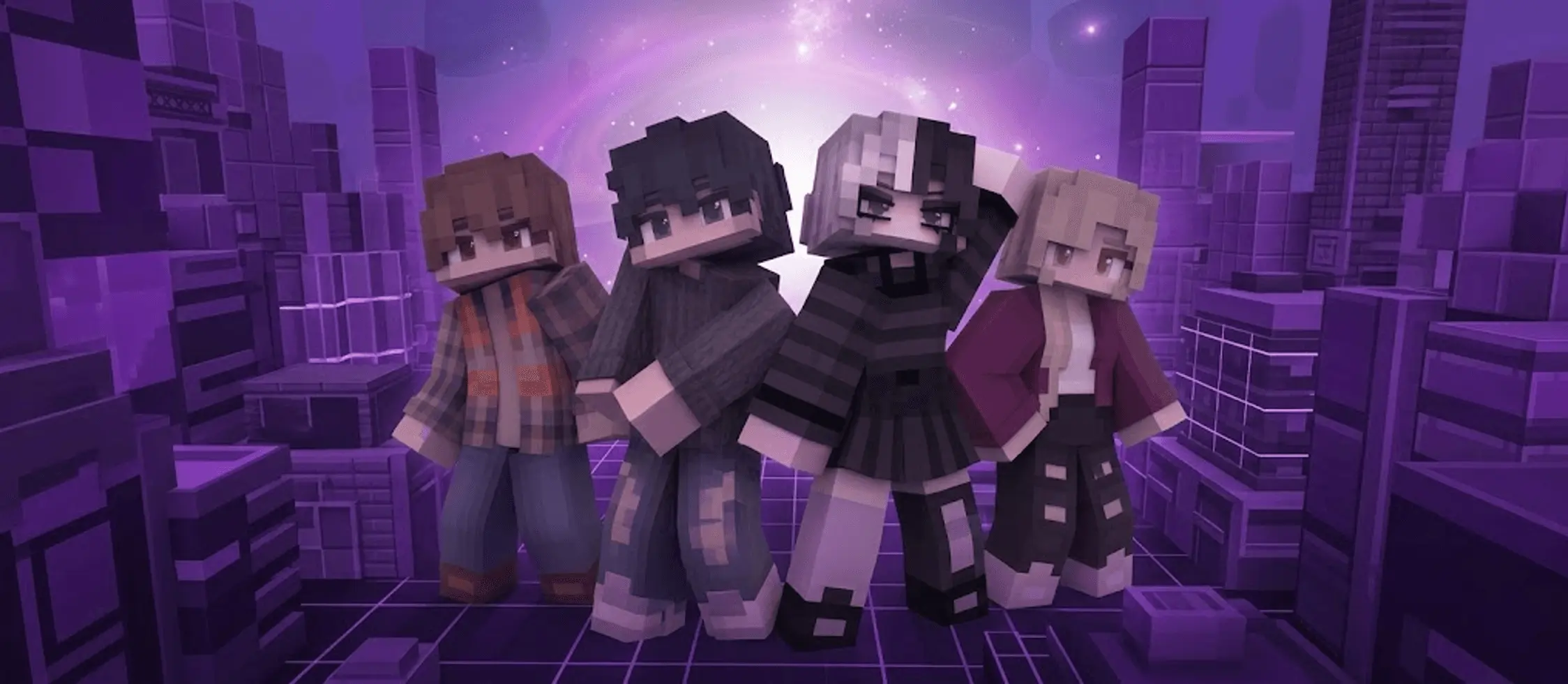
Urban Streetwear: Vague Memories Skin Pack
Standard colorful Minecraft skins look out of place when playing on dark, modern server maps. The Vague Memories Skin Pack fixes this visual clash. It drops four moody outfits directly into your Bedrock Edition dressing room. You bypass the tedious process of painting individual pixels and immediately get access to clean streetwear designs.
If you want something more urban, there is a casual option featuring ripped jeans. The third model runs a split-hair monochrome design, providing a highly recognizable aesthetic. The final variant features a dark maroon jacket designed to fit into mysterious, low-light environments. The smart shading techniques make these clothing layers stand out against the blocky player geometry without breaking standard character hitboxes.
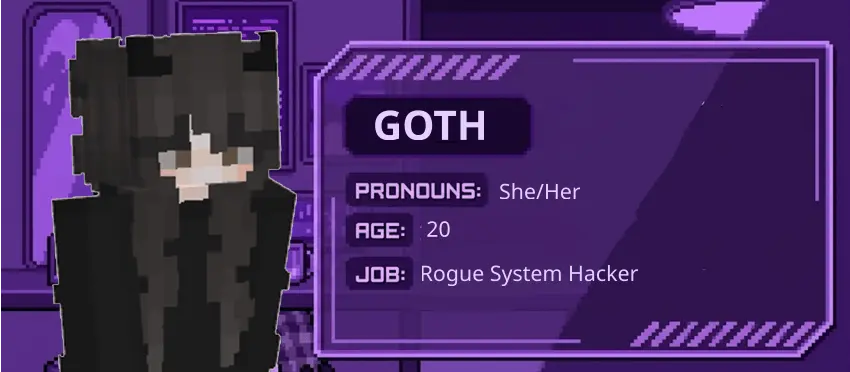

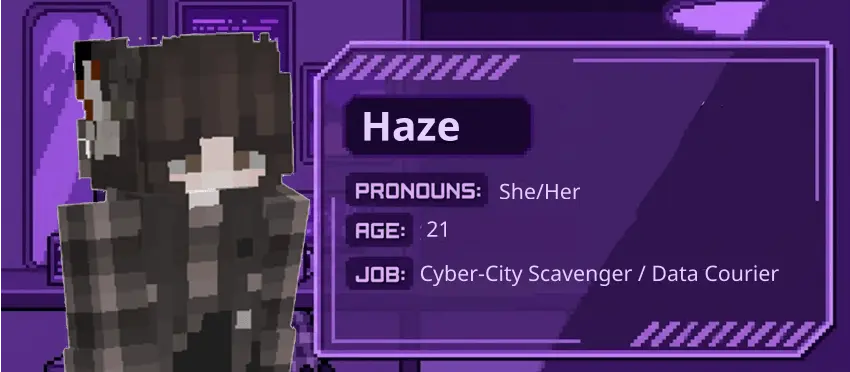
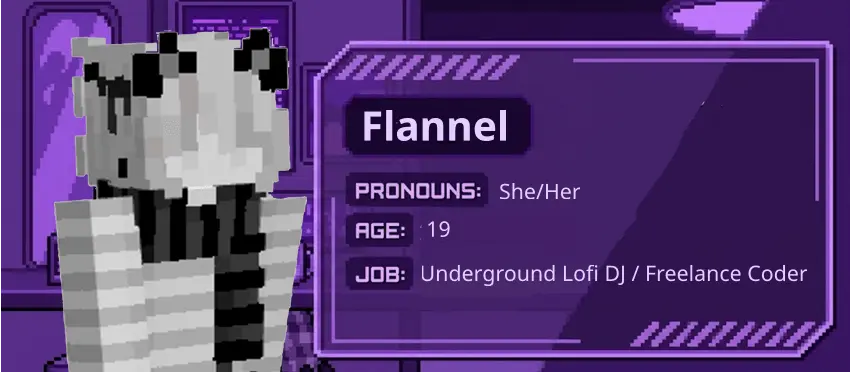
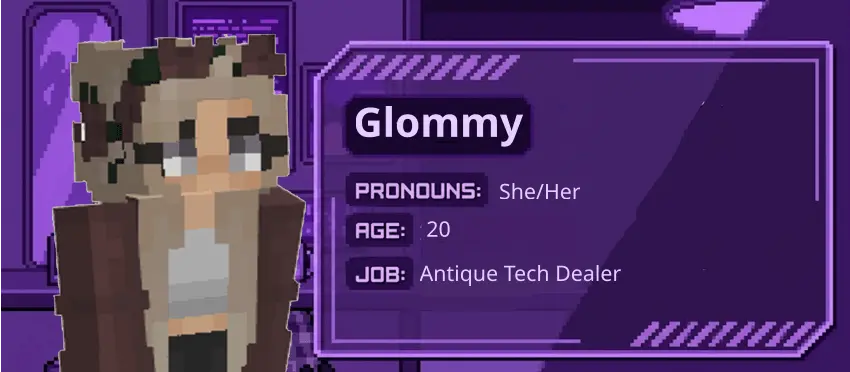
Step out of the cookie-cutter lobby look and wrap your character in pure atmospheric mystery with the Vague Memories Skin Pack, a surreal wardrobe overhaul tailor-made for players chasing an introspective, liminal aesthetic in Minecraft Bedrock.
Most community drops push the same tired gimmicks—either blinding neon overlays or overly edgy battle armor that looks clunky the second you step outside a PvP arena. This collection takes a sharp left turn into dreamcore territory. It leans heavily into muted earth tones, soft vintage gradients, washed-out knits, and shadowy, half-remembered silhouettes. Wearing one of these designs makes your avatar feel less like a generic blocky survivor and more like a ghost wandering through an abandoned timeline. The pixel placement relies on subtle contrast rather than loud color palettes, producing an uncanny, nostalgic mood that immediately sets you apart on any populated server.
This collection is built strictly for modern roleplay and server environments. These models fit seamlessly into cyberpunk city maps or late-night survival realms. Walking around a neon-lit metropolis in a default outfit ruins the immersion. Running one of these streetwear variants provides an instant visual upgrade. The setup is entirely cosmetic. It does not alter vanilla mechanics or provide physical gameplay advantages. The installation integrates natively into the standard profile menu. You just lock in your preferred outfit and load into the game. Other players see your custom textures immediately when you join a multiplayer session, completely avoiding mandatory global resource pack downloads.
Quick guide: How to install this Minecraft skinpack
Downloaded the .mcpack file? Here is exactly how to get it into your game depending on what device you are using right now.
- On Windows or Android: Just click or tap the downloaded file twice. Minecraft will open up on its own and load the skins immediately.
- On iPhone or iPad: Save the file, open your Files app, and hold your finger on it. Hit Share, select Minecraft from the list, and the game will handle the rest.
To put the skins on, just open Minecraft, head over to the Dressing Room (Profile), click on Classic Skins on the left, find this pack under Owned, and tap Equip.
Comments (0)