Starwars Skin Pack
- 19-10-2026, 05:01
- 471
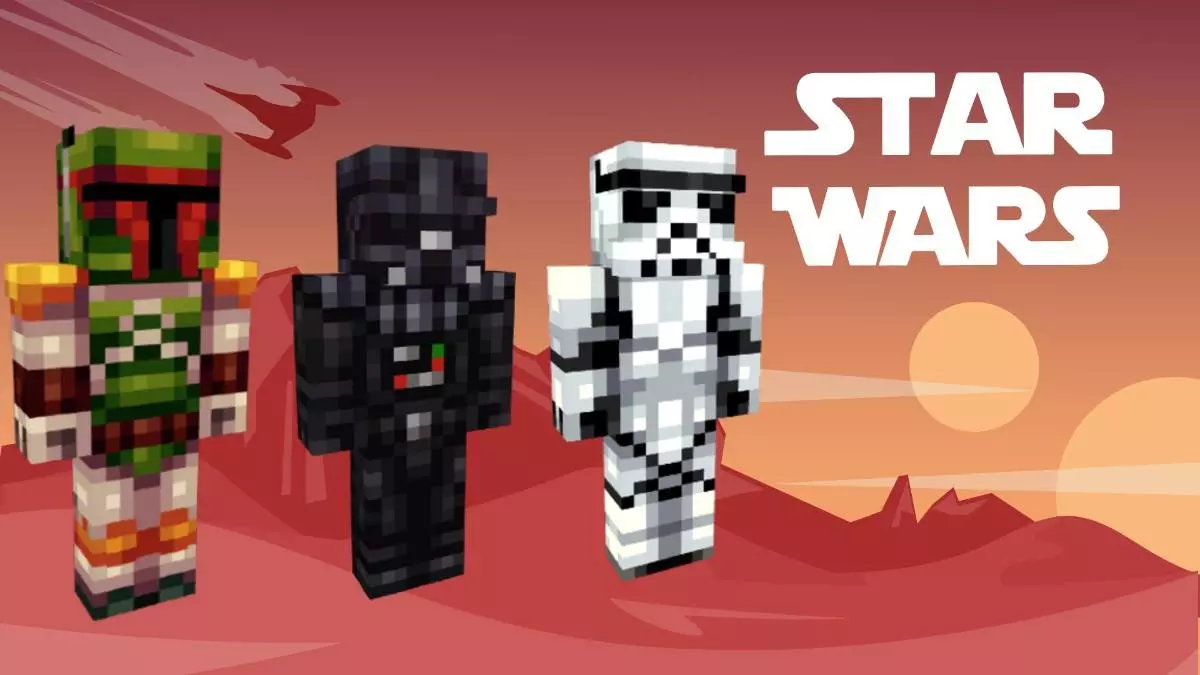
Channel the Force: The Ultimate Star Wars Skin Trio
Yo, fellow block-builders! Ready to take your Minecraft roleplay to a galaxy far, far away? If you’re building massive star cruisers or just want to duel your friends on a custom Mustafar map, you need the Star Wars Skin Pack. This specific drop keeps things tight and high-quality, featuring exactly three meticulously designed skins to fit your playstyle.
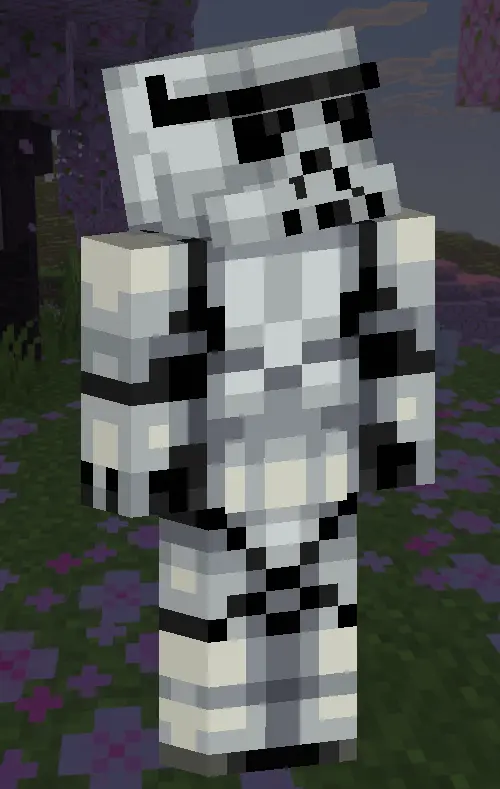
Let’s be completely honest for a second—loading into a massive multiplayer server right now is honestly visually exhausting. Every single lobby is completely flooded with the exact same tired outfits: glitchy TV heads, neon demon hoodies, and low-resolution anime rip-offs. If you actually want to flex in a crowded spawn chunk, you need a cosmetic that commands instant respect and stands out from the generic blocky crowd. This custom Minecraft Bedrock skin bundle completely wipes out the competition by injecting legendary cinematic history directly into your character creator. We aren't talking about lazy, thrown-together pixel art that looks unrecognizable from ten blocks away. This is a premium, high-resolution collection that brings the ultimate battle between the light and dark sides of the Force straight into your sandbox.
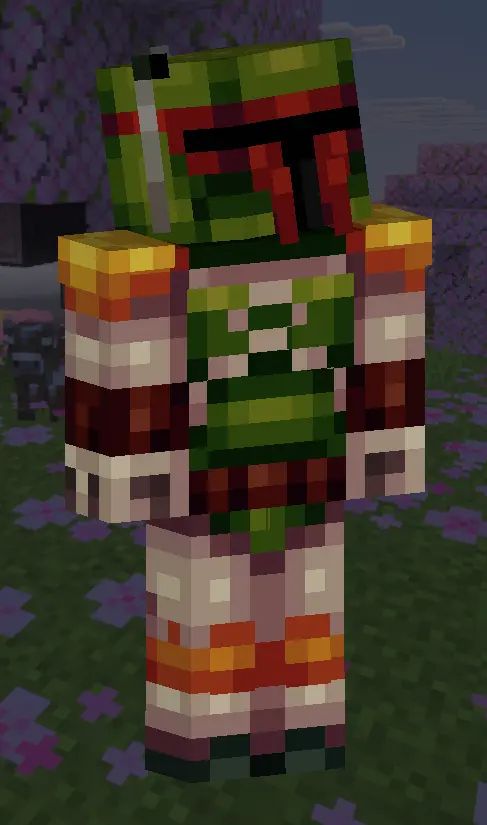
What makes this specific cosmetic drop an absolute must-have is the ridiculous variety packed into the roster. Whether you want to roleplay as a dedicated Jedi Master maintaining peace in your village, a ruthless Sith Lord looking to absolutely dominate the local PvP arena, or a completely randomized bounty hunter hunting down diamond bounties on a populated SMP, your perfect fit is right here. The detailing on the Clone Trooper armor sets is insanely crisp, making them the absolute best choice if you and your Discord squad are trying to coordinate a massive base raid. Imagine pulling up to an enemy faction's heavily fortified mountain base with six of your friends, all completely decked out in matching galactic infantry gear. It turns a standard, messy vanilla raid into a highly organized, tactical strike that looks ridiculously cool on screen.
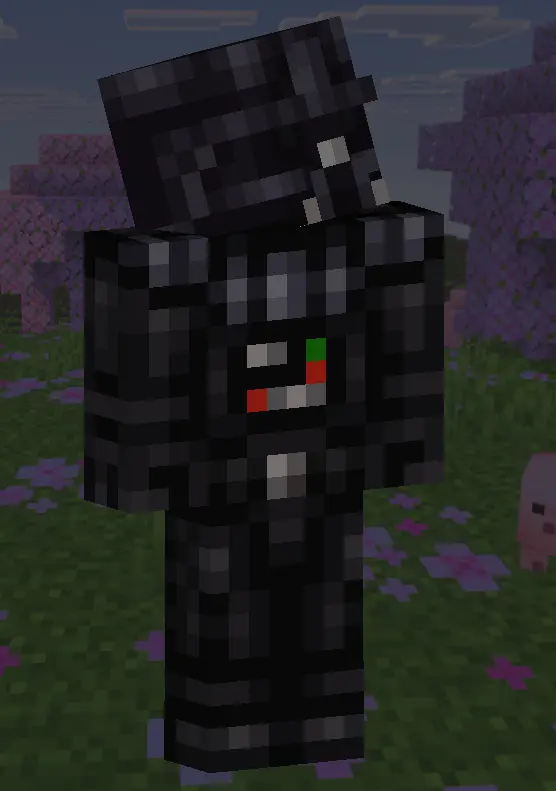
Whether you want to defend peaceful villages in classic Jedi robes, embrace the dark side as a menacing Sith Lord, or secure those diamonds as a ruthless, battle-worn bounty hunter, this trio has you absolutely covered. The pixel art here is incredibly detailed, capturing the iconic armor plates and flowing sci-fi cloaks perfectly.
To make this experience truly cinematic, you have to pair these skins with Sildur’s Vibrant Shaders. Why? Because Sildur’s excels at high-contrast lighting, volumetric shadows, and intense bloom effects. If you're running a texture pack that gives you glowing lightsabers, the bloom from Sildur’s will make those neon colors aggressively pop against the dark night sky. It literally turns a standard PvP match into an epic movie scene.
Grab your custom lightsaber, equip your favorite skin, and may the blocks be with you!
Quick guide: How to install this Minecraft skinpack
Downloaded the .mcpack file? Here is exactly how to get it into your game depending on what device you are using right now.
- On Windows or Android: Just click or tap the downloaded file twice. Minecraft will open up on its own and load the skins immediately.
- On iPhone or iPad: Save the file, open your Files app, and hold your finger on it. Hit Share, select Minecraft from the list, and the game will handle the rest.
To put the skins on, just open Minecraft, head over to the Dressing Room (Profile), click on Classic Skins on the left, find this pack under Owned, and tap Equip.
Comments (0)