Jewish Chewbacca Skin
- 23-01-2026, 23:00
- 606
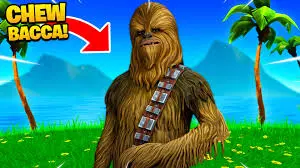
Jewish Chewbacca Skin is the kind of skin you pick when you want instant reactions without needing a complicated design. It’s a funny, recognizable mashup idea that feels like a “how does this exist?� moment the second you load into a world. If your server has themed events, inside jokes, or you just like goofy character crossovers, this one fits right in.

What makes it work is the vibe: you get that legendary Chewbacca-style presence, but with a clear cultural nod baked into the concept. That combination makes Jewish Chewbacca Skin feel like a novelty cosplay skin you can use for casual roleplay, holiday builds, or just roaming around spawn and seeing who notices first. It’s also a great pick for content clips because the name alone sets up the joke before you even move.
In survival, it’s an easy “main� if you like standing out while still keeping a simple, readable look. Whether you’re building, trading, or running around with friends on a multiplayer server, Jewish Chewbacca Skin is basically a walking conversation starter.
How to Install Skins in Minecraft Bedrock
- Download a .png skin (64×64 or 128×128).
- Open Minecraft Bedrock.
- Go to Profile (hanger icon) → Edit Character.
- Tap Owned → Import → Choose New Skin.
- Select your .png file.
- Pick a model: Classic (Steve) or Slim (Alex).
- Confirm to equip and play.
Comments (0)