Jerry's Colonies | Build your Civilization Mod / Addon
- 8-04-2026, 04:14
- 3 343

Jerry’s Colonies | Build your Civilization — in Minecraft Bedrock, but with history books
If you’ve ever wished your Bedrock server felt like a living world instead of a pile of solo bases, Jerry’s Colonies | Build your Civilization is the switch. This multiplayer, roleplay-first addon pushes players into factions, titles, and politics until your map reads like a messy, beautiful history timeline—founding dates, border disputes, trade routes, and all the drama that comes with them.
The flow is simple to grasp and deep once you’re in. You and a few friends pick a region, stake a “capital,” and draft a charter: who leads, how decisions get made, what your colony is known for. Another group does the same two valleys over, and suddenly diplomacy matters. We set up a road to their harbor, posted prices on a market board, and signed a non-aggression pact that lasted exactly three nights—until a mining claim on the ridge blew up into a cold war of watchtowers and tariffs. The addon rewards that kind of social gameplay: governors and stewards manage growth, scouts map borders, builders push out walls and plazas, while traders move goods between colonies and keep the peace when tempers run hot.
What sells it is the persistence. You don’t just gear up and log off; you leave behind laws, treaties, and landmarks that other players react to. A council hall becomes a meeting spot. A banner line becomes a border. A single bridge turns into the artery of a region. If you want Minecraft Bedrock to feel like a civilization sim—where stories stick and names matter—Jerry’s Colonies is the addon that turns a server into a world.
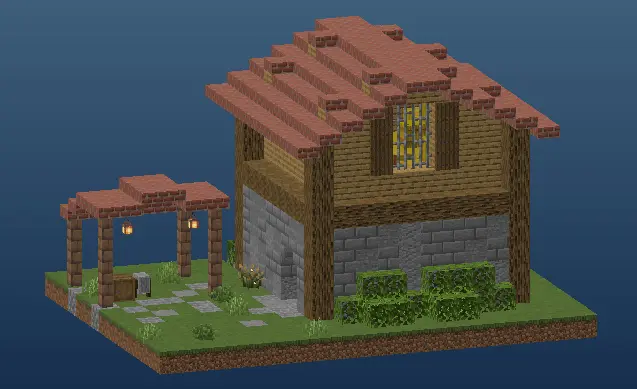
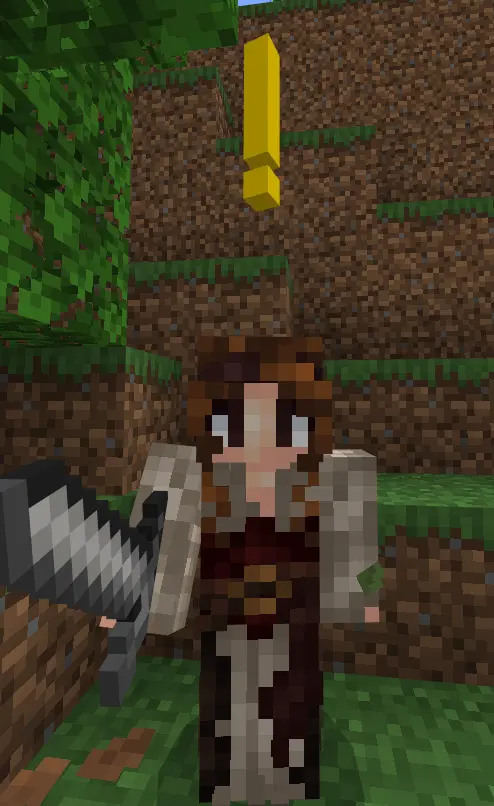
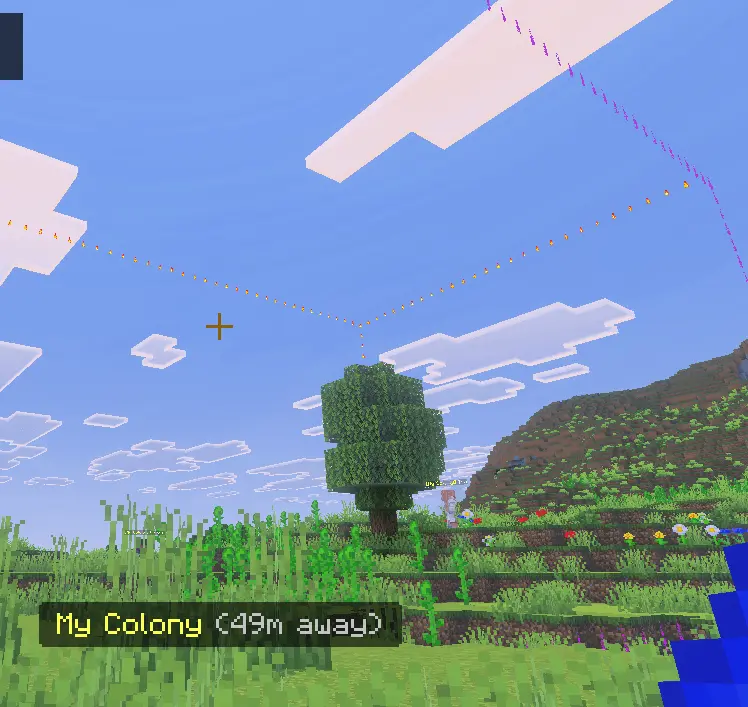
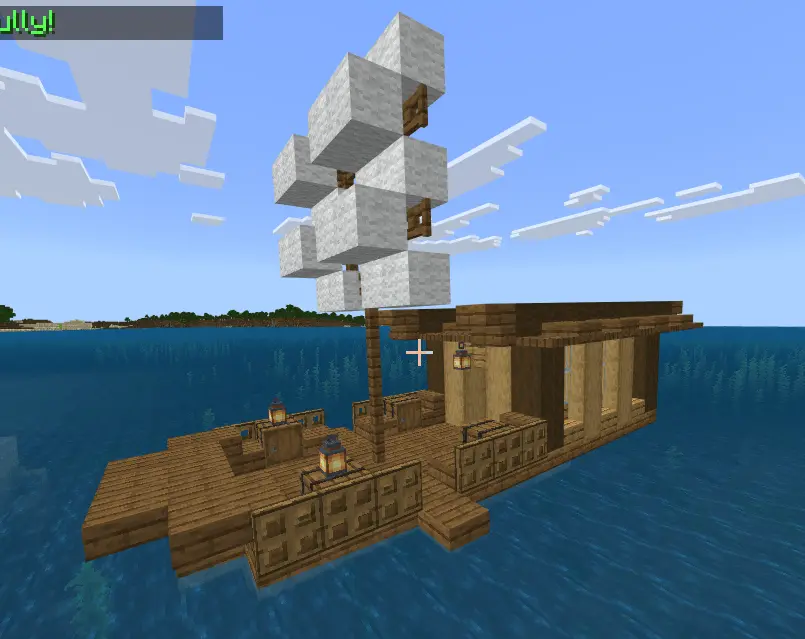
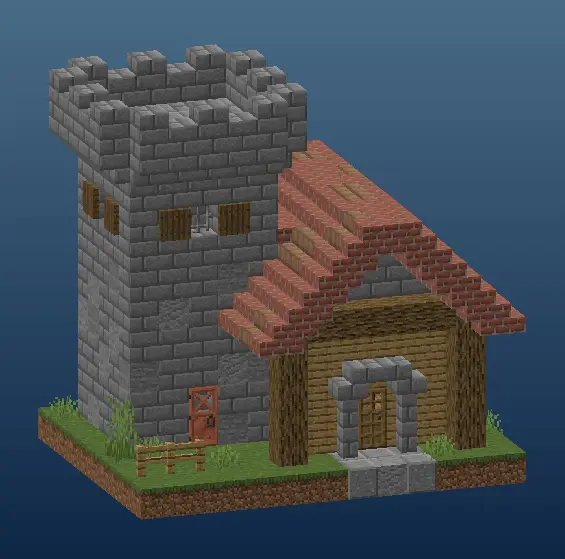
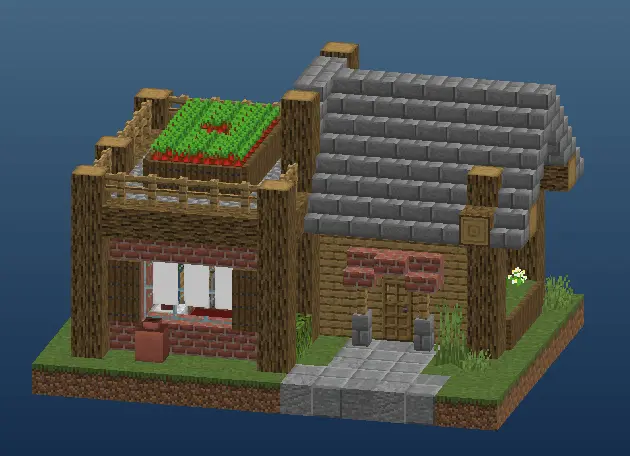
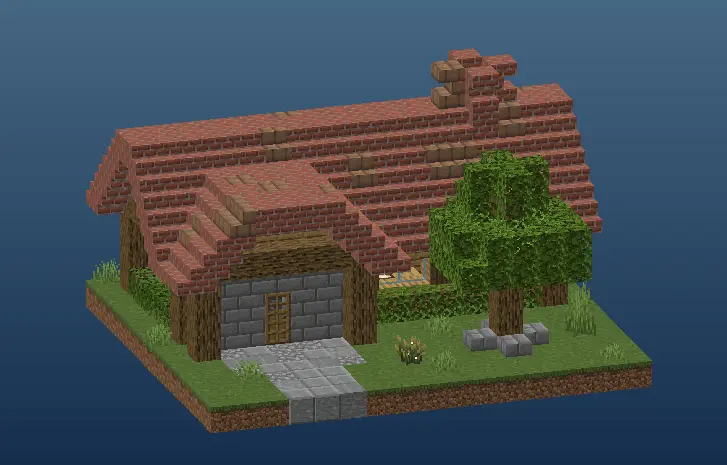
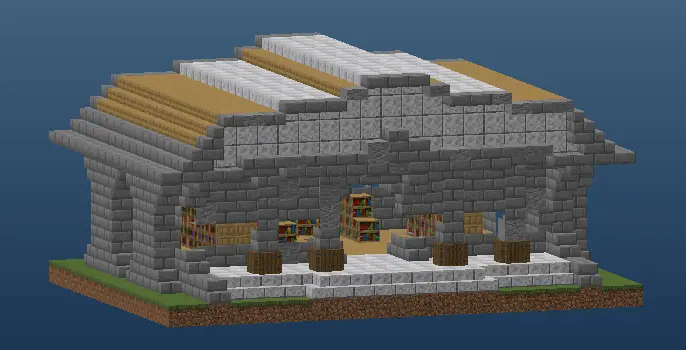
A good place for a Minecraft base might begin with a river, a patch of flat ground and a few trees. In Jerry’s Colonies, that same spot can become the beginning of a settlement with its own name, citizens and territory. You’ll still build and gather resources, but there are other things to think about too: who lives there, what work they do and whether everyone has enough food.
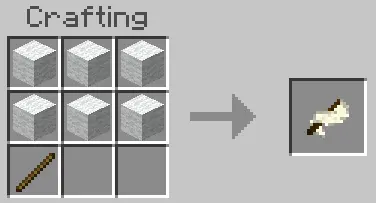
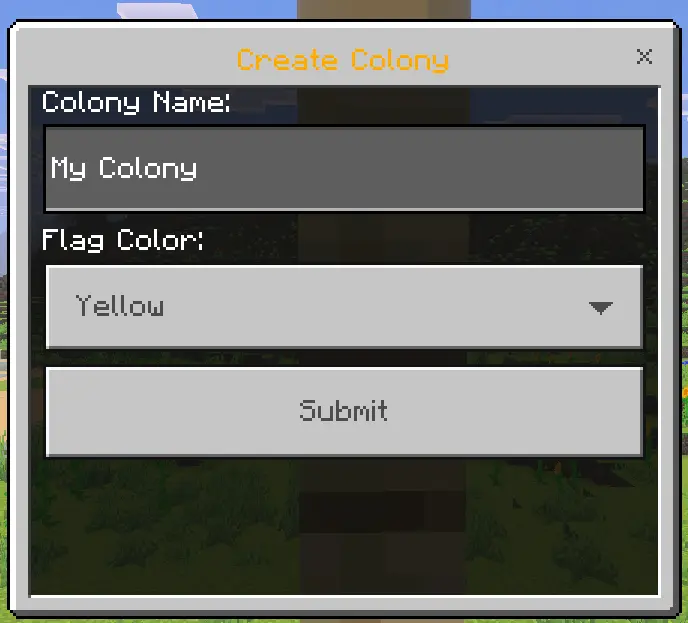
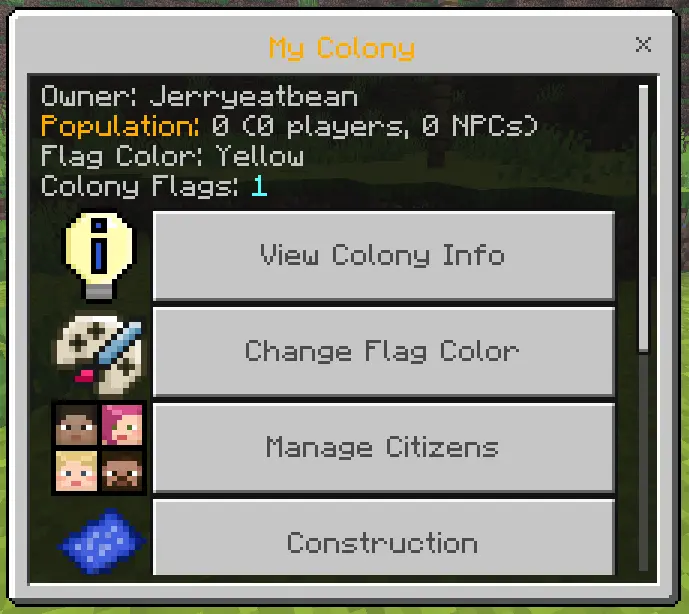
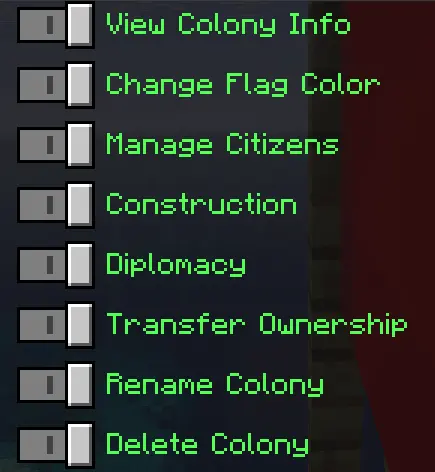
The first step is making a flag from six pieces of wool and a stick. Place it on a fence to establish your colony, then set up a Mayor’s Table to manage it. From there you can name your settlement, invite other players and recruit citizens. You don’t need to have an entire town planned before putting down the flag. A small house and a field are a reasonable place to begin, with room to add more buildings once you know what your colony needs.
Citizens can be given jobs, including roles connected to farming, mining and other work. They can provide items related to those jobs, so it’s useful to check on them as your settlement grows. You can find citizens in the world or recruit them through the Mayor’s Table using emeralds. Bringing people in is only part of the job, though. They need food to survive, so keep your food crates stocked and check their hunger rather than letting the fields become an afterthought.
A growing population gives you a reason to expand beyond your first few buildings. You might make a proper farm near the river, set aside a place for miners to work and build homes along a road leading to the centre of town. The add-on also includes construction plans for buildings. You’ll need workers and materials to bring a plan to life, which makes a new house or tower feel like a project for the whole settlement rather than something that appears without preparation.
Defence deserves attention as well. Knights can help protect the colony, and you can equip them with armor before trouble arrives. Think about the places an enemy might approach from: a wall or a watchtower can be a satisfying building project when there are people inside the settlement you want to protect. Keep an eye on your knights after a fight too; a victory matters less if you lose the defenders you were relying on.
Playing with other people opens up another side of the add-on. Friends can join your colony, or different groups can establish settlements of their own. You might agree to help a neighbour, arrange trade between towns or eventually find yourselves on opposite sides of a conflict. The Mayor’s Table includes diplomatic options, so relationships between colonies can become part of the game rather than something you have to track entirely by memory.
Jerry’s Colonies gives a long-term Minecraft world a goal beyond finishing your own base. There’s satisfaction in returning from a mining trip to a place that has grown since you first planted its flag. Start with a handful of citizens, make sure they’re fed and build at a pace that suits you. Over time, that quiet patch beside the river can become a town with fields, defences and neighbours of its own.
Installation:
- Download Mod;
- Open the downloaded file to install;
- Select it in the settings;
- Have fun!
Comments (0)