Real Vanilla Sit Mod / Addon
- 24-04-2026, 13:02
- 1 494
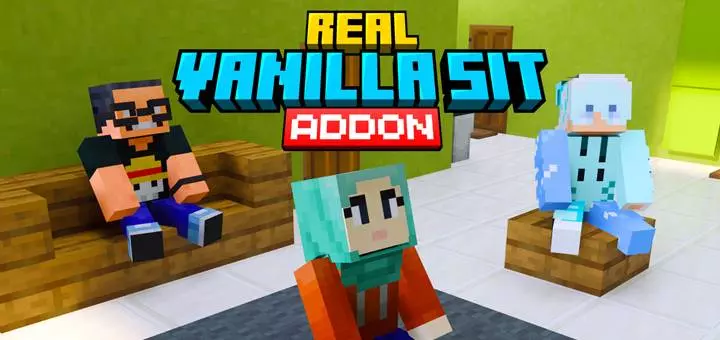
Real Vanilla Sit – Just Sit, No Commands, No Weirdness
Ever tried to sit in Minecraft and ended up just jumping around awkwardly? Yeah, same. That’s where Real Vanilla Sit comes in. This addon lets you sit for real on any stairs, slabs, or even carpets—no commands, no third-party UI, no junky pose animations. Just walk up, tap, and boom—you’re chillin’. Works clean on all vanilla blocks that make sense, and looks exactly how you’d expect in the base game.
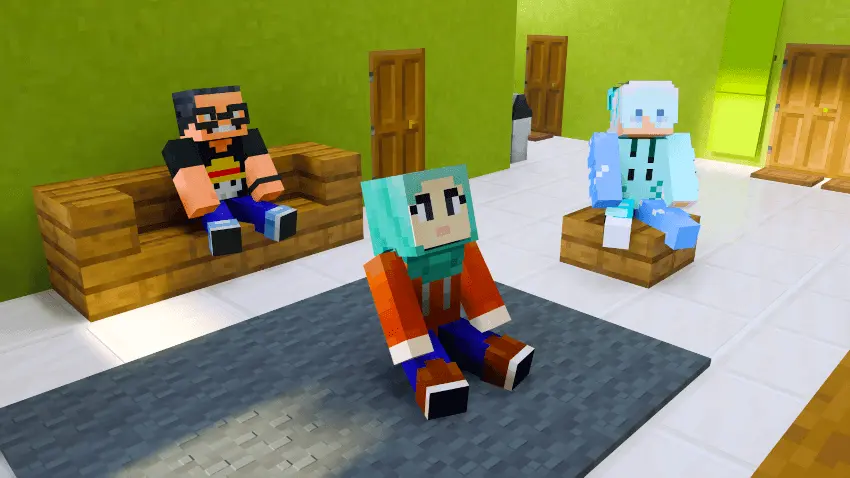
I’ve lost count of how many Minecraft chairs I’ve made from stairs and signs, only to stand beside them because there was no way to sit down. Real Vanilla Sit fixes that little problem. It lets your character sit on ordinary stairs, bottom slabs, and carpets, turning blocks you may already have in your house into places you can actually use. It’s a small addition, but it gives you a reason to enjoy the rooms and gathering spots you’ve spent time building.
Sitting down is easy. Make sure your hand is empty, then interact with a supported block. On a computer, that means right-clicking; on a touch screen, tap the block. Your character will sit facing the direction of the stair, which makes a chair at a table look the way you’d expect. When you’re ready to get up, jump or sneak. There are no special items to carry around and no commands to remember. If you’ve already built a row of stairs as a sofa, try interacting with one and see how it looks.
There are a few limits worth knowing before you rearrange your whole house. The add-on supports stairs placed the usual way up, bottom slabs, and carpets. Upside-down stairs and top slabs aren’t treated as seats. Waterlogged stairs and slabs are also excluded, so a bench placed underwater won’t work as a sitting spot. If a block isn’t letting you sit, check how it’s positioned and whether it has water in it. For most everyday furniture builds, though, an ordinary stair or lower slab should do the job.
The feature is especially nice in a shared world. You can finally gather around the dining table you built, sit beside friends at a campfire, or take a break together after returning from a long trip. Each seat can only hold one player at a time, so you’ll need enough blocks for everyone rather than trying to squeeze the whole group onto a single stair. That makes it worth adding a proper bench or a few extra chairs if your base has become the usual meeting place. It’s also handy for roleplay worlds, where a tavern, classroom, or town square feels more convincing when players can actually sit down.
Builders might get a few new ideas from it as well. A carpet beside a fireplace can become a place to sit on the floor, while slabs can work as a low bench in a garden. You could add seating along a porch, put a chair near a window, or make a quiet spot overlooking the landscape around your base. The nice part is that you can use familiar Minecraft blocks and choose materials that match the rest of your build.
Real Vanilla Sit doesn’t ask you to change the way you play. Activate its behavior and resource packs, then carry on with your world as usual. The next time you finish a building, invite your friends over and use the chairs instead of standing around the table. After all the time spent making a place feel like home, it’s nice to be able to sit in it.
It’s perfect for survival bases, chill hangouts, or just flexing a cozy vibe with your squad. Finally, you can sit around a table and not look like a weirdo. Clean, simple, vanilla-friendly.
Installation:
- Download Mod;
- Open the downloaded file to install;
- Select it in the settings;
- Have fun!
Comments (0)