UpRanks+ Mod / Addon
- 7-05-2026, 02:15
- 1 474
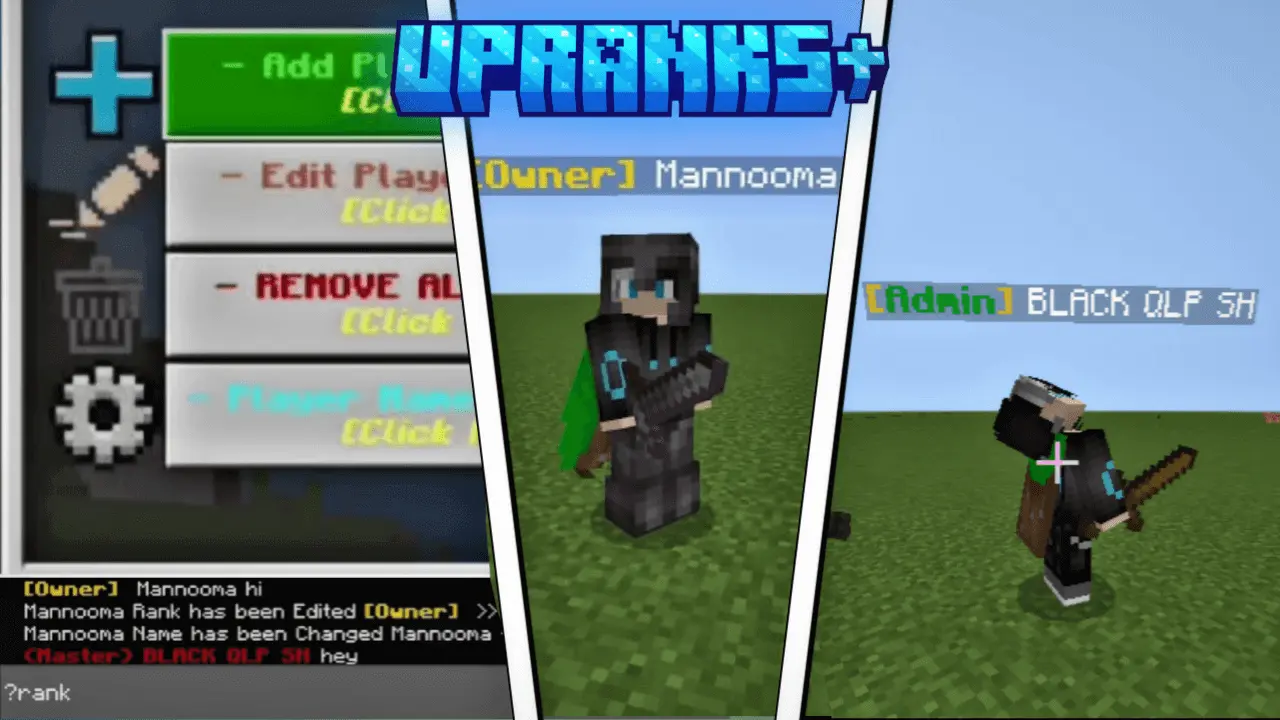
UpRanks+ (chat rank system) Minecraft addon is a useful chat rank system for your server or multiplayer game. Your Minecraft server chat is buzzing, but new players have no idea who runs the place or who can help them. UpRanks+ adds customizable chat ranks, making it easier to give your community its own identity and show who’s who.
The addon gives administrators tools to create, assign, edit, and remove player ranks in Minecraft Bedrock. You choose the names, colors, brackets, and styles, so the labels can match the kind of server you’re running. A survival world might have simple Member and Moderator ranks, while a roleplay server could use titles for builders, shopkeepers, or leaders of different groups. You can also make a rank just for fun—there’s nothing stopping you from giving the friend who keeps blowing up your farms a title they’ll never live down. These labels help identify players in chat; don’t assume that giving someone a fancy title automatically grants them operator powers.
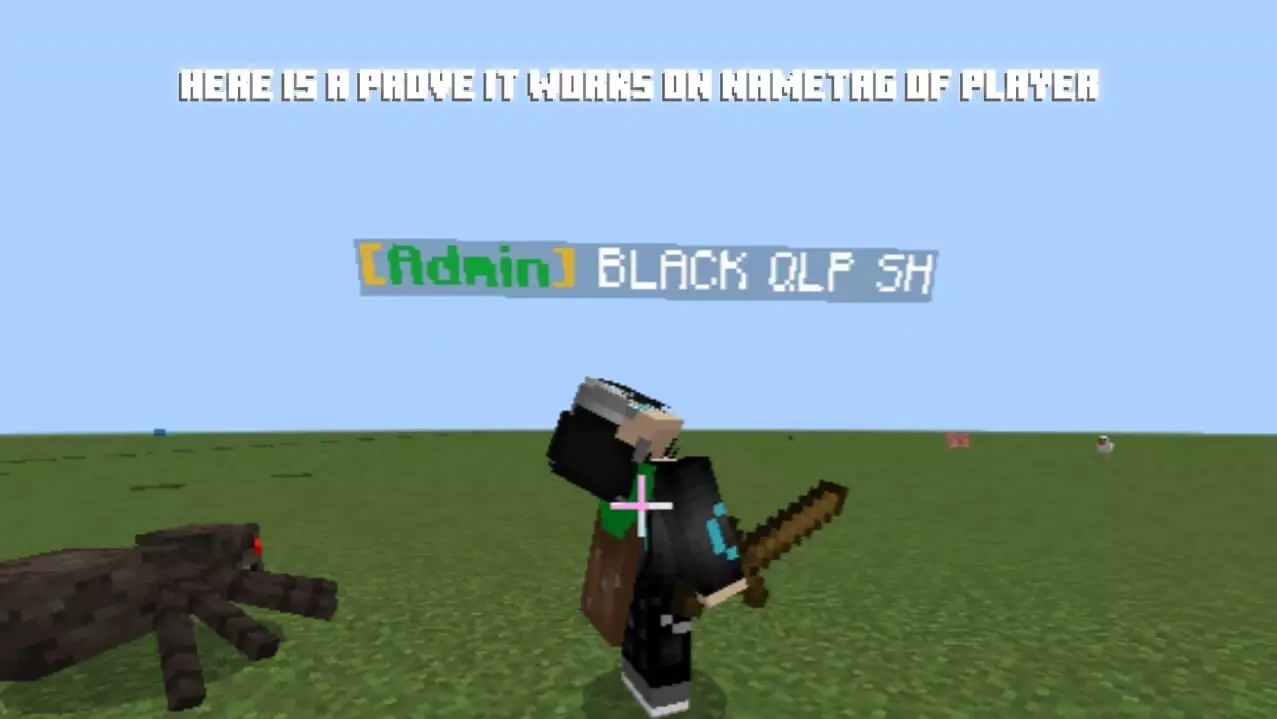
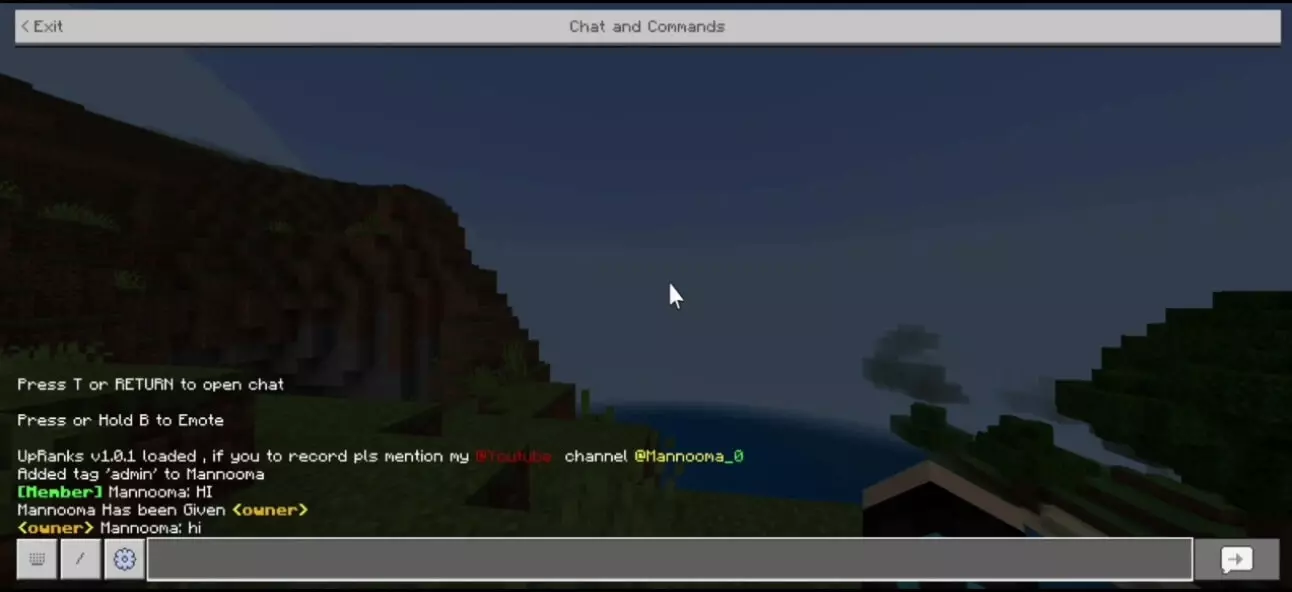
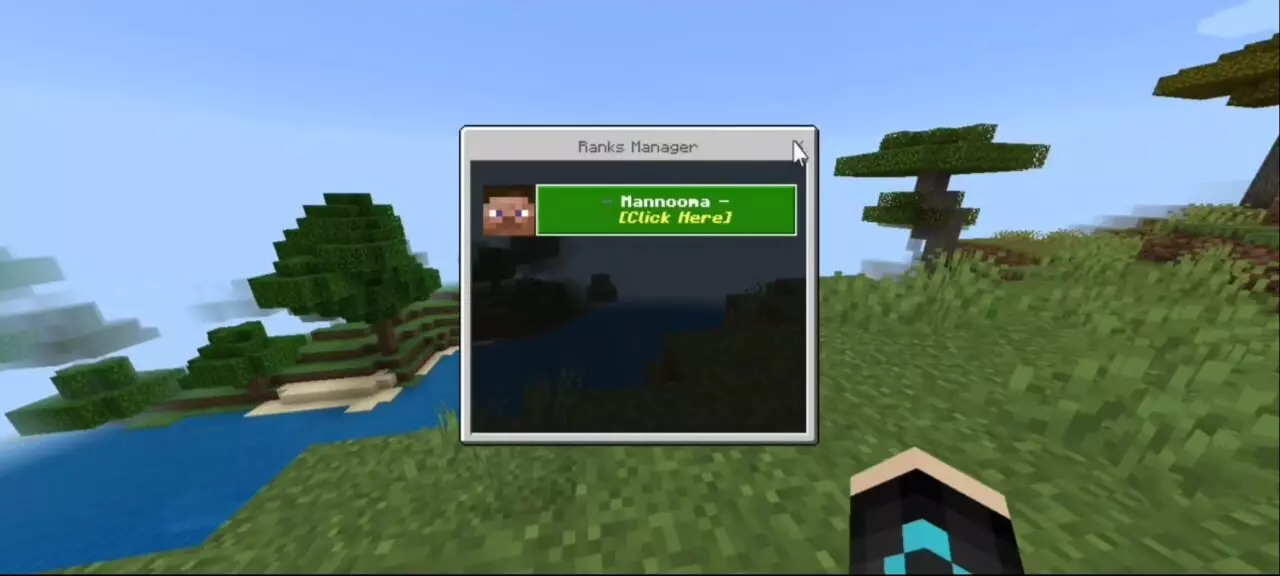
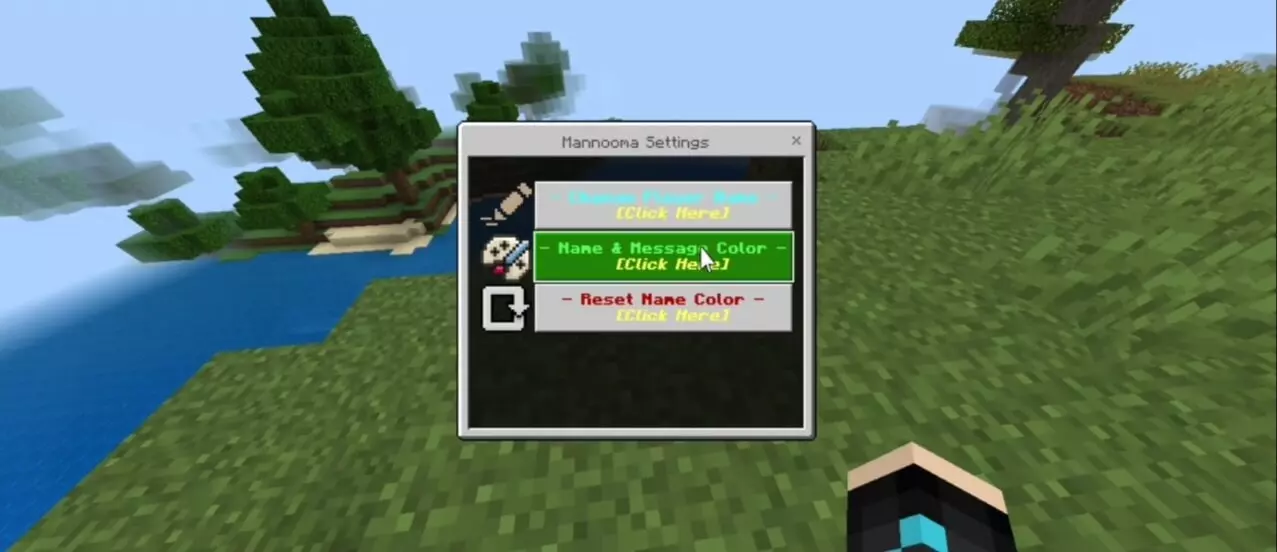
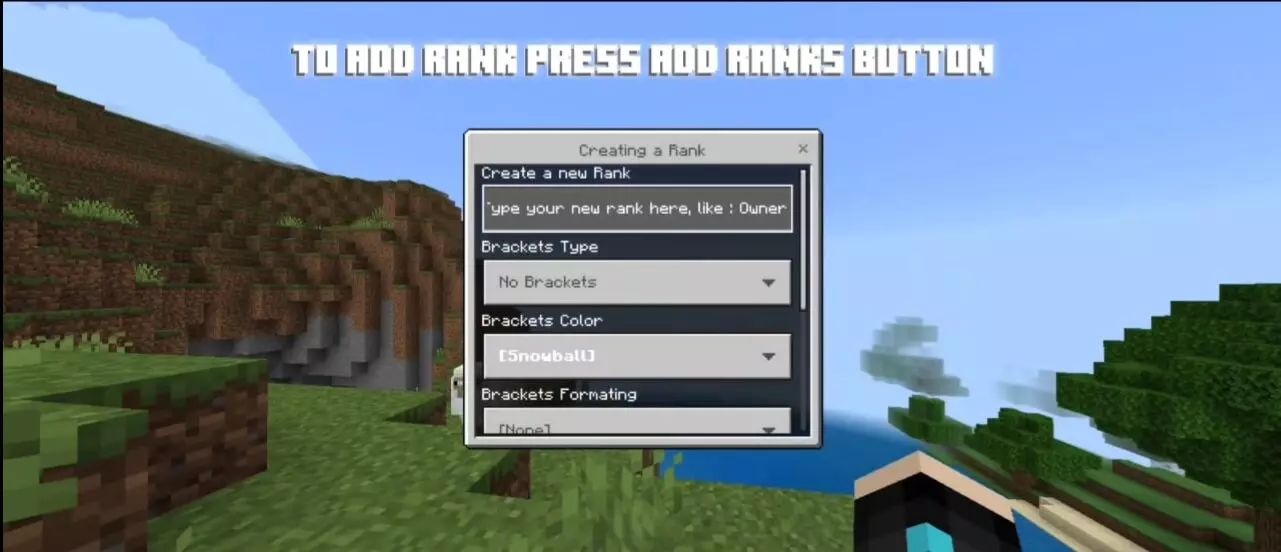
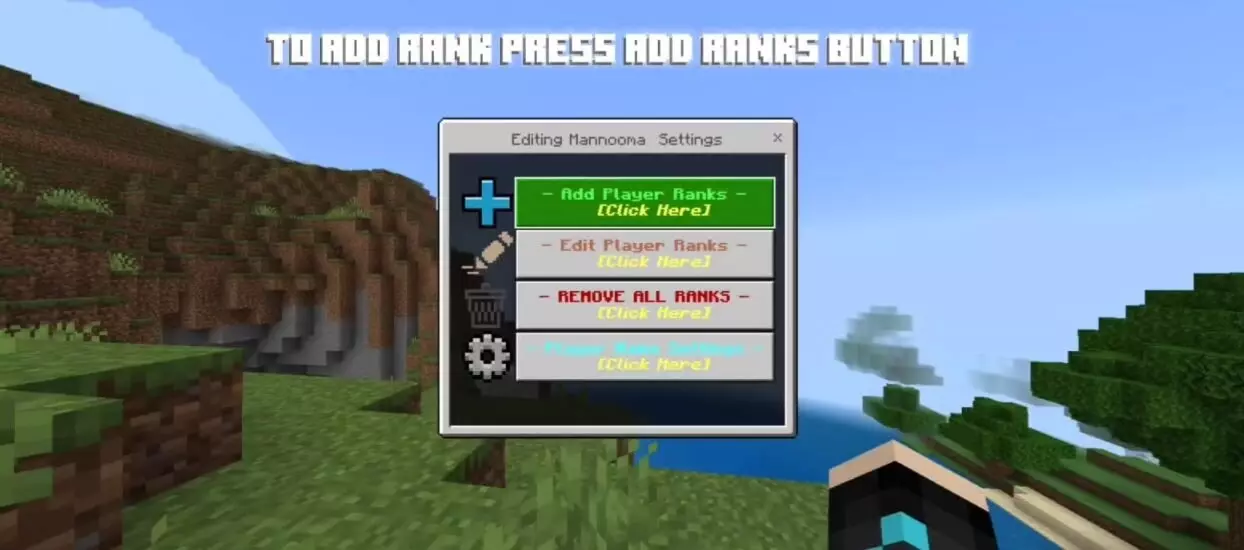
New players don’t have to arrive with a blank label, either. UpRanks+ lets admins choose a default rank for players who join without one. Set it to something straightforward like Member, or come up with a name that fits your world. As your community grows, you can use the player management menu to see current ranks and update them when someone joins the staff or earns a special title. Ranks can be removed or reset through the menu as well, so you aren’t stuck with the first setup you try. The version on this page also supports displaying primary and secondary ranks, which could let someone show both a staff role and a community title.
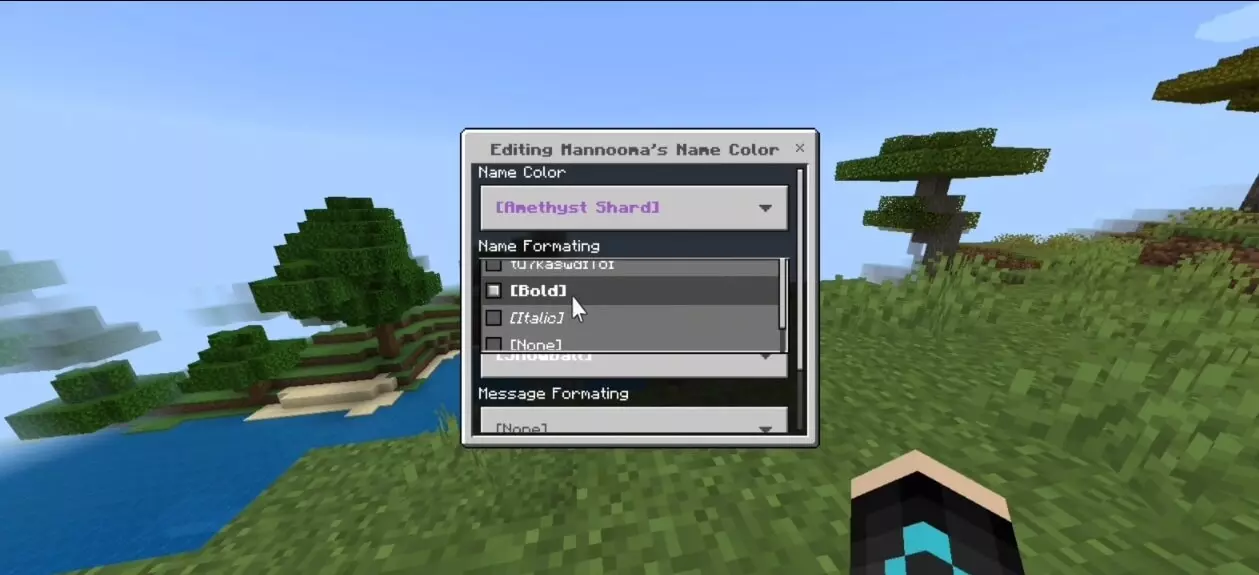
The customization goes beyond the rank itself. Admins can change player name colors and adjust how names and messages appear in chat, using different colors and formatting styles. That gives you room to make important messages easier to spot or give each group a recognizable look. You can keep it clean with a few matching colors, or make a roleplay world feel a little more lively with distinct styles for its characters. It’s worth thinking about readability when you pick your colors: a cool-looking label won’t help much if nobody can tell what it says once chat gets busy.
UpRanks+ also includes moderation controls for muting or freezing players. Those options give admins another way to respond when someone is disrupting the world, alongside the rank and name settings in the menu. Admin-tagged players can open the management interface by typing `?rank` in chat; players without that tag see a player statistics menu instead. The addon is useful for a small world with friends, but its rank system becomes especially helpful when more people join and the server starts developing its own regulars, staff, and traditions.
Whether you’re organizing a survival community or giving a roleplay world some extra character, UpRanks+ lets you shape how players appear when they speak. Pick titles that make sense for your group, give them a look you like, and make the chat feel like it belongs to your server.
Installation:
- Download Mod;
- Open the downloaded file to install;
- Select it in the settings;
- Have fun!
Comments (0)