Skygen Creator Mod / Addon
- 22-04-2026, 04:05
- 1 247
Myth's Skygen Creator is a great mod for mechanisms, redstone and Skygen Creator in Minecraft.
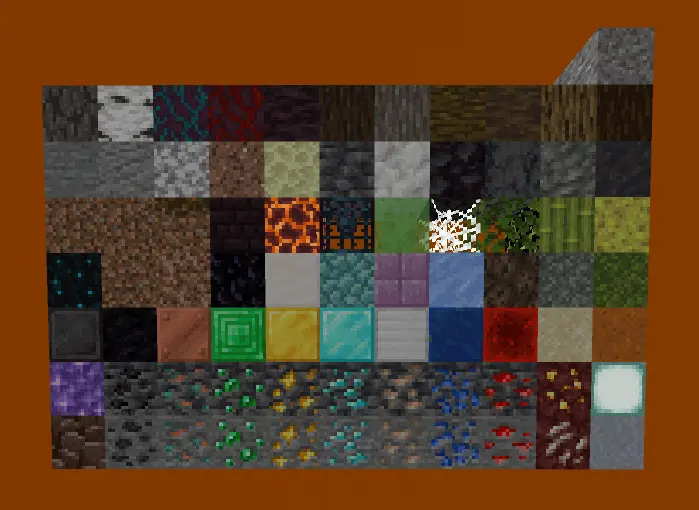
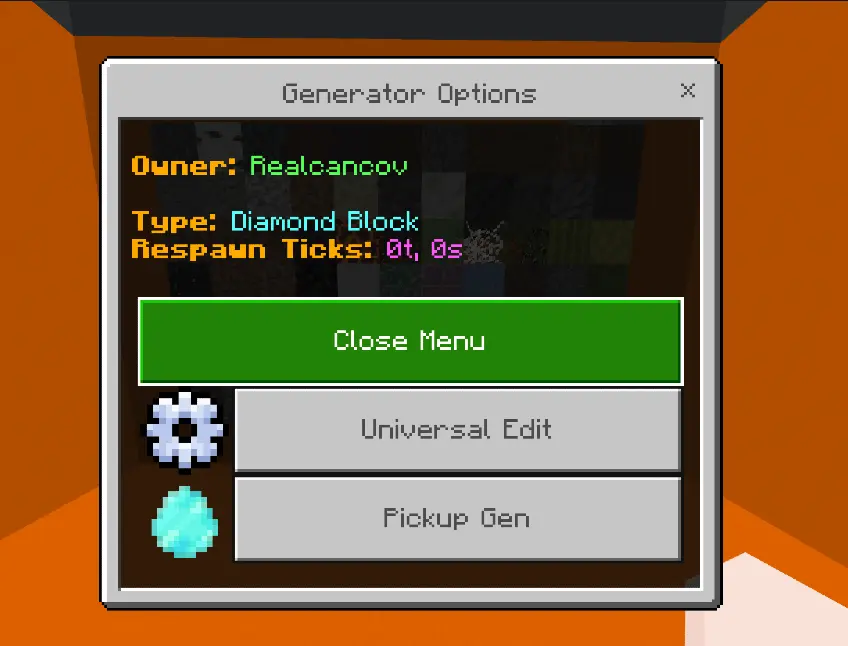
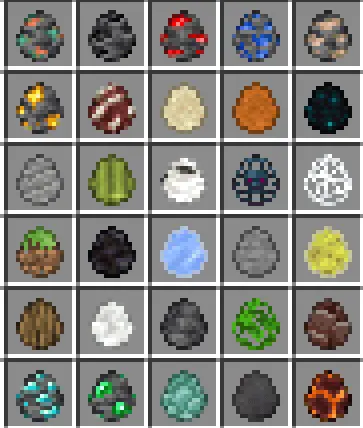
A player wants to move their generator, another has left an auto miner running, and loose items are piling up across the island. Myth’s Skygen Creator gives Minecraft Bedrock players tools for placing generators, automating mining, and handling the resources that come out of them. For anyone building a Skygen world, that means more time designing the experience and fewer little fixes every time someone rearranges their setup. Gen Eggs are the place to start. Each egg places a generator that replaces its block after it’s mined, without needing a command block underneath. Players can pick up and move their own generators, so changing an island layout doesn’t have to turn into a request for an admin. To collect one, sneak and interact with the generator using an empty hand. Make sure you have inventory space, or the egg will drop on the ground.
For server operators, the Admin Wrench offers a way to adjust generator settings. Use it in Creative mode with operator permissions to edit a generator type and its respawn timing. That gives you room to decide how quickly different resources return and how fast players progress through your Skygen. A valuable block that comes back slowly creates a different rhythm from one players can mine almost continuously. Test the settings yourself before inviting everyone in: what sounds fair in a menu might feel very different after several minutes of mining. The Creative inventory’s Construction tab contains the Gen Eggs, so you can look through the available choices while planning your resource areas.
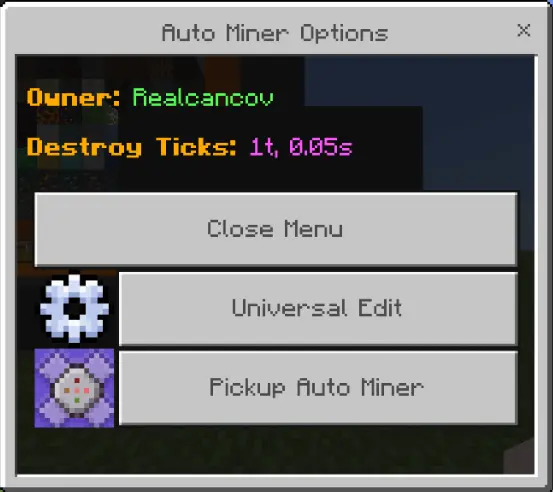
Auto Miners take over the repetitive work by breaking the block underneath them after a set interval. Their owner can place and pick them up, which makes it easier to reorganize a setup as an island grows. They also switch off when their owner goes offline and resume when that player returns. A green outline shows an active machine, while red indicates an inactive one. Operators can adjust the base mining speed with the Admin Wrench. Pairing a miner with a generator gives players something to work toward, but the drops still need somewhere to go. An Item Storer can collect an assigned type of item and send it into a container below. Choose that item carefully, since each storer handles one type, and empty it before picking it up: its stored contents aren’t preserved when the block is removed.
Experience Tanks help deal with the other thing that tends to gather around mining setups: loose XP orbs. A tank collects nearby experience and can turn it into bottles when you interact with it using glass bottles. It can also spend stored XP to repair items in a container above it, even if those items don’t have Mending. The linked page offers version 2.2.99 as an .mcaddon file; open it to import the addon, then enable its packs in your world settings. Later releases add features such as miner levels, so check the documentation for the version you install. Build a small test setup first, tune the generator and miner speeds, and watch how the storage handles the results before expanding it across your world.
Installation:
- Download Mod;
- Use Minecraft
- Open the downloaded file to install;
- Select it in the settings;
- Have fun!
Comments (0)