Easy Cinematic Mod/Addon
- 3-05-2026, 15:19
- 1 326
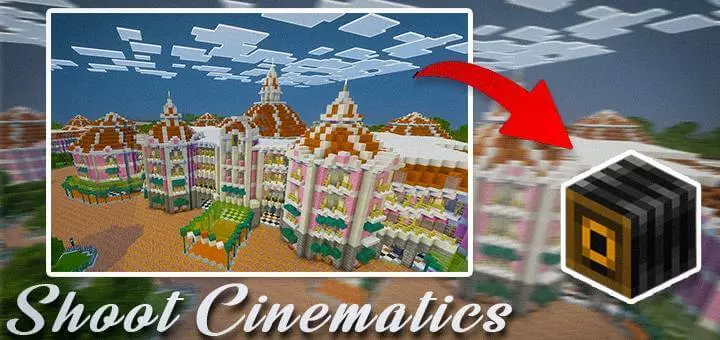
Easy Cinematic Mod for creating beautiful cinematic scenes in Minecraft for a beautiful video. Easy Cinematic gives Minecraft Bedrock a camera system for creating planned shots inside your world. You can build camera paths, control where the view points, and play back the movement to showcase a build, landscape, or staged scene.
The main workflow revolves around a Cinematic Controller and an in-game menu. That gives you room to shape the pacing: move toward a building, pause at the entrance, then continue toward the next view. Being able to edit individual points is useful when most of a shot works but one section feels rushed. You can refine that part of the route and play it again, gradually getting the movement closer to what you pictured.
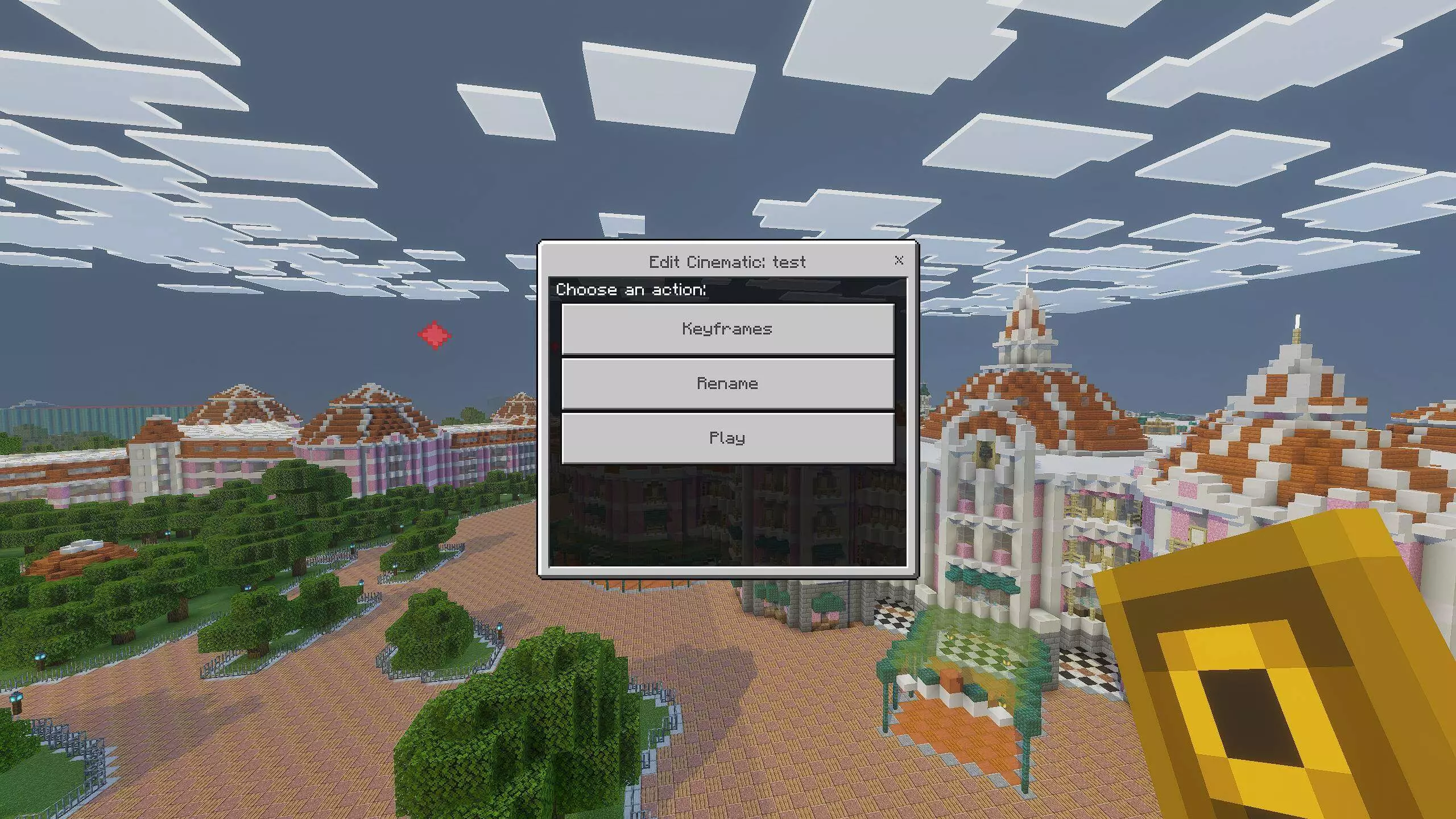
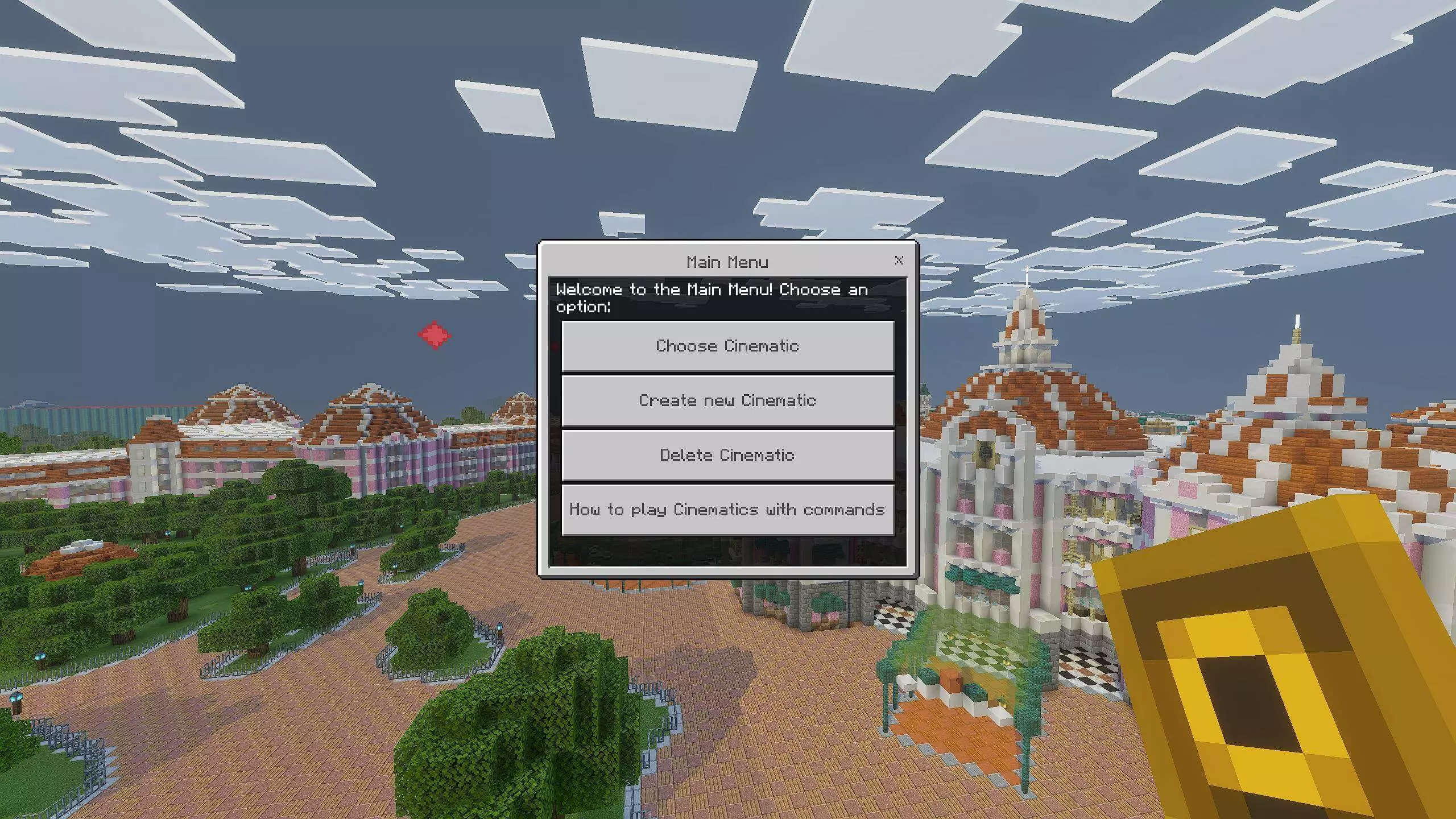
Three cinematic modes handle the camera’s direction in different ways. Normal Mode allows a separate focus point for each keyframe, so the view can shift between subjects as the camera moves. Single Focus keeps attention on one chosen point throughout the path, which suits a shot traveling around a statue, tower, or central building. Fixed Direction holds the camera’s rotation while it follows the route, giving you a consistent viewing angle during movement. Each mode lends itself to a different composition. A tour through several rooms might benefit from changing focus, while a slow pass across a large facade could work well with a fixed direction.
The newer releases add curved paths for more sweeping camera movement, along with particle previews that show the route before playback. Marker colors can be changed, making the path easier to distinguish against the surroundings. On-screen information also helps you keep track of the active mode and keyframe details while working. Player visibility controls let you decide whether players appear during a cinematic, and the Dynamic Tracking Camera can follow a selected mob or player. That opens up another kind of scene: following a character through a settlement or keeping attention on an animal as it moves. The subject can become the reason for the shot.
Command support gives map makers additional ways to manage and trigger cinematics, including automatic playback through command blocks and player tags. Multiplayer playback can be directed to yourself or all players, making a prepared scene useful for a shared introduction or reveal. For a simpler project, you could start with one short approach toward your base and spend time getting the framing right. Keep the subject visible, give the camera enough room to move, and leave a pause where viewers should look closely. Easy Cinematic supplies the controls to plan those choices, making it useful whenever presenting the world is part of what you enjoy about Minecraft.
Installation:
- Download Mod;
- Open the downloaded file to install;
- Select it in the settings;
- Have fun!
Comments (0)