New Player Animation Add-on
- Today, 15:07
- 112 255
Mods 1.26 / Mods 1.21 / Mods 1.20 / Mods 1.19 / Mods 1.18 / Mods 1.17 / Mods 1.16 / Mods 1.15
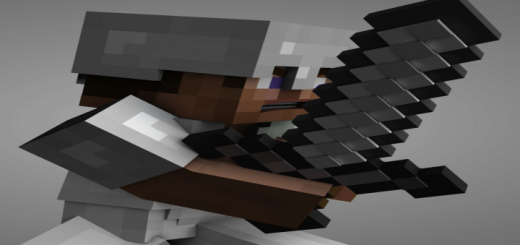
Player Animation Pack is a great addition to Steve’s new animation in Minecraft Bedrock. Want to diversify Steve’s movements? Make them more realistic and look like real ones. Then just download the new version of the mod.
The addon has a special texture, it changes the movement of Steve during swimming, riding a horse, walking, running and the rest. Look at the screenshots for examples that will be introduced in the game.
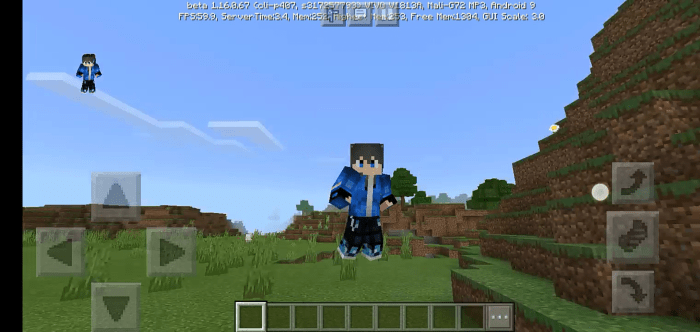
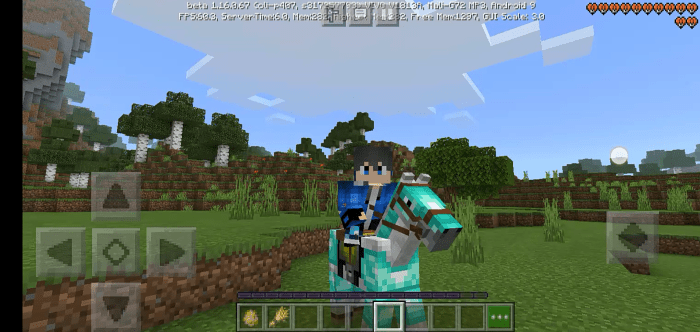
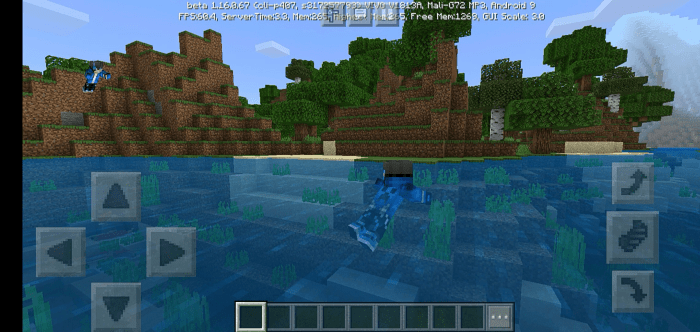
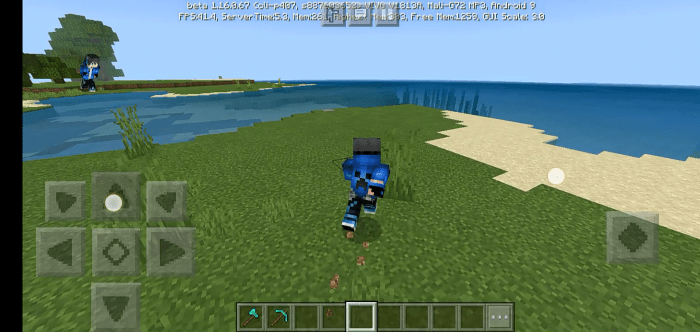
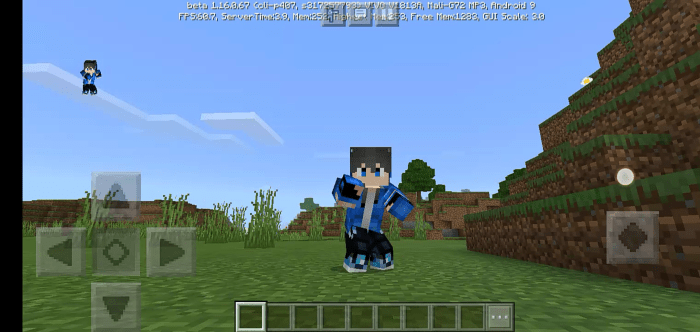
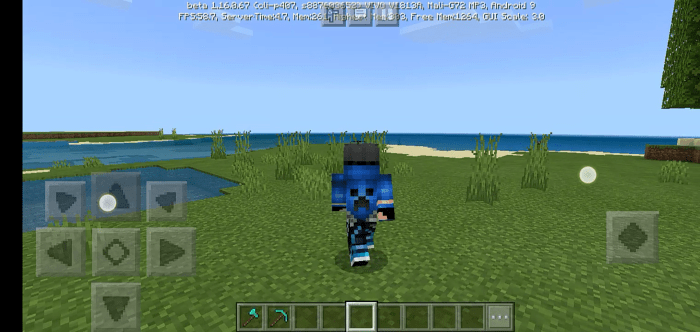
Your Minecraft character is ready to move with more personality. New Player Animation gives everyday actions a fresh look, from sprinting across the plains to swimming through a river.
The difference shows up as soon as you start exploring. Walking gets a revised animation, while sprinting gives your character a forward lean that makes a dash across open terrain look more purposeful. Slow down and sneak near a cliff, and the change in posture gives that careful movement its own visual identity. Swimming and riding have updated animations too, so the effect reaches beyond the moments you spend on foot. Picture a survival trip that takes you from a forest path to a river crossing and then home on horseback: each part of the journey gives you another chance to see your character in motion. The pack also includes a flying animation for players who like to view their builds from above. These are visual changes to familiar actions, so you can keep playing the way you normally do while enjoying a different look along the way.
It’s not all about getting from one place to another, either. New Player Animation also refreshes actions involving items, including attacks and mining. Pull out a sword and the swing has a different presentation; switch to a pickaxe and the work of digging into stone gets attention, too. The pack includes standing animations, which means even a pause between tasks can give you something to notice. For a closer look, switch to third-person view and try a few activities back to back: stand still, run, crouch, then take a swing at a nearby mob. You’ll get a clearer sense of the changes than you would staring straight ahead in first person. That makes this Minecraft Bedrock animation pack a fun choice for players who spend time watching their character explore, fight, or travel with friends.
The appeal is in how often those little actions happen. You might sprint back to your base before dark, sneak along a ledge while gathering resources, or take a horse out to scout a new building spot. None of those trips needs a new objective to feel interesting; the animation gives you something different to look at while you play. It can also add character to a third-person screenshot or a gameplay clip, especially when you catch your avatar mid-run or in the middle of a fight. If you enjoy the familiar blocky world and simply want your character’s movements to have more expression, this pack focuses on exactly that. Import the resource pack into Minecraft Bedrock and activate it in your settings, then spend a little time trying the actions you use most. A quick lap around your base is enough to start spotting the differences, but a longer survival session gives the running, riding, swimming, and item animations room to show up naturally.
Installation:
- Download Mod;
- Open the downloaded file to install;
- Select it in the settings;
- Have fun!
Comments (10)