Magic Spells Mod / Addon
- 20-03-2026, 03:21
- 3 880
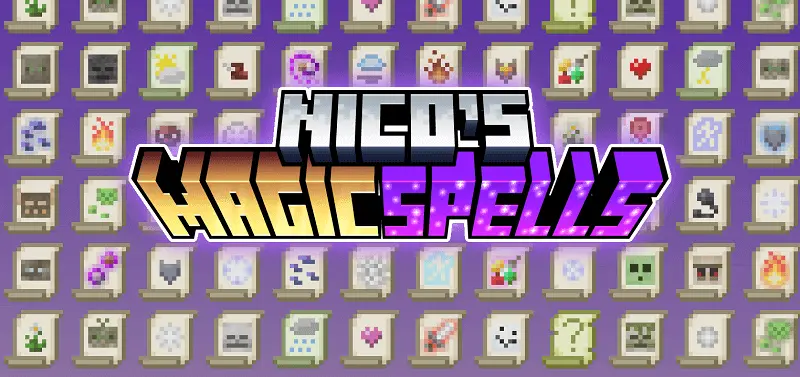
Nico's Magic Spells - Download the mod and have many epic magic spells in the game. A sword is useful when a zombie gets too close, but sometimes you want a little more room between yourself and whatever is coming out of the darkness. Magic Spells gives you another way to deal with those encounters: collect scrolls, try different spells, and figure out which ones deserve a place in your inventory.
The scrolls are the part you’ll probably spend the most time getting to know. They don’t all do the same thing, so finding a new one gives you a reason to stop and experiment. Some are suited to attacking, with effects connected to fire or lightning. Others focus on protection, and there are spells that can summon creatures. You might find one you want to carry everywhere and another that’s useful only when you know a difficult fight is coming.
There’s a bit of preparation involved, which fits naturally into survival. You can craft scrolls, so the resources you collect have another potential use. After a mining trip, it’s worth checking what you can make before putting everything away. Maybe you have enough for a spell you’ve been curious about, or perhaps you’ll need to set out again for a missing ingredient. Either way, the next trip has a purpose beyond filling another chest with materials you may never touch.
You’ll also meet villagers connected to the addon’s magical side. Take a look at what they offer when you find them; trading can be another way to pick up unusual items for your collection. The new structures give you something else to watch for while traveling. If you enjoy wandering through Minecraft and stopping whenever you notice an unfamiliar building, these discoveries fit nicely into that kind of play. You can follow your usual route, then take a detour when something catches your eye.
Once you have a few scrolls, it’s tempting to take all of them everywhere. That works until your inventory starts filling up with food, tools, blocks, and whatever you found on the way. You may prefer to leave some at home and choose a small selection for each trip. Heading underground? Bring the spells you feel comfortable using in a fight. Going out to explore? Leave enough space for anything interesting you might find. It’s a small decision, but it makes preparing for an adventure feel more personal.
You can make the magic part of your home as well. A spare room filled with bookshelves is an obvious place to keep your scrolls, but it doesn’t have to be anything grand. A chest beside your crafting area will do just fine while your collection is small. Later, if you feel like building, turn an old tower into a wizard’s study or add a little workshop behind your house. The addon gives you the items; what you make of them is up to you.
On a shared world, comparing spells can be just as entertaining as using them. One friend might spend their time collecting offensive magic while someone else looks for protective abilities. Bring your favorites on an expedition and see how they work alongside your regular tools. It’s probably best to test an unfamiliar spell somewhere safe first, especially if you’ve just finished decorating your base.
To get started, open the downloaded addon in Minecraft and activate its behavior and resource packs in the world settings.
Installation:
- Download Mod;
- Open the downloaded file to install;
- Select it in the settings;
- Have fun!
Comments (0)