OtherWorldly Mod / Addon
- 23-04-2026, 03:33
- 2 175

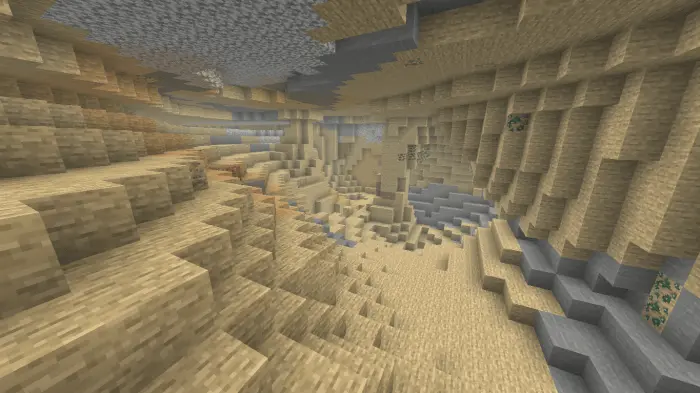
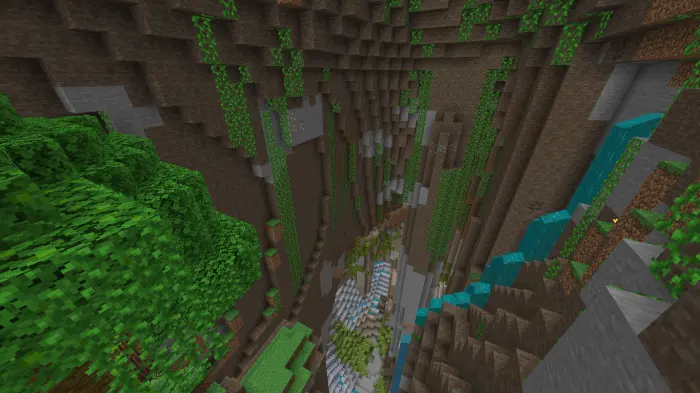
OtherWorldly Minecraft mod will add new structures, bosses, mechanics, mobs and items to improve your game world. You’ve found a strange structure, spotted a creature you don’t recognize, and already used up half your food deciding whether to go inside. Otherworldly fills Minecraft Bedrock with unfamiliar caves, mobs, bosses, and equipment, giving your next survival expedition plenty of chances to go off the rails. The world is still yours to explore at your own pace, but there’s more to discover along the way. An unusual cave can pull you away from a routine mining trip, while a structure on the horizon might become the reason you stay out past sunset. Pack some food, leave room in your inventory, and don’t be surprised when a quick outing becomes a much longer adventure.
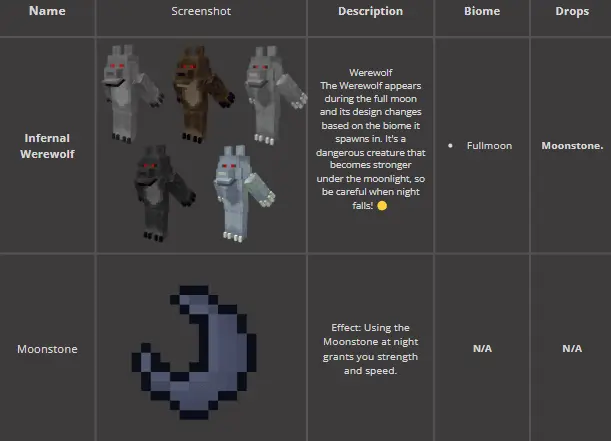

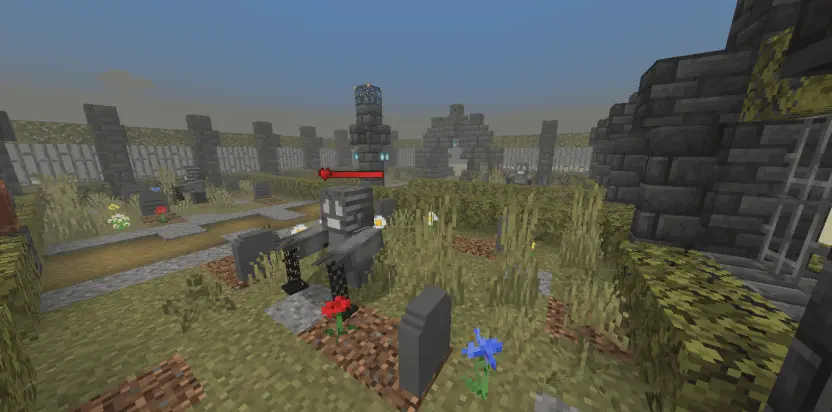


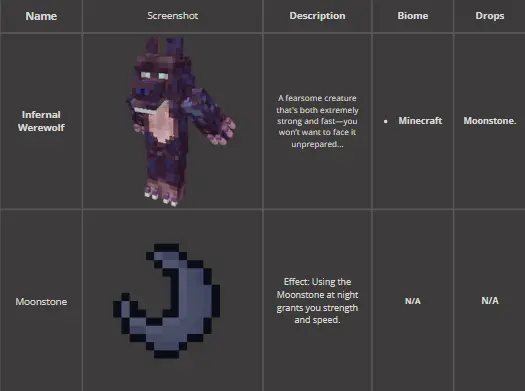
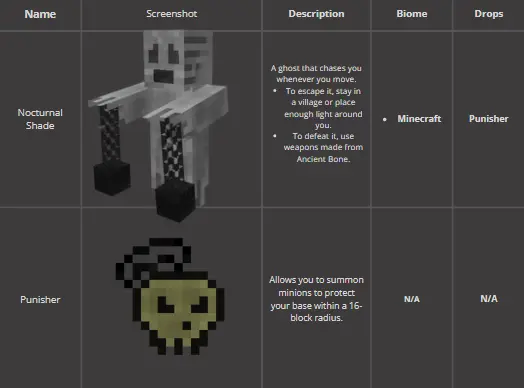

The new creatures give you something else to think about while traveling. Some are peaceful or neutral, while others are ready to turn your exploration into a fight. The in-game bestiary helps you learn about them: approach peaceful creatures to unlock their entries, or defeat hostile ones to reveal their information. It’s a good reason to pay attention to what you encounter instead of treating every unfamiliar shape as something to whack with a sword. When you’re ready for a bigger challenge, bosses and mini-bosses such as Lynx, Lumimoth, and the Soul Thief are part of the adventure. Bring equipment you trust and get a feel for the fight before deciding you can take another hit. A boss that looks manageable from a distance can feel much less friendly once you’re scrambling to heal.
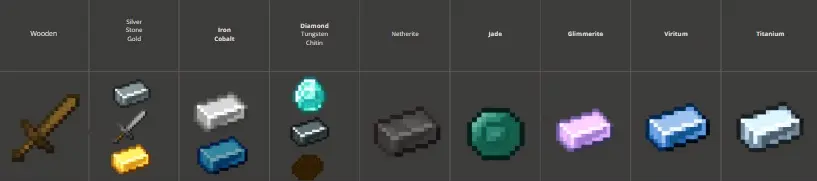
Otherworldly also adds materials, armor, tools, and accessories to work toward as you explore. Finding a new resource gives you a reason to check your crafting options and decide what belongs in your next loadout. The Spectral Amulet can help when you come across something unfamiliar: it shows information about enemies you’re looking at and identifies the tool needed to mine blocks from the addon. That’s useful when you’re standing in a cave wondering whether your current pickaxe is up to the job. Different releases also expand systems such as fishing and difficulty, so the exact features you see depend on the version you install. Give your new gear a proper test before taking it somewhere dangerous; the middle of a boss fight is a rough place to discover you prefer your old weapon.
The addon suits a survival world where you enjoy preparing for trips, coming home with new materials, and gradually taking on tougher encounters. Play with friends and you can compare bestiary discoveries, explore a cave together, or choose a boss as your next group project. You might even assign someone the important job of remembering the way back while everyone else chases loot. The linked download is a ZIP file, so check its contents before importing. If it contains an .mcaddon file, open it with Minecraft and enable the relevant behavior and resource packs in your world settings. Check the compatibility details for your chosen release, then head out and see what’s waiting beyond your usual route.
Installation:
- Download Mod;
- Open the downloaded file to install;
- Select it in the settings;
- Have fun!
Comments (0)