Relic Player Animations Mod / Addon
- 24-03-2026, 03:49
- 2 896

Relic Player Animations Minecraft mod will improve character animations, make movements more realistic and lively. Here are some examples in the screenshots. Switch to third-person view and watch your character run across a field. The route is familiar, but the movement looks different: the body shifts with each step, and stopping feels less abrupt. Relic Player Animations changes how your Minecraft character moves through everyday actions, giving walking, jumping, swimming, and fighting a more expressive appearance.
Running is a good place to notice the difference. Your character’s upper body moves as they travel, and the transition from running to standing still has more detail. Jump from one block to another and you can see a change in posture during the jump and on landing. Crouching has its own movement too, which you may notice while edging along a ledge or quietly approaching a mob. Even standing around gets attention: subtle idle movements give your character something to do while you’re deciding where to go next. None of those moments needs a special event or a new area to show up. They’re actions you already perform throughout a normal session, whether you’re carrying supplies home or looking over a building project.
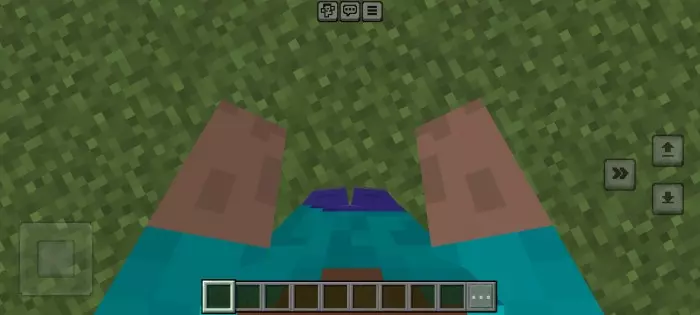
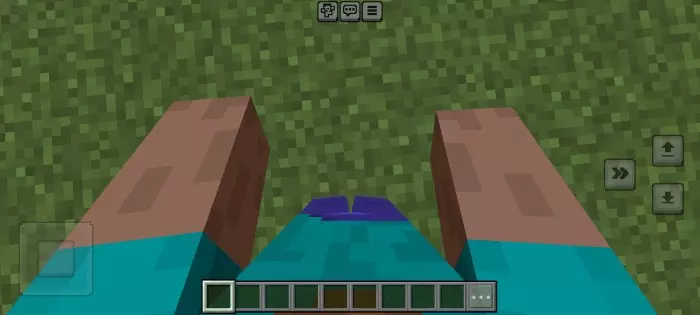
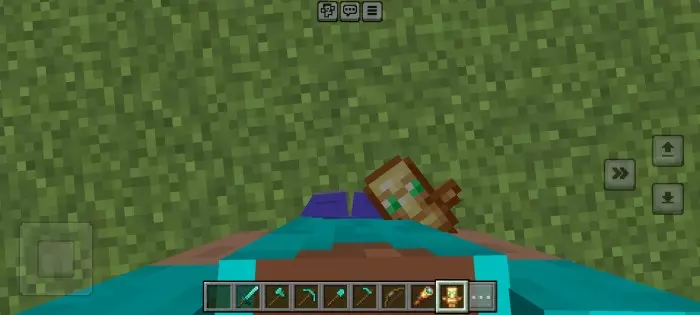
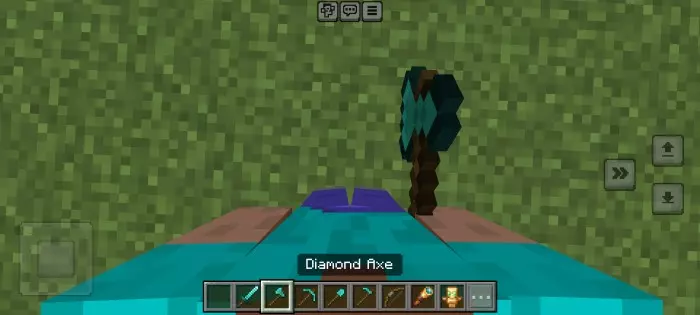
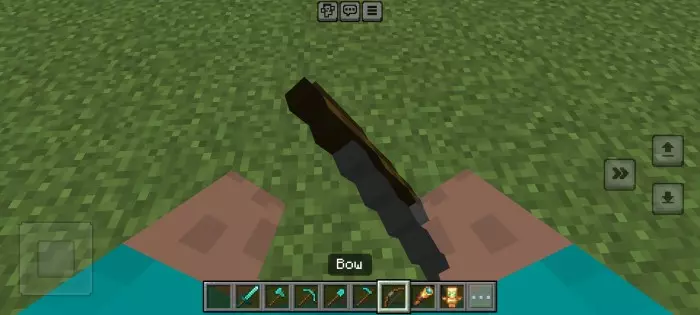
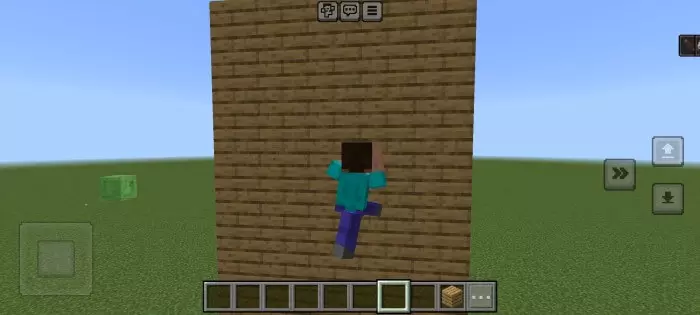
Combat looks different as well. Holding a sword or an axe gives your character a fighting posture, and there are changes for bows and shields too. Try drawing a bow in third person, then switch to a sword and watch how your character’s stance changes. The new motions can make a nighttime encounter more interesting to watch, particularly if you’re playing with friends and can see one another in action. Swimming also has a revised animation, so a trip across a river or down to a shipwreck offers another chance to see the changes. You might find yourself switching camera views more often just to watch how your character moves through places you know well.
The animations can be useful for roleplay and screenshots, but you don’t need a special map to enjoy them. A simple walk through your village or a run back from the mines is enough to show off the new movement. If you record Minecraft videos, the added poses may also give third-person scenes a little more character. To install the add-on, open the downloaded file with Minecraft, then activate its behavior and resource packs in your world settings. Experimental features may need to be enabled for the animations to work. Once you’re in the world, try a few familiar actions and see which changes you notice first. Your favorite may turn out to be a small one, like the way your character settles after a jump or moves while waiting for a friend.
Installation:
- Download Mod;
- Open the downloaded file to install;
- Select it in the settings;
- Have fun!
Comments (0)