Smooth & Colorful Fonts 64x – Addon / Texture Pack
- 19-05-2026, 12:44
- 1 407
Mods 1.26 / Mods 1.21 / Mods 1.20 / Mods 1.19
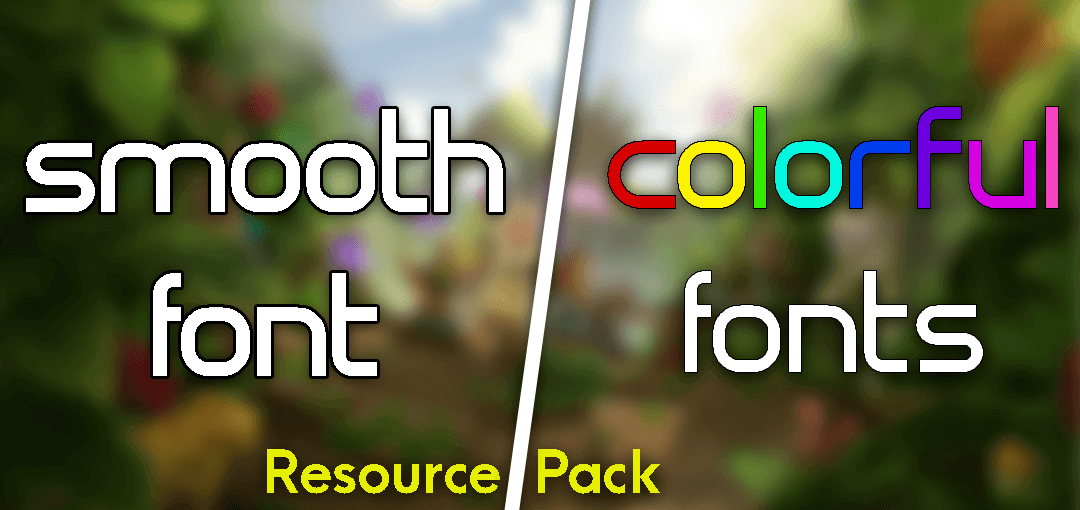
Smooth & Colorful Fonts 64x An addon that will change the texture of fonts and add new colors to Minecraft.
Staring at the jagged, pixelated default text in a bustling multiplayer lobby for hours will eventually give you a massive headache. Smooth and Colorful Fonts 64x completely revamps your Bedrock UI, swapping out those harsh vanilla letters for a high-definition typographic overlay that makes reading your chat logs and inventory screens infinitely more comfortable.
Minecraft's standard interface design relies heavily on that retro eight-bit aesthetic, which looks nostalgic right up until you have to read a paragraph of enchantment descriptions on a tiny mobile screen. The base font scales terribly at higher resolutions, resulting in fuzzy edges and awful kerning that strains your eyes during long late-night sessions. This visual upgrade acts as a direct counter to that specific eye fatigue. By bumping the text resolution up to a crisp 64x scale, every single letter across your pause menus, command blocks, and server leaderboards renders with absolute precision.
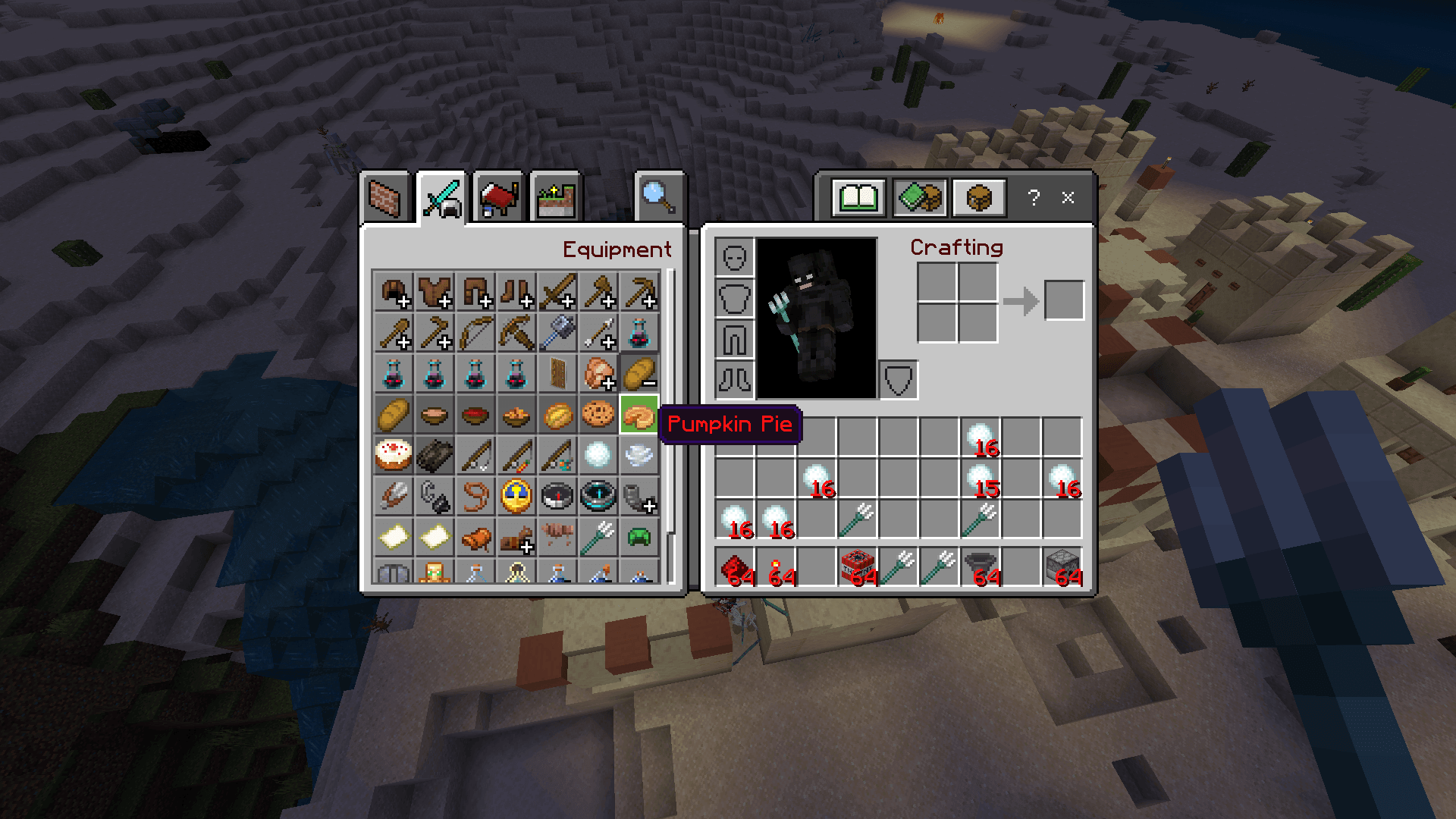
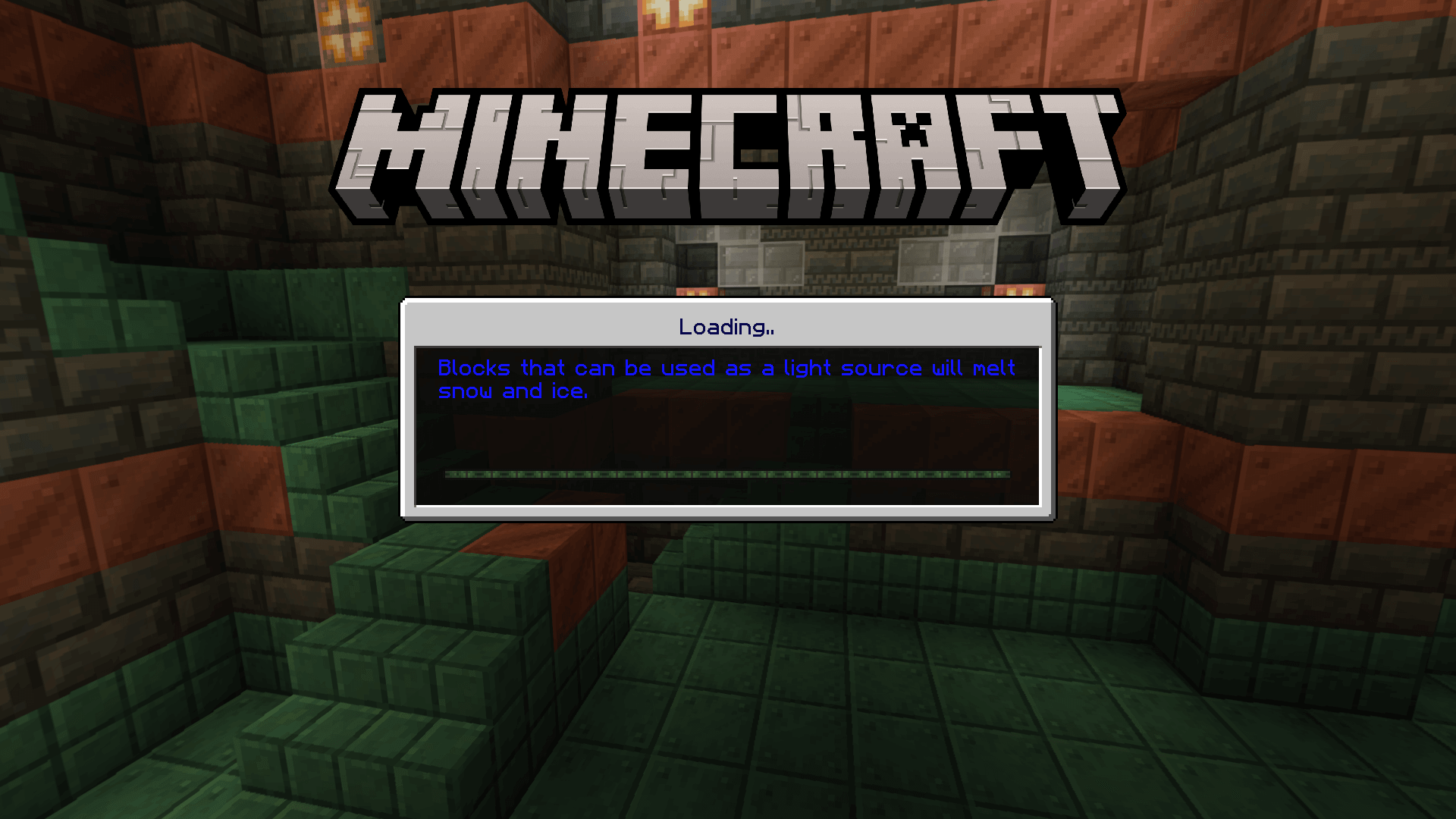


Color coding plays a massive role in how this pack elevates your daily gameplay. Instead of staring at an endless wall of monotonous white and grey text, system messages and server tags now pop with vibrant, carefully tuned colors. Those color highlights naturally draw your attention to critical information, meaning you will not miss a direct message from a squadmate or a crucial server warning just because it blended into the chat spam. When you hover over your high-tier gear, the colored lore text separates the stat lines beautifully, turning your chaotic inventory into a structured, readable setup.
Console and mobile players benefit the most from this specific HD font replacement. If you play on a large television sitting across the living room, the default text often bleeds together into an unreadable mess. Bumping up the clarity ensures you can comfortably manage your crafting grid without leaning forward to squint at the screen. Mobile users get the exact same relief, as the higher resolution text stays sharp even on smaller glass displays, preventing accidental misclicks when navigating dense server shop menus.
Performance costs are completely negligible because this is a purely cosmetic resource swap. The engine handles the modified font sheets without demanding extra RAM, so you avoid the nasty lag spikes that usually accompany heavy graphical overhauls. Your touch controls remain perfectly responsive, and your frame rates stay locked even when scrolling through a massive wall of server rules. You get a massive quality of life upgrade without sacrificing a single drop of client stability.
Getting this UI fix running takes seconds inside your standard menu flow. Download the resource file directly to your device, tap it to launch the automatic client import, and move it to the very top of your active global resources list to ensure it overrides any conflicting UI packs. Anyone who frequently deals with chaotic multiplayer chats or simply hates the crunchy vanilla aesthetic will consider this typography upgrade an absolute game changer for their daily sessions.
Installation:
- Download Texture;
- Use Minecraft PE
- Open the downloaded .mcpack to install;
- Select texture in settings;
- Done.
Comments (0)