Dynamic Paintings Addon
- 2-03-2026, 04:56
- 2 516
Mods 1.26 / Mods 1.21 / Mods 1.20
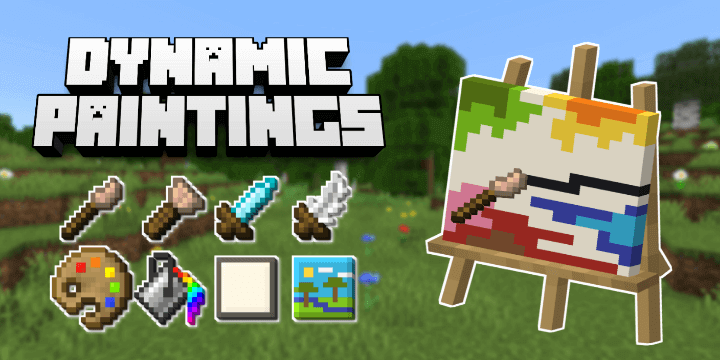
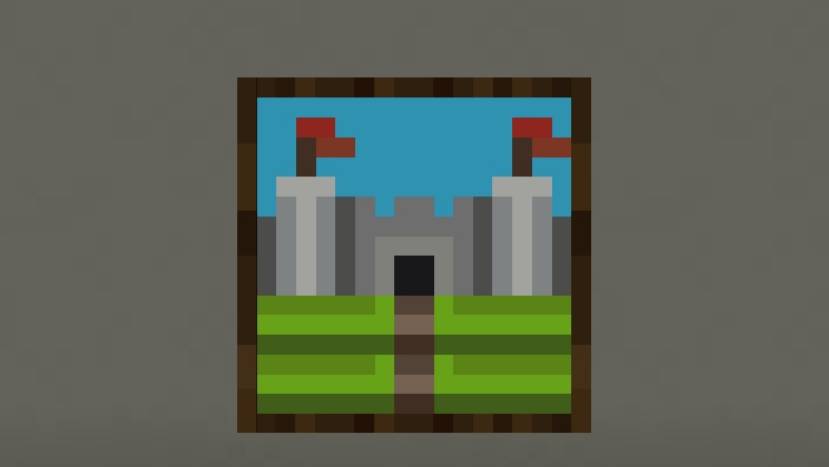
Dynamic Paintings Addon is one of the best to draw pictures in Minecraft. Other players will see them and know who drew the picture. Your Minecraft base has a bedroom, a storage room, and a suspiciously empty wall. Dynamic Paintings gives you the tools to fill that wall with pixel art you actually made.
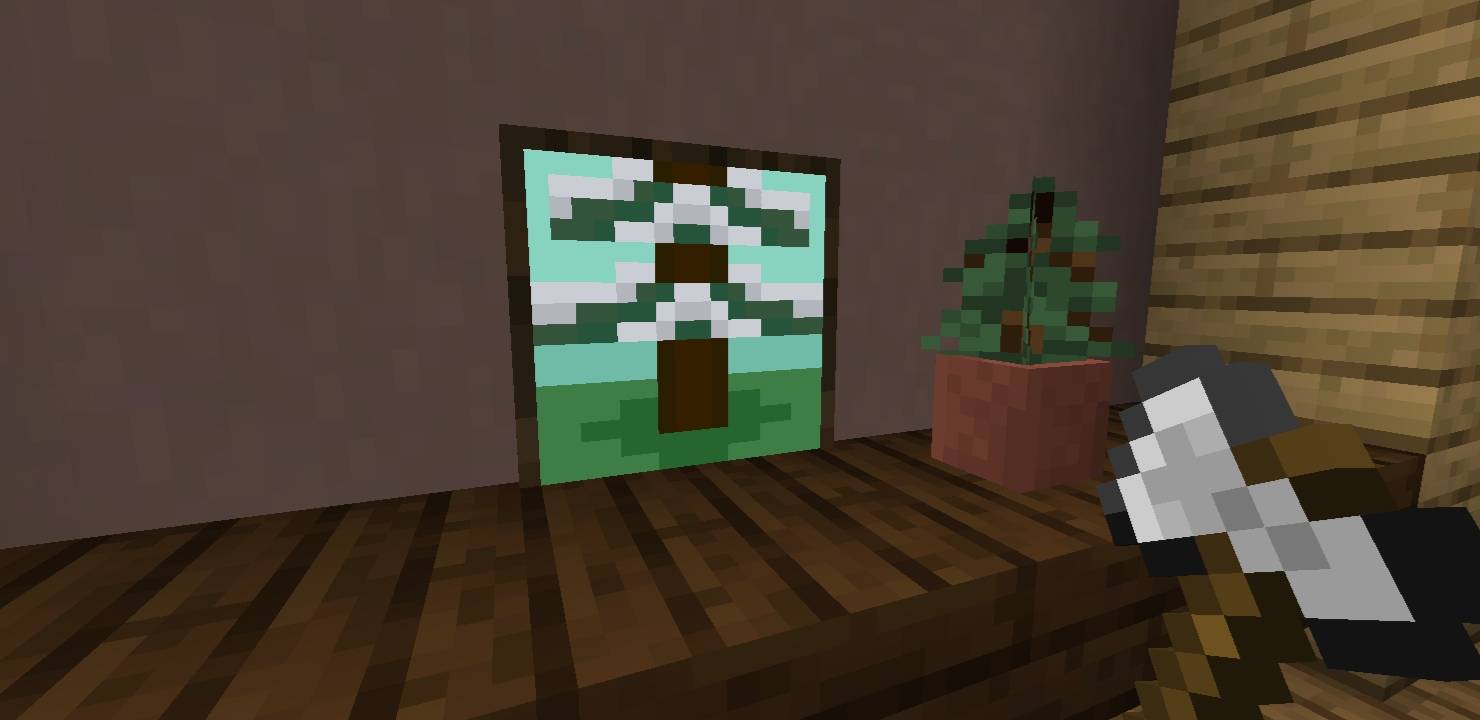
The add-on puts a 16×16 canvas in your hands and lets you decide what belongs on it. Maybe your first piece is a tiny portrait of your favorite wolf, a sunset over your starter house, or a Creeper face that looks a little more like a confused pickle. That’s part of the appeal: the result feels like it belongs to your world because you made it there. Finished paintings can be saved, copied, and displayed in frames, so a design doesn’t have to stay tucked away in your little art corner.
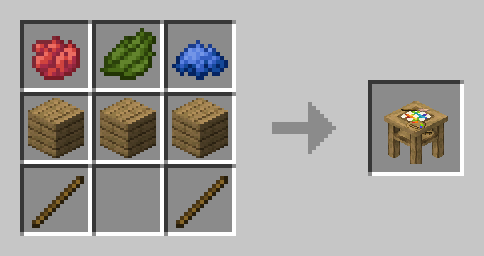
Getting started in survival means making an Artistic Table. From there, check its recipe book for the other supplies you’ll need, including the canvas and drawing tools. There’s an in-game guide book, too, which is handy when you’re figuring out how everything fits together. You don’t need to abandon your survival world just to decorate it, either: the add-on’s blocks and items are obtainable in survival. Set up a small studio beside your crafting area, gather your materials, and work on a painting between mining trips. It’s a pretty good way to spend the evening while you wait for a friend to come back from exploring.
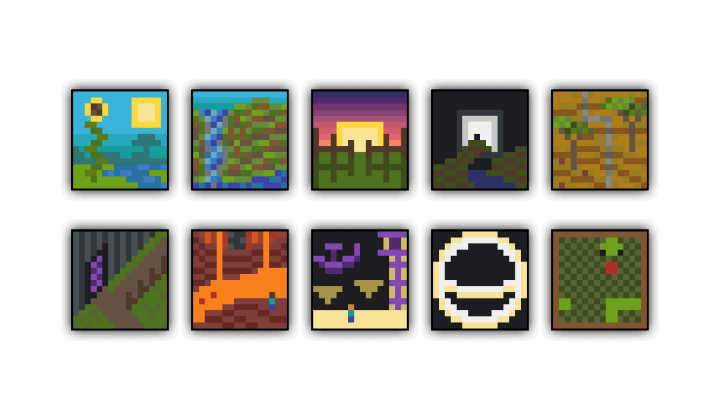
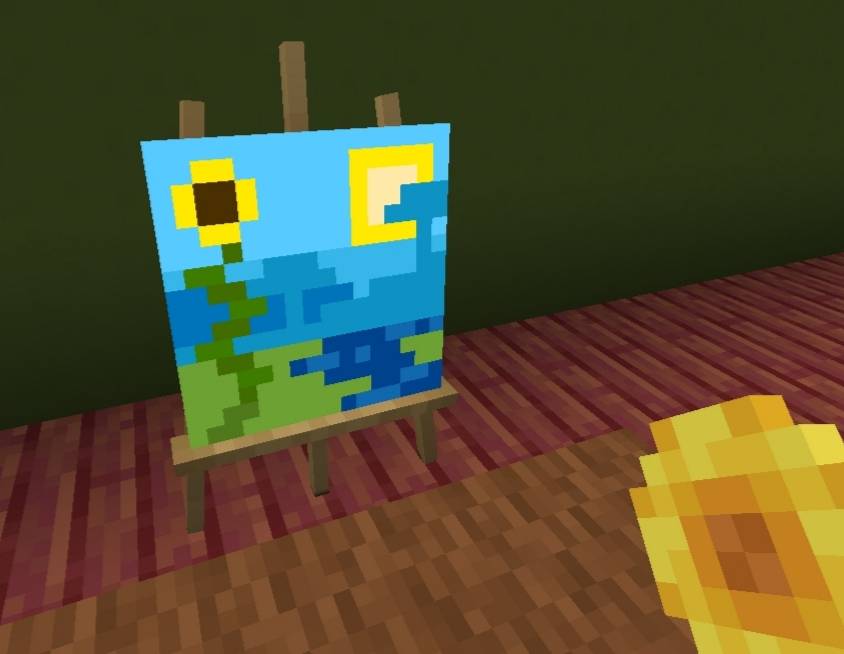
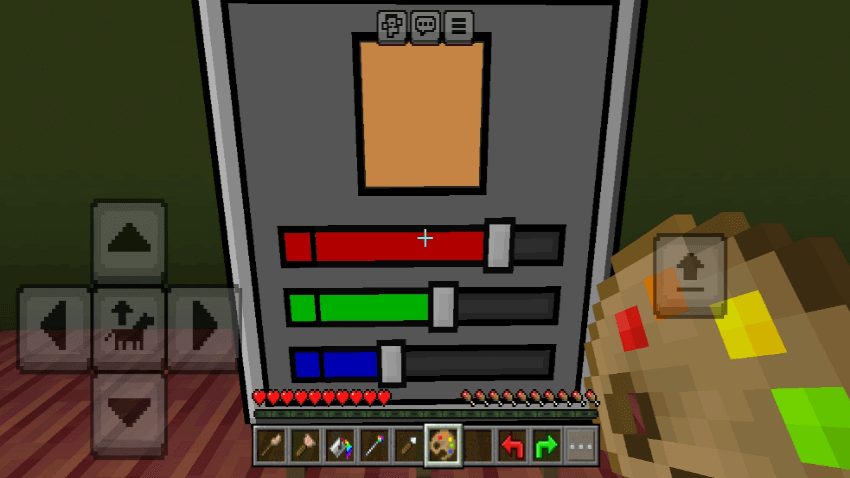
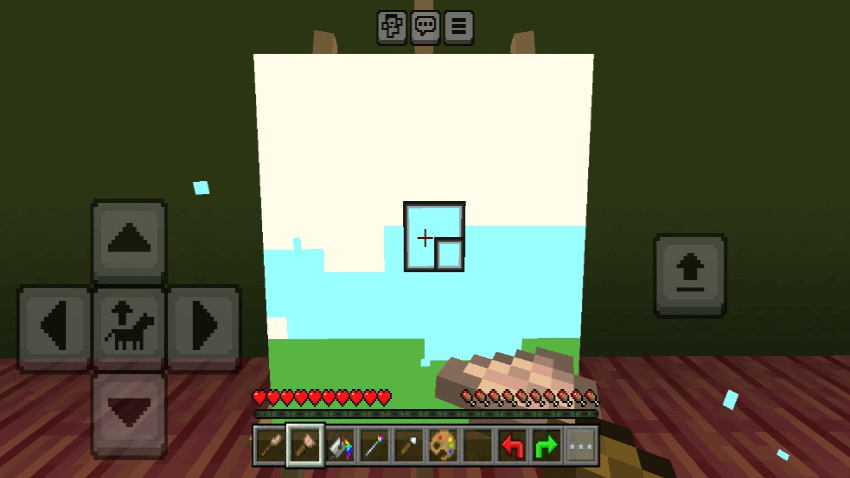
The drawing tools give you room to experiment without making every picture feel like a giant project. Use the brush when you want to place individual details, the paint bucket when an area needs a solid color, and the eyedropper when you want to pick a shade you’ve already used. The color selector offers a huge range of choices, and you can save favorites in custom palettes. With only 16 pixels across, you’ll have to think about which details matter most. A few dark squares might be enough to turn a green blob into a recognizable zombie. If your first attempt goes sideways, change the colors and keep messing with it until something clicks.
On a shared world, these little paintings can become part of the server’s history. Make a portrait of the horse that carried you home, put a team emblem in the entrance hall, or let everyone contribute something to a community gallery. Other players can see the painting’s title and who made it, which makes it easy to give each piece its own place in the collection. You could even copy a favorite design and hang it in several builds around the world. One practical tip: if your device starts slowing down, try spreading paintings out instead of packing a huge number into one area. Otherwise, pick a wall and see what you can make with 256 little squares
Installation:
— Download McPack
— Install McAddon or McPack files, just open it for this;
— Select new textures in the settings;
— Done.
Comments (0)