Player Idle Animations Addon
- 24-03-2026, 06:34
- 2 478
Mods 1.26 / Mods 1.21 / Mods 1.20 / Mods 1.19 / Mods 1.18 / Mods 1.17 / Mods 1.16
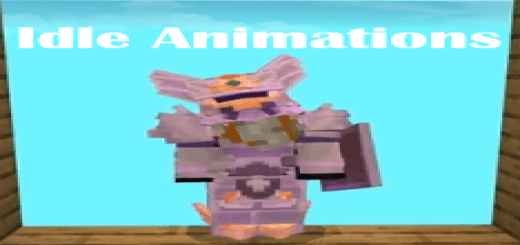
Player Idle Animations Mod will add a tower of command blocks to add animations to the player while standing. Your Minecraft character spends plenty of time running, mining, and building, but what happens when you put the controls down for a moment? Usually, they simply stand there. Player Idle Animations adds small movements for those pauses, making your character look a little more alive while waiting at the base, standing beside friends, or taking a break during an adventure.
Leave your character standing for a while and you may see them look around, move their hands, stretch their arms, or shift their feet. The movements happen at intervals, so you don’t have to open a menu and choose an animation each time. Your character might appear to adjust their shoulders after a long journey or glance around while waiting for the rest of the group. These are small details, but they can be fun to notice when you switch to third-person view.
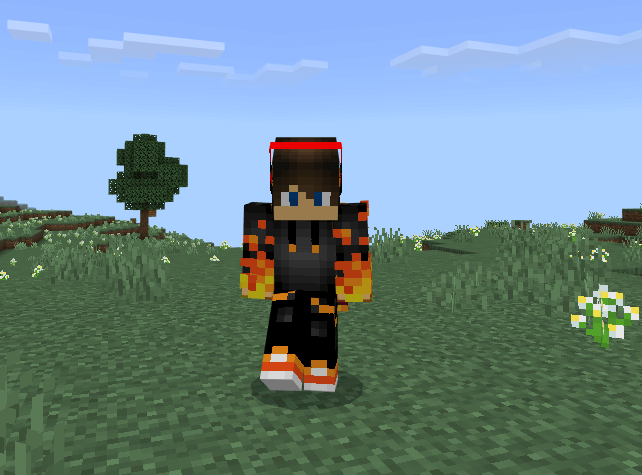
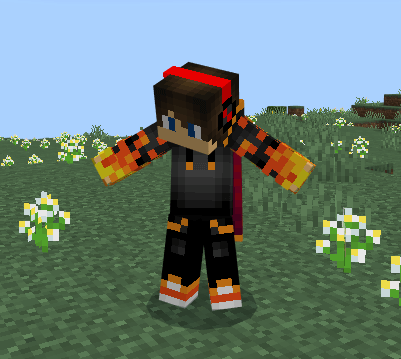
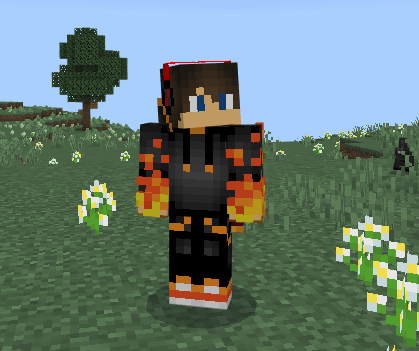
The breathing animation is another addition that gives a quiet moment a little movement. Stand still somewhere you can see your character clearly and watch for a while. You might be waiting outside a friend’s house, taking in the view from a hill, or deciding where to place the next part of a build. The animations don’t need to become the center of attention; they’re there in the background whenever your character has a moment to pause.
The add-on can be enjoyable in multiplayer, where you spend time standing near other players as well as looking at your own character. A group waiting at the entrance to a cave can look more natural when everyone isn’t completely motionless. The same goes for a meeting in a village, a pause before a minigame, or a moment spent deciding which direction to travel. If your group likes roleplaying, the movements can add a little character to conversations and scenes without requiring anyone to perform them manually.
There are plenty of opportunities to notice the animations in a single-player world too. Try standing outside your base after a mining trip and switching to third person while you sort out what to do next. Or leave your character on a balcony overlooking a landscape you’ve built. A stretch or a small movement of the arms can make that pause feel less like the game has stopped and more like your character is waiting with you. The timing varies, so you may see different movements if you stay in place for a little longer.
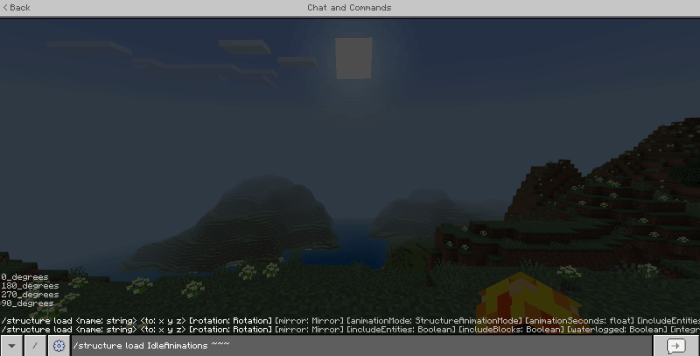
Player Idle Animations offers an automatic option that starts working after it’s added to a world. There is also a separate setup using a structure made from command blocks for players who want that approach. The automatic pack is the straightforward choice if you simply want to activate the add-on and see the movements during play. A separate breathing option is available among the files as well, so check which pack you’re importing when setting up your world.
The add-on focuses on the moments when your character is idle. You can continue exploring, building, and playing with friends as usual, then notice the little movements when you stop. After activating it in your world settings, switch to third person, stand somewhere safe, and give your character a moment. You may be surprised by how much a glance or a stretch adds to an otherwise quiet scene.
Installation:
- Download Mod;
- Open the downloaded file to install;
- Select it in the settings;
- Have fun!
Comments (0)