Clear Water | Night Vision Addon / Texture Pack
- 27-05-2026, 12:31
- 7 069
Mods 1.26 / Mods 1.21 / Mods 1.20 / Mods 1.19 / Textures
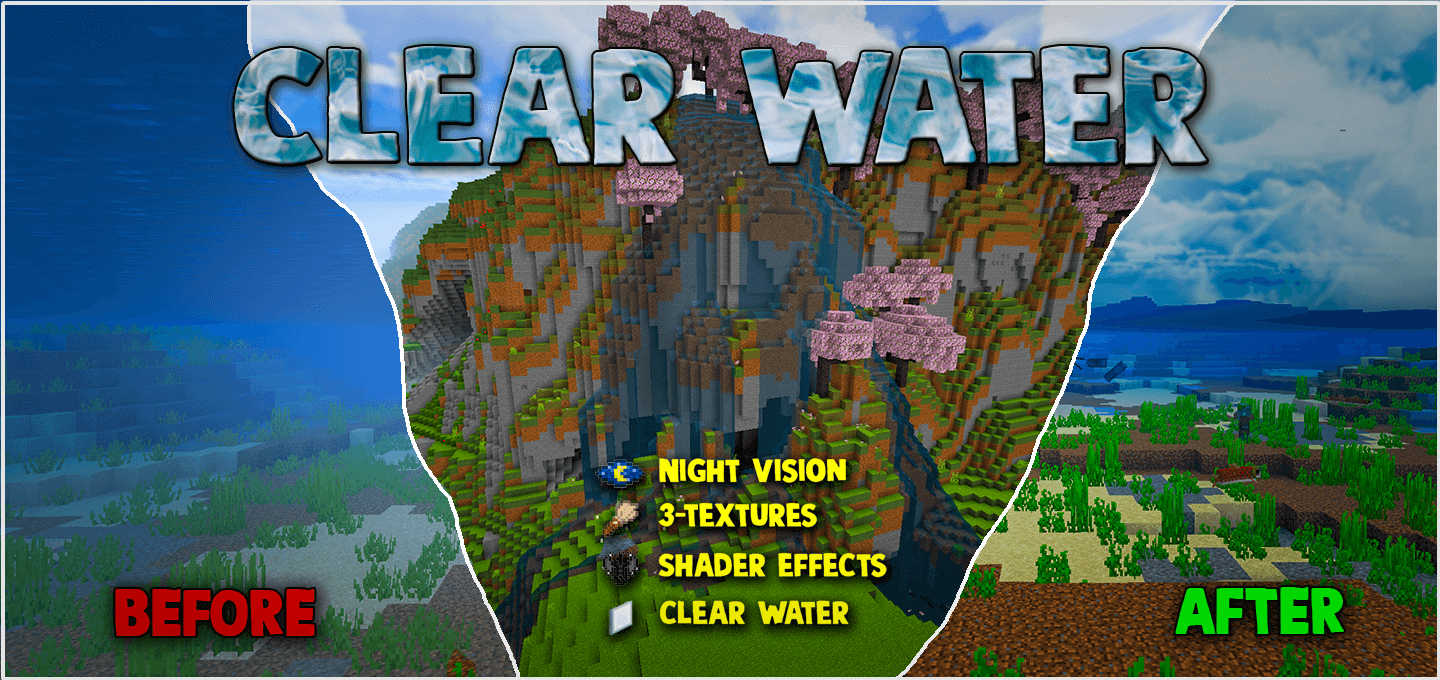
Clear Water | Night Vision Addon will improve graphics and make water transparent, and add other new features. Plunging into an ocean trench without infinite night vision or crystal clarity is basically asking to get jumped by drowned trident snipers while your vision gets choked by dark murky soup. This visual overhaul completely eliminates underwater haze and pitch-black dark spots, transforming the entire sea floor into high-definition territory.
Nothing kills a deep-sea salvage run quite like the default liquid fog rendering on Bedrock. The second you dip your helmet beneath the surface, your render distance feels like it shrinks down to five blocks. Even with high-tier conduit setups or stacks of brewed potions, you end up squinting at the screen, struggling to tell whether that dark silhouette forty blocks out is an ocean monument or just an ugly bump of gravel. The murky visual filter Mojang slapped onto water mechanics makes shipwreck hunting and underwater base building a colossal headache. By stripping away that thick aquatic fog layer and baking full illumination directly into the texture pack, every drowned temple and deep-sea ravine lights up like broad daylight.
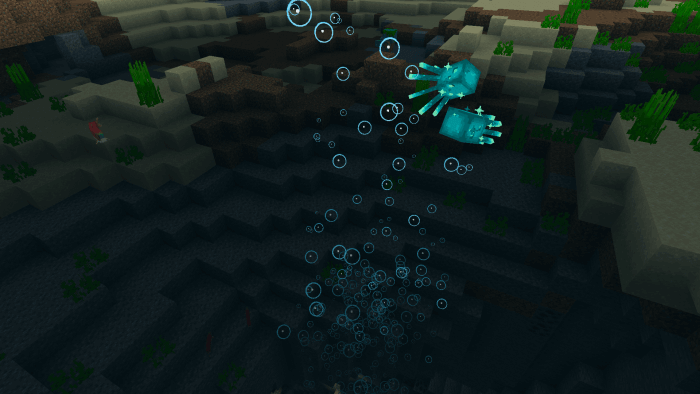
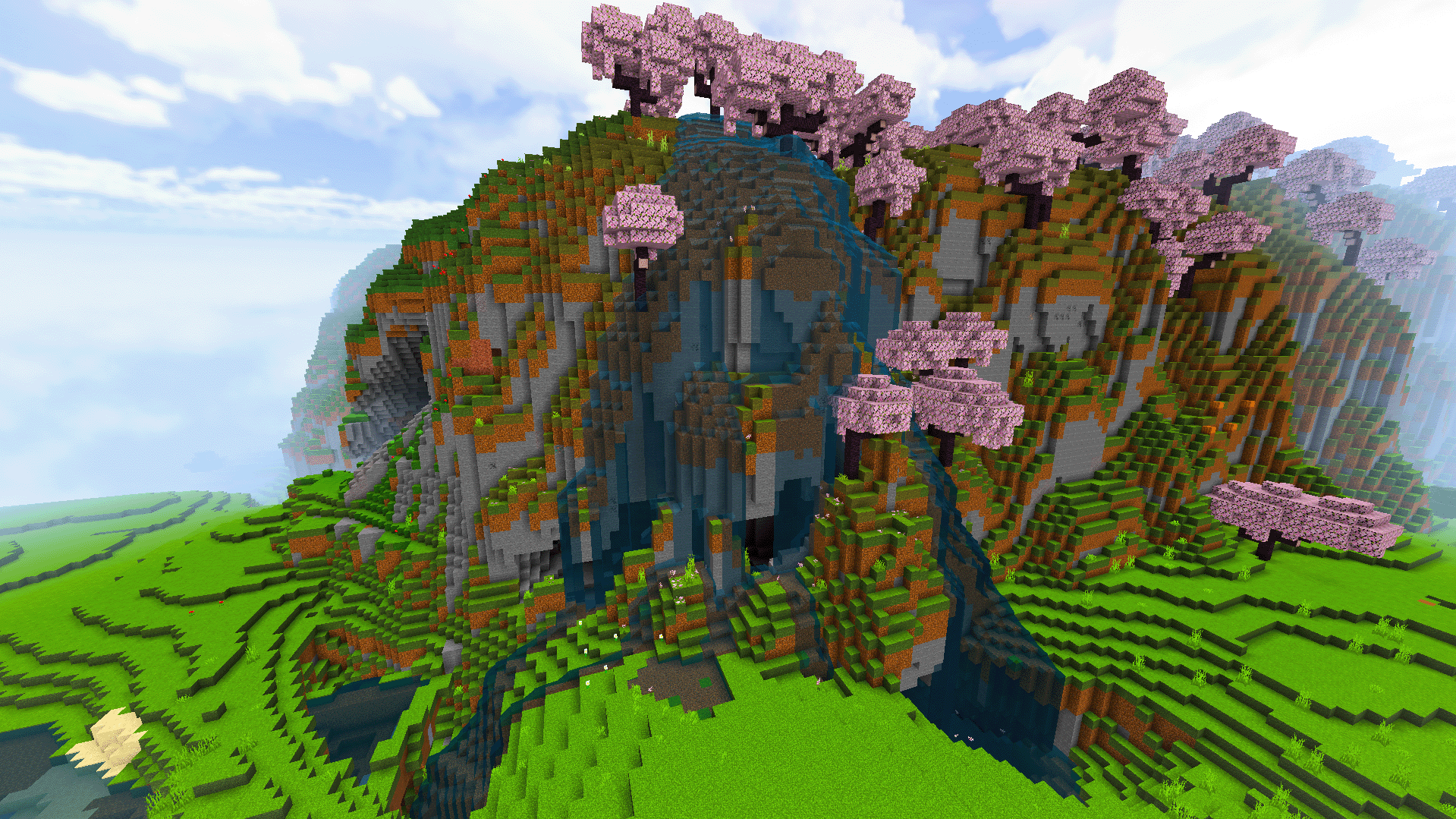
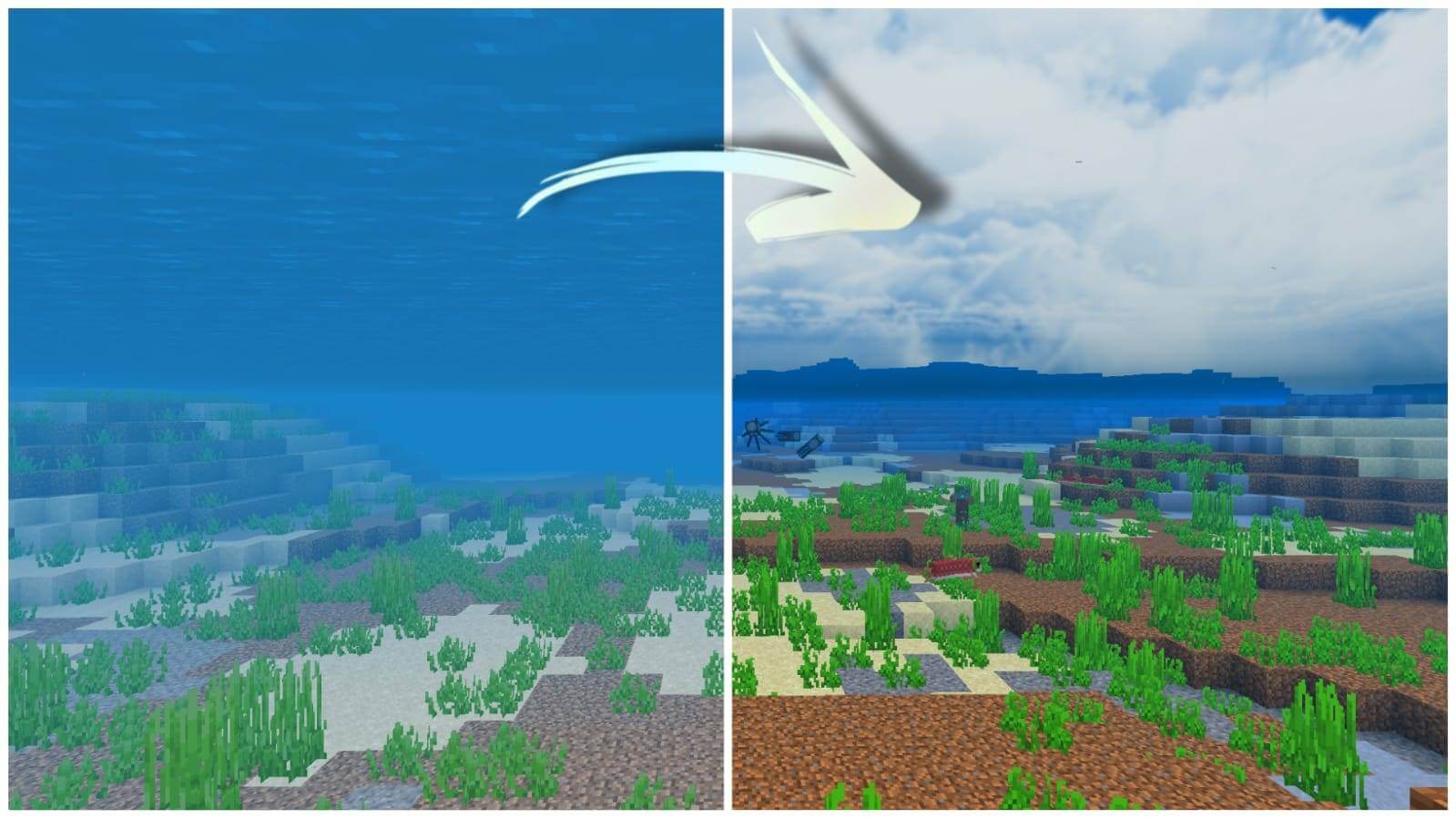
Exploration shifts into fifth gear the moment this pack hooks into your client. You can glide across the surface on an elytra, tilt your view down, and immediately spot ocean ruins, magma fissures, and hidden magma vent shafts hundreds of blocks away. There is no need to keep babysitting inventory slots with stacks of golden carrots, fermented spider eyes, and glass bottles just to keep your vision alive. If you are scouting terrain for an aquatic glass base or an elaborate underwater conduit mega-hub, being able to actually see the terrain layout saves hours of blind swimming. You can map out your construction boundaries, plan redstone air pockets, and spot hostile mobs roaming nearby caves before they ever draw aggro.
The clarity benefits do not stop at the shoreline either. Pitch-black cave systems, ancient cities, and deepslate strip mines lose that oppressive shadow filter that usually forces you to spam hundreds of torches every minute. While some purists argue that total darkness adds tension to survival runs, anyone grinding out late-game perimeters or hunting for trial chambers knows that torch clutter just bogs down the view. Having uninterrupted full bright baked directly into your visuals keeps your focus entirely on movement, mining speed, and spotting dangerous lava pockets before you step into them.
What makes this resource pack genuinely essential for everyday play is how lightweight it runs compared to heavy shader alternatives. Instead of running dynamic lighting calculations that push mobile devices to thermal throttle or tank frame rates during frantic multiplayer skirmishes, it operates strictly through clean texture and fog tweaks. Everything stays crisp, fluid, and responsive, whether you are running crossplay on a console, navigating touchscreen controls, or playing on a dedicated desktop setup.
Loading this pack into your local world or global resources takes about thirty seconds through your file manager. Just boot up the package, activate the resource pack within your global settings menu, and let the assets load. Say goodbye to brewing endless night vision potions and straining your eyes through murky water, because crystal clear visibility across every dark biome is finally here.
Installation:
- Download Texture;
- Open the downloaded .mcpack to install;
- Select texture in settings;
- Done.
Comments (1)