Smartphone Exp Addon
- 29-05-2026, 14:24
- 6 968
Mods 1.26 / Mods 1.21 / Mods 1.20 / Mods 1.19
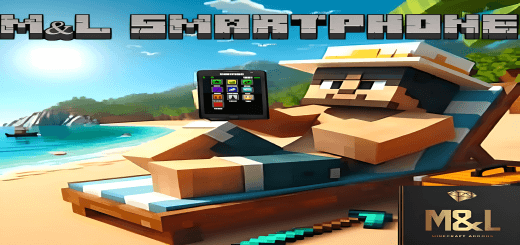
M&L Smartphone Exp Addon will give you a real and working smartphone in Minecraft Bedrock. It has many functions, just like on a regular iPhone. Getting lost in a massive multiplayer server while trying to coordinate with a friend three biomes away usually involves spamming raw coordinates into the text box like it is 2012. Equipping the Smartphone Exp pack brings your survival experience into the modern digital age by dropping a fully functional, app-loaded cellular device directly into your inventory.
Running a bustling SMP means you are constantly dealing with awful communication methods and messy server economies. You either rely on clunky third-party voice apps on a second monitor or clutter up the native chat feed just to figure out who is selling enchanted books at spawn. Having a realistic phone interface baked straight into the Bedrock engine solves that immersion-breaking headache instantly. You pull the device out of your pocket, look down at a shockingly clean user interface, and handle your daily server logistics without ever taking your eyes off the game world. It bridges the gap between raw survival mechanics and actual community management.
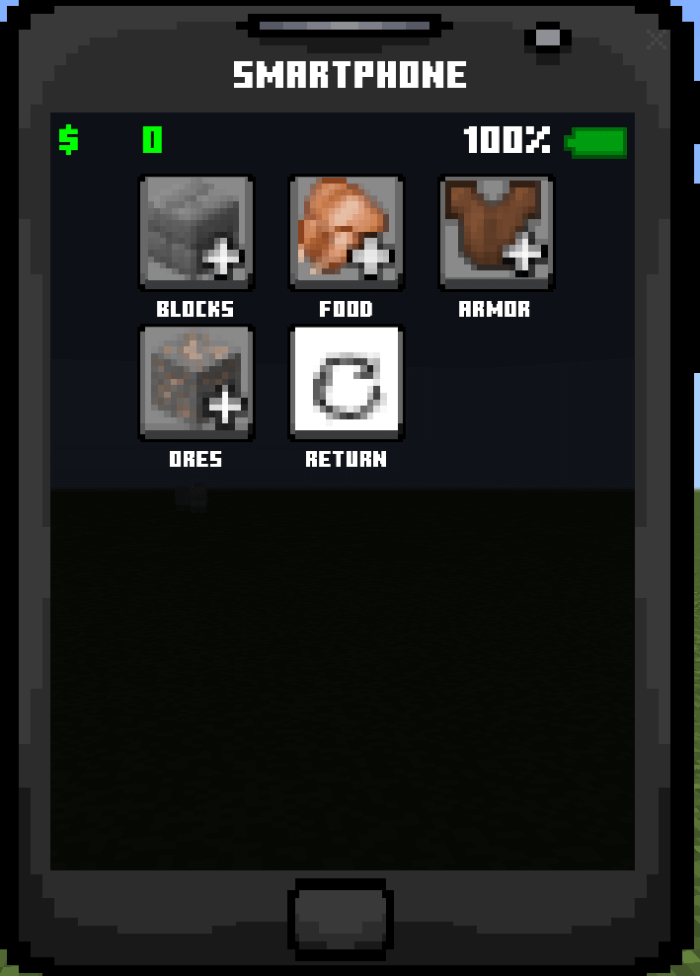
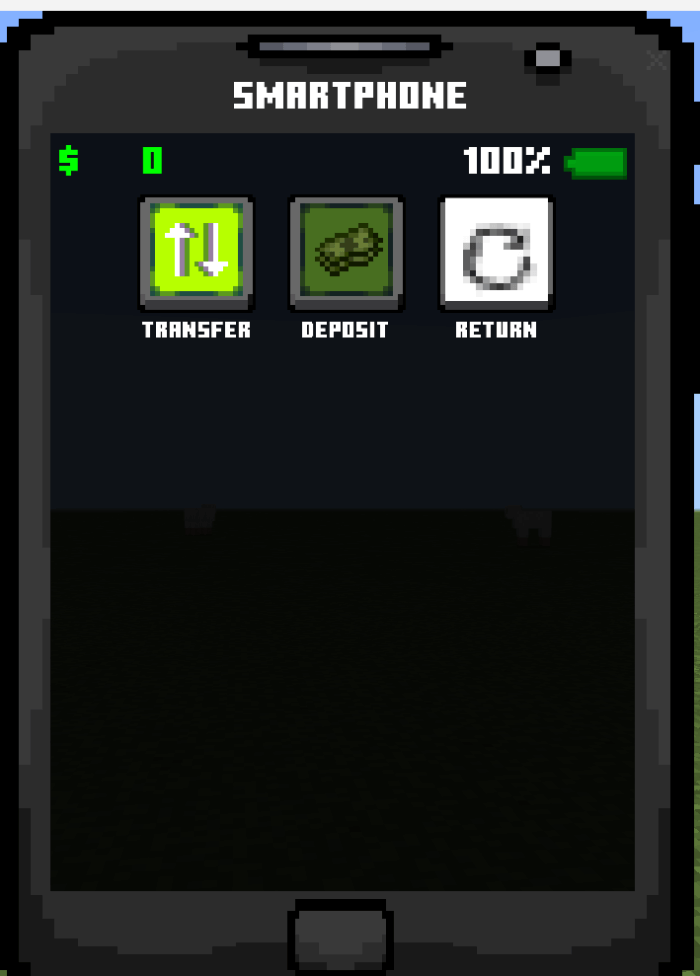
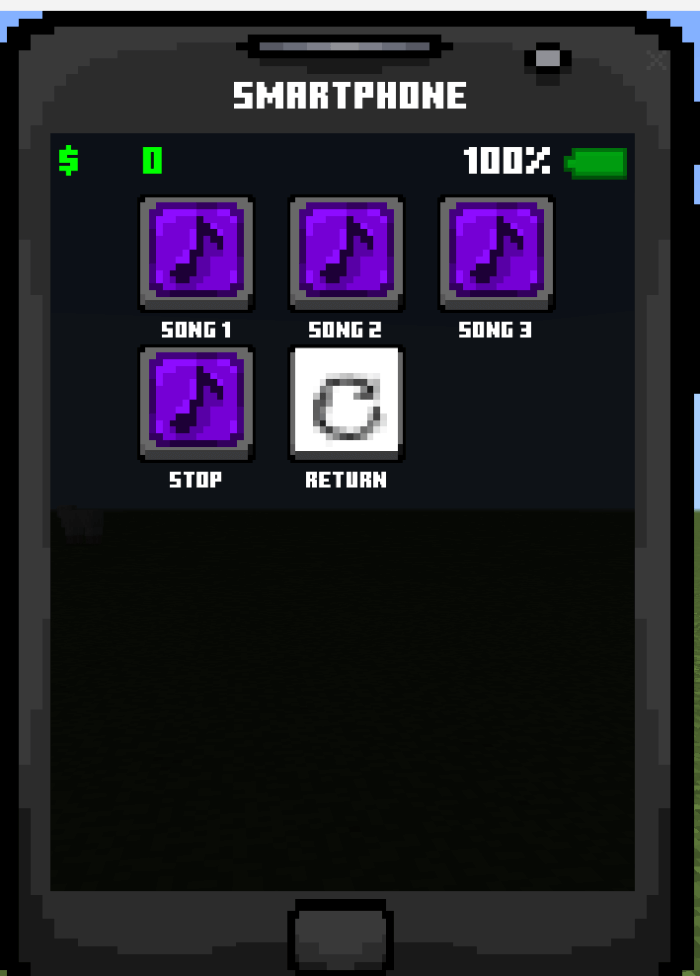
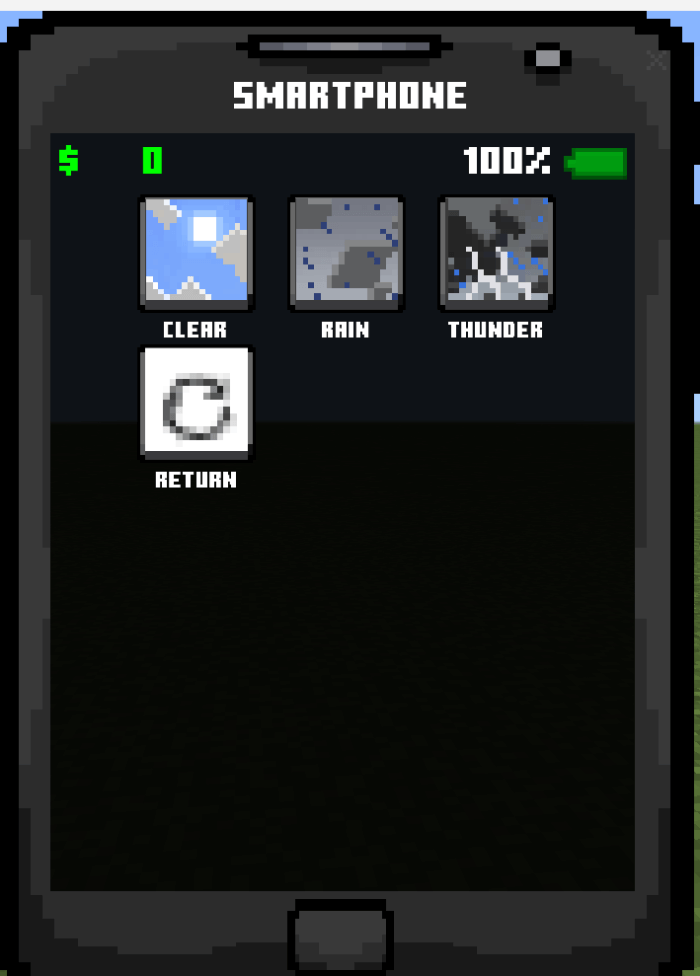
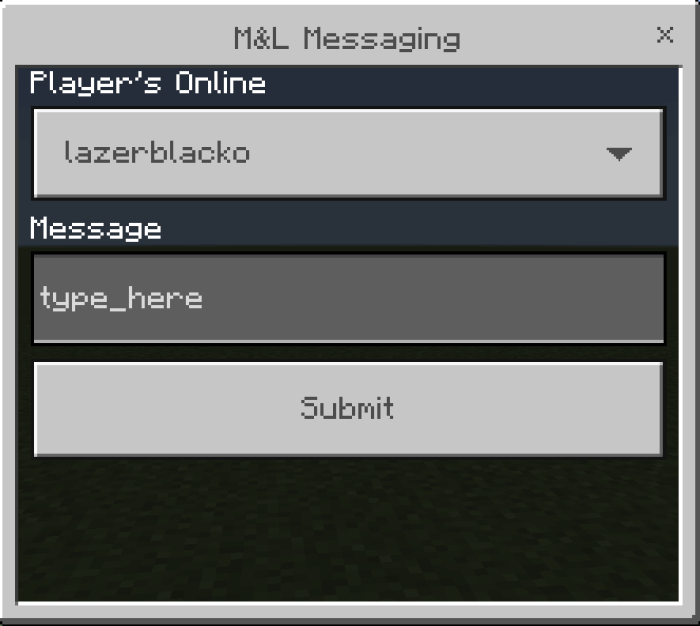
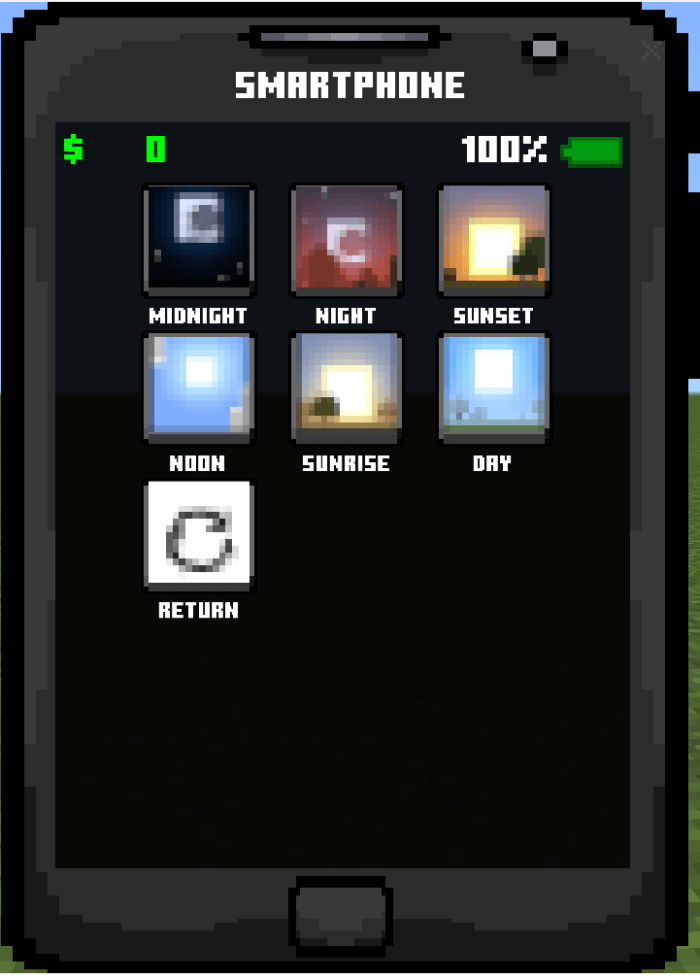
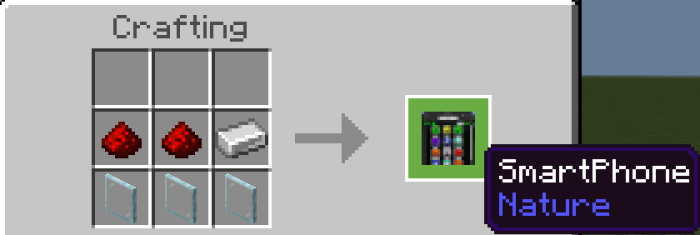
The feature set reads exactly like a flagship modern device, giving you a suite of tools that replace tons of messy commands. Swiping through the home screen reveals recognizable app icons that handle specific survival tasks with distinct touchscreen interactions. Instead of guessing when the sun will rise or if a thunderstorm is about to ruin your massive roofing project, you can pop open the integrated weather tracker. If you are thousands of blocks away from base and need to mark a cool ruined portal, the GPS and coordinate mapping tools save you from frantically scribbling numbers down on a physical notepad. Because the installation package includes a dedicated currency module, the phone also doubles as a mobile banking station. You can wire server funds to a friend across the map to pay for building materials, entirely removing the need to drag physical emeralds across dangerous terrain where creepers love to ambush you.
Integrating complex menus into this game can sometimes cause terrible scaling issues, especially for players jumping between console controllers and mobile tablet screens. This custom UI avoids that frustrating trap by keeping the active windows snappy, proportional, and easy to tap or click regardless of what hardware you are running your world on. The physical item model looks slick when equipped in your hand, sporting a sleek visual design that contrasts nicely against standard pixelated diamond tools without feeling wildly out of place. More importantly, the internal code does not cause annoying input lag when you swap rapidly between different digital apps, which is a massive relief for anyone hosting crowded realms on budget setups.
Getting this tech operational takes barely any effort through your basic storage folders. Import the required behavior and resource files, ensure the accompanying currency pack is loaded alongside them if you want the full economic system active, and toggle your experimental gameplay switches on so the interface renders correctly. If you are tired of primitive text commands and want to manage your server life with actual modern convenience, crafting this pocket computer will elevate your daily routine significantly.
Installation:
- Download Mod;
- Open the downloaded file to install;
- Select it in the settings;
- Have fun!
Comments (2)