Storage Management Terminal Addon
- 2-05-2026, 11:07
- 4 665
Mods 1.26 / Mods 1.21 / Mods 1.20
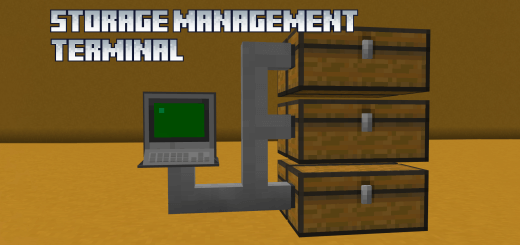
Storage Management Terminal Addon helps keep track of chests and storage in Minecraft Bedrock.
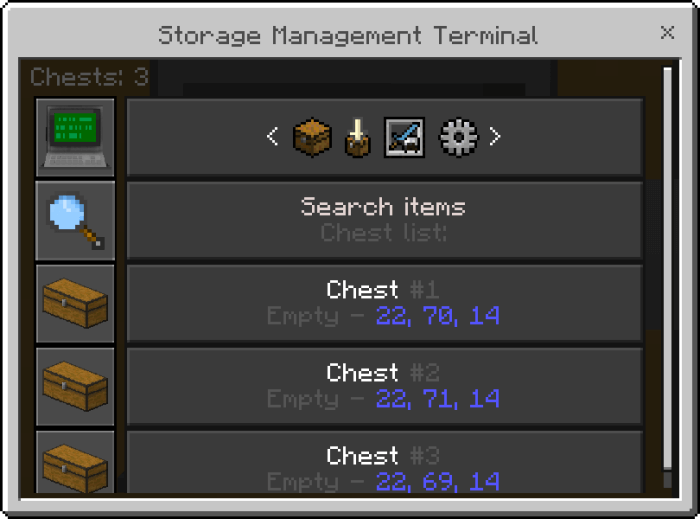
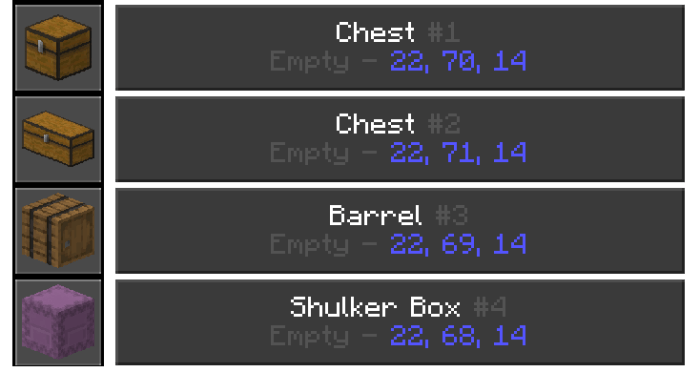
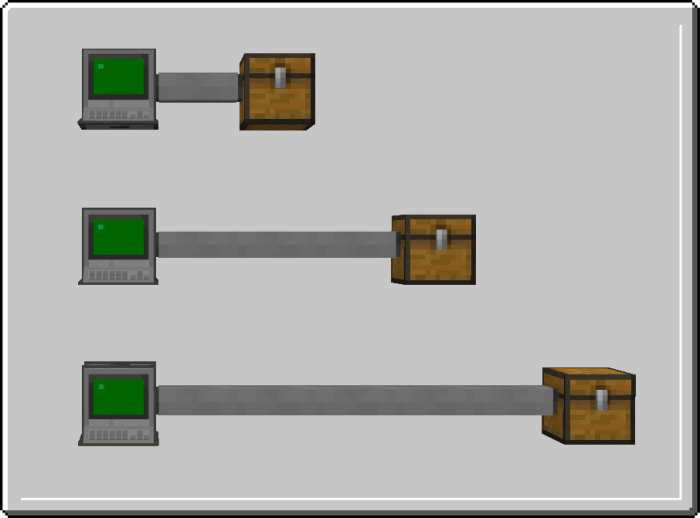
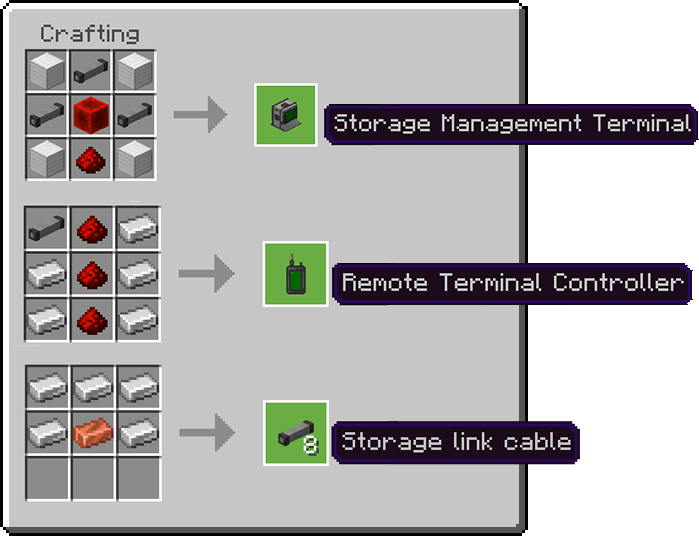
From there, you can look through their contents, put items away, and take out what you need. It is particularly useful for a survival base that has grown over time. What begins as a few neatly arranged chests can eventually become several rooms of building blocks, food, tools, and materials you meant to sort later. The terminal gives you a way to work with that collection without having to remember exactly where everything went.
The search function may be the feature you use most often. Enter part of an item’s identifier, and the terminal shows which connected chests contain a match. You can search through the whole network or look within a particular container, and enchanted items can be searched by enchantment too. There is one detail to remember: searches use item identifiers, so the words need to be in English. For example, looking for “diamond� can help you find the relevant items even if your storage room has become a bit chaotic. Once you find the right chest, select the item and the amount you want to take.
Putting things away is flexible as well. You can choose a specific item from your inventory, quickly store the item in your hand, or use the inventory option to put away a larger selection. There are choices for storing your hotbar or equipment too, which can be useful when you return from a long mining trip and need to clear space. You can choose a particular chest or use the main menu without selecting one first. If you are preparing for a build, the terminal also lets you take selected quantities instead of carrying every stack you own to the work site.
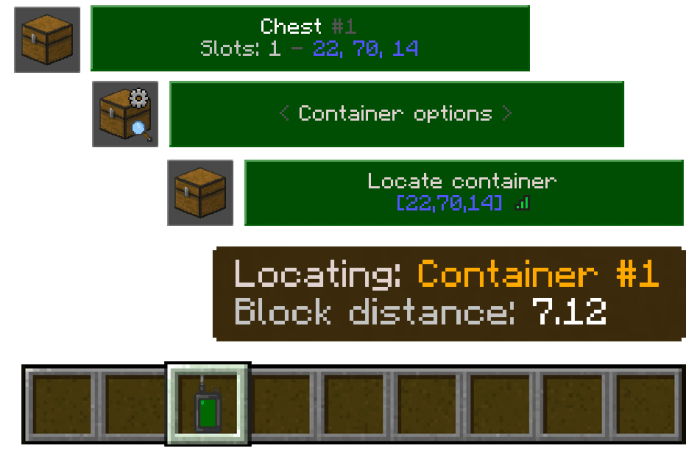
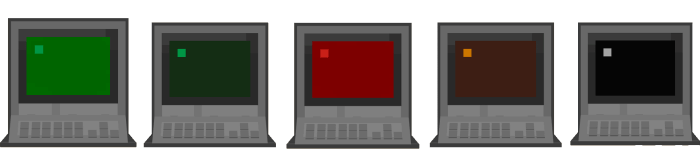
A remote controller lets you connect to a terminal after adding it to the device’s list. That can save a trip back to the storage room when you need food, a tool, or somewhere to put extra items. The controller can also connect directly to containers and certain other blocks, including hoppers and dispensers. Remote access depends on signal strength and loaded chunks, though, so it is worth keeping the connected chests reasonably close to the terminal. A weak signal can interrupt a connection or prevent some containers from loading. The device is a useful convenience, but planning where you put the terminal and storage still matters.
The settings give you ways to make the menu easier to navigate, such as hiding empty chests, showing only search results, and adjusting how many containers appear on a page. The terminal can show details about containers and items too, including chest coordinates, occupied slots, item durability, and enchantments. Whether your base has a tidy warehouse or a collection of chests scattered around the workshop, Storage Management Terminal gives you a practical way to find and move supplies. It leaves you more time for the project you opened the chest room to start in the first place.
Installation:
- Download Mod;
- Open the downloaded file to install;
- Select it in the settings;
- Have fun!
Comments (0)