FURNICRAFT 3D BLOCK Add-on
- Today, 15:05
- 103 287
Mods 1.26 / Mods 1.21 / Mods 1.20 / Mods 1.19 / Mods 1.18 / Mods 1.17 / Mods 1.16
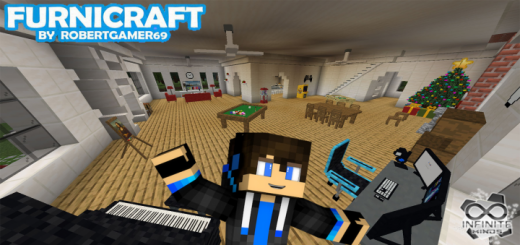
FURNICRAFT 3D BLOCK is the best and most popular mod for modern furniture in Minecraft Bedrock.
Download FURNICRAFT Addon for free and get a lot of new furniture for your home, kitchen, living room and other rooms. You also get decorations for your home, village, mansion. The furniture will include musical instruments, games, chairs, tables, armchairs, TV, computer and much more. In new versions, NPCs were added, the ability to create a family and have children. And now use 3D blocks. Very realistic mod.
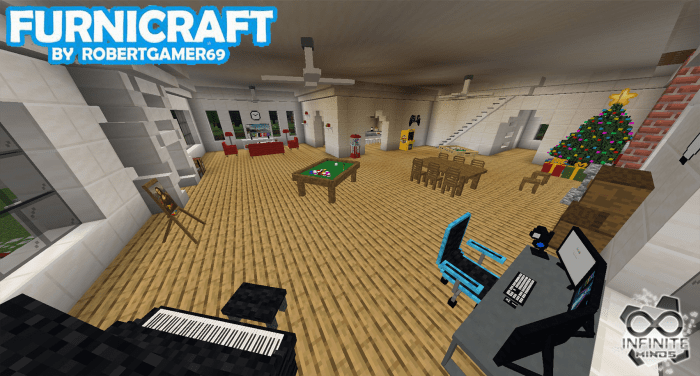
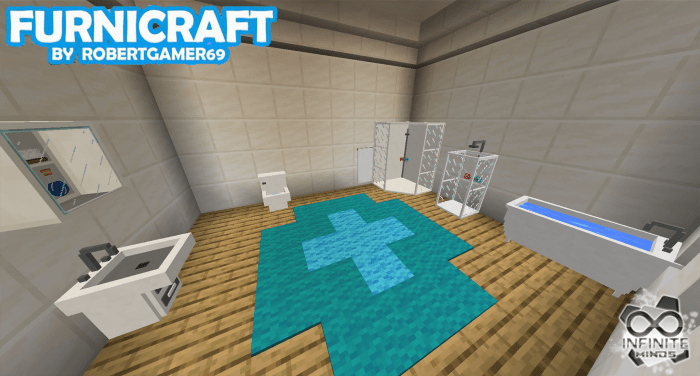
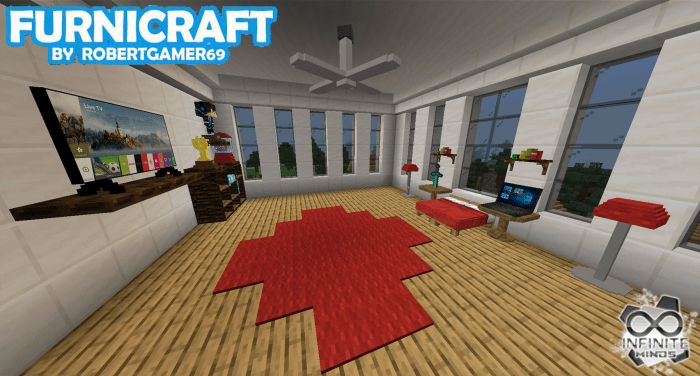
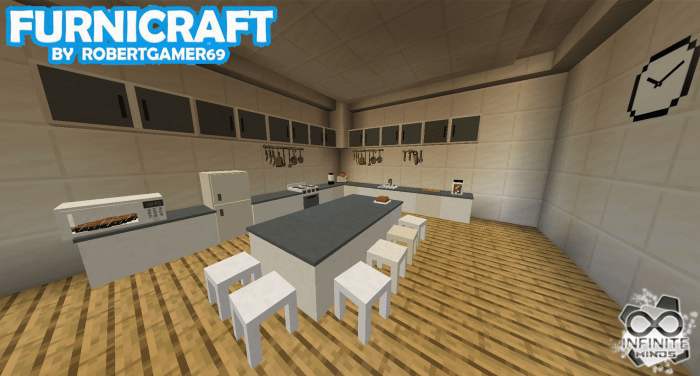
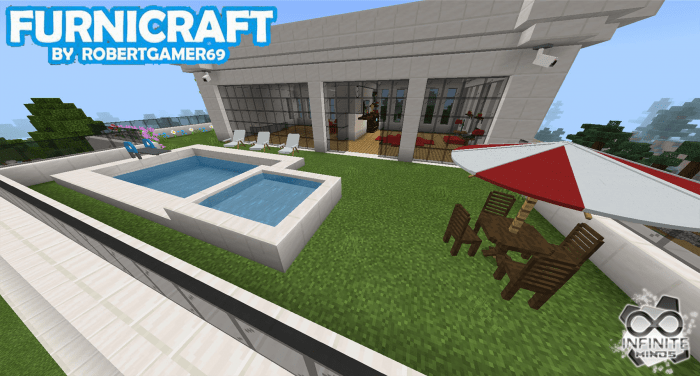
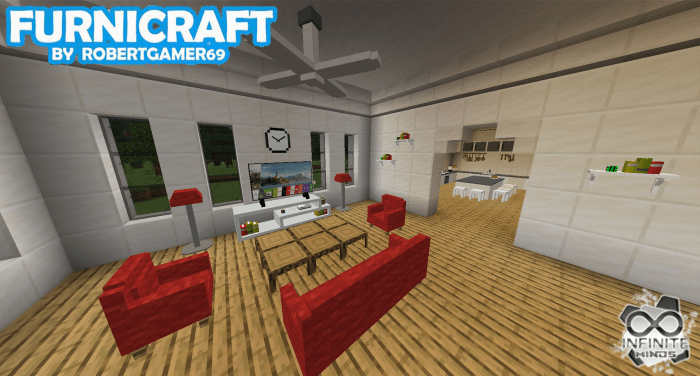
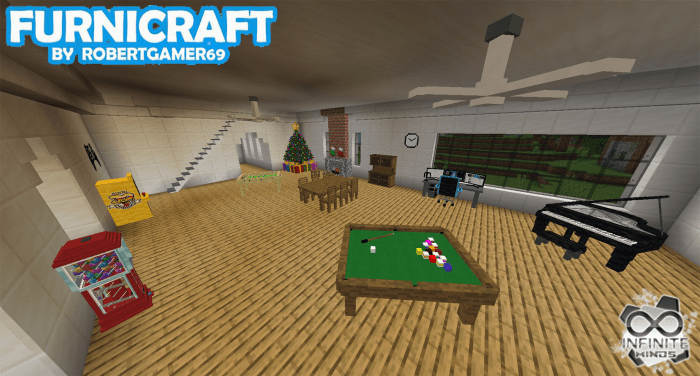
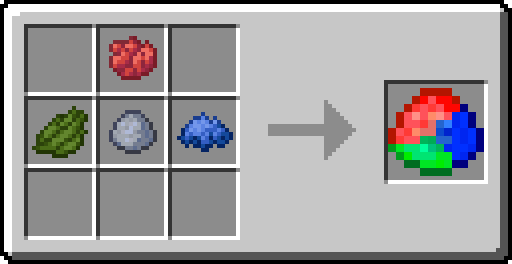
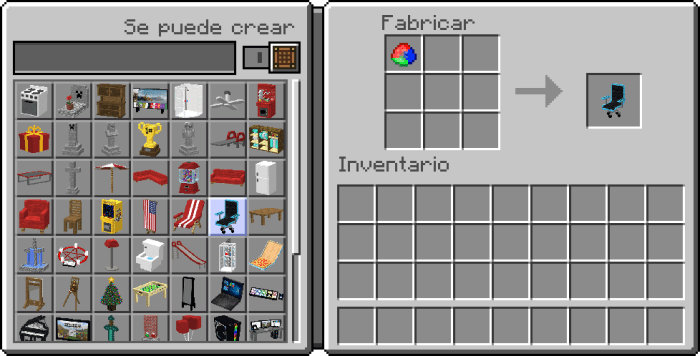
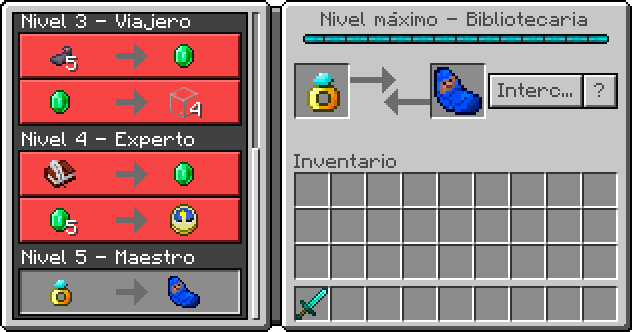
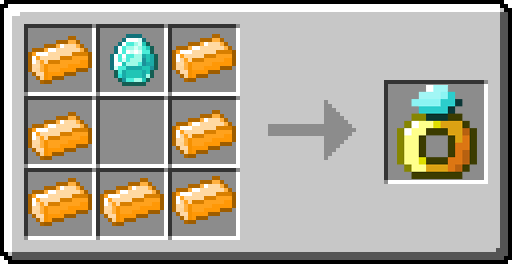
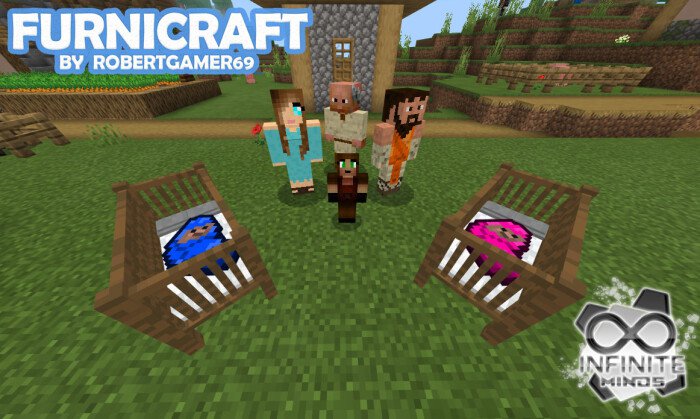
Your Minecraft house has a great roof, a garden, and a view of the mountains. Inside, though, it’s still just a bed, a chest, and a crafting table. Furnicraft gives you a reason to spend as much time decorating the rooms as you spent building the walls.
Furnicraft 3D Block adds a large selection of furniture and decorations to Minecraft Bedrock. You can furnish a kitchen, put together a living room, or turn an empty upstairs space into a bedroom that looks like somebody actually lives there. Chairs, tables, armchairs, TVs, computers, musical instruments, and games give you more ways to make each room feel different. Whether you’re working on a small survival home or a giant modern mansion, there’s plenty to experiment with.
Start with the living room if you’ve got an empty space you don’t know what to do with. Arrange chairs and armchairs around a table, add a TV, and suddenly that big room has a purpose. A computer can give a spare corner the feel of a home office, while a musical instrument makes a nice centerpiece for a room you want to show off. You can keep the layout simple or fill the house with details; the fun is figuring out what fits the build you already have.
The kitchen deserves some attention, too. Instead of relying entirely on vanilla blocks to suggest where everything goes, you can use Furnicraft’s furniture to put together a more recognizable space for cooking and dining. Set up a table for the whole group, leave room for everyone to move around, and connect it to your living area. If you’re building with friends, give each player a room to decorate and see how differently everyone uses the same collection. Someone will almost certainly claim the biggest bedroom first.
Furnicraft isn’t limited to houses. A computer and tables can help furnish an office, while instruments and games can give a shared hangout a little more personality. You can also use the decorations around a village or mansion to make the buildings feel less empty when players walk through them. Try planning the interior before you finish the walls: leaving enough space for furniture and doorways can save you from rebuilding half the room later.
The linked download provides version 24 as separate behavior and resource packs. Open both .mcpack files with Minecraft, wait for them to import, and enable the packs in your world settings. Because this is an older release, check that it works with your Bedrock version before furnishing a world you’ve spent months building. Once you’re ready, pick a room, place a few pieces, and give that empty house the finishing touches it’s been waiting for.
Installation:
- Download Texture;
- Open the downloaded .mcpack to install;
- Select texture in settings;
- Done.
Comments (21)