WorldEdit: Bedrock Edition Addon
- Today, 01:19
- 55 886
Mods 1.26 / Mods 1.21 / Mods 1.20 / Mods 1.19 / Mods 1.18
WorldEdit: Bedrock Edition Addon is very popular and famous which allows you to edit and modify the game world. You've probably heard of WorldEdit for Java version, but now this mod is available for Bedrock edition. Change landscapes, create structures, bridges and different buildings. Examples are shown in the screenshots below.
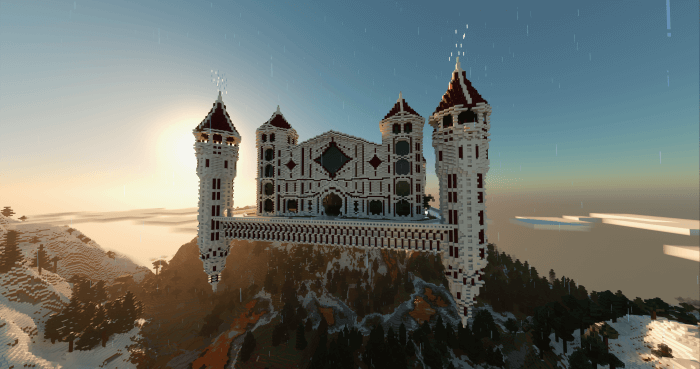

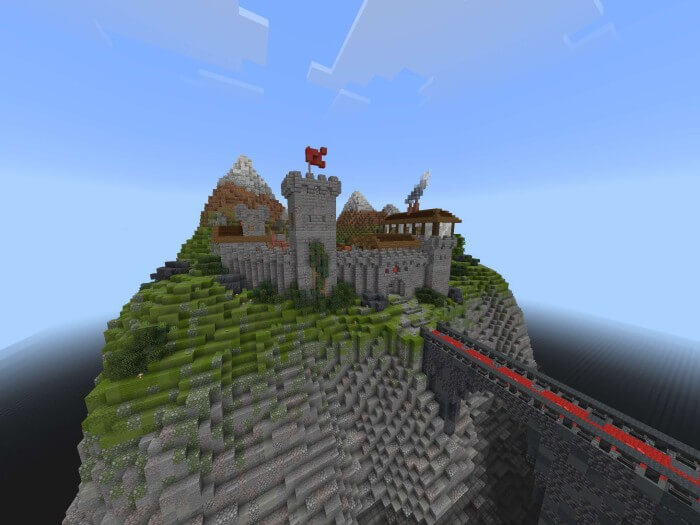
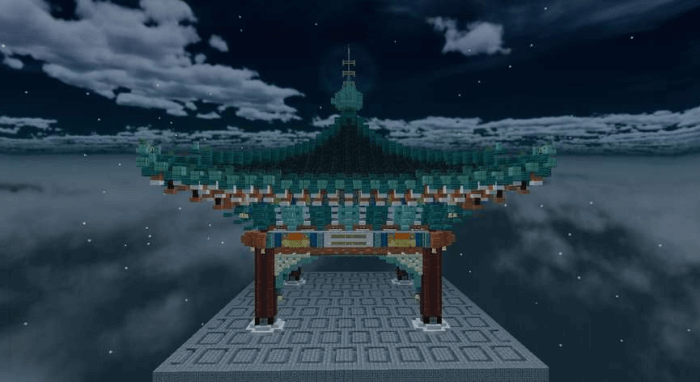
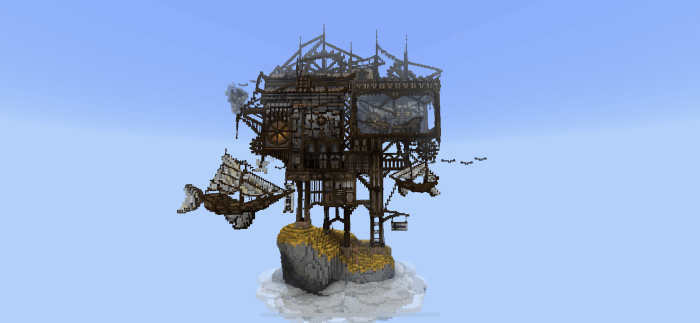
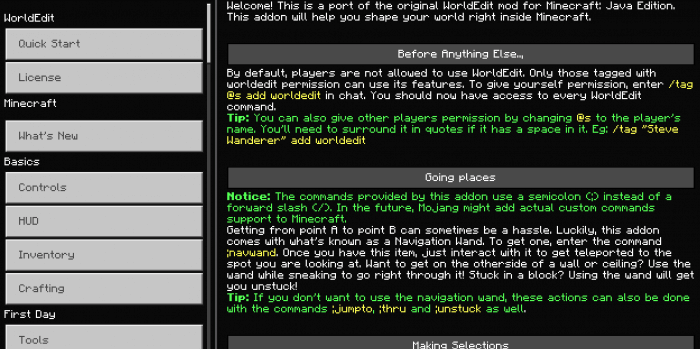
Placing ten thousand cobblestone blocks by hand just to flatten a mountain is the absolute fastest way to question your gaming life choices. Bringing the legendary WorldEdit toolkit straight to your Bedrock client instantly upgrades you from a manual laborer to a map-making deity.
For years, console and mobile builders were forced to suffer in silence while watching Java edition content creators effortlessly spawn massive floating islands in seconds. Manually constructing a giant organic landscape or hollowing out a colossal underground bunker using standard pickaxes and endless scaffolding takes weeks of mind-numbing clicking. You inevitably misplace a row of stairs, fall off your massive tower, and waste hours just trying to fix minor geometric mistakes. This highly requested Minecraft Bedrock addon entirely deletes that archaic construction loop by importing the most famous terrain manipulation software directly into your active UI. You no longer have to suffer through the tedious block-by-block grind just to prototype a cool architectural concept.
The core interface revolves around that iconic wooden axe. Equipping it turns your standard hotbar into a devastatingly precise developer console. You simply left-click to set your primary coordinate, right-click to set your secondary coordinate, and you immediately have a massive three-dimensional grid locked in. From there, the sheer volume of chat commands at your disposal is ridiculous. You can instantly fill a massive canyon with water, hollow out a perfect sphere to build a floating base, or seamlessly replace every single block of dirt in a chunk with polished diorite. The replace command alone is a massive sanity saver when you decide your megabase looks terrible in quartz and needs to be swapped to deepslate. The undo command is another absolute lifesaver, letting you instantly reverse a massive terraforming accident instead of manually patching a giant hole in the earth.
If you are attempting to run a dedicated multiplayer server, having this level of environmental control is absolutely non-negotiable. Trying to design an intricate Skywars map or a sprawling faction spawn point without mass copy and paste functions will literally burn you out. You can construct one highly detailed wizard tower, highlight the entire structure, and seamlessly paste exact replicas across your entire mountain range. The clipboard even supports full rotational geometry, meaning your pasted structures will automatically align to whatever direction you happen to be facing. Creating custom brush tools allows you to literally paint forests or mountains directly onto the horizon, turning a flat, boring plains biome into a jagged custom mountain range in less than five minutes.
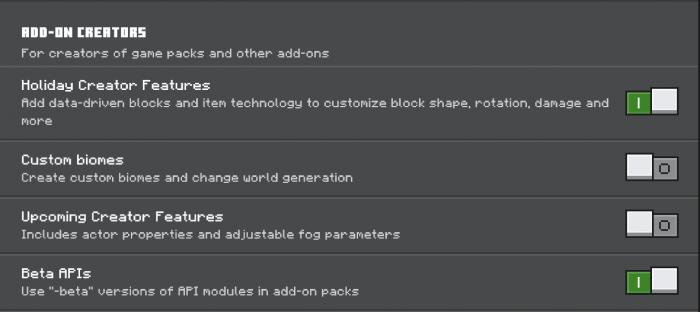
Integrating this legendary utility into your current loadout takes very minimal technical effort. You route the behavior and resource files directly into your active world configuration and ensure your experimental gameplay toggles are fully enabled so the custom syntax commands can properly execute. If your grand creative vision is constantly being choked out by the brutally slow speed of vanilla placement mechanics, injecting this terrain engine is the only logical move. Stop wasting your weekends doing manual demolition and start bending the literal landscape to your exact will.
Installation:
- Download Mod;
- Open the downloaded file to install;
- Select it in the settings;
- Have fun!
Comments (12)