Trash Slot Addon
- 15-09-2026, 02:11
- 292
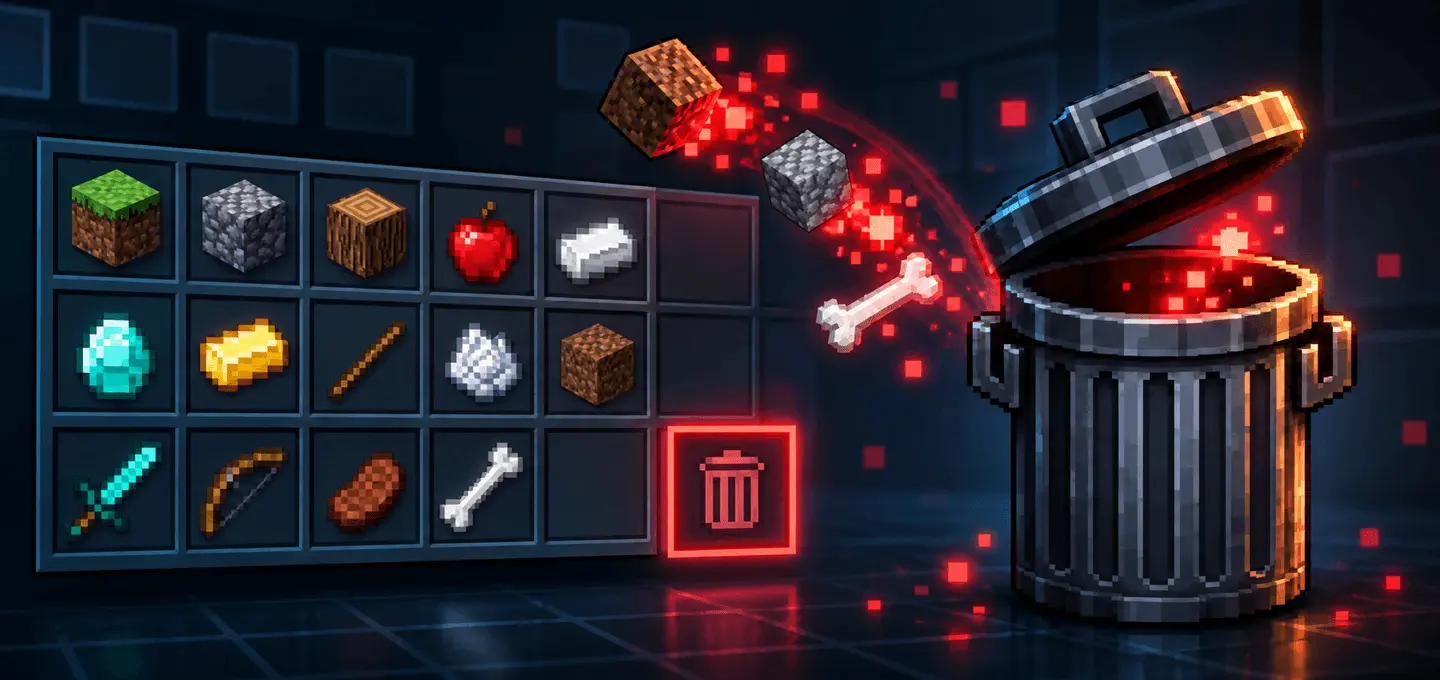
Tired of throwing stacks of dirt and rotten flesh on the ground only to accidentally pick them right back up two seconds later? The Trash Slot Addon finally brings a permanent, built-in item deletion menu to Minecraft Bedrock so you can keep your inventory perfectly organized without generating massive server lag.
Managing a cluttered inventory after a massive strip-mining session is incredibly frustrating. Normally, your pockets get instantly filled up with useless diorite, gravel, and random zombie drops. In vanilla survival, your only real options for getting rid of junk are digging a hole for a lava pit, building a sketchy cactus trash can, or just dumping hundreds of loose entities on the floor and watching your frame rate completely tank. This incredibly useful UI tweak changes everything by integrating a sleek, native-looking trash slot directly into your standard container screens. Whenever you want to get rid of something, you simply grab the unwanted stack with your cursor, click the new slot, and it is permanently wiped from the world. It completely streamlines your resource gathering and keeps your screen clean.
If you are worried about accidentally deleting your favorite enchanted netherite sword in the heat of the moment, the developer already thought of that. The pack includes an optional craftable Trash Slot item that acts as a highly secure, confirmation-based menu. It forces you to verify the exact stack you are holding before anything gets destroyed, providing absolute peace of mind. Because the system actually erases the item data instead of just dropping loose entities on the floor, it is an absolute lifesaver for server performance. If you are hosting massive multiplayer custom maps where dozens of players are throwing out junk at the exact same time, this drastically cuts down on unnecessary lag.
What truly makes this one of the most essential Minecraft Bedrock addons is its seamless visual integration. The UI blends flawlessly with the vanilla menus and remains fully compatible with Bedrock’s modern Vibrant Visuals rendering engine. You can easily run this alongside your favorite high-resolution texture packs, advanced lighting shaders, or complex technical MCPE mods without triggering annoying UI conflicts. You do not have to worry about weird graphical glitches clipping through your custom skins when you open your inventory, either. Stop wasting your time building dangerous lava incinerators inside your wooden base and download this massive quality-of-life upgrade right now.
Installation Mod:
- Download the .mcaddon / .mcpack;
- Open the file to import into the game;
- In World Settings → Resource Packs and Behavior Packs, enable it (turn on Experiments if needed);
- Have fun!
Comments (0)