Chat Stats - Activity Tracker Addon
- 28-07-2026, 02:07
- 283
The Chat Stats - Activity Tracker Addon turns boring text chat on Minecraft Bedrock realms into an interactive mini-game with leaderboards and custom achievements. If your survival server feels too quiet, this pack gives your community a real reason to talk.
Vanilla chat usually disappears into the void, but this pack silently monitors every message, word count, and exclamation-mark command you send. Instead of forcing players to memorize clunky slash commands, it hands out three trigger items right upon spawning. Use a Spyglass to check your personal stats, a Writable Book to send messages through a custom menu, or a Copper Ingot to pull up a live Top 10 Leaderboard.
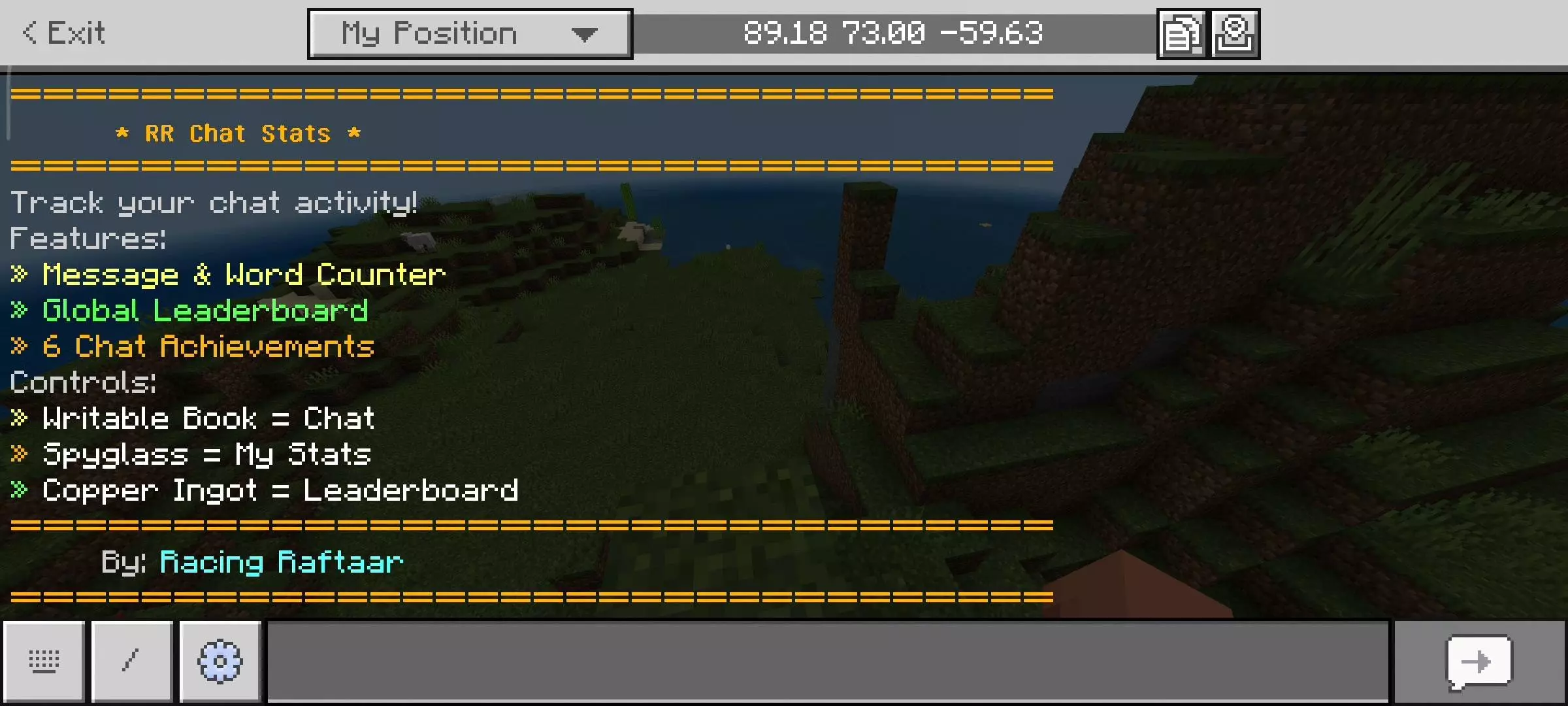
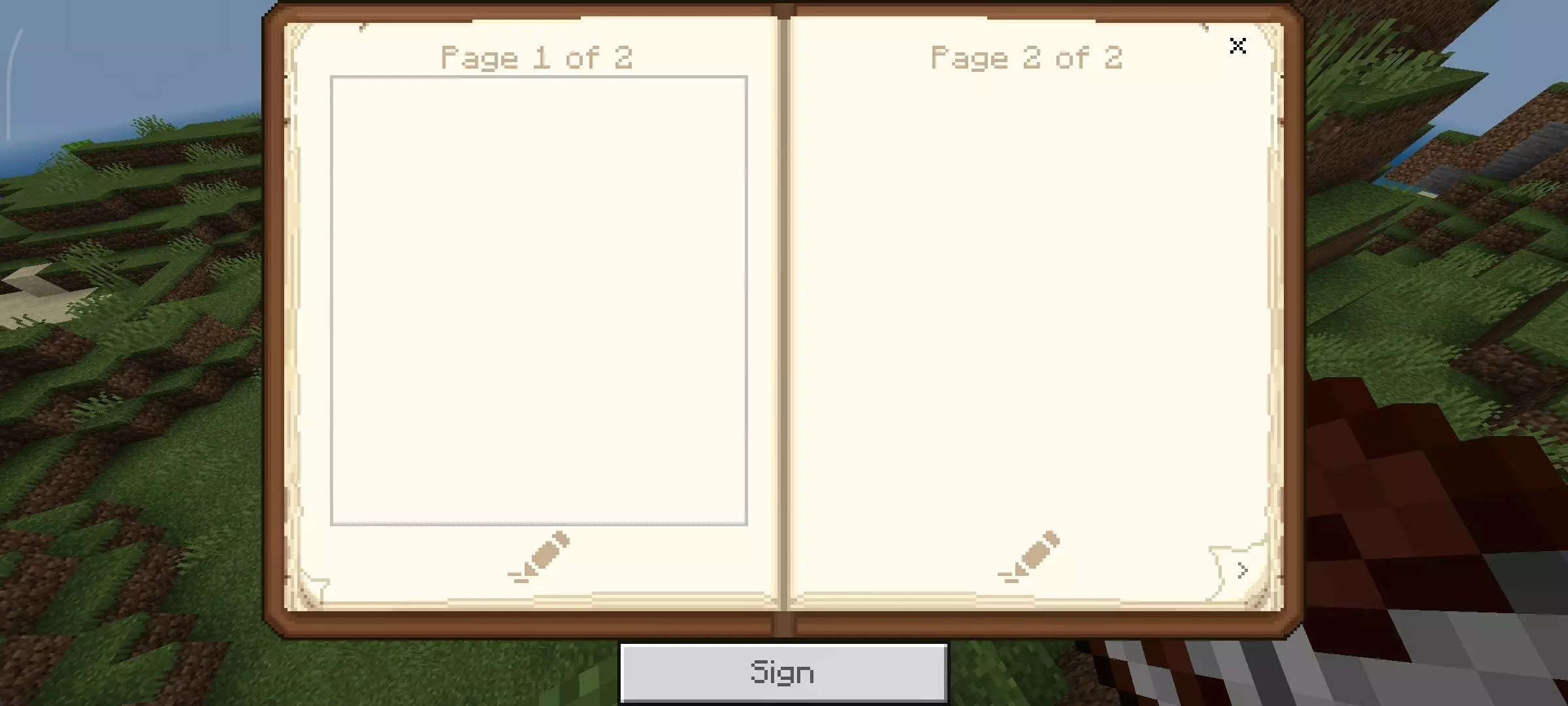
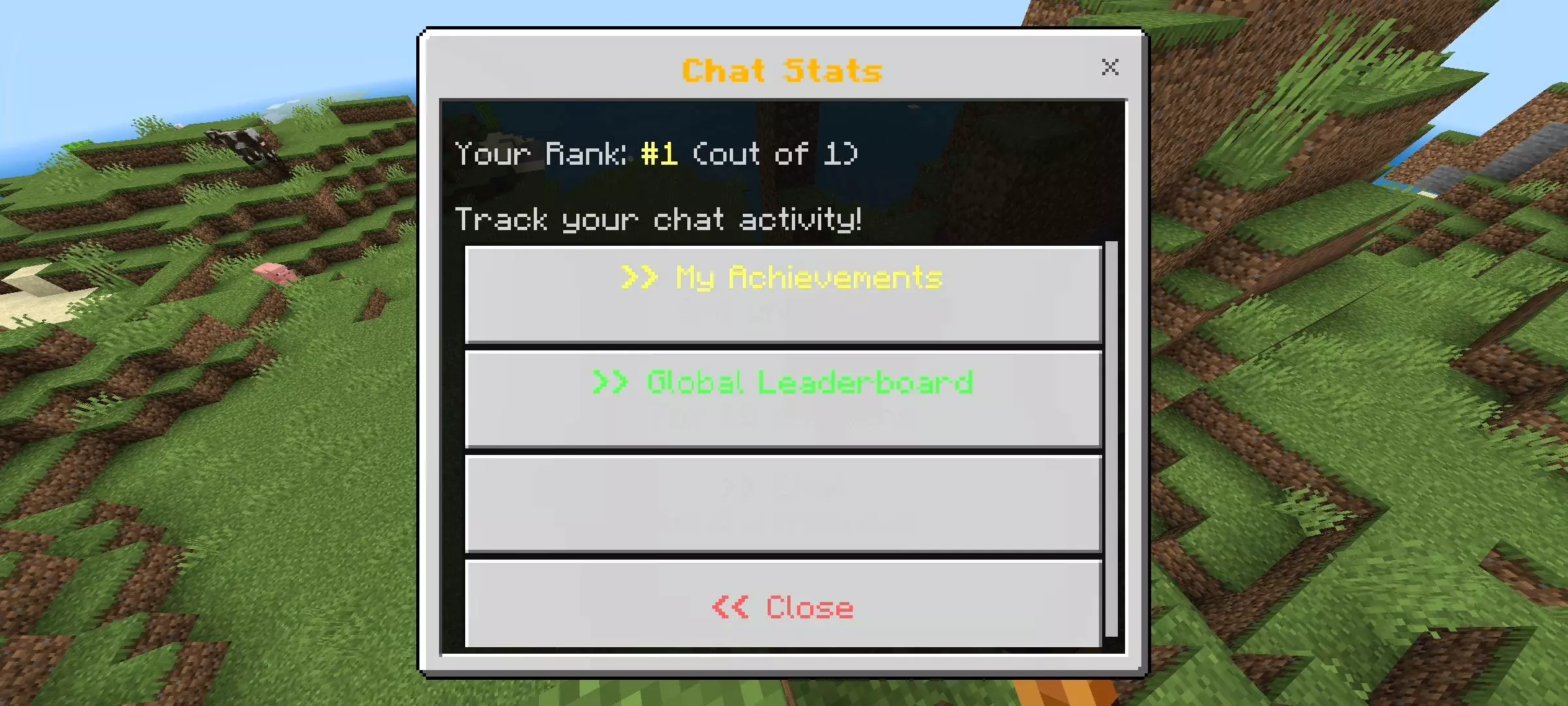
But what genuinely makes this Minecraft Bedrock chat tracker a massive W is how the developer handled the UI. Nobody wants to memorize clunky slash commands just to check their stats. The second a new player drops into the world, they automatically receive three custom-scripted items: a Writable Book, a Spyglass, and a Copper Ingot. Holding and using the book pulls up a sleek custom chat menu so you can fire off messages seamlessly. Popping the Spyglass completely bypasses the vanilla zoom and opens your personal stat sheet, showing exactly how much of a keyboard warrior you really are. And if you want to start some serious server drama, clicking that Copper Ingot rips open the Global Leaderboard. It instantly displays the top 10 most active chatters in the lobby, practically forcing your community into a sweaty grind for the number one spot.
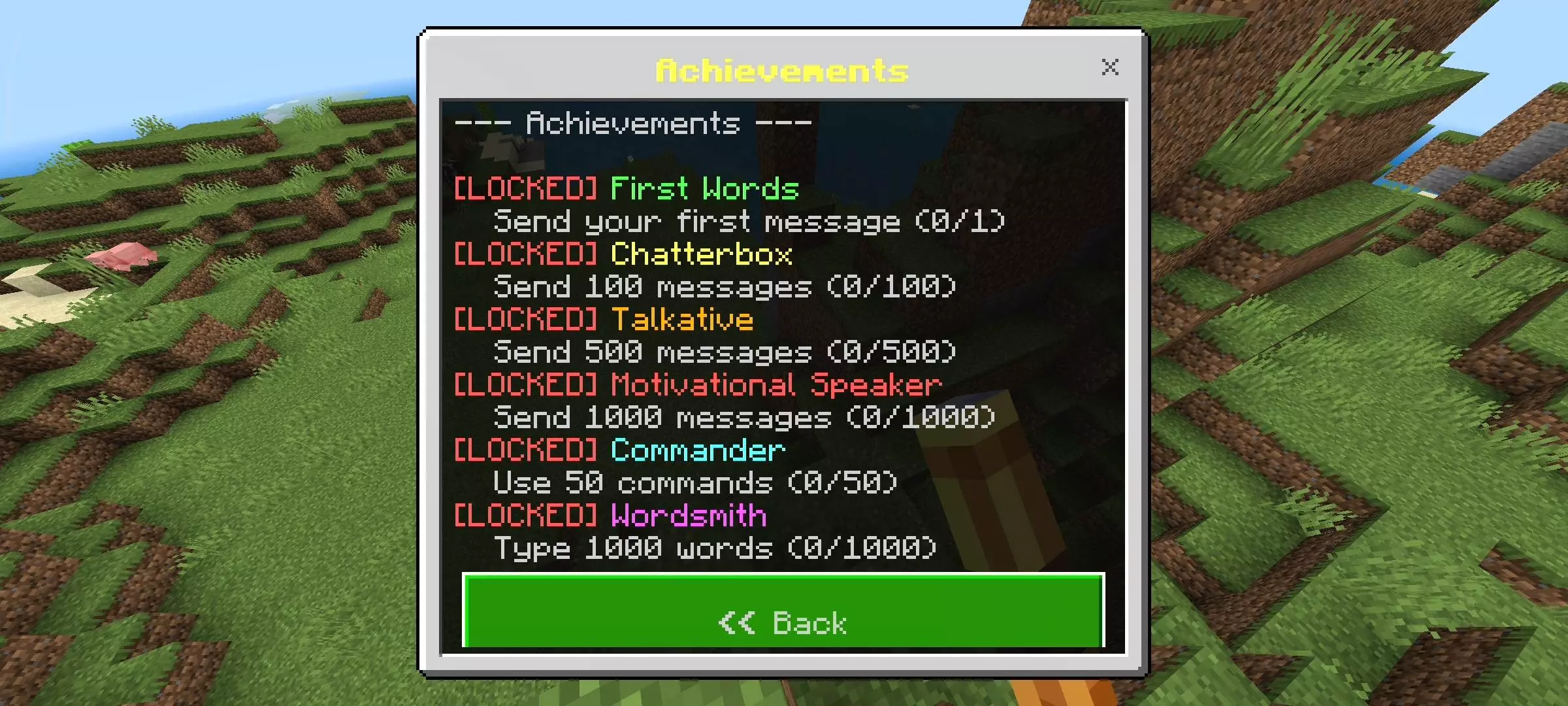
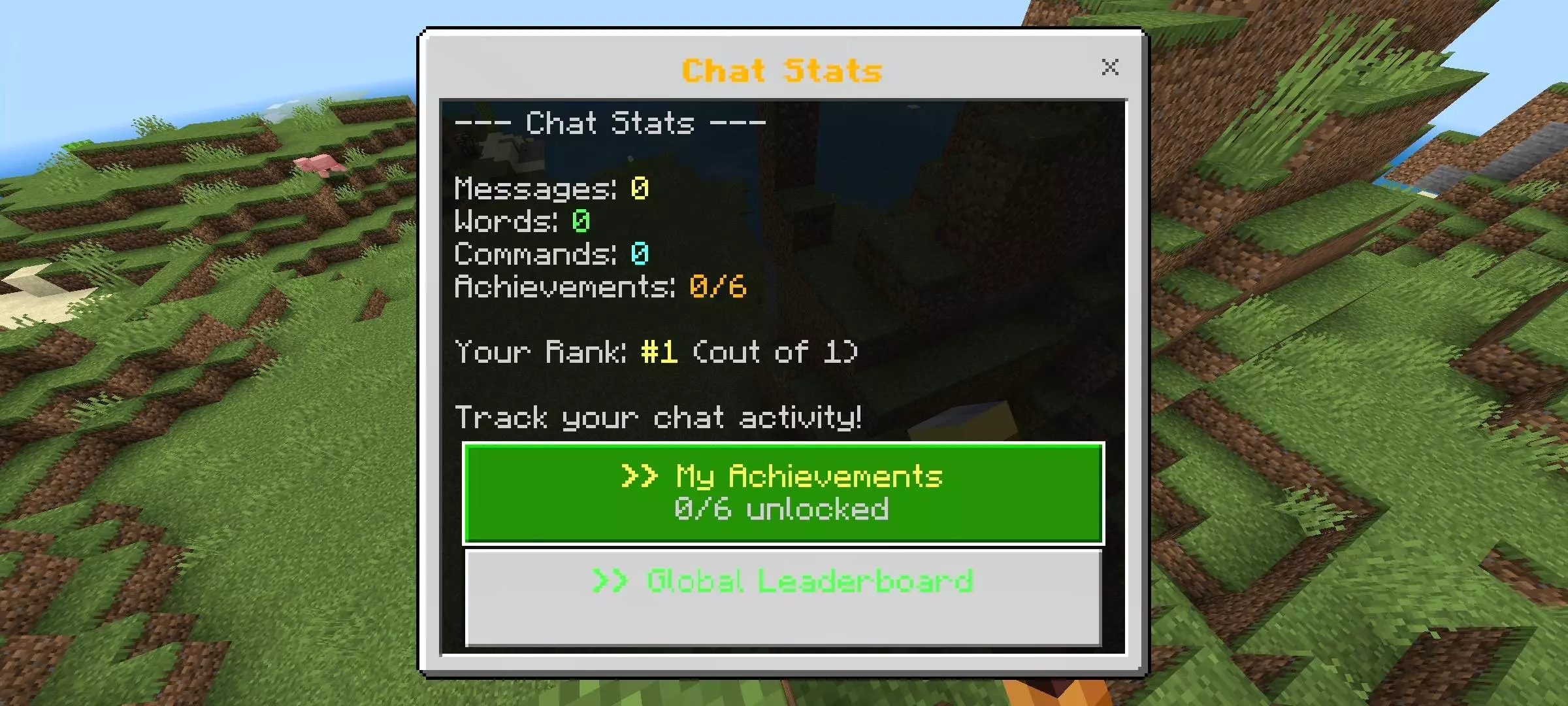
There is also a built-in achievement system that rewards active chatter. Hitting milestones like 500 messages or 1,000 total words pops server-wide broadcasts, level-up sound effects, and villager particles over your character. Since player data saves permanently, it turns daily realm banter into a genuine grind for the top leaderboard spot without lagging out your world.
Because this Minecraft Bedrock chat addon relies on custom UI scripts, remember to enable your Experimental Gameplay toggles in the world settings before applying the .mcaddon file to your active Behavior Pack stack. Grab the pack, drop it onto your realm, and see who takes the title of ultimate chatter.
Installation Mod:
- Download the .mcaddon / .mcpack;
- Open the file to import into the game;
- In World Settings → Resource Packs and Behavior Packs, enable it (turn on Experiments if needed);
- Have fun!
Comments (0)