Garage Doors Addon
- 27-07-2026, 15:16
- 811

The Dynamic Garage Doors Add-On introduces fully animated sliding doors to Minecraft Bedrock so you can build realistic fire stations, car shops, and modern driveways. If you are tired of using awkward piston setups or static trapdoors to fake a garage entrance, this pack gives your builds a huge aesthetic upgrade.
Setting up proper vehicle bays in vanilla Bedrock used to be a pain, usually taking up way too much space with hidden redstone circuits. This Minecraft Bedrock garage door addon solves that hassle by giving you custom block entities with smooth opening mechanics and custom mechanical sound effects. When closed, the door acts as a solid protective wall, but once you click to open it, the collision hitbox disappears completely. That means you can drive custom vehicles or walk straight into your workshop without snagging on invisible borders.
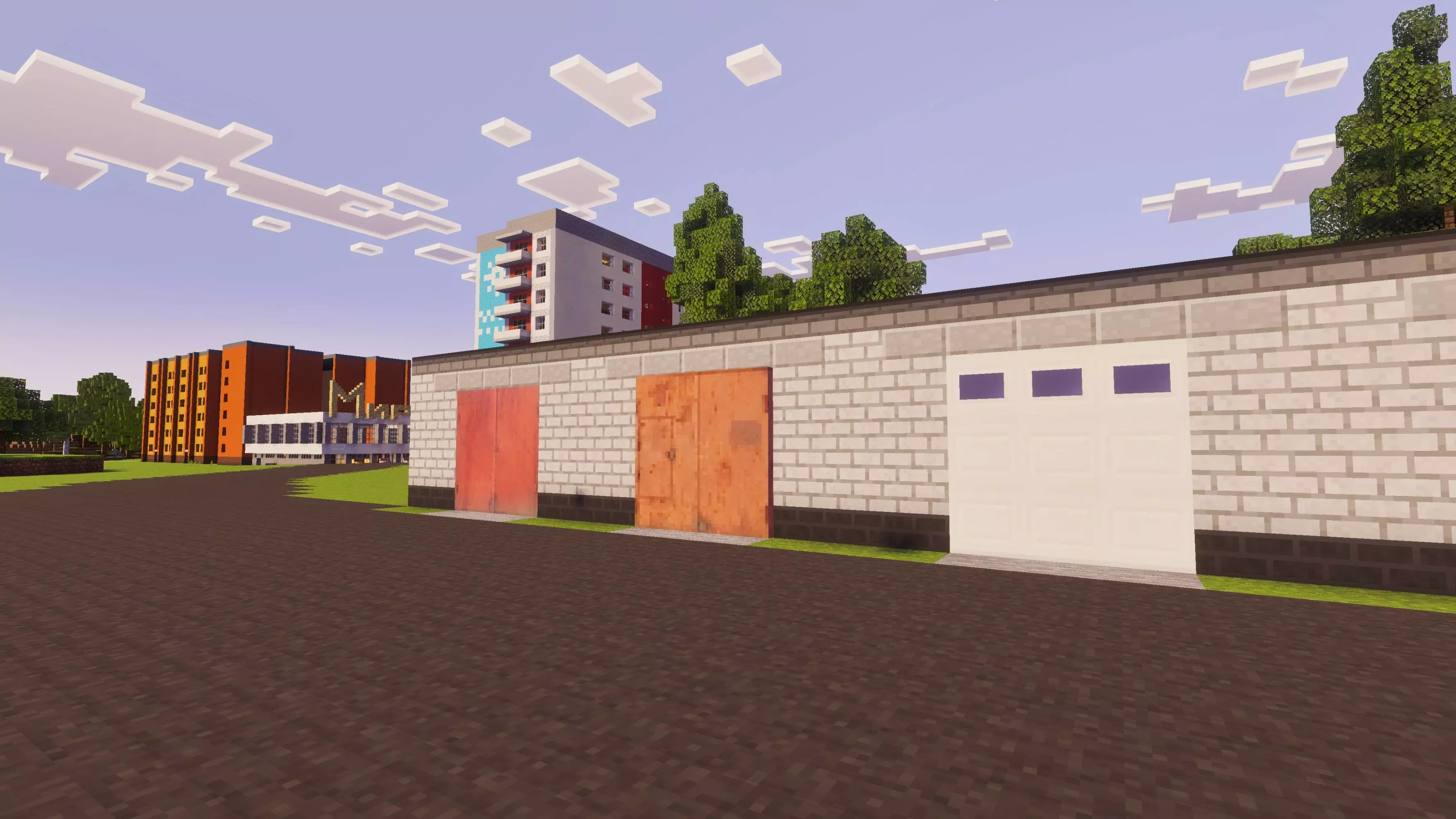
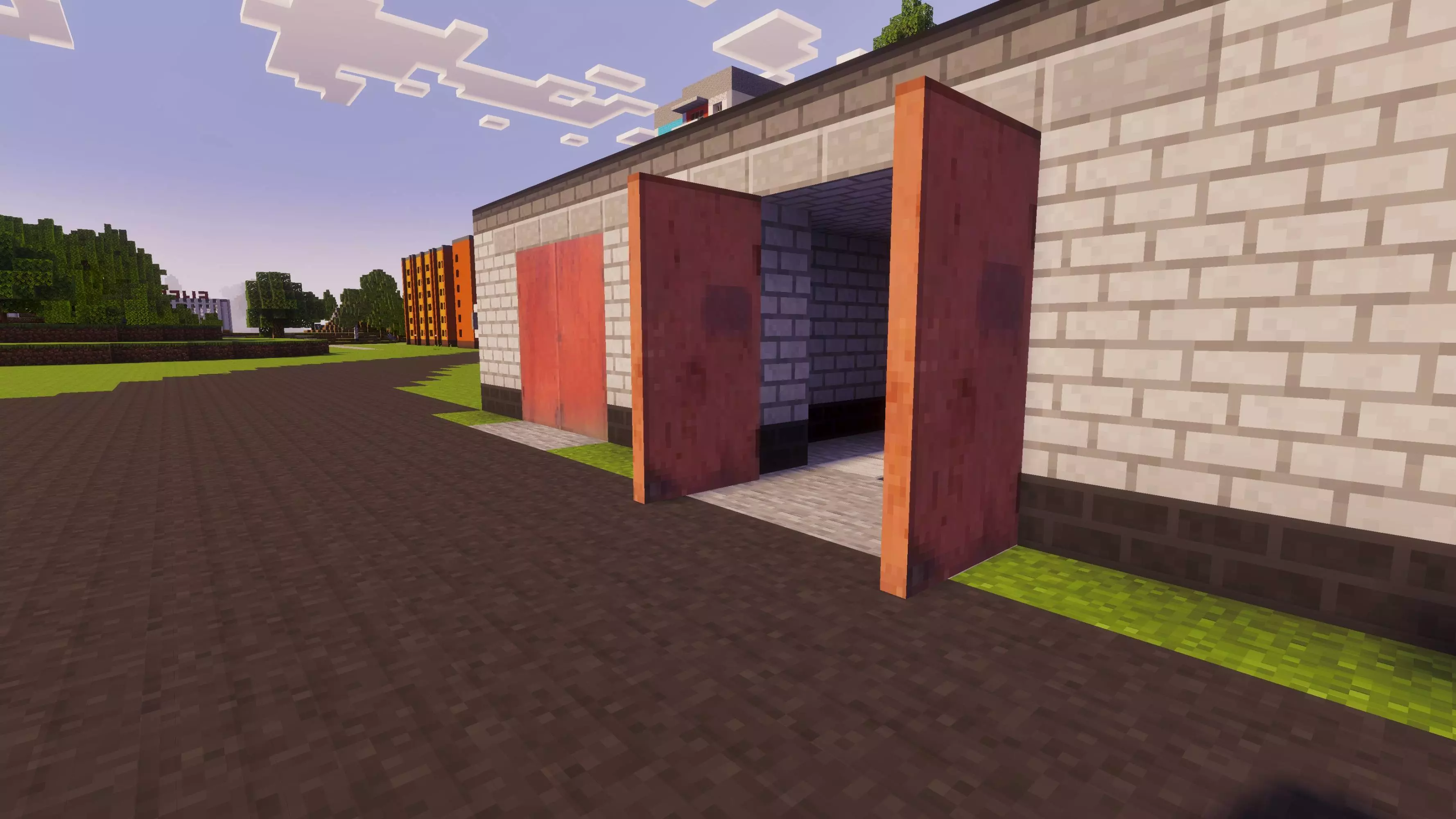
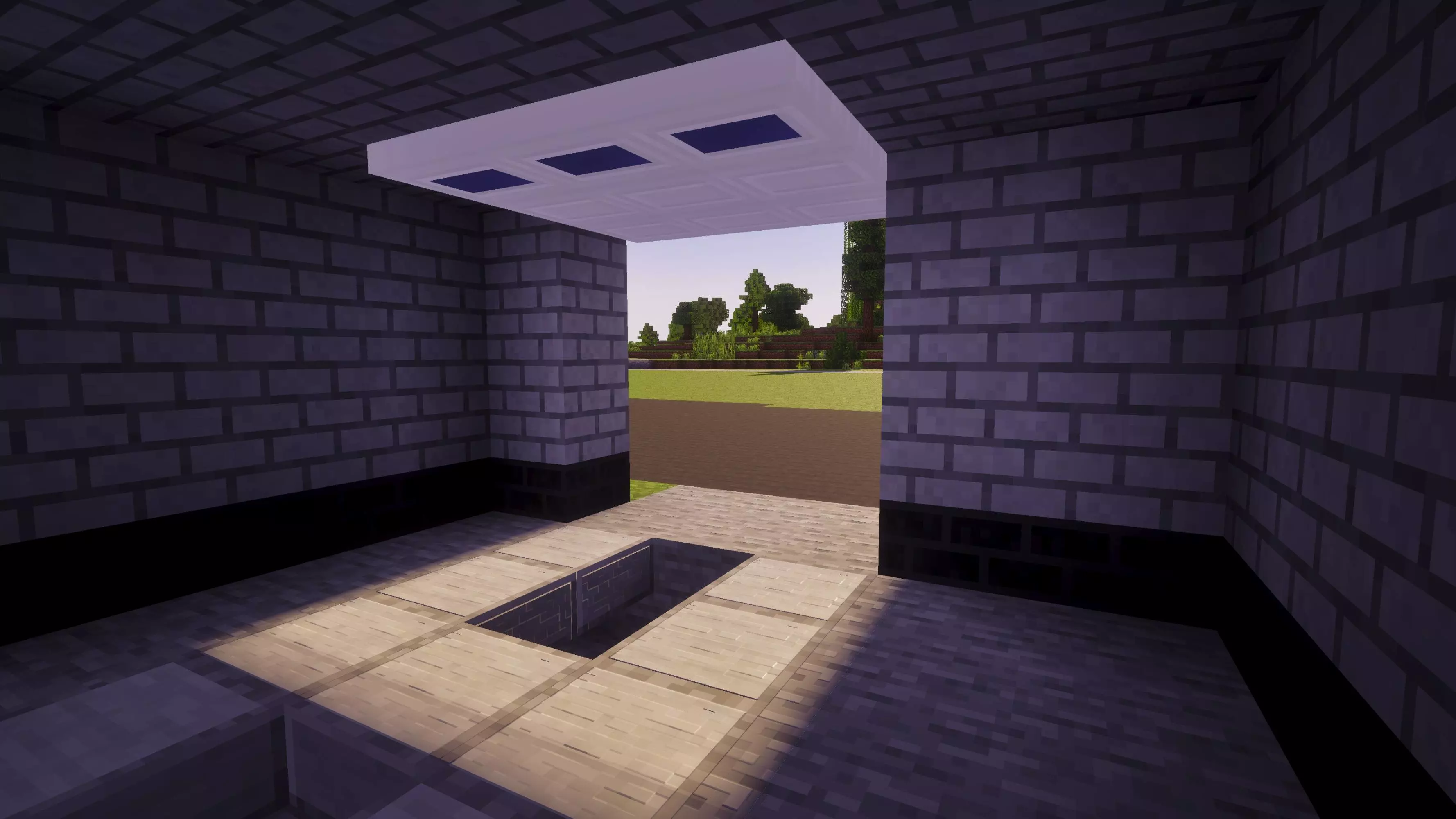
Once you drop this custom behavior pack into your load order, you unlock access to highly detailed, properly scaled garage doors that function exactly like the real deal. We aren’t talking about static blocks that just instantly teleport out of existence when clicked. These bad boys feature a buttery smooth roll-up animation that immediately elevates the immersion of any vehicle depot, suburban house, or industrial warehouse project. You can casually hit the switch, watch the door slide open, and drive your custom modded cars or sprint your max-speed horses right into your storage bays without awkwardly dismounting. It gives your entire compound a massive cosmetic glow-up. The textures are incredibly polished and mesh perfectly with vanilla blocks like quartz and concrete, so it never looks like a cheap, out-of-place asset flip.
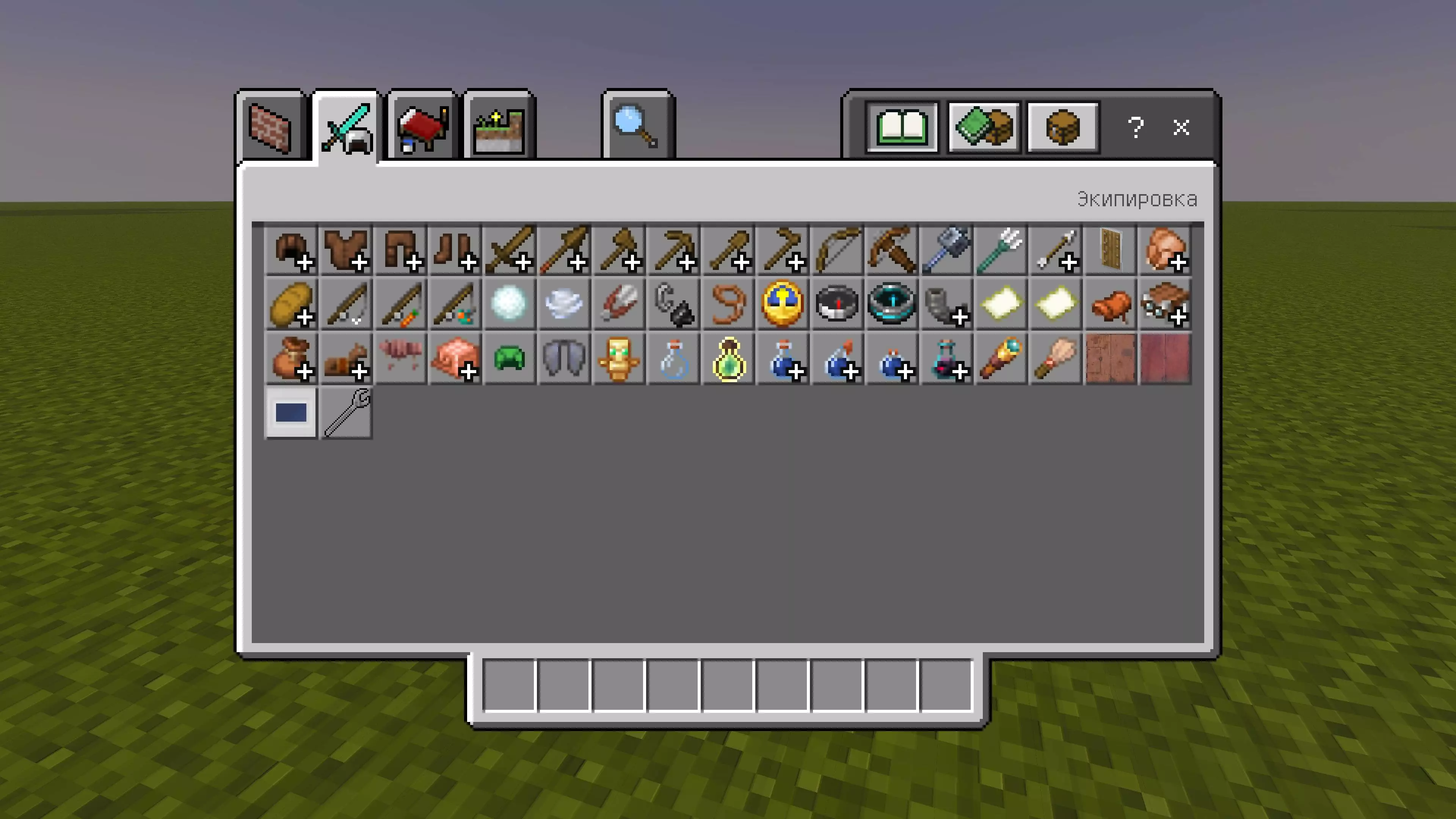
What makes this MCPE modern build mod so flexible is the dedicated Wrench tool. Hitting a door with the wrench opens an in-game configuration menu that lets you tweak the setup on the fly. You can flip the sliding direction, rotate the frame to fit any architectural layout, or enable grid centering to stop annoying visual gaps against nearby wall blocks.
It is a remarkably clean quality-of-life addition for modern builders on mobile, console, and PC. Grab the .mcaddon file, activate your Experimental Gameplay toggles in the world settings, and start upgrading your modern survival bases today.
Installation Mod:
- Download the .mcaddon / .mcpack;
- Open the file to import into the game;
- In World Settings → Resource Packs and Behavior Packs, enable it (turn on Experiments if needed);
- Have fun!
Comments (0)