More Wandering Traders Addon
- 27-06-2026, 09:51
- 399
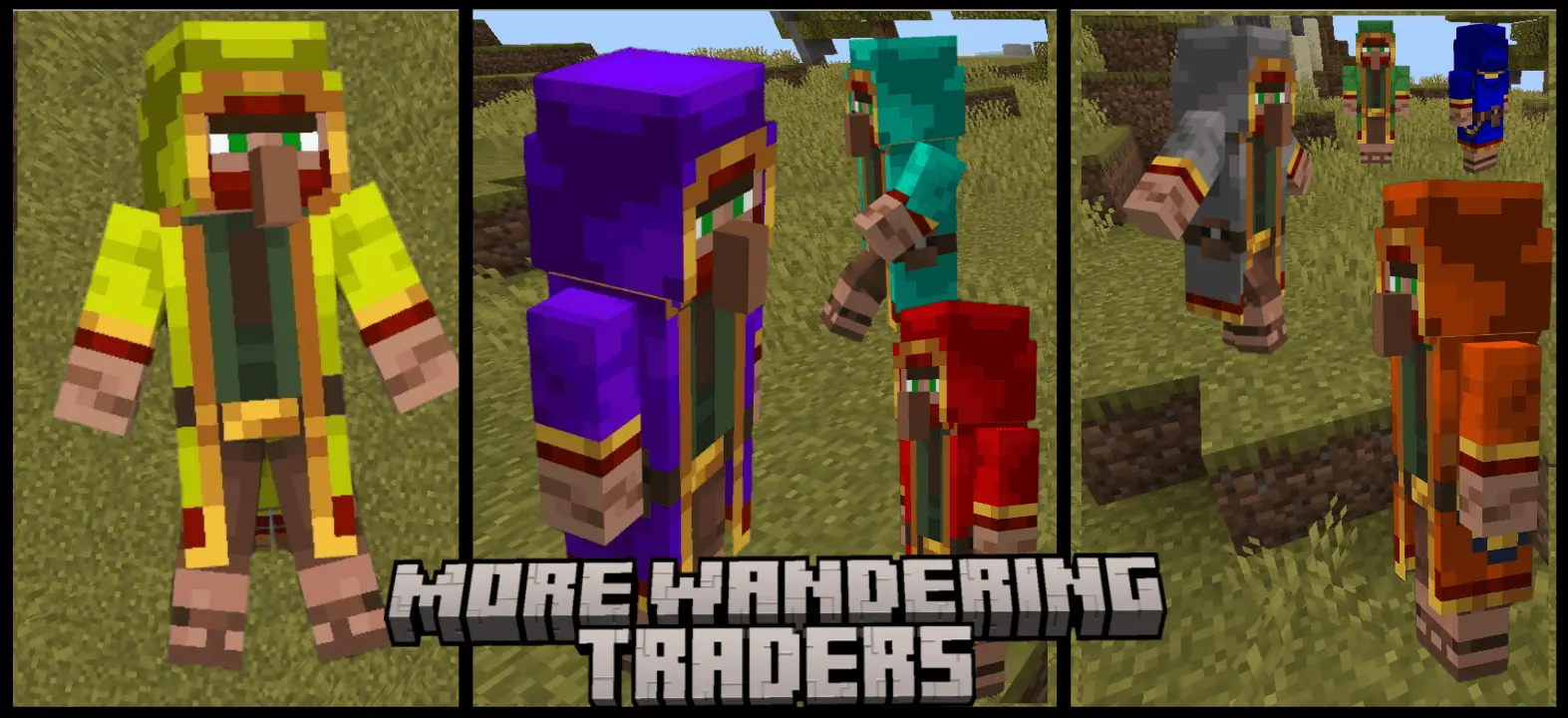
Core Feature: Spend XP to transform useless vanilla Wandering Traders into 8 brand-new merchants with custom shops, models, and defensive AI!
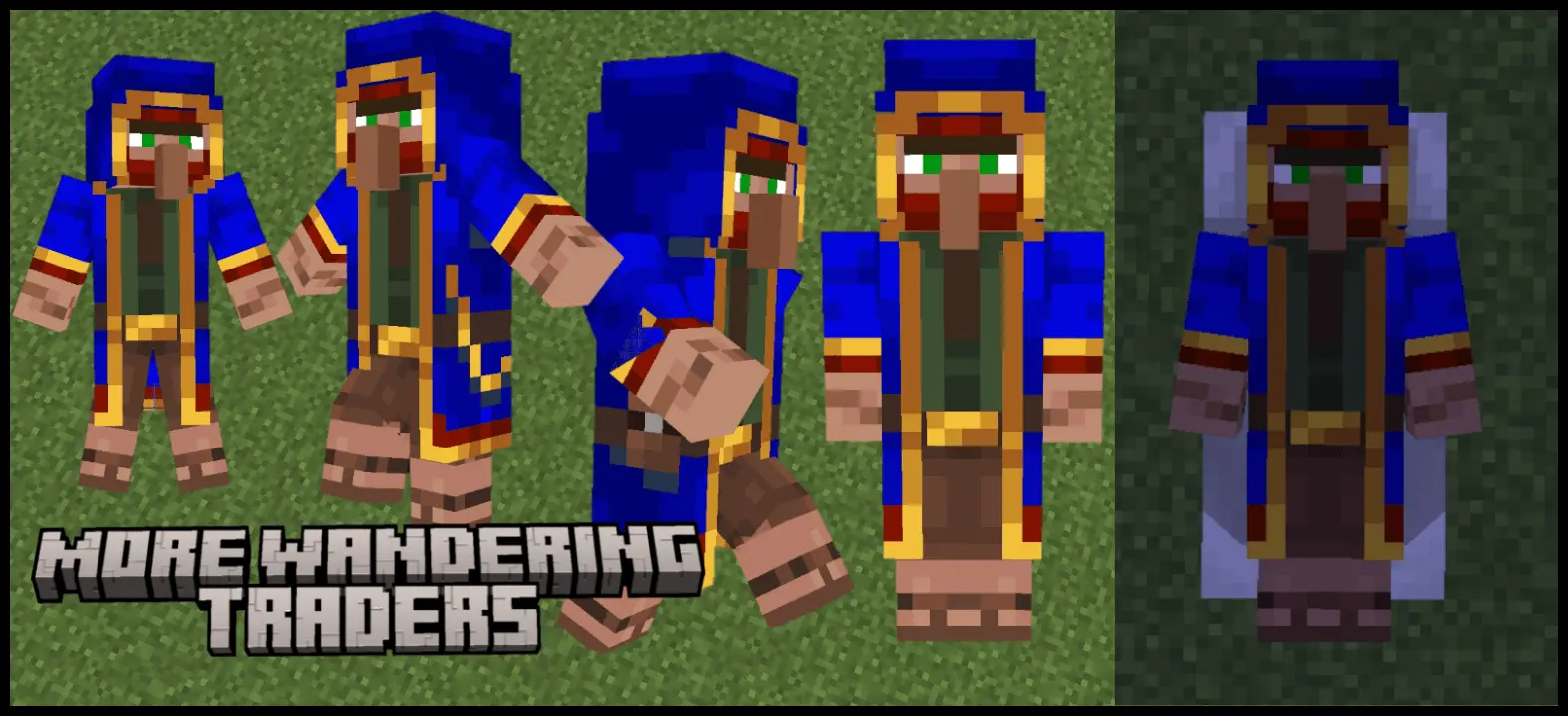
Let's face it, the vanilla Wandering Trader in Minecraft is practically a walking joke. Most of us just take him out for the two free leads and completely ignore his terrible trades. The More Wandering Traders addon totally fixes this broken economy. Instead of getting offered a single fern for five emeralds, this MCPE custom trader mod introduces eight completely unique merchants featuring their own animations, fresh models, and genuinely useful shops.
The way you actually get these new guys in a standard survival world is super clever. You don't have to explore thousands of blocks or rely on terrible RNG to find them. Just wait for the regular trader to spawn with his llamas. Once he shows up, sneak (crouch) within six blocks of him, and a custom "Open Menu" prompt will pop up right on your screen.
Hitting that button opens a brand-new UI displaying all eight custom merchant options. You just click the one you want, and the vanilla trader instantly transforms.

The only catch is that the swap isn't free. Transforming a trader costs experience levels. You have to actually spend your own XP to lock in the specific merchant you need, which keeps your survival playthrough perfectly balanced. You can't just cheese the system on day one without grinding some mobs or mining a bit first to get your levels up.
These guys also got a massive AI upgrade for the wild. If a random zombie or skeleton takes a swing at them, they don't just run around in a panic—they actually fight back and defend themselves. They still won't aggro on you if you accidentally hit them, but at least they won't instantly die the second night falls. And if you are just building a map or testing things in Creative mode, you can skip the XP grind entirely. All eight of their custom spawn eggs are sitting right in the Nature tab ready to drop into the world.
The community creators went fully tryhard on the spawning mechanics. Instead of just lazily reskinning the base model, they color-coded the entire roster so you know exactly who you're dealing with from a distance. You've got the Green Forest trader roaming the woods with a tamed wolf, the sturdy Brown Mountain variant pulling goats up steep cliffs, and the all-white Snow merchant dragging horses through the frost. There's even an ultra-rare Black mysterious wanderer that can randomly spawn anywhere on the map. Because each of these NPCs prefers their native biome, exploring your seed actually feels rewarding again. It heavily incentivizes you to stop hiding inside your base and actually travel across the overworld if you want to secure the best gear.
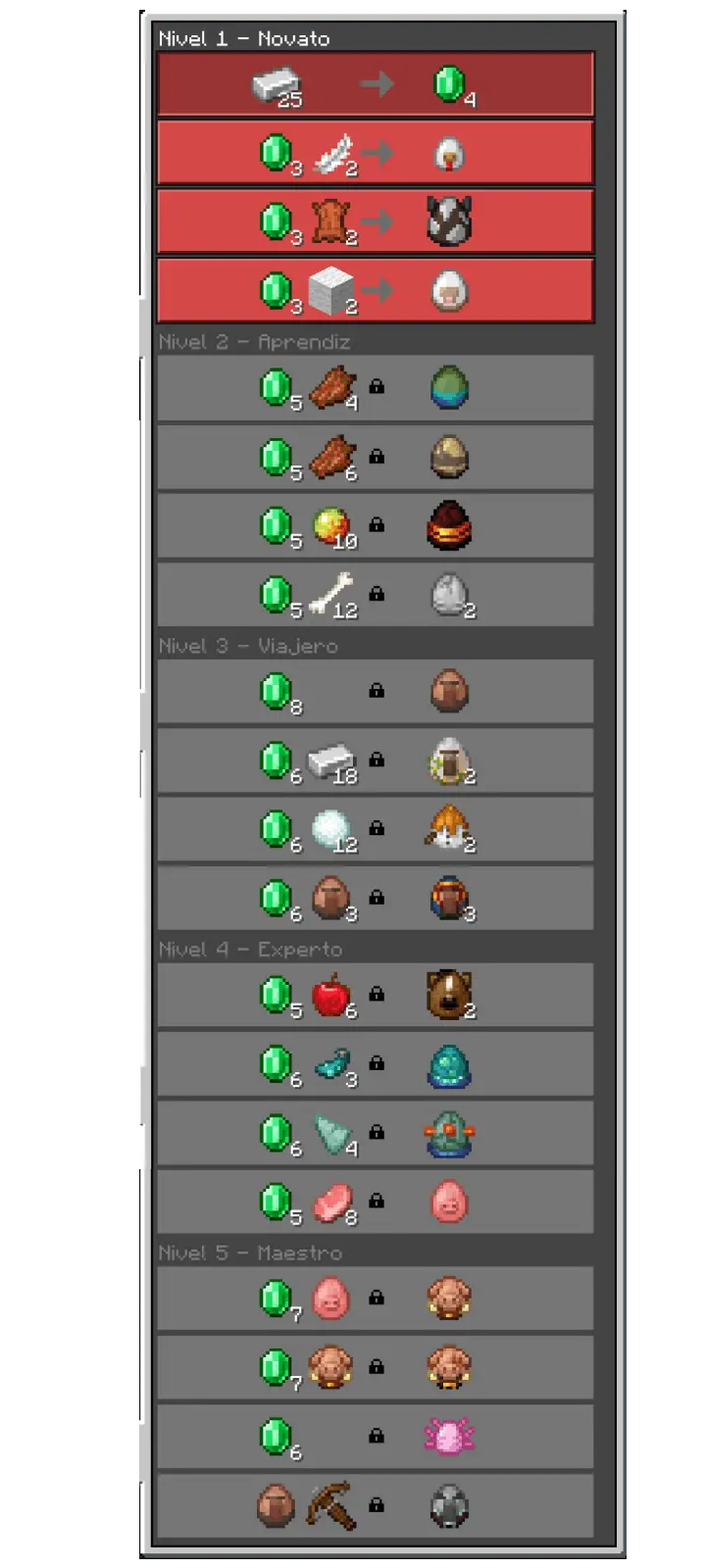
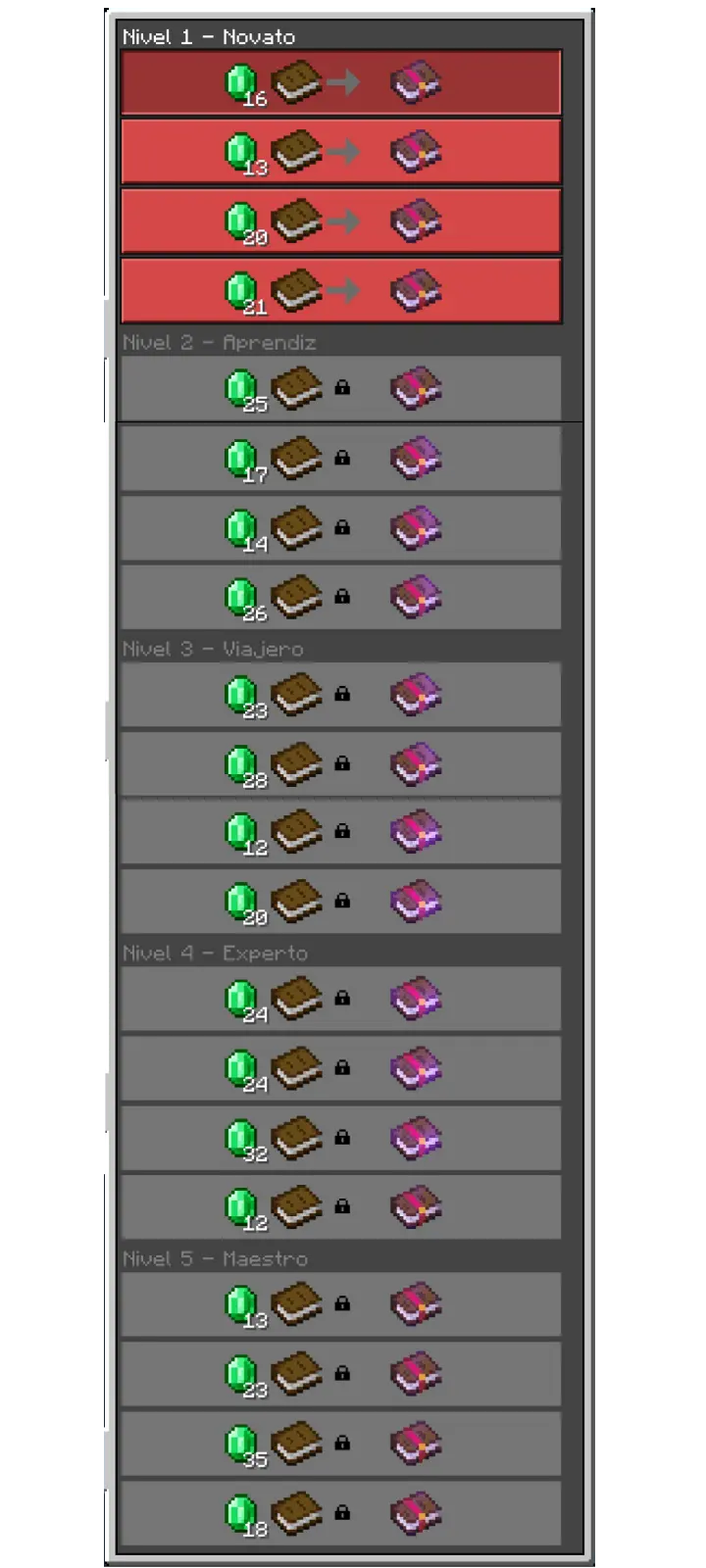
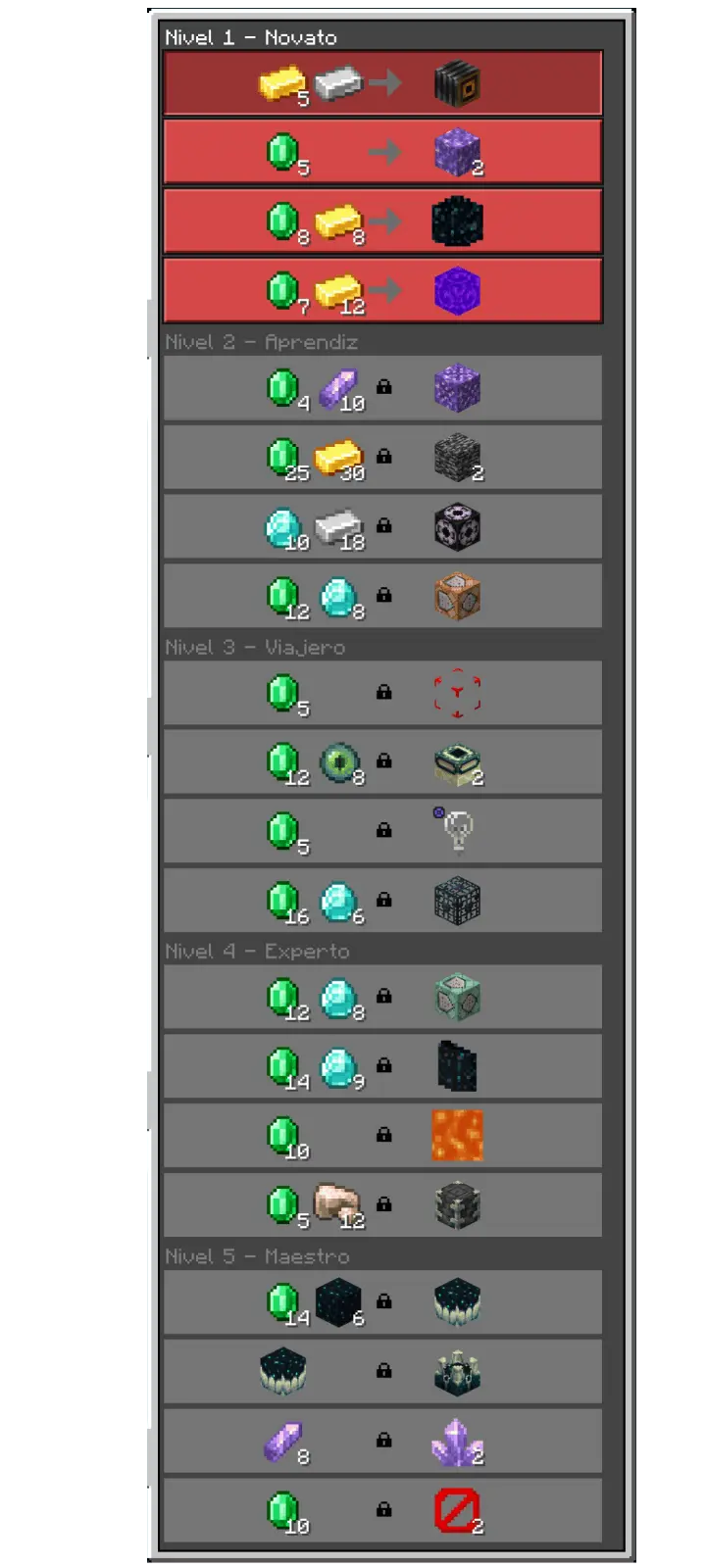
What makes this Minecraft Bedrock addon a massive W is the completely revamped trading interface. These guys aren't just trying to scam you out of your hard-earned gems. They run on a strict "buy three, sell four" system with limited stock, meaning you actually have to be smart about what you carry. You can finally offload all that useless junk clogging up your chests—like random flowers, extra coal, raw copper, and pumpkins—in exchange for practical survival tools. We're talking fresh leather boots, potions, fire charges, and arrows. It’s the perfect early-game boost when you're struggling to secure basic resources, and it gives absolute trash blocks actual financial value on your server.
On the technical side, the modders totally understood the assignment. If you're running a massive multiplayer Realm and don't want your chunks flooded with too many NPCs, you can tweak the spawn rates directly in the settings, choosing between Common, Very Common, or Rare frequencies. Some of these merchants will even pathfind their way into existing villages, blending right in with the locals. Getting this loaded into your client takes literally zero effort. It’s a super lightweight file that works buttery smooth across mobile, console, and PC without tanking your framerate or causing weird block lag. Stop settling for absolute garbage trades when you're out surviving. Slap the More Wandering Traders Addon into your active resource packs, start hoarding those raw materials, and turn your next expedition into a massive payday.
Installation Mod:
- Download the .mcaddon / .mcpack;
- Open the file to import into the game;
- In World Settings → Resource Packs and Behavior Packs, enable it (turn on Experiments if needed);
- Have fun!
Comments (0)