Dynamic HUD Mod / Addon
- 22-04-2026, 04:01
- 468
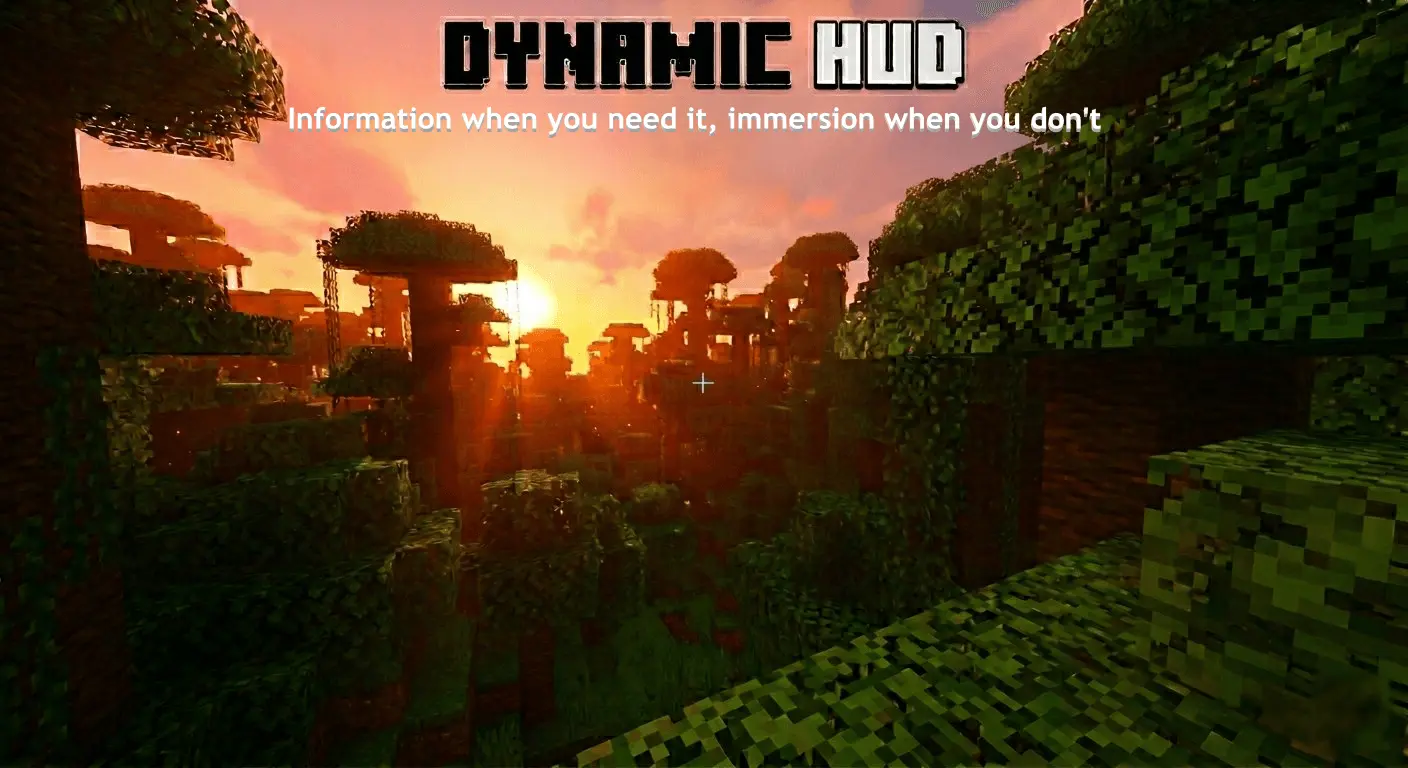
Dynamic HUD Minecraft mod will add Dynamic HUD with all the necessary information for you that was previously missing. Sometimes you just want to look around your Minecraft world without the hotbar and rows of icons sitting on the screen. Maybe you’ve climbed a mountain to watch the sunset, or you’re walking through a forest you’ve spent hours turning into a village. Dynamic HUD gives you a clearer view by hiding parts of the interface when they aren’t needed and bringing them back during play. Your hearts, hunger bar, and other familiar indicators can appear when something changes, then move out of the way again.
The difference is easy to notice during a quiet walk. With fewer icons on screen, there’s more room to enjoy the landscape and the buildings around you. The hotbar can appear when you change the selected slot, so you can check which item you’re holding before it fades away again. That makes the addon appealing if you like exploring, taking in your surroundings, or simply spending time in a world you’ve built yourself. You don’t have to stop playing or hide the entire interface whenever you want a better look at something.
The information you need during a fight can still appear at the right moment. Take damage and your hearts show up, giving you a chance to see how much health you have left. The hunger indicator can appear when your hunger drops or when you’re holding food, so it’s easier to tell when it’s time to eat. Armor and experience indicators can also be displayed as you play. It may take a little time to get used to the quieter screen, especially if you’re accustomed to checking your hearts constantly, but the idea becomes natural once you’ve seen the interface respond to what you’re doing.
Dynamic HUD also includes a way to display your coordinates. That can be useful when you’re traveling far from home, looking for a particular location, or writing down the position of a village you want to revisit. You can enjoy a less cluttered screen and still keep track of where you are. Before a long expedition, it’s worth deciding which information you want visible and testing the settings somewhere familiar. That way, you can get comfortable with the interface before heading into a cave or setting off across the ocean.
The addon has settings that let you choose how parts of the HUD behave. If you like a clear view but prefer having a particular indicator visible, you can adjust the interface to suit the way you play. Players in a shared world can use their own settings, which is handy when one person wants a quieter screen and another prefers the familiar look. If you play on a touchscreen, pay particular attention to the hotbar setting: keeping it visible may make selecting items more comfortable.
To get started, import the addon and activate its behavior and resource packs in your world settings. Once you enter the world, take a moment to look through the HUD settings and try moving between a few items in your hotbar. You can then take a walk, do some mining, or head out on an adventure and see how the interface feels during your usual activities. Dynamic HUD doesn’t add a new place to explore, but it gives you a different way to see the world you already know.
Installation Mod:
- Download the .mcaddon / .mcpack;
- Open the file to import into the game;
- In World Settings → Resource Packs and Behavior Packs, enable it (turn on Experiments if needed);
- Have fun!
Comments (0)