Armor Expansion Mod / Addon
- 9-04-2026, 01:30
- 946
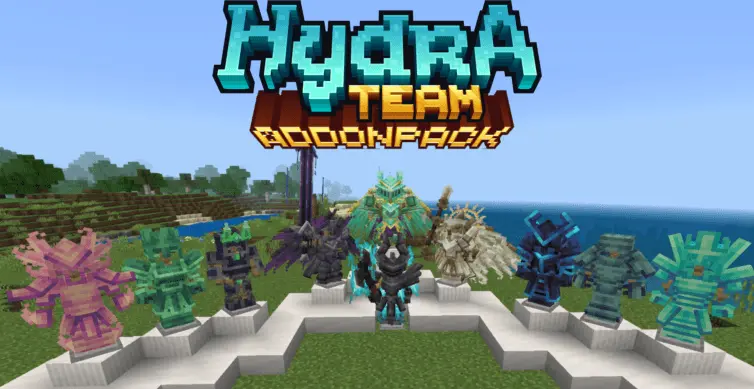
Hydra Expansion Modpack combines many epic mods that add armor to Minecraft Bedrock. There comes a point in a Minecraft world when you’ve worn the same armor for so long that you barely notice it anymore. You know exactly what you’ll make after finding diamonds, and later you start looking for netherite. Armor Expansion, also known as Hydra Expansion, gives you more equipment to discover along the way. It brings together a collection of armor, weapons and other items, with designs ranging from bright gemstone gear to darker sets that look ready for a difficult fight.
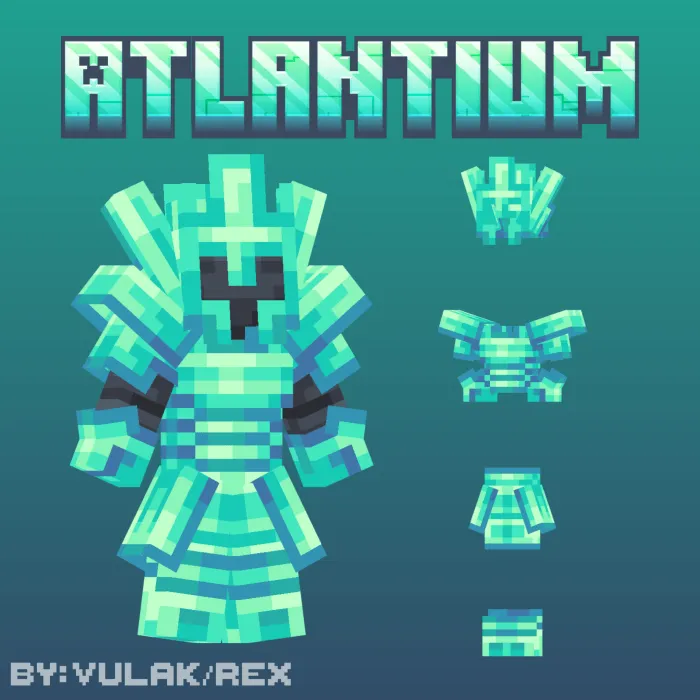
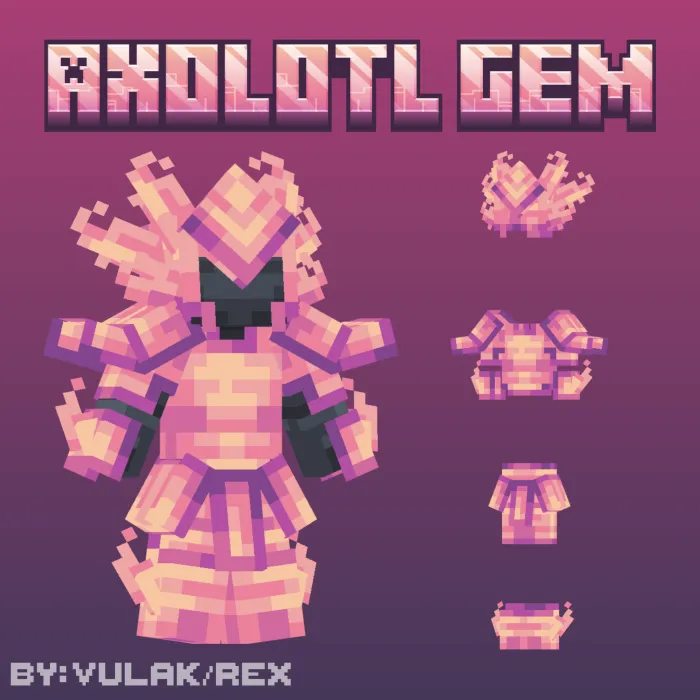
The Atlantium armor is one option if you like an ocean-inspired look. It has a detailed design that can feel at home in an underwater base or on an armor stand beside your collection of treasures from the sea. Axolotl Gem armor takes a different direction, with a pink appearance inspired by the little creatures you might have brought home from a lush cave. It’s an amusing choice if your usual equipment tends to be dark and serious, and it gives you a reason to dress for more than just the numbers on the armor bar.
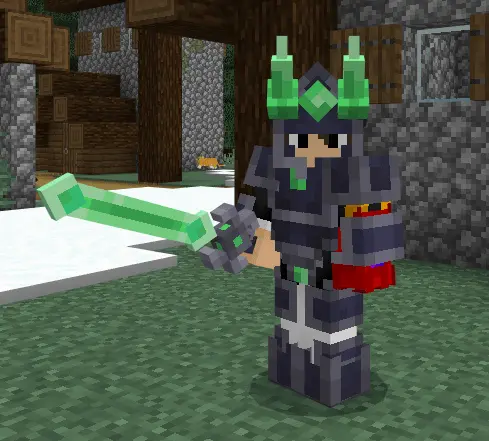
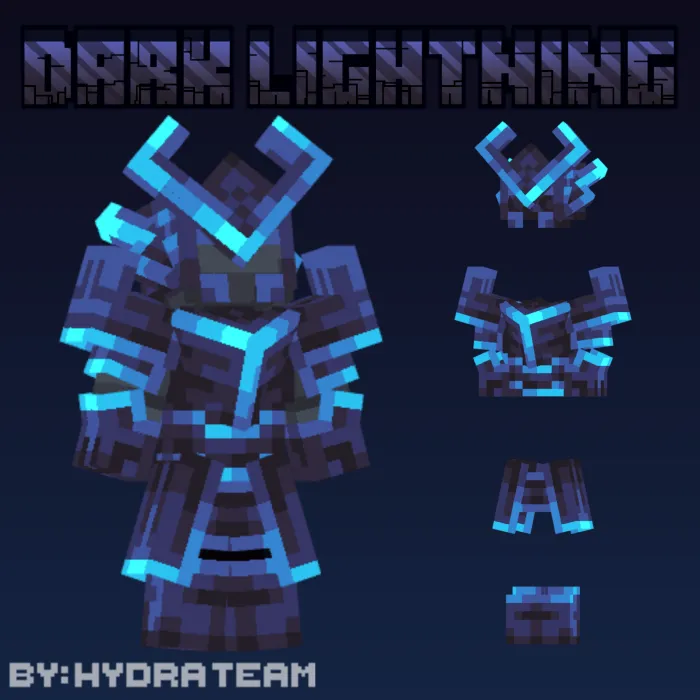
If you prefer something less colourful, there’s Burned Netherite and Darklightning armor. Both have a darker style, though their details give each set its own character. Darklightning has bright accents that stand out against the armor, while Burned Netherite has a look suited to a trip through the Nether. You can try the different pieces together, see which complete set you prefer and keep your favourites on display when you aren’t wearing them.
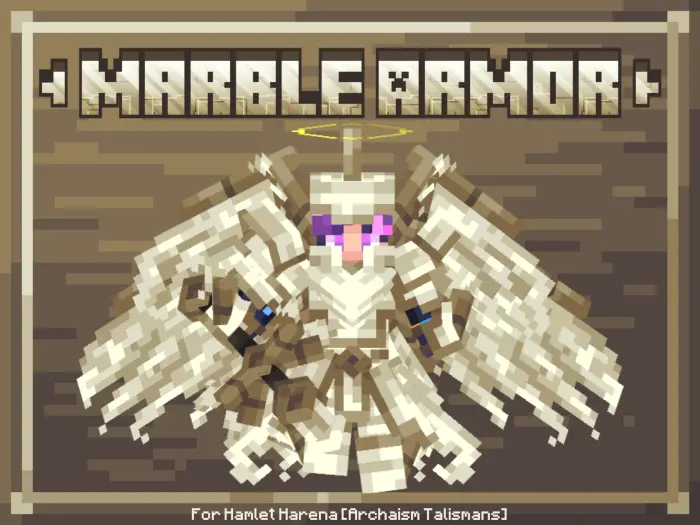
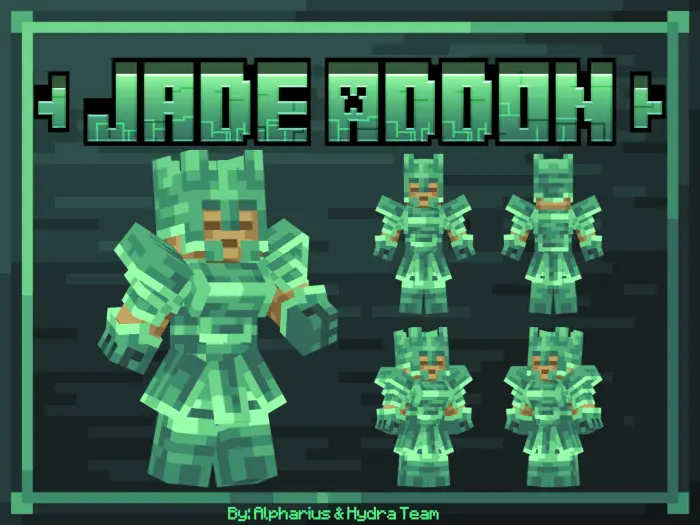
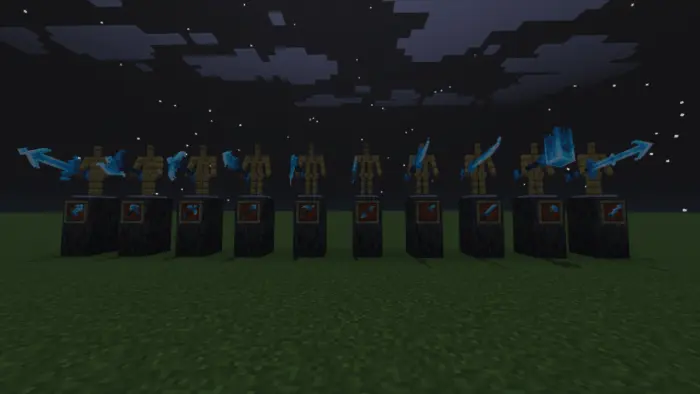
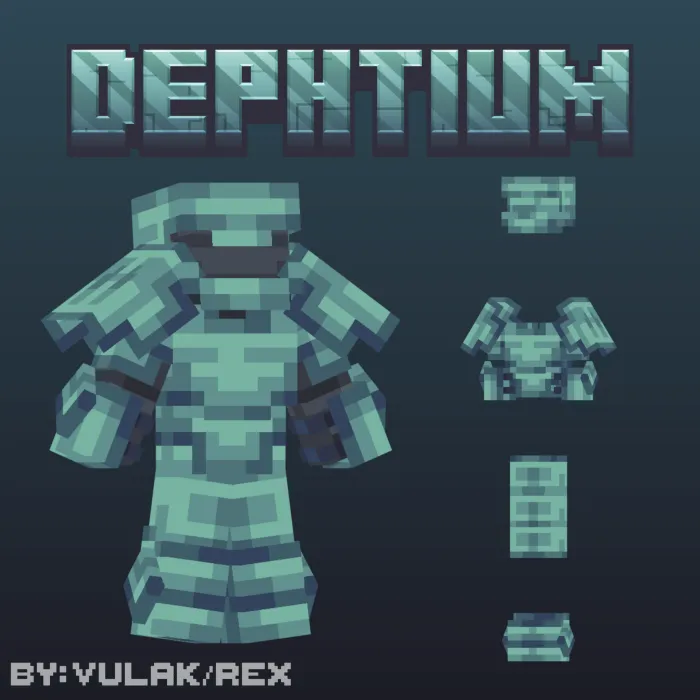
The collection also includes Depthium, Jade and Pure Diamond equipment, as well as Spectre Bound gear and marble armor. With so many names to look through, it’s worth taking your time and inspecting what’s available before deciding what you want to work towards. Perhaps the appearance of one set will catch your eye immediately, or you’ll find that another fits the character you’ve been building in your survival world. Some equipment is accompanied by weapons or tools, giving you more than just a new set of armor to consider.
There are talismans among the additions too, bringing more items to discover as you explore the pack. The equipment comes from several different collections, so opening the inventory and looking through the available items can be a good first step. Pay attention to the names and descriptions in the game as you examine them; they’ll help you distinguish one set from another when you’re deciding what to make or try out.
The variety is especially enjoyable if you play with friends. One player might choose the pink Axolotl Gem look, while another turns up in a darker set for the same adventure. You could also make a room at your base for armor stands and display the sets you’ve collected. It’s a satisfying way to keep your equipment organised, and you can pick what to wear before heading out rather than leaving everything tucked away in chests.
Hydra Expansion gives you plenty to look at if collecting equipment is one of your favourite parts of Minecraft. Try a few sets, find the designs you like and make them part of your next adventure. Whether you’re exploring a cave, visiting an ocean monument or preparing for a fight, there’s room to choose an appearance that feels right for your character.
Installation Mod:
- Download the .mcaddon / .mcpack;
- Open the file to import into the game;
- In World Settings → Resource Packs and Behavior Packs, enable it (turn on Experiments if needed);
- Have fun!
Comments (0)