Phantasm Mod / Addon
- 18-03-2026, 12:24
- 705
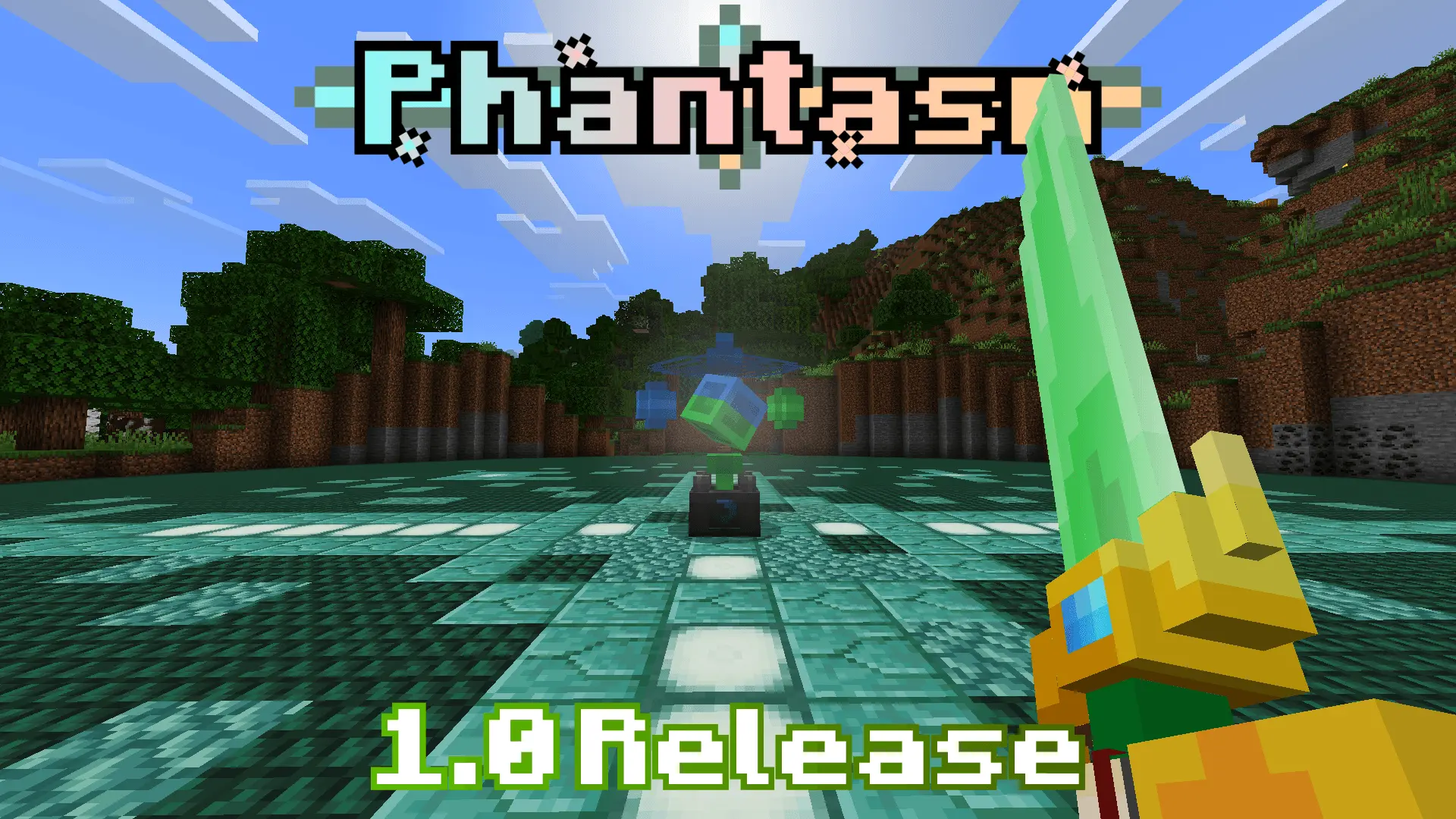
Phantasm Addon improved epic weapons, bows and many different new types of weapons in Minecraft Bedrock. A sword and bow will get you through plenty of fights in Minecraft, but eventually you might want something new to work toward. Phantasm adds more weapons to the game, including bows and equipment with detailed 3D models. It’s aimed at players who enjoy preparing for a difficult fight as much as the fight itself: gathering supplies, choosing what to carry, and heading out to see whether their equipment is up to the challenge. The new weapons give you a reason to revisit the combat side of your world, whether you’re exploring dangerous places alone or getting ready for an encounter with friends. You can still spend an evening building or mining, but there’s another reason to save the useful materials you bring home.
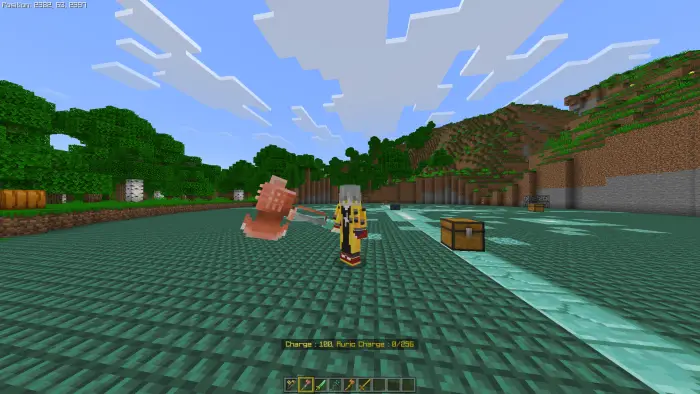
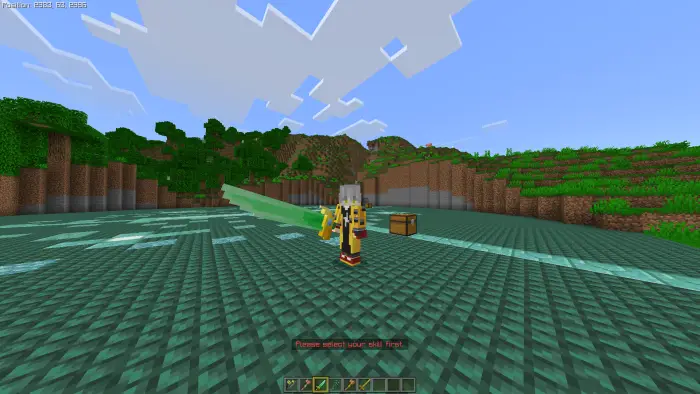
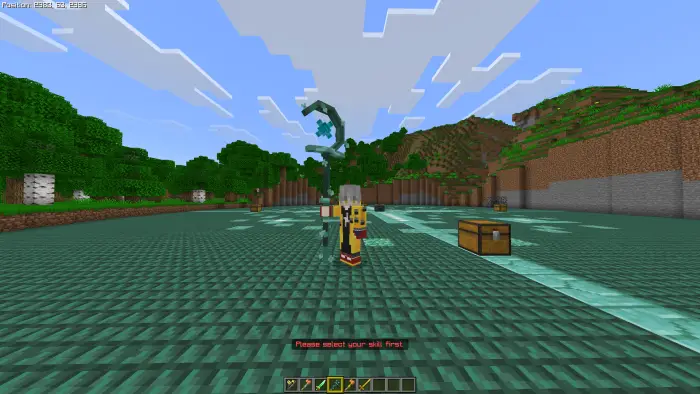
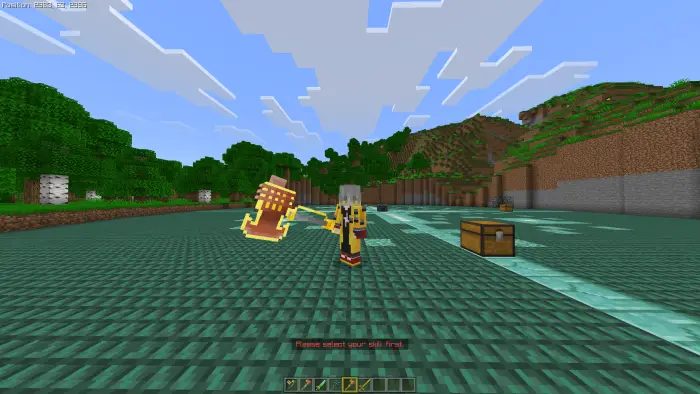
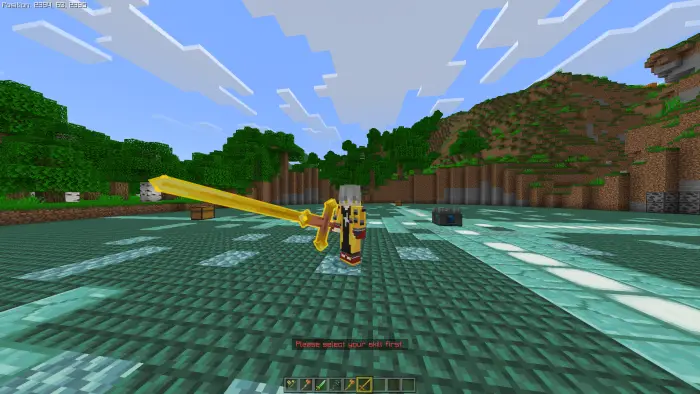
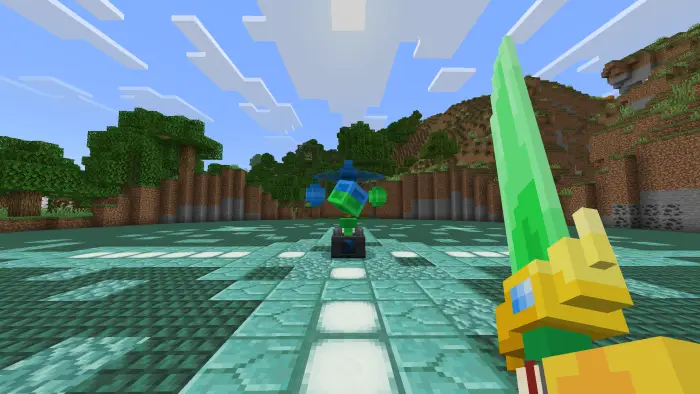
The equipment is the first thing you’ll probably want to look through. Alongside close-range weapons, Phantasm offers bows for players who prefer to keep some distance between themselves and an enemy. Their 3D designs make them stand out when you hold them, which is especially noticeable if you’re used to Minecraft’s familiar tools and weapons. Try carrying a ranged option alongside something for close combat, then see which you prefer in different situations. A bow can be handy when an enemy is across a gap or approaching from a distance, while a melee weapon is useful once a fight moves into a narrow space. There’s room to experiment with your loadout instead of taking the same equipment on every expedition.
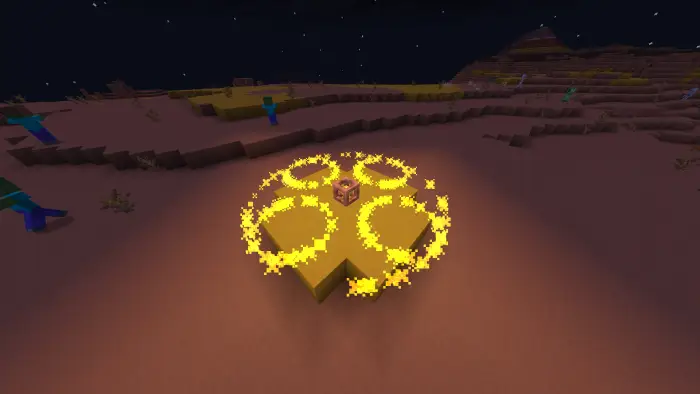
Phantasm also connects its equipment to a broader survival adventure. Its progression includes new challenges and bosses, so stronger gear gives you something to pursue as you prepare for more demanding encounters. One of the threats associated with the add-on is the Soul of Nature, a boss that can reward a successful player with a special sword. Going into a fight like that calls for more preparation than dealing with a lone zombie outside your house: bring food, check your armor, and make sure you have a way to recover if things go badly. The add-on has an in-game guidebook that explains its progression, making it a useful place to start when you want to find out what to do next. Take time to read through it and plan your approach before committing your best supplies to a battle.
If you play with friends, deciding who brings which equipment can be part of the fun. One player might prefer a bow, another might be happier fighting up close, and someone else can focus on carrying food and spare supplies for the group. You could build a room at your base to keep your equipment ready, then head out together when everyone feels prepared. To install Phantasm, download the file from the page, extract the archive if needed, and open the add-on file with Minecraft. Enable its resource and behavior packs in your world settings before playing. The linked page offers an archive, so check its contents for the actual add-on file and any included instructions. Once it’s active, open the guidebook, look through the available equipment, and decide which challenge you want to prepare for first.
Installation Mod:
- Download the .mcaddon / .mcpack;
- Open the file to import into the game;
- In World Settings → Resource Packs and Behavior Packs, enable it (turn on Experiments if needed);
- Have fun!
Comments (0)