Hot Wheels Velocity X Mod / Addon
- 1-11-2026, 13:33
- 948
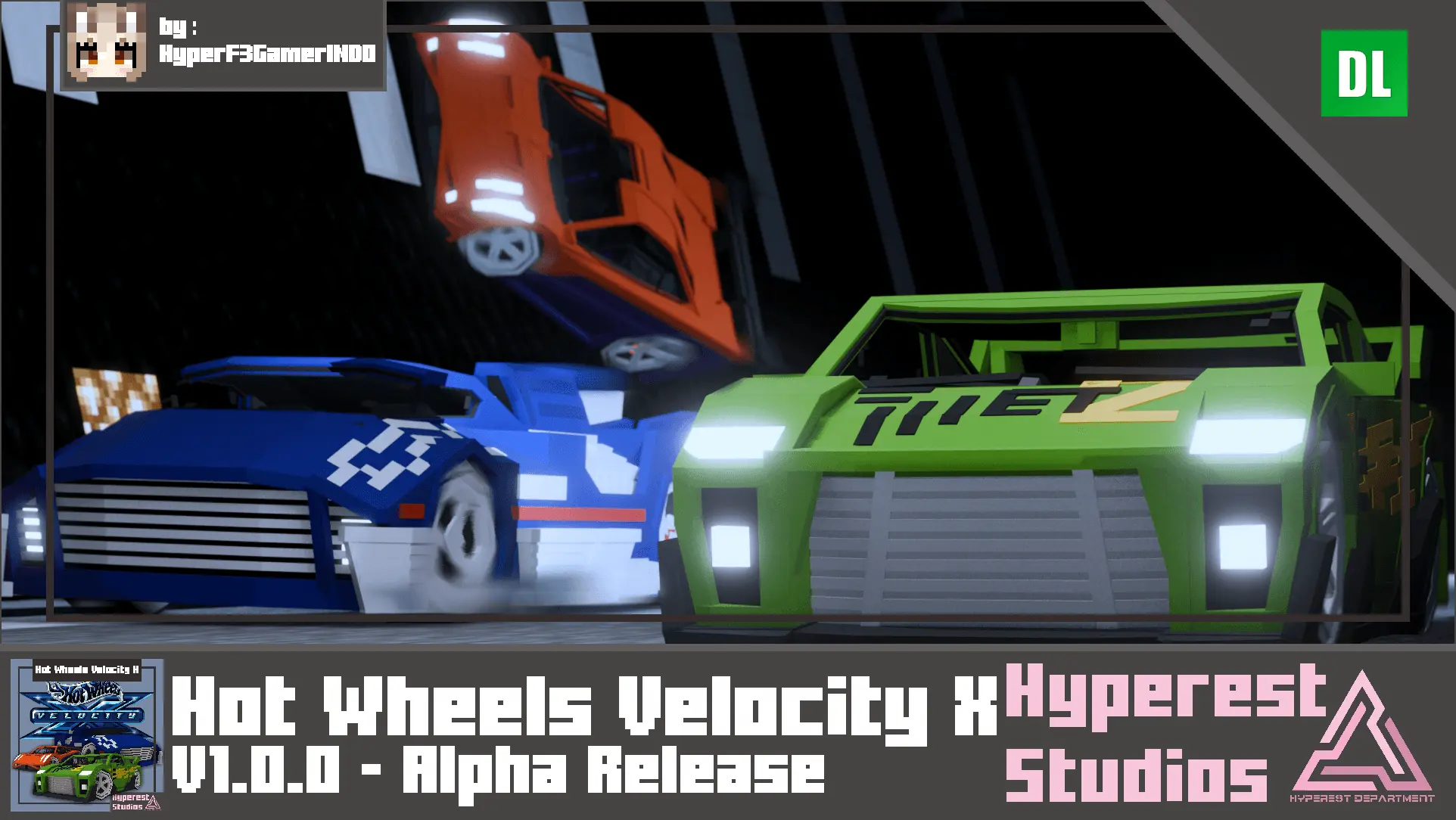
Hot Wheels Velocity X Minecraft mod adds Hot Wheels cars to the game. Hot Wheels Velocity X brings a collection of Hot Wheels cars into Minecraft, ready to drive around your world or display as miniature toys. There are six models to try: MS-T Suzuka, Maelstrom, HW Prototype 12, Super Tuned, Krazy 8s, and Deora II. If you recognize them from Hot Wheels, you may already have a favorite. If not, you can line them up, take each one for a drive, and see which belongs in your garage.
The cars can be used for more than getting from one end of your base to the other. Build a road through your town, make a starting line, and invite friends to race to a landmark you’ve chosen together. A route around a village or through a stretch of open terrain is enough to get started; you can add barriers, corners, and spectator areas later. The number of seats depends on the car, so check your chosen vehicle before offering everyone a ride. You might prefer to drive alone in a race and save a larger vehicle for a trip around the world with a friend.


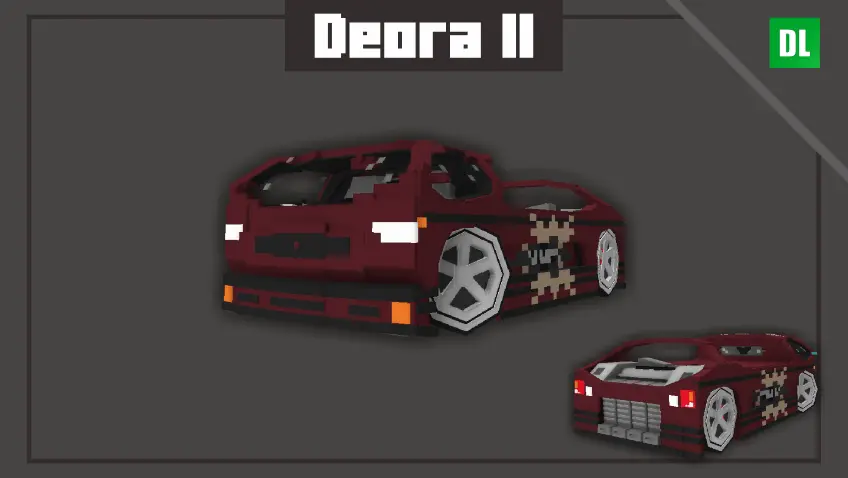
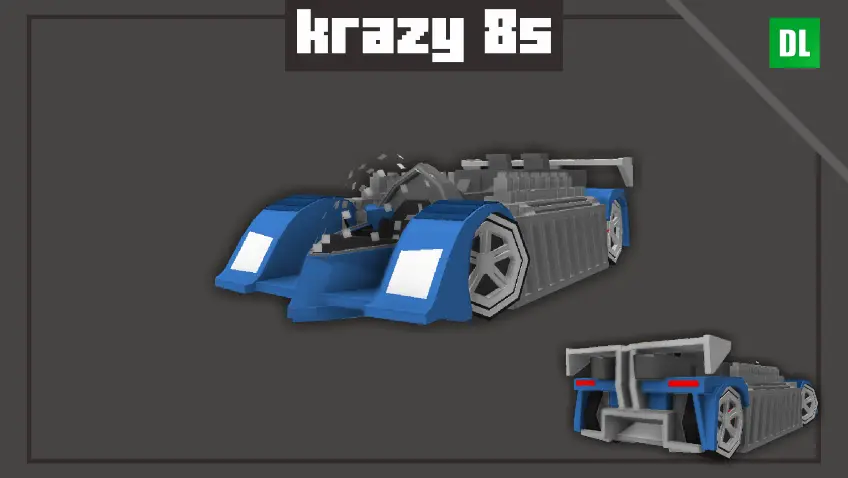
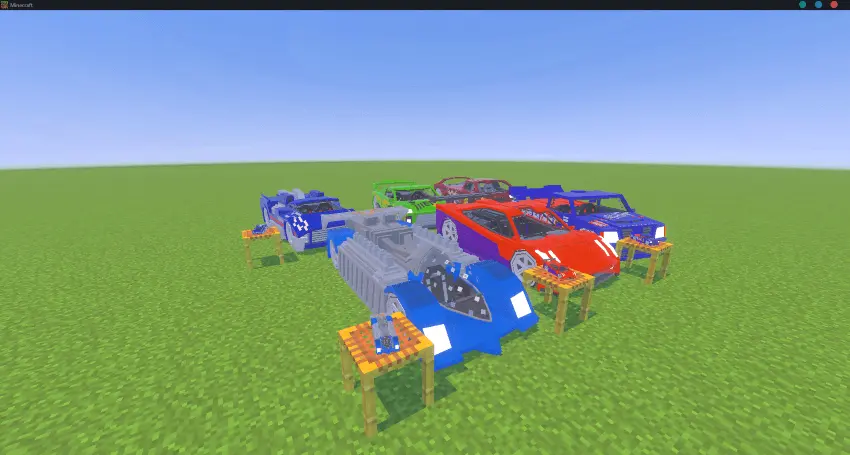
One of the more playful features is the ability to change a car’s size. Use the Tweak wrench to switch between a full-size vehicle and its toy-sized form. A small car could sit on a shelf in your house, become part of a collection in a garage, or be placed beside a miniature track you’ve built. The toy-sized cars can also be ridden; using an invisibility potion gives the ride a more convincing toy-car appearance. Try both sizes and see which one works best for the scene you have in mind. They don’t move at the same speed, so it’s worth testing them before setting up a race.
Your cars can take damage, so keep an eye on their condition after driving around. A damaged vehicle shows an animation, and a car in critical condition releases particles while moving. You can use the repair wrench to restore its health. It’s a good item to keep nearby if you’ve built a track with tight turns or plan to take a car on a longer trip. There’s also a Nitrox2 item for a speed boost, but its uses are limited, so you may want to save it for a stretch where you can make the most of it.
To get started, import the addon into Minecraft and activate its resource and behavior packs in your world settings. The cars are available through spawn eggs or summon commands, making Creative mode a convenient place to try the collection and build a track. Once you’ve picked a favorite, give it a proper place to park: a simple garage beside your house works, or you can make a showroom for all six models. Then take one out, choose a route, and see how it feels behind the wheel.
Installation Mod:
- Download the .mcaddon / .mcpack;
- Open the file to import into the game;
- In World Settings → Resource Packs and Behavior Packs, enable it (turn on Experiments if needed);
- Have fun!
Comments (0)