LesRaisins Armor Mod / Addon
- 17-03-2026, 03:43
- 3 639
LesRaisins Armor Addon special tactical armor sets for PVP battles. These will be sets for defense, attack, sniper, heal and reconnaissance. Choose the right armor set for yourself. LesRaisins Armor brings tactical equipment into Minecraft, with armor sets inspired by different roles in a battle. There are looks for an attacker, defender, scout, medic, and sniper, giving a group of players a way to dress for the part each person wants to play. The addon fits particularly well in PvP worlds, where a team can prepare its equipment before heading into a match.
If you usually take the lead and move toward the fight, the attacker set is a natural place to start. Players who prefer to hold a position may want to try the defender’s equipment instead. The scout and sniper looks offer different ways to put together a character for an expedition or a battle map, while the medic set gives a support player an appearance suited to their role. Try the sets in game and check their properties before a match so you know what each piece offers.
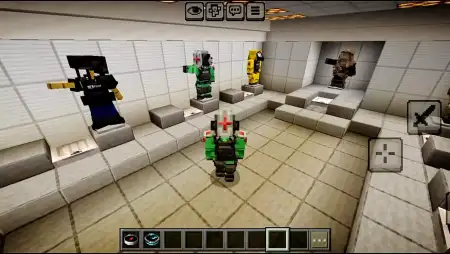
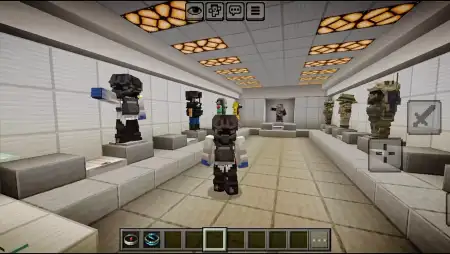
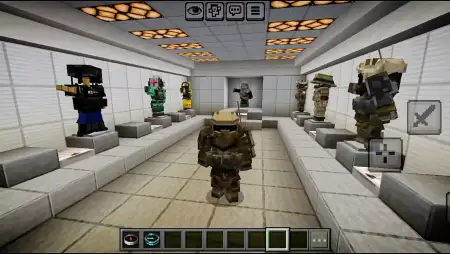
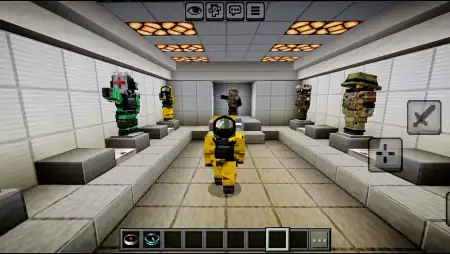
The armor can make team games more interesting even before anyone starts fighting. Imagine two groups preparing on opposite sides of a map: each player chooses a set, gathers equipment, and agrees on a job. One person watches the route ahead, another stays with the group, and someone else looks for a position from which to support the team. The clothing helps give those roles an identity, but your decisions and coordination still matter once the match begins.
You don’t need a competitive server to enjoy the new equipment. The sets can also fit a survival world with a modern base, a custom training ground, or an adventure you’ve planned with friends. Build a small armory near your house and keep different pieces there so you can change your look before an expedition. If you’re making a city or military-themed map, the tactical designs can help players look like they belong in the setting. A group screenshot outside the base is an easy way to compare everyone’s choices.
To install LesRaisins Armor, open the downloaded addon file in Minecraft and activate its resource and behavior packs in the world settings. You can begin in Creative mode to look through the equipment and try it on, then choose what you want to use in your own game. Take some time to compare the sets rather than picking one by name alone: the appearance may draw you to a particular role, but testing the equipment is the best way to see what suits your style.
Installation Mod:
- Download the .mcaddon / .mcpack;
- Open the file to import into the game;
- In World Settings → Resource Packs and Behavior Packs, enable it (turn on Experiments if needed);
- Have fun!
If you usually take the lead and move toward the fight, the attacker set is a natural place to start. Players who prefer to hold a position may want to try the defender’s equipment instead. The scout and sniper looks offer different ways to put together a character for an expedition or a battle map, while the medic set gives a support player an appearance suited to their role. Try the sets in game and check their properties before a match so you know what each piece offers.
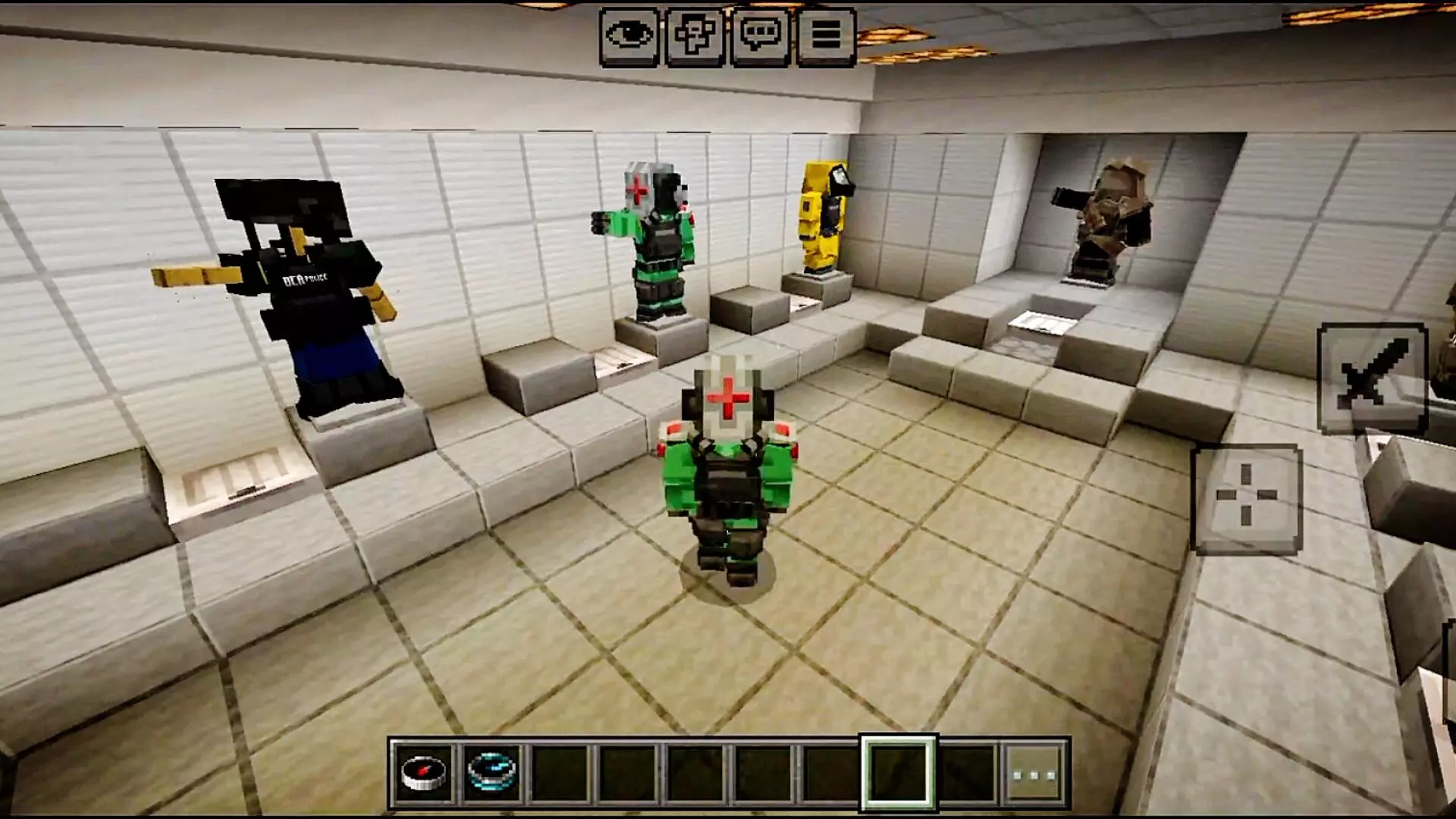
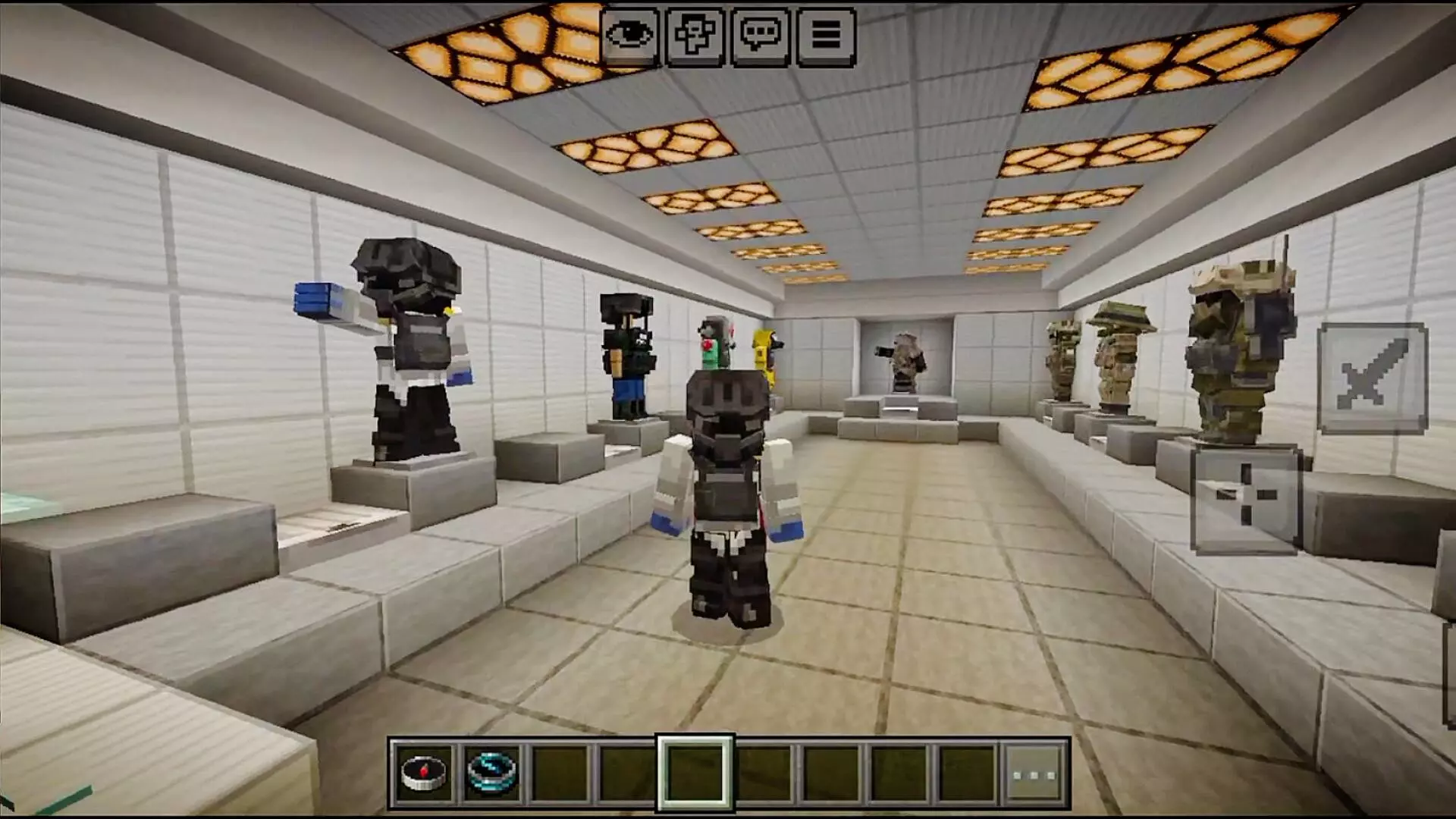
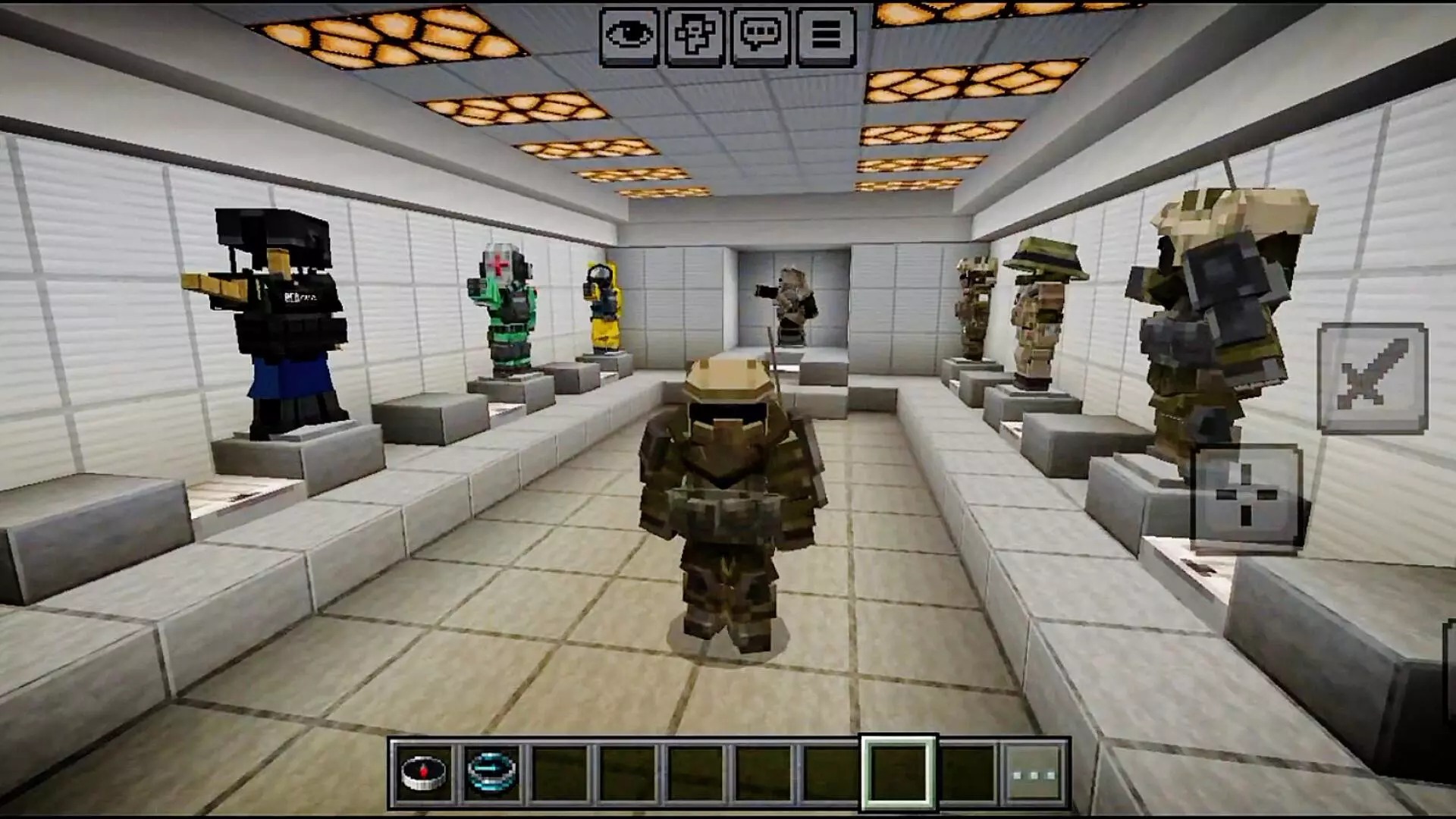
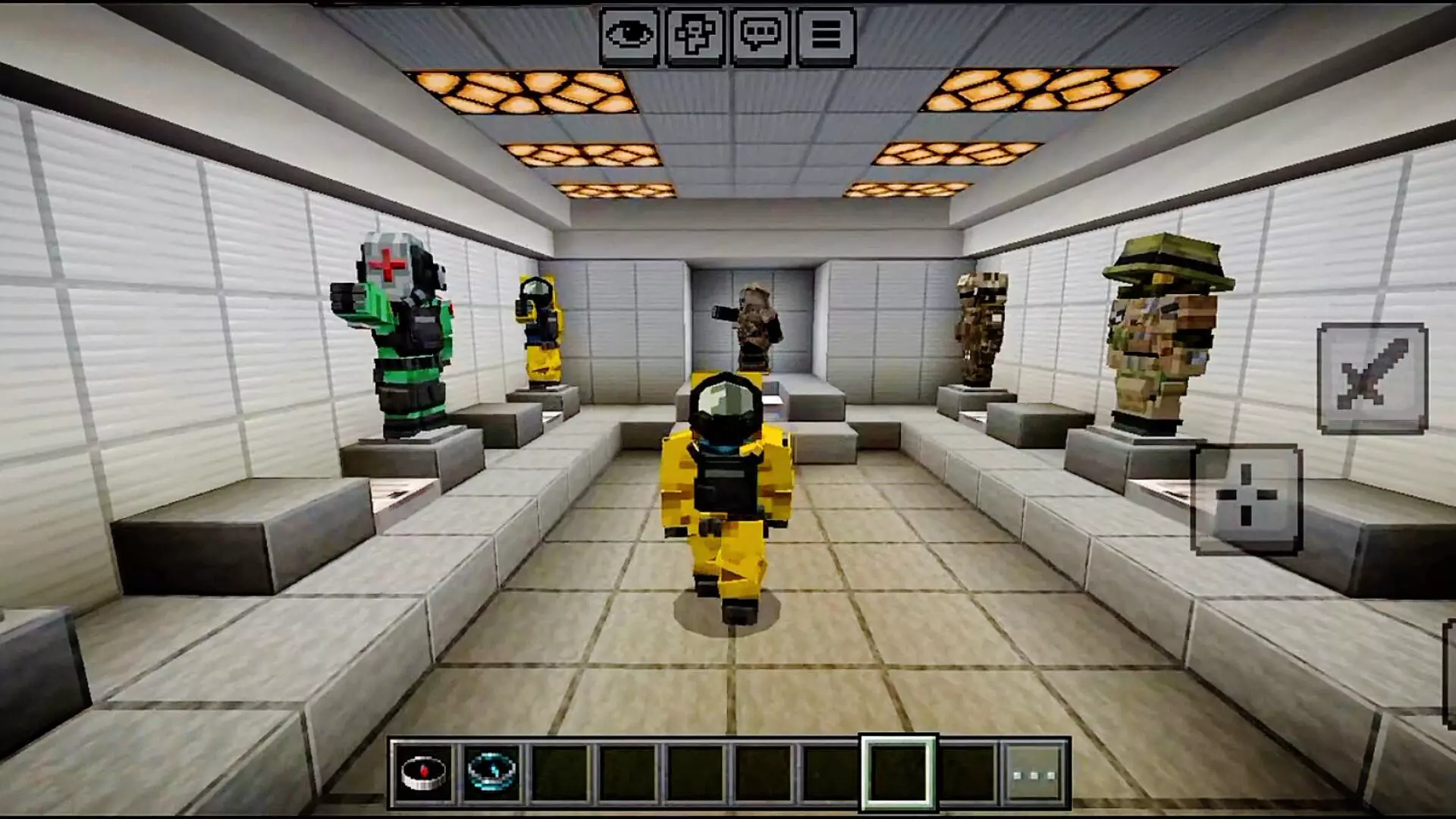
The armor can make team games more interesting even before anyone starts fighting. Imagine two groups preparing on opposite sides of a map: each player chooses a set, gathers equipment, and agrees on a job. One person watches the route ahead, another stays with the group, and someone else looks for a position from which to support the team. The clothing helps give those roles an identity, but your decisions and coordination still matter once the match begins.
You don’t need a competitive server to enjoy the new equipment. The sets can also fit a survival world with a modern base, a custom training ground, or an adventure you’ve planned with friends. Build a small armory near your house and keep different pieces there so you can change your look before an expedition. If you’re making a city or military-themed map, the tactical designs can help players look like they belong in the setting. A group screenshot outside the base is an easy way to compare everyone’s choices.
To install LesRaisins Armor, open the downloaded addon file in Minecraft and activate its resource and behavior packs in the world settings. You can begin in Creative mode to look through the equipment and try it on, then choose what you want to use in your own game. Take some time to compare the sets rather than picking one by name alone: the appearance may draw you to a particular role, but testing the equipment is the best way to see what suits your style.
Installation Mod:
- Download the .mcaddon / .mcpack;
- Open the file to import into the game;
- In World Settings → Resource Packs and Behavior Packs, enable it (turn on Experiments if needed);
- Have fun!
Comments (3)